About
James Bond 007: Blood Stone is a 2010 third-person shooter in the Bond series, built on Bizarre Creations' in-house Bespoke engine (originally created for *The Club*). It features an original story (written by Bond screenwriter Bruce Feirstein) set in the Daniel Craig film era, with Craig, Judi Dench and Joss Stone providing likenesses and voices.
It was the final title developed by Bizarre Creations before the studio closed in early 2011. The PC version was delisted from sale after Activision's James Bond license lapsed.
Screenshots

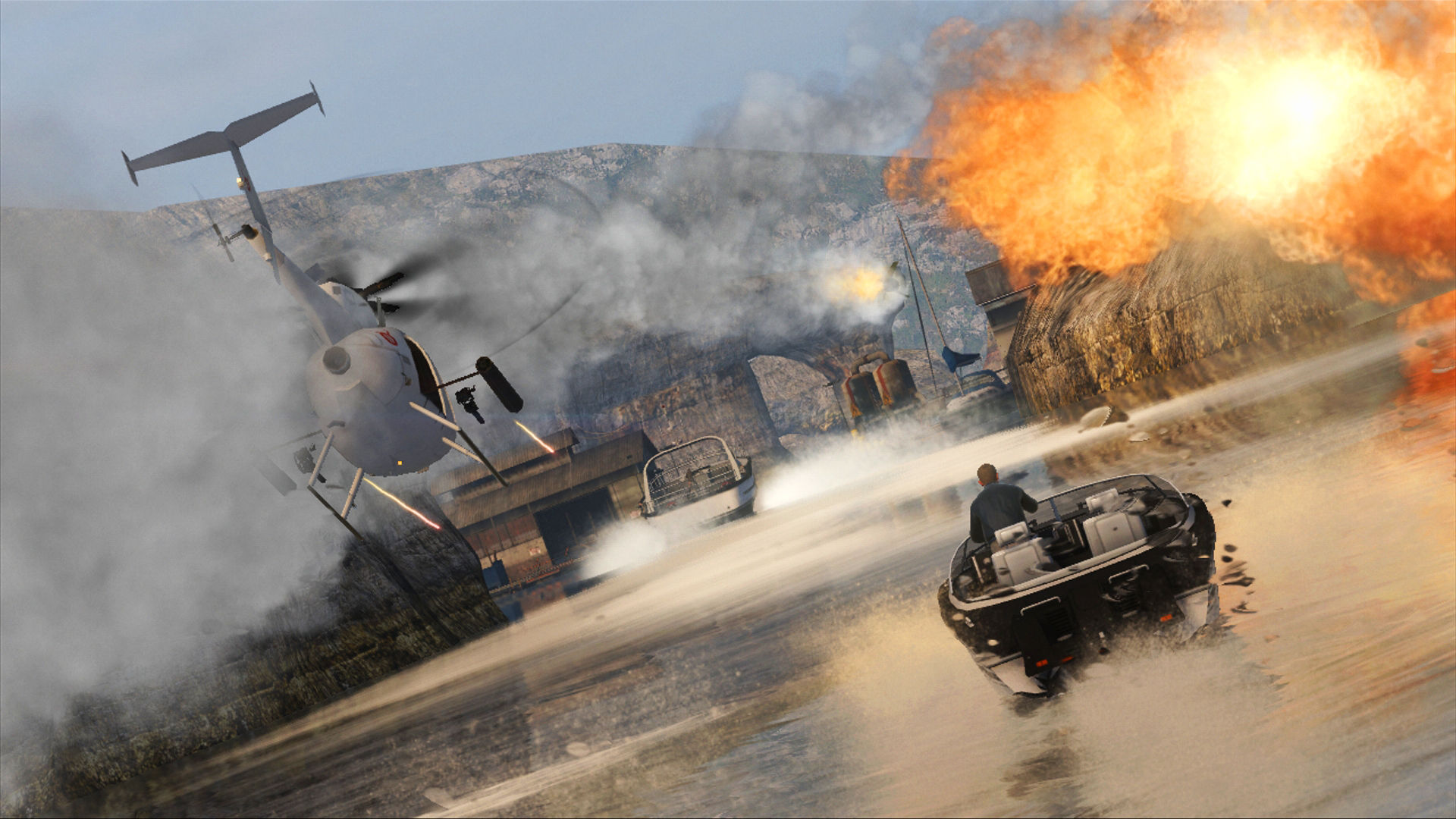
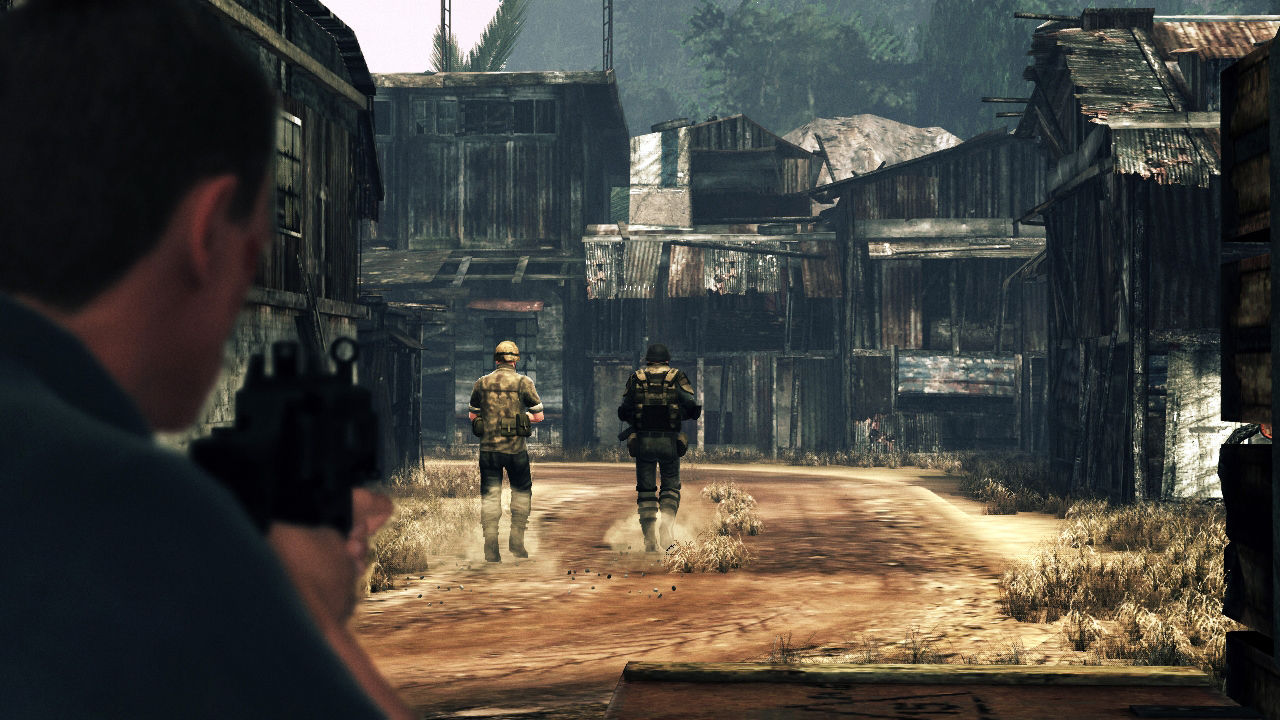


Official store screenshots from Steam — deckport links them, never rehosts. Hover to pause; click to preview.
Identity
Launch
- Binary
- Bond.exe
- Options
- %command%
- Needs files
- none beyond the binary
Proton
- Version
- GE-Proton
- Winetricks
- —
- ProtonDB
- ProtonDB Gold runs perfectly after tweaks
⚙ Setup notes
Game: 2010 third-person Bond shooter (Bizarre Creations' Bespoke engine), delisted from Steam. Community reports (ProtonDB Gold, low confidence / few reports) it runs well on Deck.
Proton: Use GE-Proton — it bundles the Games for Windows Live (GFWL) workarounds this title needs.
DRM: The retail build ships with GFWL plus SecuROM, so a DRM-free / no-DVD Bond.exe is the smoothest path under Proton. Otherwise the GFWL sign-in prompt and SecuROM checks can block launch.
Controller: Works out of the box — the game has native Xbox-style gamepad support, so the Deck pad maps without a custom layout.
Crash fix: On native Windows the known fix is Win7 compatibility mode / unchecking CPU0 affinity; under Proton this generally isn't needed.
Install: deckport configures the prefix only — it does not bundle or link the game files.
The one thing to know
Supply your own copy: Being a delisted title, you must supply your own legally-obtained game files; this recipe only describes the prefix.
DRM: Main hurdle is the original DRM stack — Games for Windows Live (GFWL) plus SecuROM. GE-Proton handles GFWL best; if you hit a GFWL sign-in wall or SecuROM disc check, a DRM-free / no-DVD Bond.exe sidesteps both.
Controller: Support is native (Xbox gamepad), so the Deck pad works without a Steam Input layout.
Test status: ProtonDB Gold is community data, not our own Deck test (hence needs-test).
Community guides
Write-ups and threads from people who got this (or a similar) game running. deckport links to them — it doesn't reproduce them.
Get the artwork
deckport never hosts game images. Open this game on SteamGridDB, pick
the cover / hero / logo / icon you like, and drop them into the
game folder under .deckport-art/ before you push it to the
Deck. The importer files them under the right names automatically.
Run it on your Deck
Two files: the one-time importer (deckport.py) in your
Deck's home folder, and this game's install helper. Copy the game
into ~/Games and run the helper with Steam closed — it
writes the recipe (binary, launch options, Proton version)
and registers the shortcut with artwork.