























































































































































































delisted & abandoned PC games · full-game mods · fan ports
Full-game mods, delisted classics, and abandoned PC games —
installed on your Steam Deck.
deckport is a recipe book for the games you can't just buy and install anymore. Each recipe is the tested know-how to get one running on the Deck — the right Proton or native setup, the binary, the launch tweaks, and real artwork — so it lands in Game Mode looking like it belongs. It tells you how to set a game up; never where to download it.
the recipe book
Games worth the extra coaxing
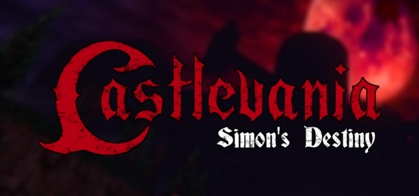
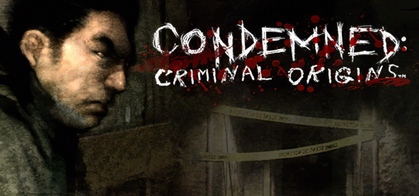
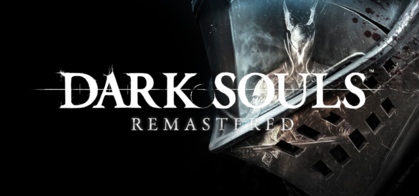
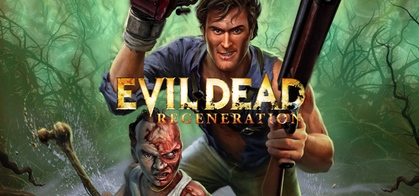
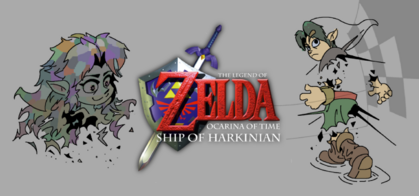
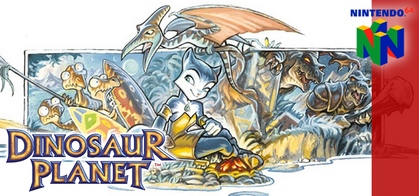
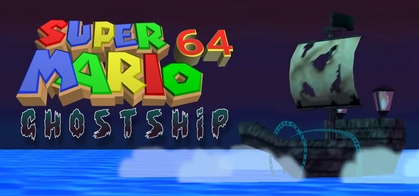
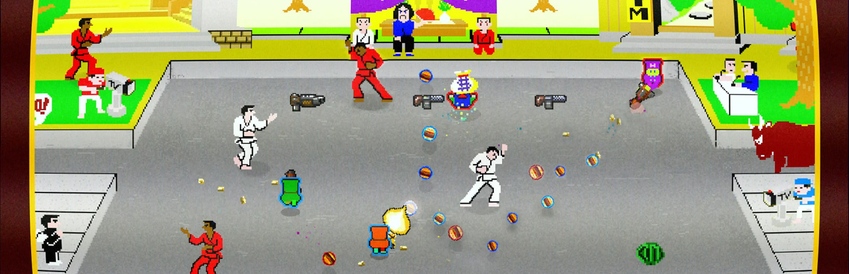
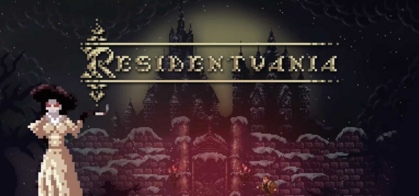
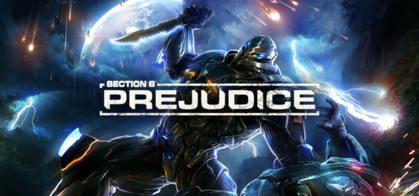
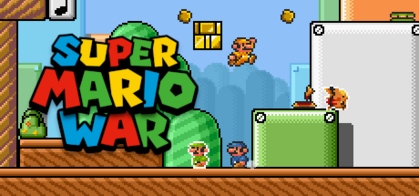
A taste of what's inside — sorted to the strongest first. Each card shows deckport's own honest status and the community ProtonDB tier, two signals that never pretend to be each other.


how you use a recipe
From "I miss this game" to playing it
The recipe does the research; you do the clicking. Four steps, no terminal required.
- 1
Find your game
Search the book for a delisted, abandoned or modded title.
Browse recipes → - 2
Install the Proton pack
The recipe names the build — GE-Proton, Experimental, CachyOS. Add it once.
Proton setup → - 3
Configure & launch
Point Steam at the binary, paste the launch options, apply the tweaks.
- 4
Play in Game Mode
Real box art, controller-ready — it lands looking like it belongs.
scope
Knows exactly what it is
What it helps you run
The games you can't just click "buy" on anymore — set up properly for the Deck, in Proton or natively, with the right launch tweaks and real artwork in Game Mode.
- delisted & abandoned PC games
- full-game mods & HD remasters
- fan ports & recompilations
- native indies (godot / löve / elf)
Configuration, never sources
A recipe describes how to make a game you already own run — the Proton version, the binary, the launch options. It never says where to download a game, and it never bypasses DRM.
- no download links
- no DRM bypass
- honest, tested status
reading a recipe
Two signals on every card
deckport's status is our honesty about whether the recipe is confirmed. The ProtonDB tier is the community's read on how the game runs under Proton. They're shown separately, on purpose.
deckport status
ProtonDB tier
the book by ProtonDB tier
deckport status — 0 working · 441 needs-test · 1 unverified · 0 borked
there's a CLI too
One transfer, one command, into Game Mode
Beyond the recipes, deckport ships a tiny importer for getting any non-Steam game onto the Deck the tedious-by-hand way: it fetches artwork on your PC, then on the Deck writes the shortcut and files the art under the IDs Steam expects — so the game shows up controller-ready, in real box art.
Your PC
- Fetch artwork by name (SteamGridDB)
- Bundle it into
.deckport-art/
transfer
Steam Deck
- Detect binary +
chmod +x - Write
shortcuts.vdfentry - Install art into
config/grid/ - Restart Steam → Game Mode
Find a game and get it running.
442 recipes for delisted, abandoned and modded games — with the Proton setup, the tweaks, and real artwork worked out for you.