About
Spec Ops: The Line is a 2012 third-person shooter built on Unreal Engine 3 and a reboot of the long-running Spec Ops series. Players control Delta Force Captain Martin Walker on a recon mission into a sandstorm-buried Dubai, where the narrative deliberately deconstructs military-shooter tropes with themes drawn from Heart of Darkness and Apocalypse Now.
It earned strong critical praise for its storytelling, winning several narrative awards, and became a cult classic. It was delisted from digital stores in early 2024 due to expiring licensed-music rights.
Screenshots
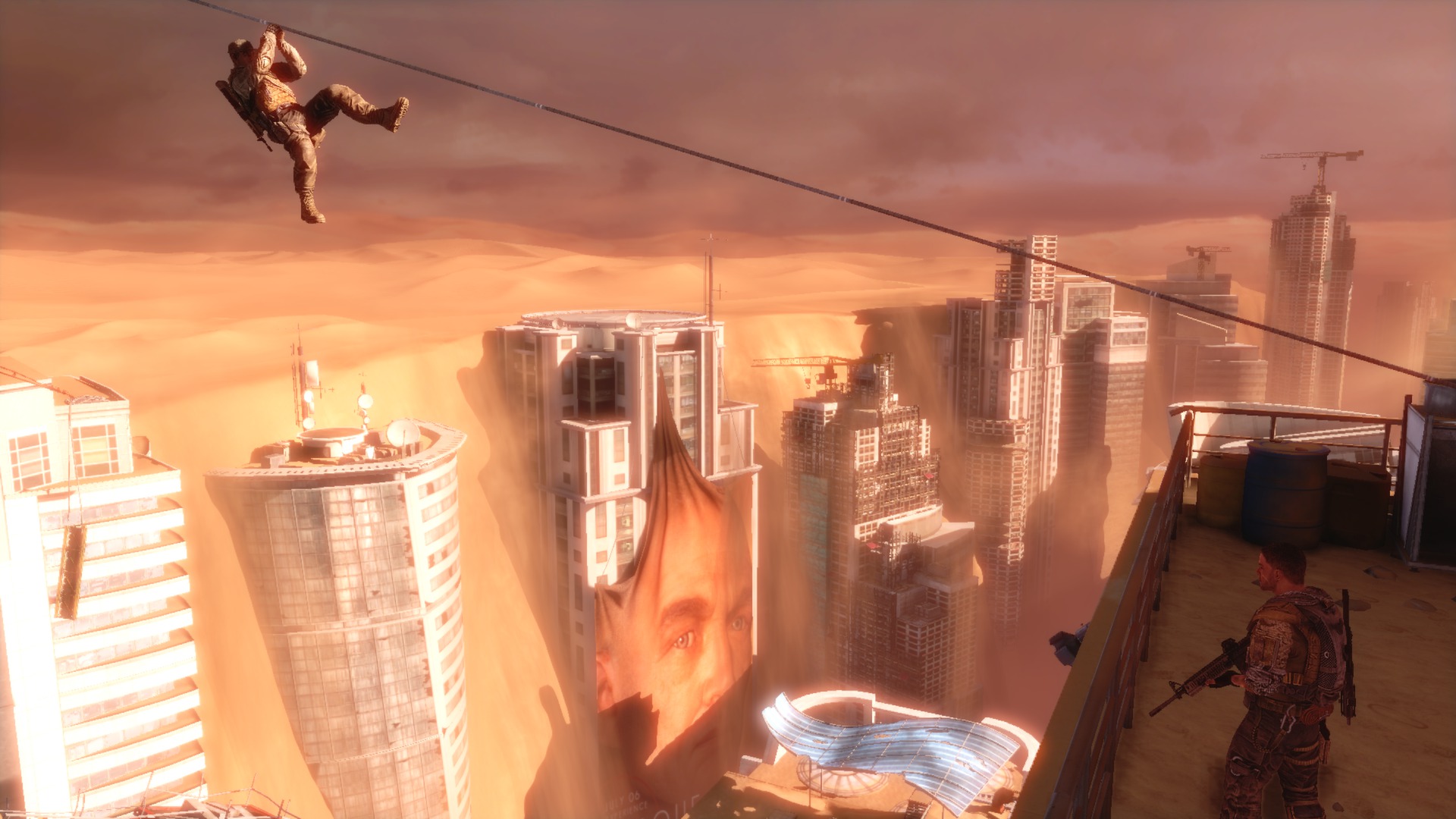

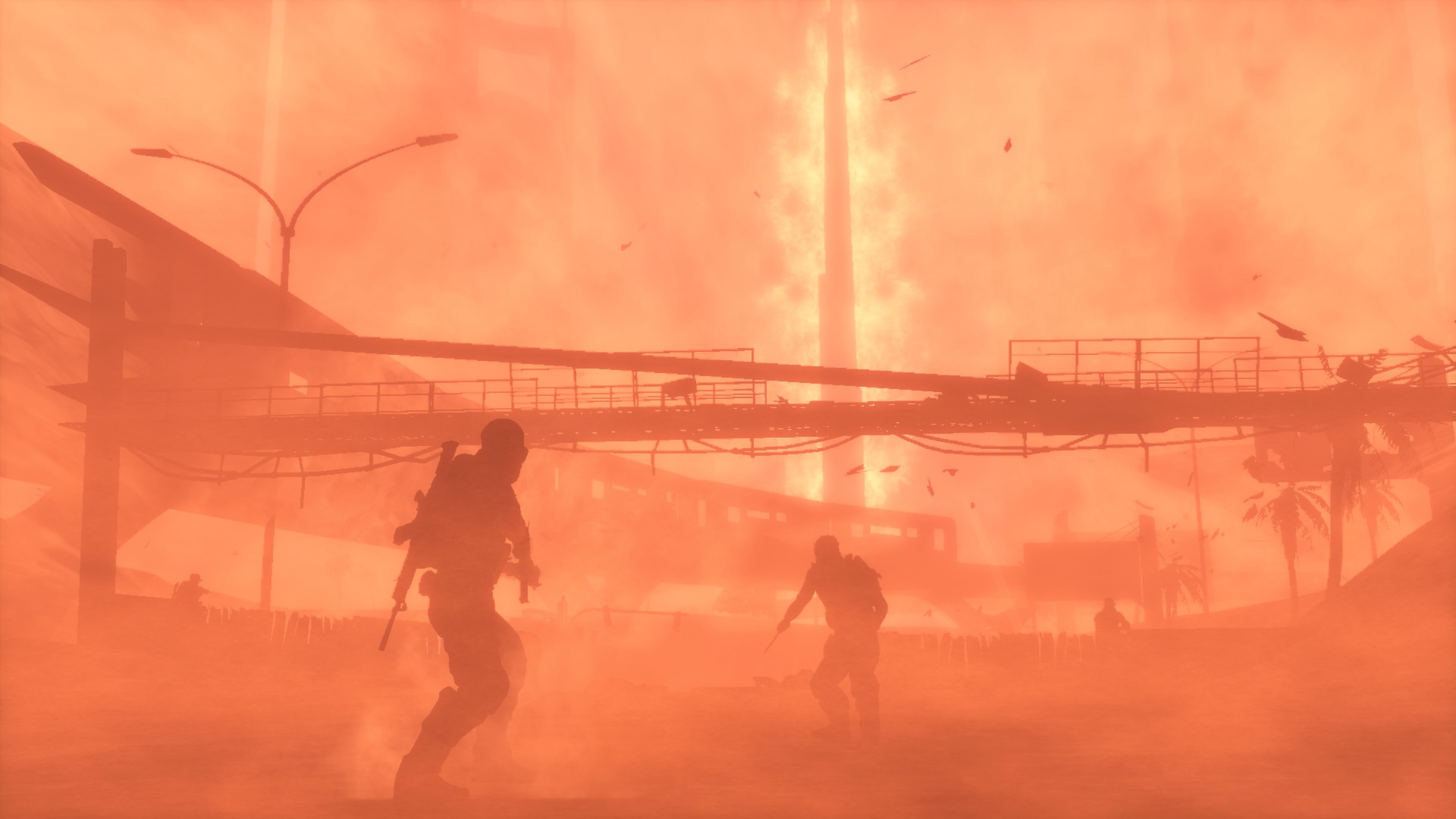
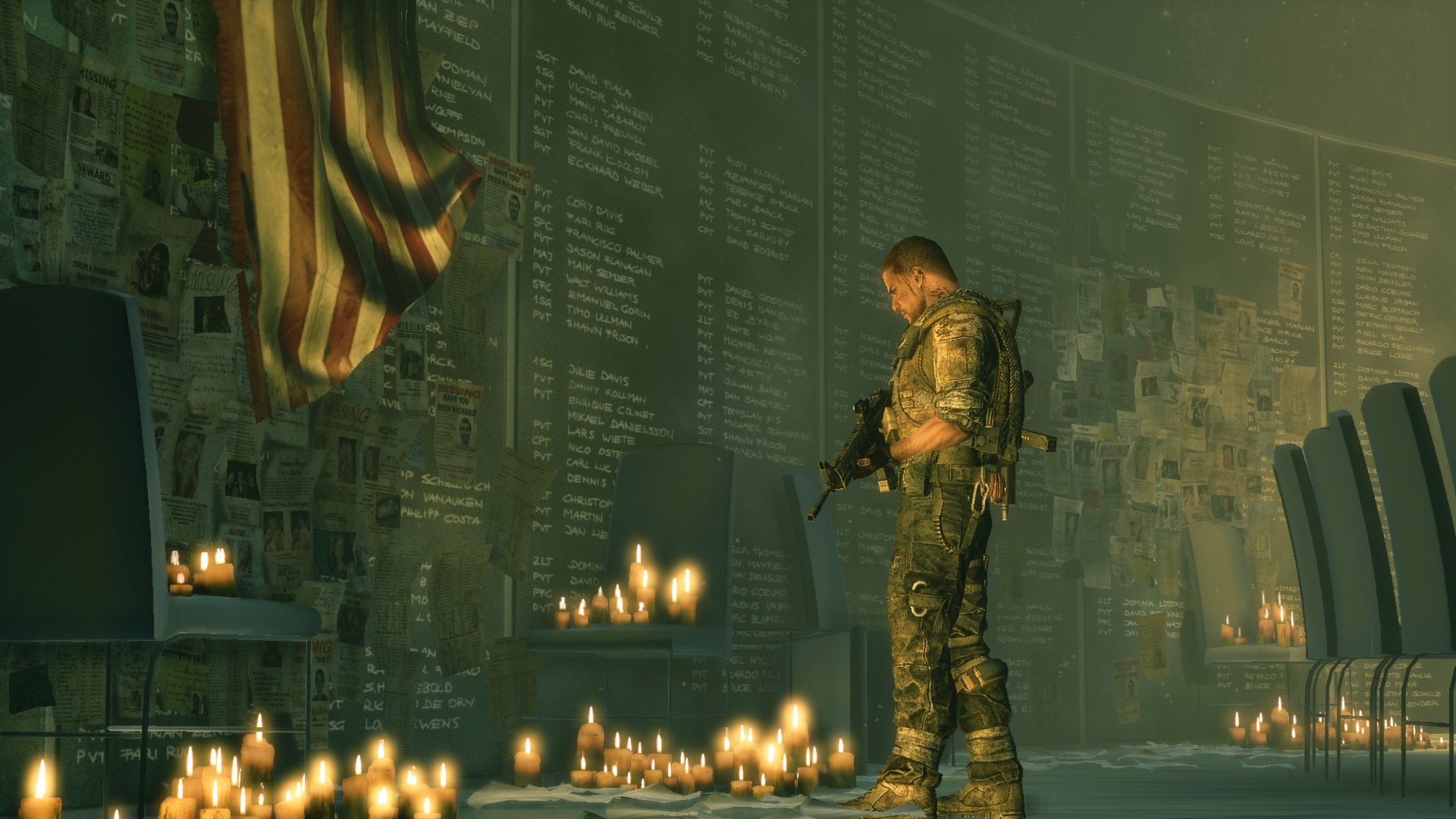

Official store screenshots from Steam — deckport links them, never rehosts. Hover to pause; click to preview.
Identity
Launch
- Binary
- Binaries/Win32/SpecOpsTheLine.exe
- Options
- PROTON_NO_ESYNC=1 PROTON_NO_FSYNC=1 PULSE_LATENCY_MSEC=60 %command%
- Needs files
- none beyond the binary
Proton
- Version
- GE-Proton
- Winetricks
- —
- ProtonDB
- ProtonDB Gold runs perfectly after tweaks
⚙ Setup notes
Game: 2012 Yager / 2K third-person shooter (UE3). ProtonDB community tier sits around Gold; runs well once the Windows build is forced.
Install: Normal Steam install (copied to the Deck). The store entry ships a native Linux build that Steam installs by default — community reports flag that native build as problematic (broken controller detection, no audio for some, graphics settings not saved). Force the Windows build through Proton instead.
DRM: Delisted Jan 2024 over expiring licensed-music rights — supply your own copy. No GFWL/SecuROM concerns reported on the Steam build.
Fix: Right-click > Properties > Compatibility > Force a specific tool, and select GE-Proton (or proton_experimental / a recent stable Proton, both of which community users confirm working). Under Proton the gamepad is recognized and the game runs at a steady 60fps.
Launch options: PROTON_NO_ESYNC=1 PROTON_NO_FSYNC=1 PULSE_LATENCY_MSEC=60 %command% is a community-recommended starting point that helps with the occasional audio glitch when idling; drop the PULSE option if you have no sound issues.
Controller: Native gamepad once on Proton — the stock Steam Input gamepad layout works, no custom mapping needed. If menus don't respond to clicks before a pad is detected, a controller input wakes them up.
The one thing to know
Supply your own copy: Delisted Jan 2024 (music licensing) — this recipe is configuration only, no game links.
Force Proton: The default native Linux build is the trap — broken controller detection, audio issues, and graphics settings not saving have all been reported. You MUST force the Windows build via Proton (GE-Proton, proton_experimental, or a recent stable Proton) to get working gamepad support and a smooth 60fps.
Minor known issues (Windows-on-Proton path): occasional audio glitch after the game idles for a long time, brief lag spikes when loading large new areas, and a harmless error popup on exit.
Valve rating: Spec Ops shows as 'Unsupported' on Deck — that verdict reflects the broken native build, not the Proton path this recipe uses.
Community guides
Write-ups and threads from people who got this (or a similar) game running. deckport links to them — it doesn't reproduce them.
Get the artwork
deckport never hosts game images. Open this game on SteamGridDB, pick
the cover / hero / logo / icon you like, and drop them into the
game folder under .deckport-art/ before you push it to the
Deck. The importer files them under the right names automatically.
Run it on your Deck
Two files: the one-time importer (deckport.py) in your
Deck's home folder, and this game's install helper. Copy the game
into ~/Games and run the helper with Steam closed — it
writes the recipe (binary, launch options, Proton version)
and registers the shortcut with artwork.