About
Crysis is a 2007 first-person shooter from Crytek, the German studio behind Far Cry, published by Electronic Arts for Windows. The player controls a special-forces soldier wearing a Nanosuit that grants switchable powers (armor, strength, speed, cloak) across an open-ended tropical island battlefield against North Korean forces and an alien threat. Built on the then-new CryEngine 2, it became famous as a graphics benchmark that punished even high-end hardware, spawning the meme 'But can it run Crysis?'. It launched a series including Crysis 2, Crysis 3, and later remasters.
Screenshots
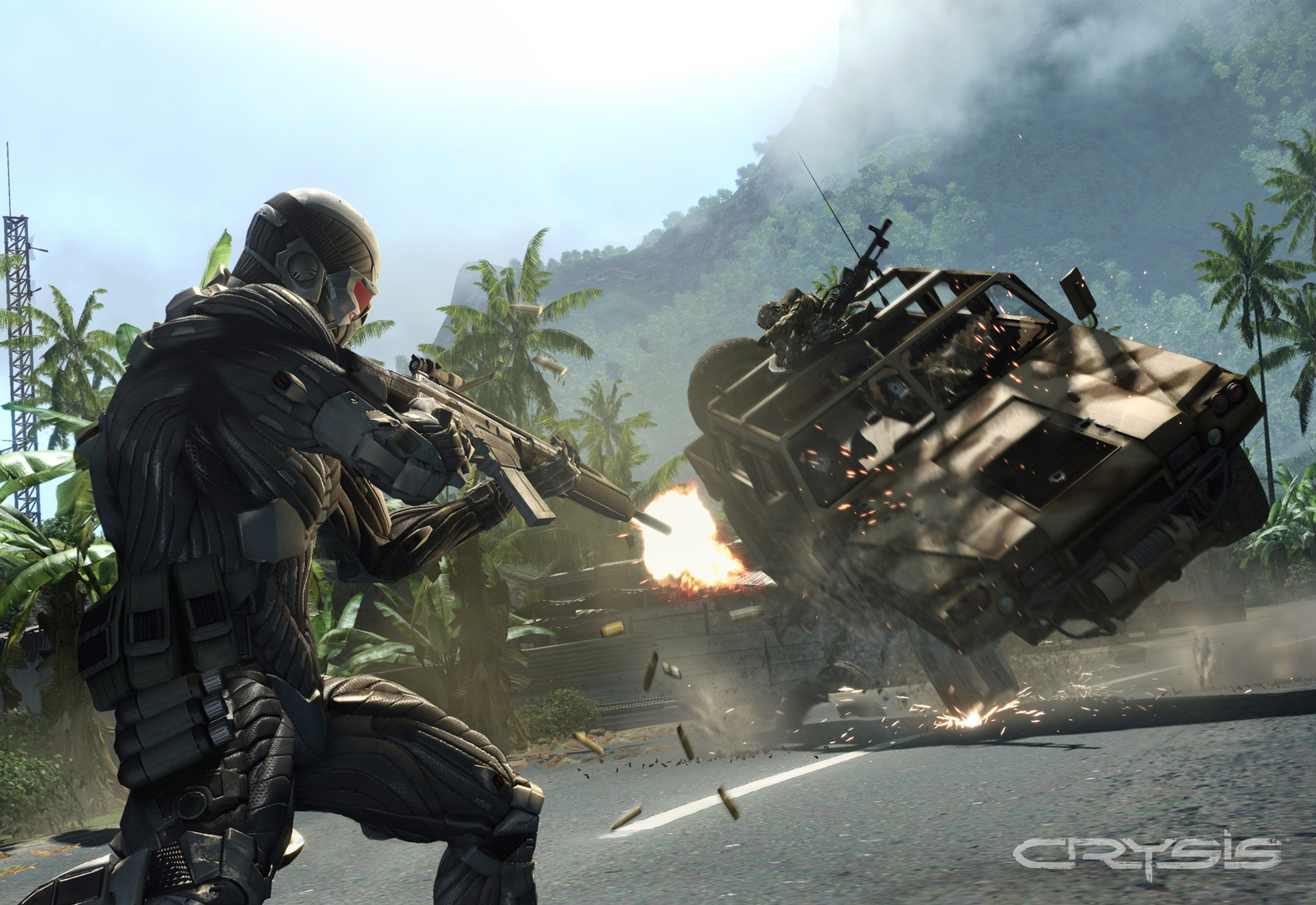
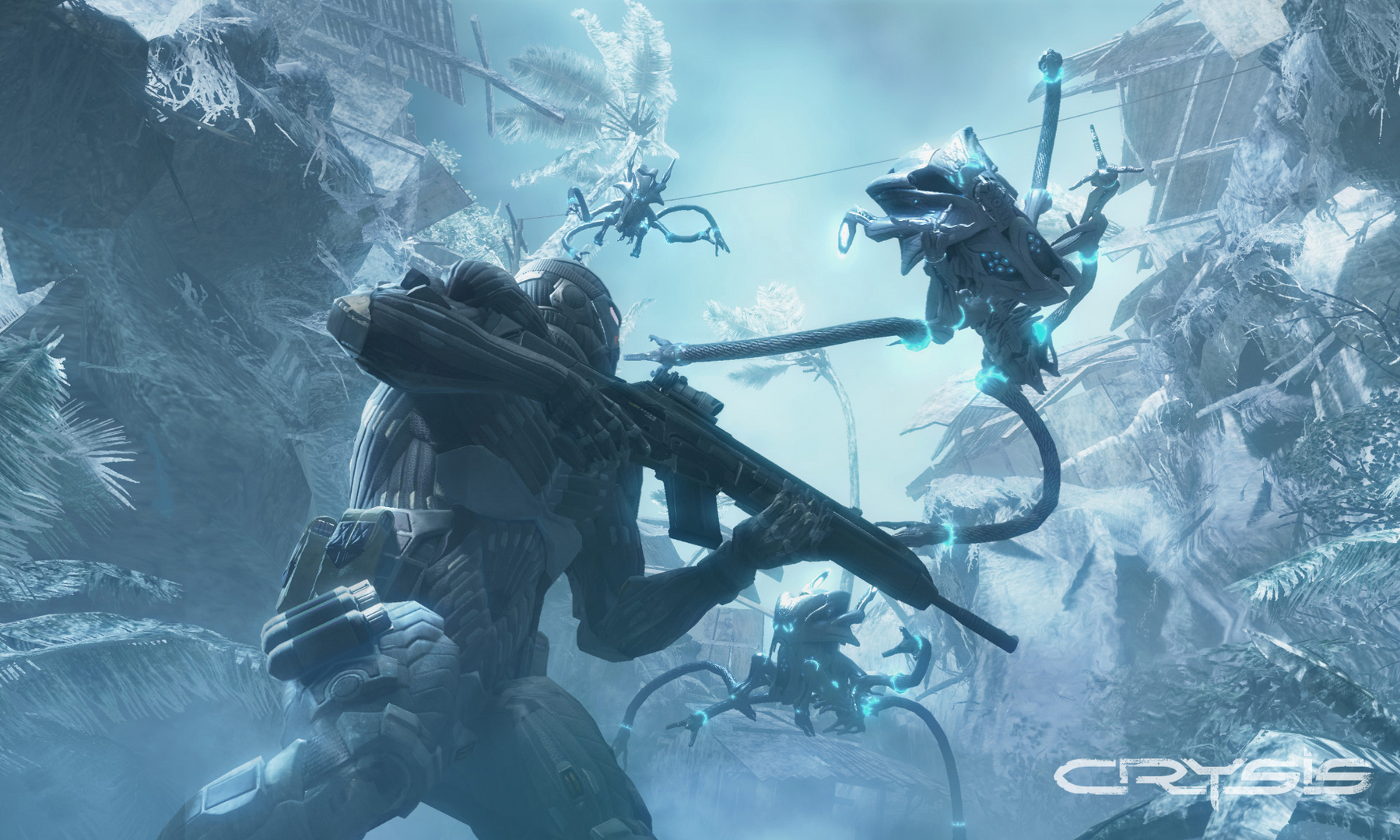
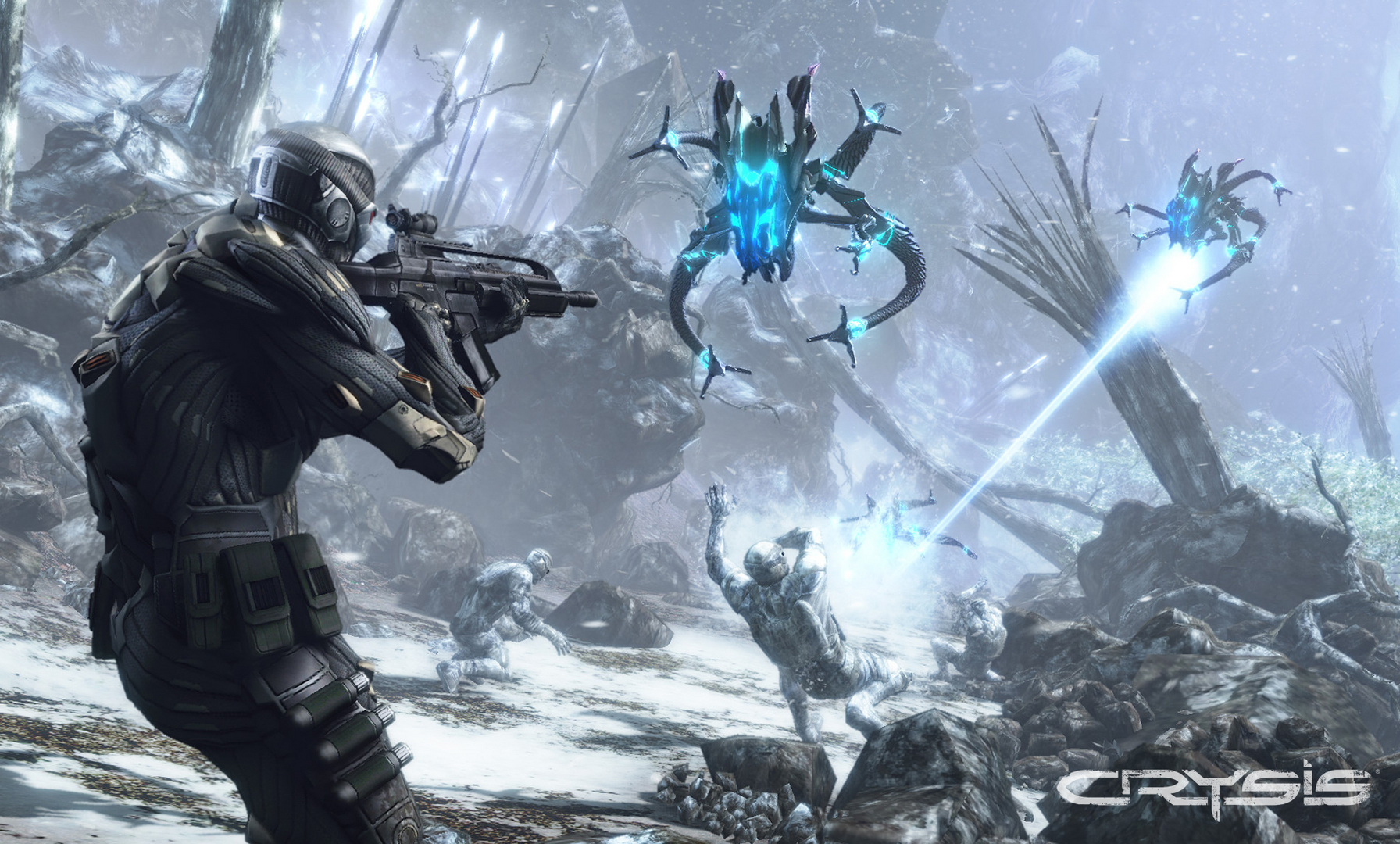
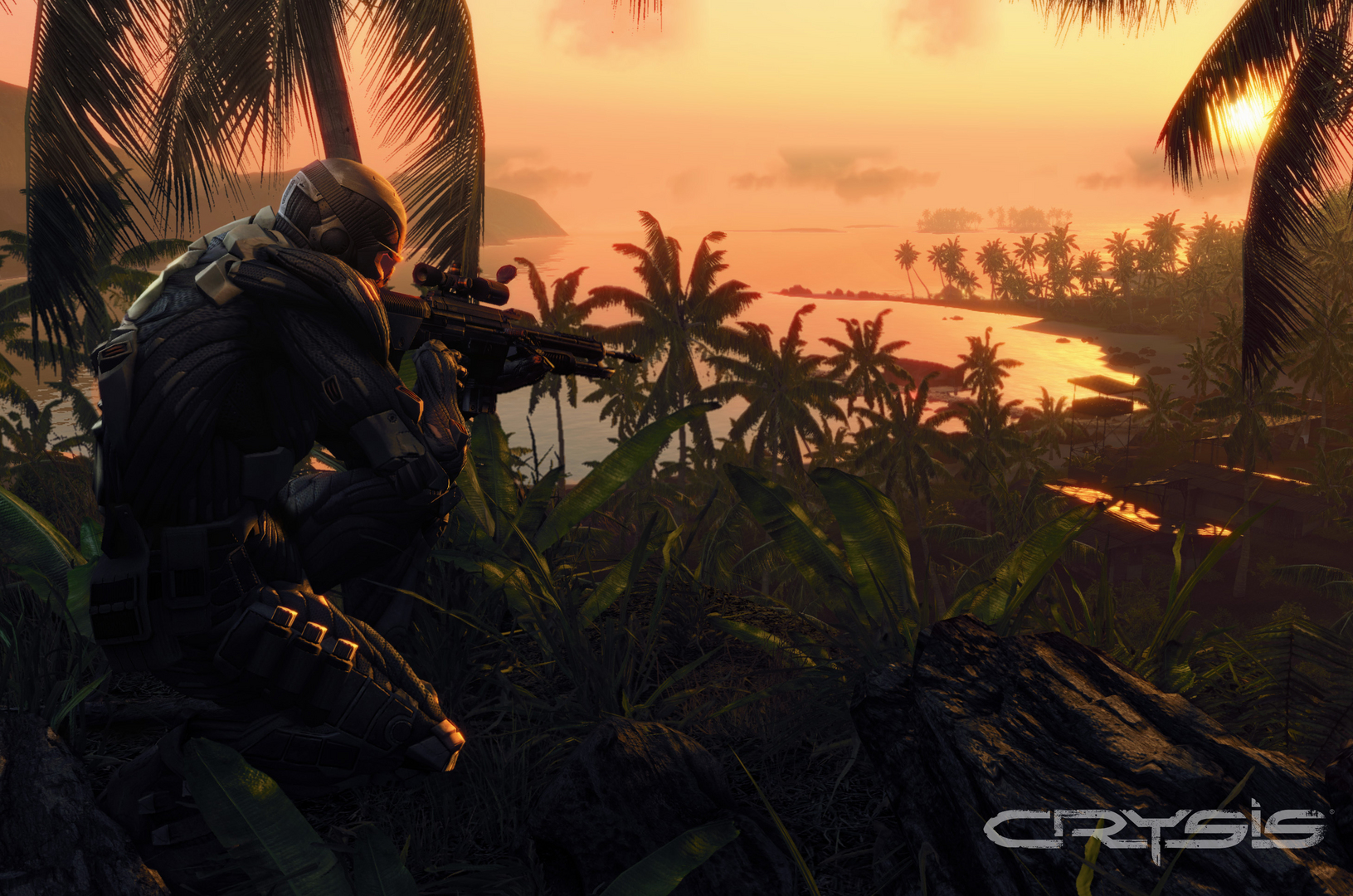
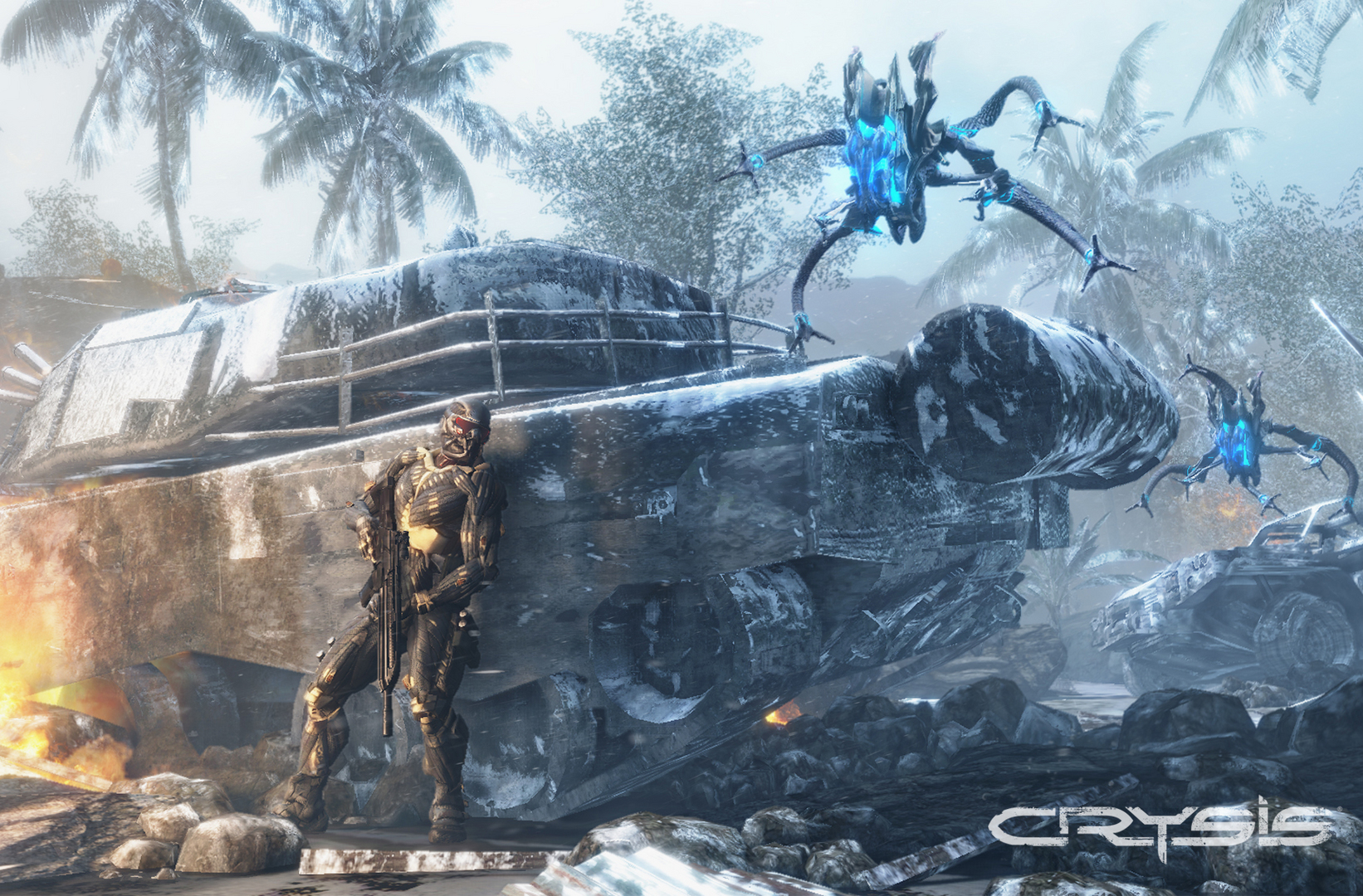
Official store screenshots from Steam — deckport links them, never rehosts. Hover to pause; click to preview.
Identity
Launch
- Binary
- Bin64/Crysis.exe
- Options
- PROTON_FORCE_LARGE_ADDRESS_AWARE=1 PROTON_NO_ESYNC=1 %command%
- Needs files
- none beyond the binary
Proton
- Version
- GE-Proton
- Winetricks
- —
- ProtonDB
- ProtonDB Gold runs perfectly after tweaks
⚙ Setup notes
Delisted: Delisted Steam game (appid 17300, 2007 original — distinct from Crysis Remastered 1715130). ProtonDB gold and community-confirmed to finish on Deck, but it needs setup.
Key fix: Install the c1-launcher (open-source exe replacement) over the stock executables. The stock Bin64/Crysis.exe is actually a 32-bit SecuROM launcher that crashes under Proton — c1-launcher bypasses SecuROM and starts the real 64-bit game, so the game usually won't start without it.
Fix: Disable ESync — PROTON_NO_ESYNC=1 is the load-bearing flag, paired with PROTON_FORCE_LARGE_ADDRESS_AWARE=1 (every working Deck report uses both, and the game often won't launch without ESync off). PROTON_NO_FSYNC=1 is optional — not required in most reports.
Stability: For stability use the DX9 renderer — pass -dx9 as a launch argument (c1-launcher accepts -dx9/-dx10), or set r_Driver "DX9" in system.cfg. Clearing out old/unneeded save files also helps avoid crashes.
Audio: If cutscene/audio breaks, add WINEDLLOVERRIDES="xaudio2_7=n,b" to the launch options (optional, not always needed).
Proton: GE-Proton works well; proton_experimental also reported working with the same fixes.
Install: deckport only configures the prefix; it never bundles or links the game files.
The one thing to know
Supply your own copy. deckport links nothing.
Delisted: Delisted from Steam (appid 17300) — the 2007 original, not Crysis Remastered.
Setup: ProtonDB gold with community reports of full playthroughs on Deck, but it is NOT a clean out-of-box run: requires the c1-launcher exe replacement (stock exe is a SecuROM stub), PROTON_FORCE_LARGE_ADDRESS_AWARE=1 + PROTON_NO_ESYNC=1, and the DX9 renderer (-dx9) for stability; clear old saves to avoid crashes.
Controller: The original Crysis is keyboard/mouse-first with no real native gamepad support, so use a Steam Input layout (the community 'gamepad/FPS' template) to map Deck controls — playable, but expect to tune the binding.
Binary: binary path may differ depending on whether you run stock exes or c1-launcher.
Community guides
Write-ups and threads from people who got this (or a similar) game running. deckport links to them — it doesn't reproduce them.
Get the artwork
deckport never hosts game images. Open this game on SteamGridDB, pick
the cover / hero / logo / icon you like, and drop them into the
game folder under .deckport-art/ before you push it to the
Deck. The importer files them under the right names automatically.
Run it on your Deck
Two files: the one-time importer (deckport.py) in your
Deck's home folder, and this game's install helper. Copy the game
into ~/Games and run the helper with Steam closed — it
writes the recipe (binary, launch options, Proton version)
and registers the shortcut with artwork.