About
Crysis 3 is the third main entry in Crytek's Crysis series, built on CryEngine 3. Players return as Prophet to a near-future New York City sealed under a Cell Corporation Nanodome that has reclaimed the city into an urban rainforest of seven distinct biomes. Powered by the enhanced Nanosuit and a signature composite bow, it leaned hard on the series' reputation as a graphics showcase.
The PC version reviewed solidly (Metacritic 76), though critics found the campaign short. It was delisted from Steam in 2023 when its online multiplayer servers were shut down.
Screenshots
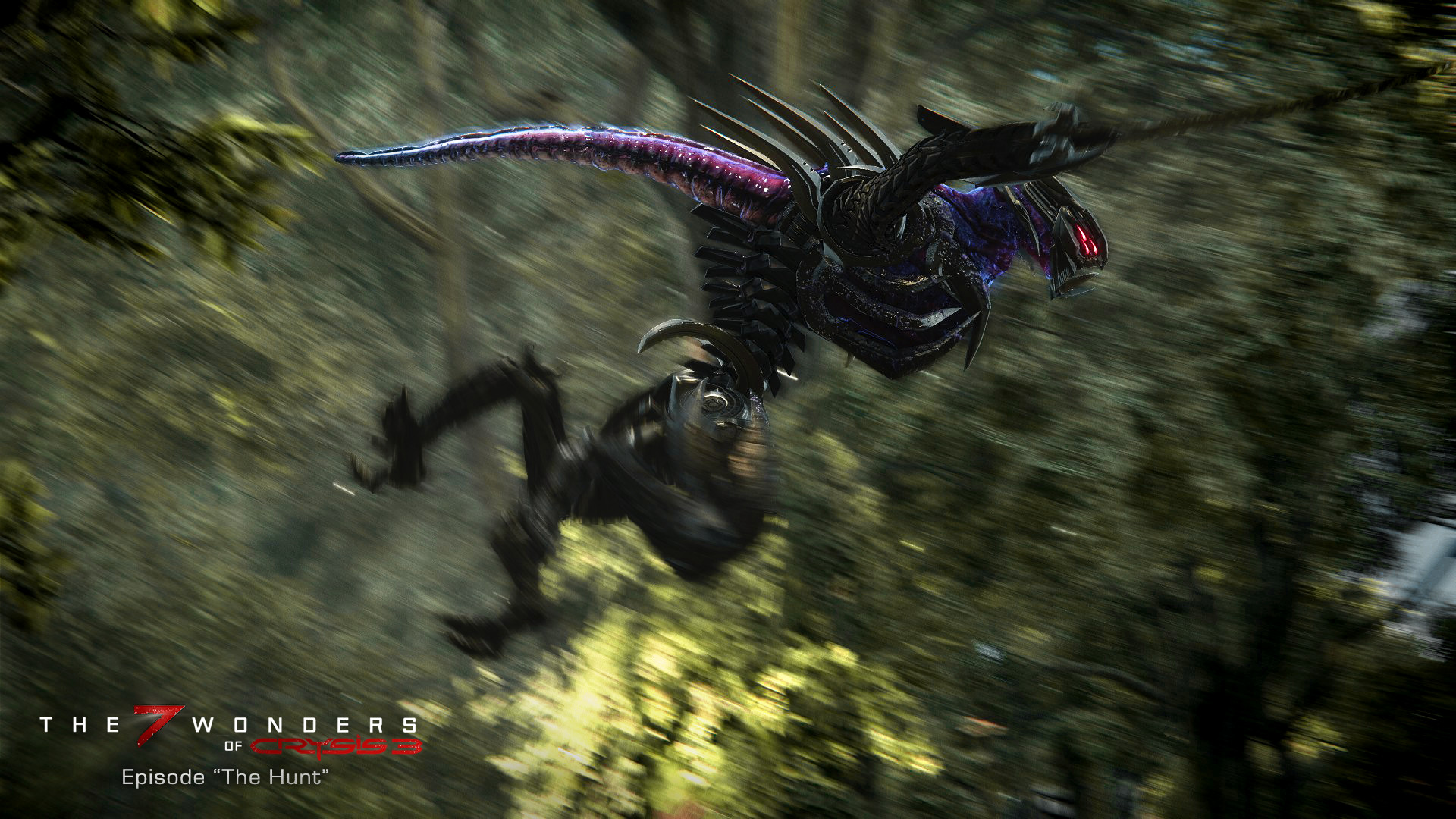
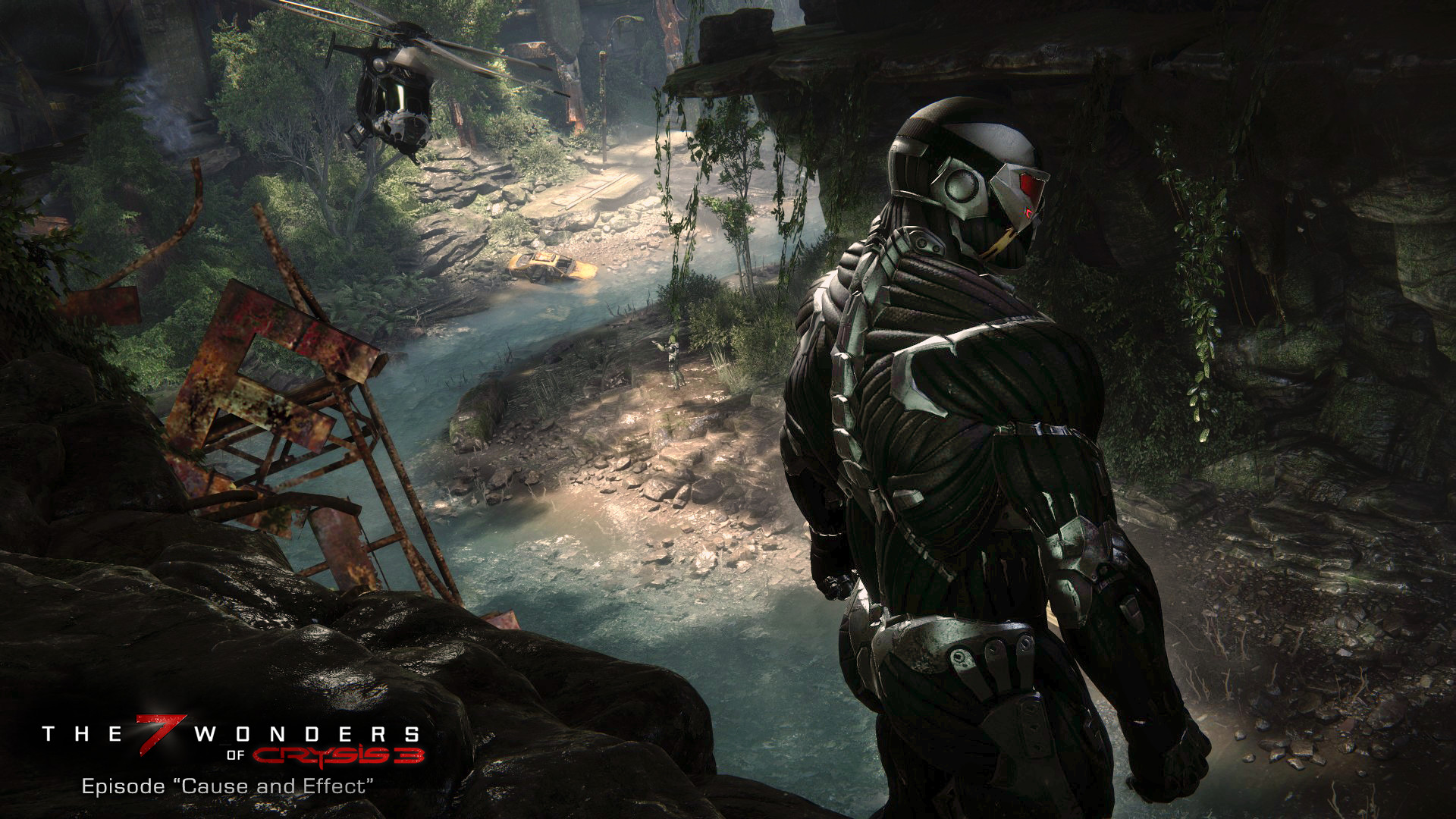
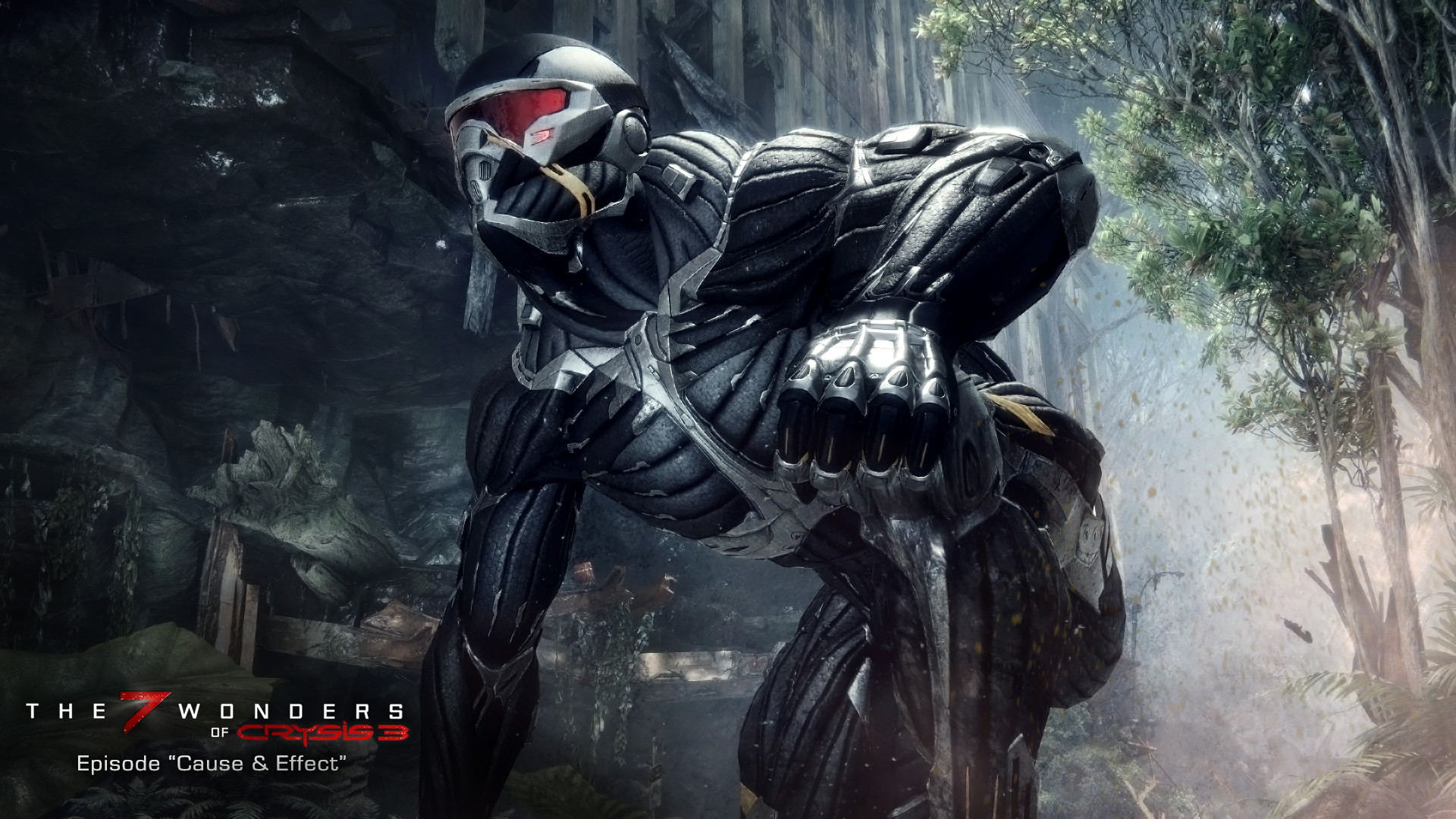
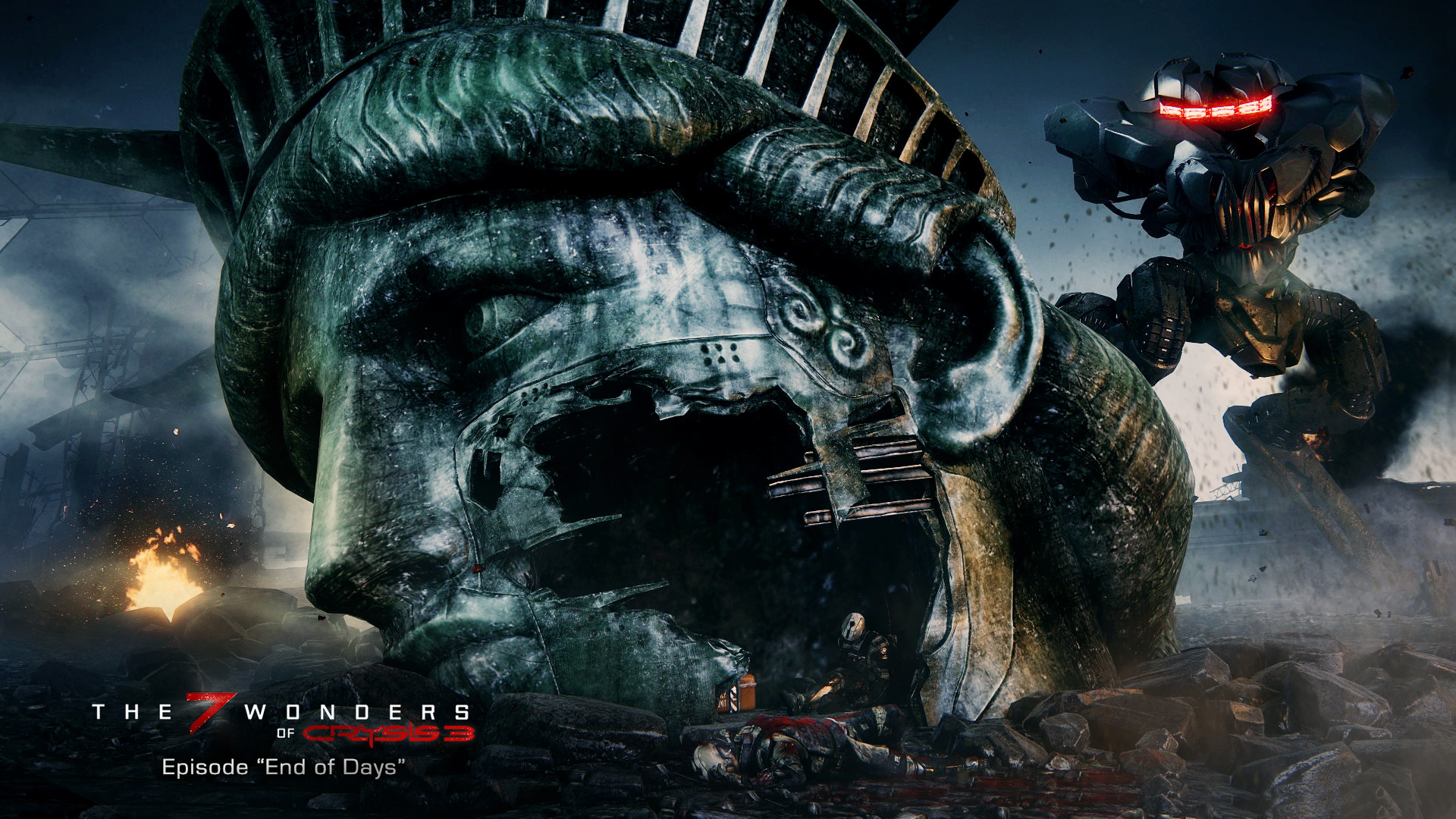
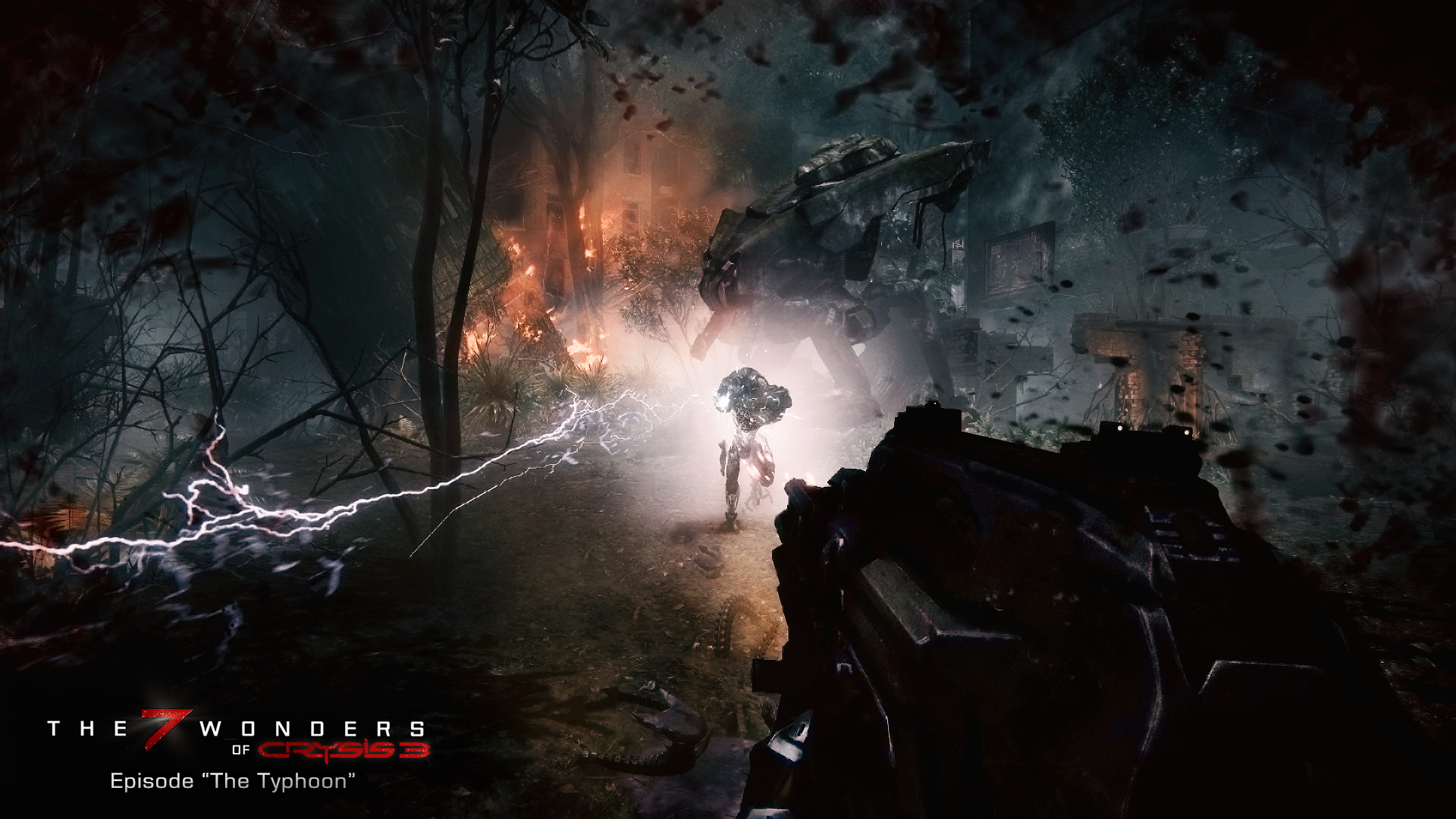
Official store screenshots from Steam — deckport links them, never rehosts. Hover to pause; click to preview.
Identity
Launch
- Binary
- Bin64/Crysis3.exe
- Options
- PROTON_NO_ESYNC=1 PROTON_FORCE_LARGE_ADDRESS_AWARE=1 %command%
- Needs files
- none beyond the binary
Proton
- Version
- proton_experimental
- Winetricks
- —
- ProtonDB
- ProtonDB Gold runs perfectly after tweaks
⚙ Setup notes
Delisted: The original Crysis 3 (appid 1282690) was delisted from Steam in Sept 2023; its online multiplayer servers were taken offline 7 Sept 2023. Owners keep access, and the game is still distributed through EA Play / EA App. ProtonDB tier gold.
DRM / EA App blocker: This is the original release, not the standalone *Crysis 3 Remastered*. It is wrapped in EA App DRM, which is the main hurdle on Linux/Proton — the EA App launcher must come up inside the prefix first. Early Proton attempts failed with a failed-authorization error and a corrupted EA App "Administrative Approval" window. The legitimate workaround is simply a recent Proton: those bugs were fixed in Proton Experimental (29 Sept 2023).
Proton: Use proton_experimental (or a recent GE-Proton). When you launch you may be offered more than one option (e.g. a "Play" entry plus a blank one) — the blank/second option is the one that actually starts the game on Proton.
Binary: Bin64/Crysis3.exe — Crysis 3 ships both a 32-bit (Bin32) and 64-bit (Bin64) build, and the 64-bit one is the default and recommended on Deck. PROTON_FORCE_LARGE_ADDRESS_AWARE is set in the launch options as a safety net for memory headroom.
Install: Normal EA App / Steam install copied to the Deck — no special packaging needed. deckport only configures the prefix.
Display: For a stable ~60fps on Deck, set graphics to Low, drop resolution slightly below native, and use windowed mode (FSR with a touch of sharpening cleans it up well).
Controller: Native gamepad support is present; it works through Steam Input with no extra mapping required.
deckport only configures the prefix; it never bundles or links the game files.
The one thing to know
Supply your own copy. deckport links nothing — own the game via EA Play / EA App.
EA App DRM dependency: The original Crysis 3 is wrapped in EA App DRM and needs Proton Experimental from 29 Sept 2023 or newer (or a recent GE-Proton) for the EA App authorization / approval-window fixes — older Proton fails to launch.
Launch-option picker: On Proton you may be shown more than one option at startup; pick the blank / second entry, not the labelled "Play" one, or the game won't start.
Single-player only: Online multiplayer servers were shut down 7 Sept 2023, so treat this as single-player only.
Deck performance: For ~60fps use Low graphics, slightly-sub-native resolution, and windowed mode.
Controller: Native controller support, fine via Steam Input.
Status: Recipe not yet hands-on confirmed on a specific Deck.
Community guides
Write-ups and threads from people who got this (or a similar) game running. deckport links to them — it doesn't reproduce them.
Get the artwork
deckport never hosts game images. Open this game on SteamGridDB, pick
the cover / hero / logo / icon you like, and drop them into the
game folder under .deckport-art/ before you push it to the
Deck. The importer files them under the right names automatically.
Run it on your Deck
Two files: the one-time importer (deckport.py) in your
Deck's home folder, and this game's install helper. Copy the game
into ~/Games and run the helper with Steam closed — it
writes the recipe (binary, launch options, Proton version)
and registers the shortcut with artwork.