About
GRID Autosport is a racing game and the third main entry in Codemasters' GRID series, built on the EGO 3.0 engine. It strips back the spectacle of GRID 2 to refocus on serious circuit racing, organized into five disciplines: Touring, Endurance, Open Wheel, Tuner, and Street. The PC version was praised as a return to form and is widely regarded as one of the better mainstream racing games of its era. It was delisted from Steam in July 2020 due to expired car and music licensing.
Screenshots
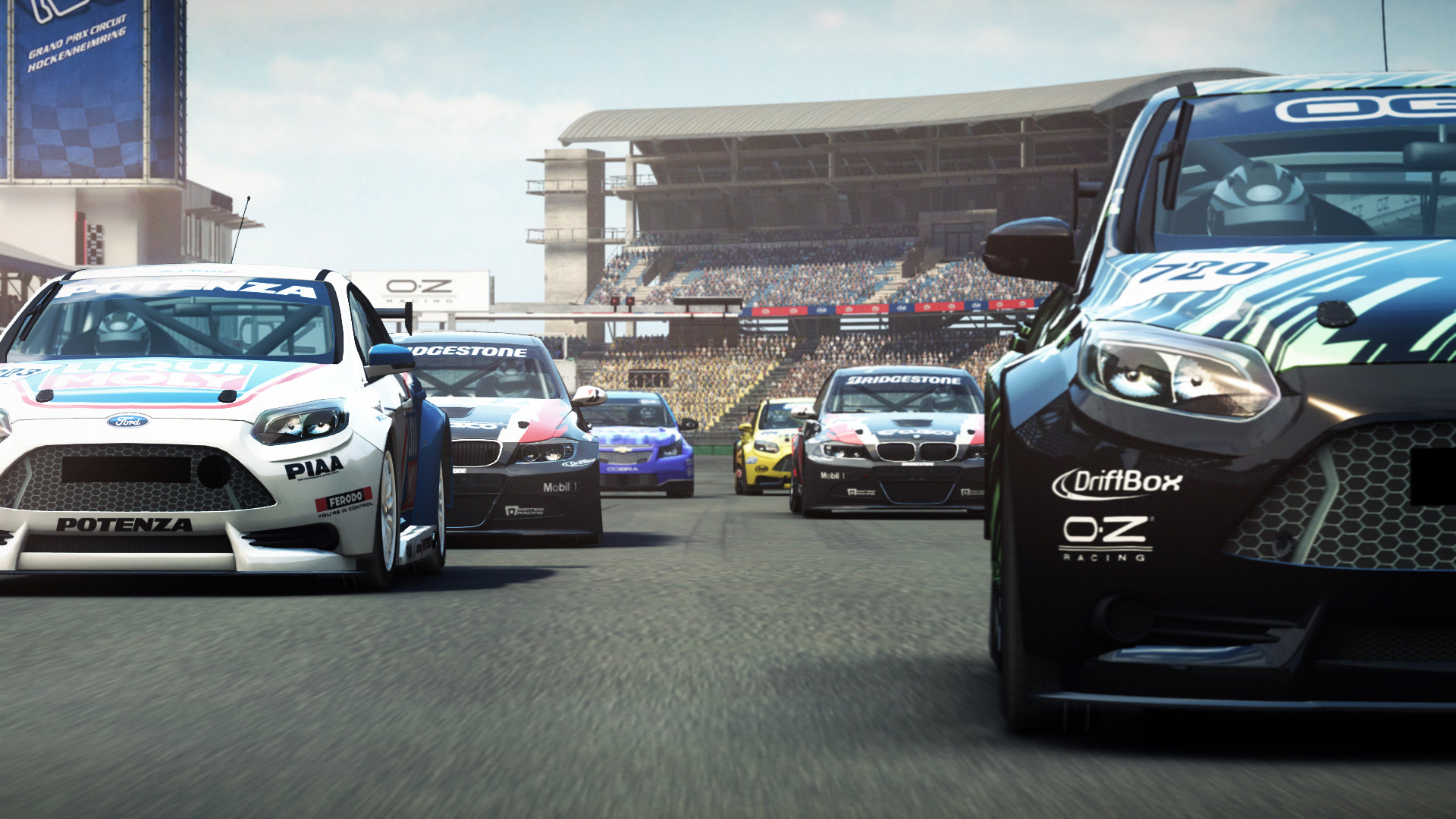
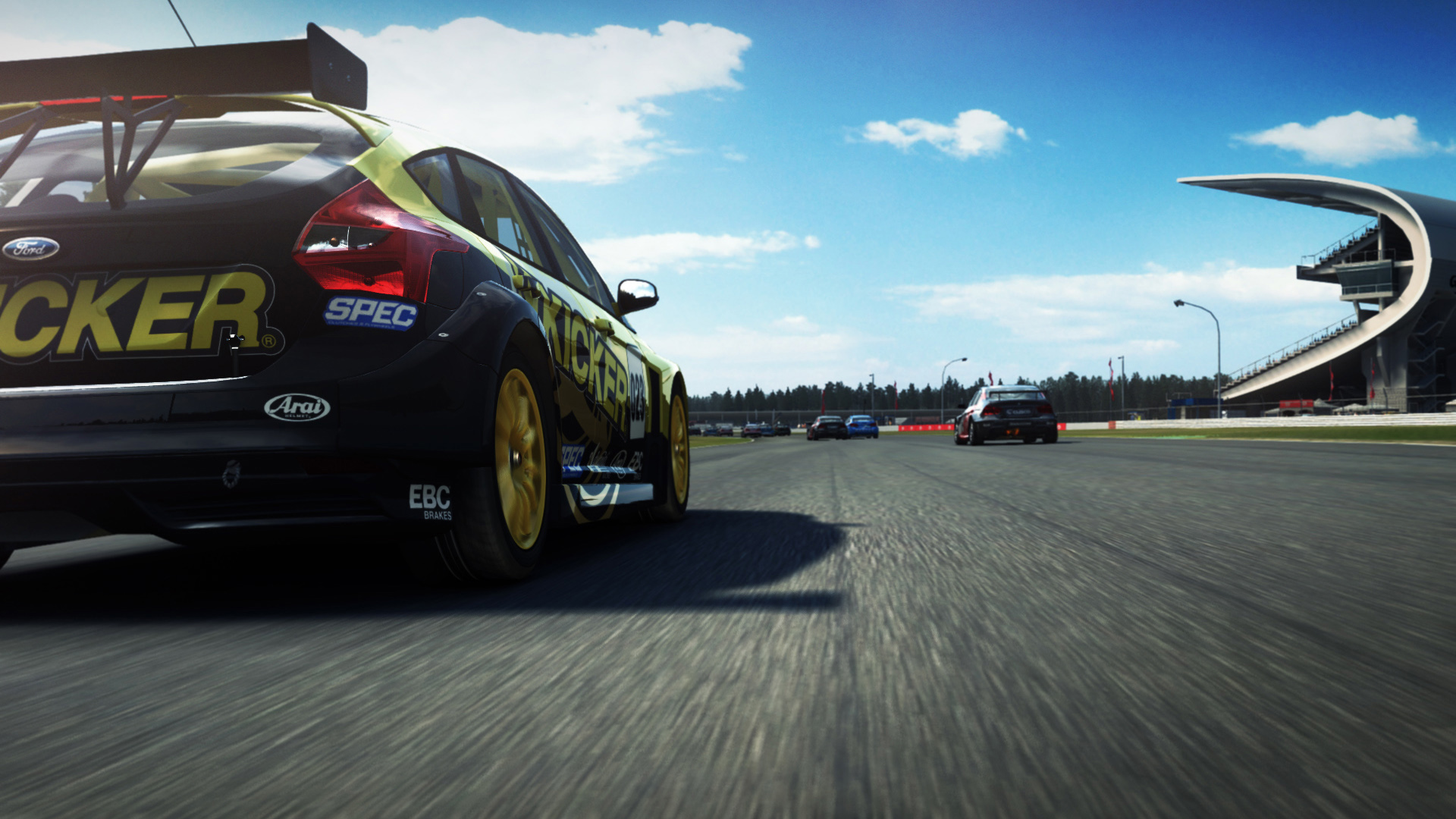
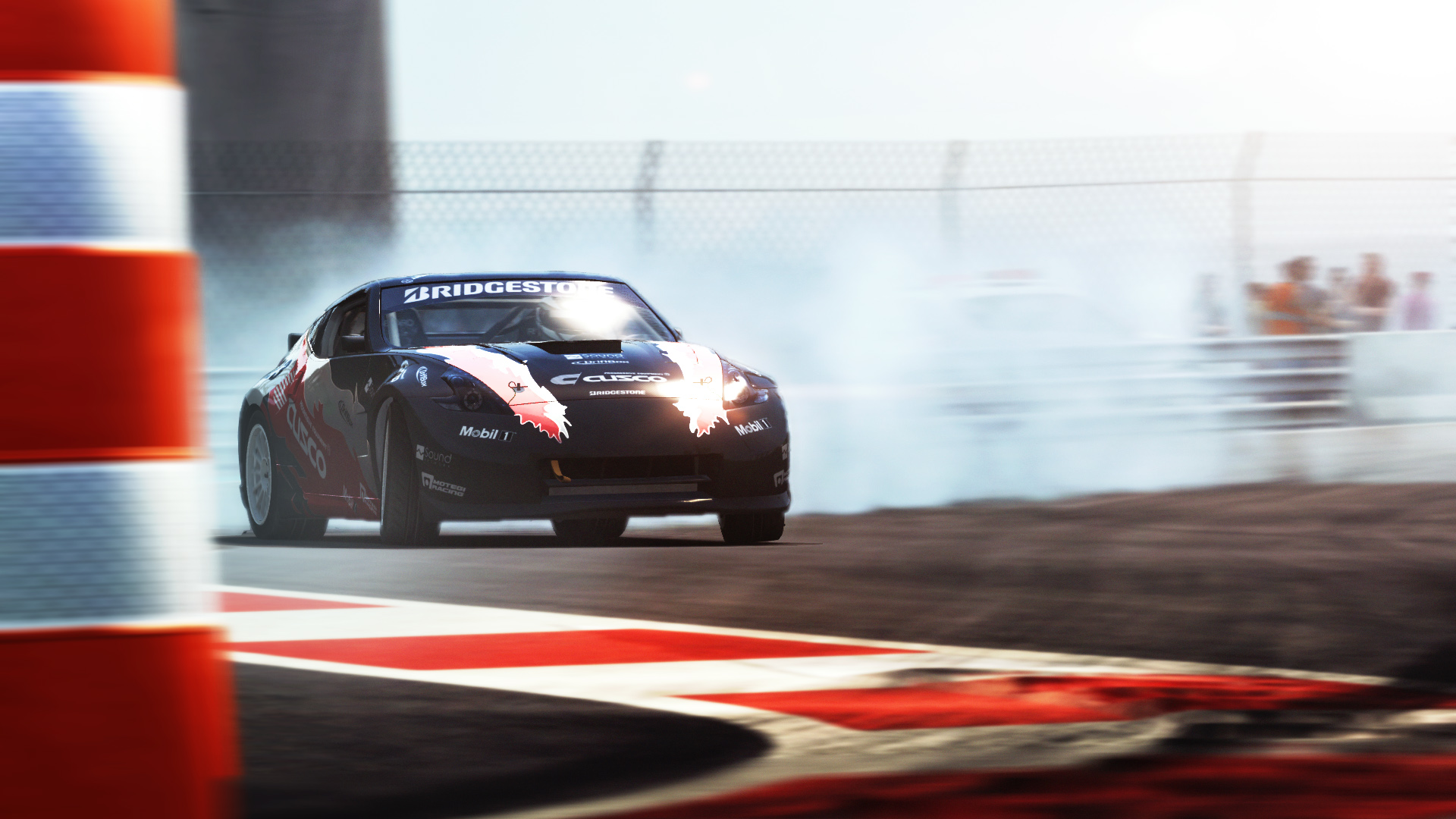
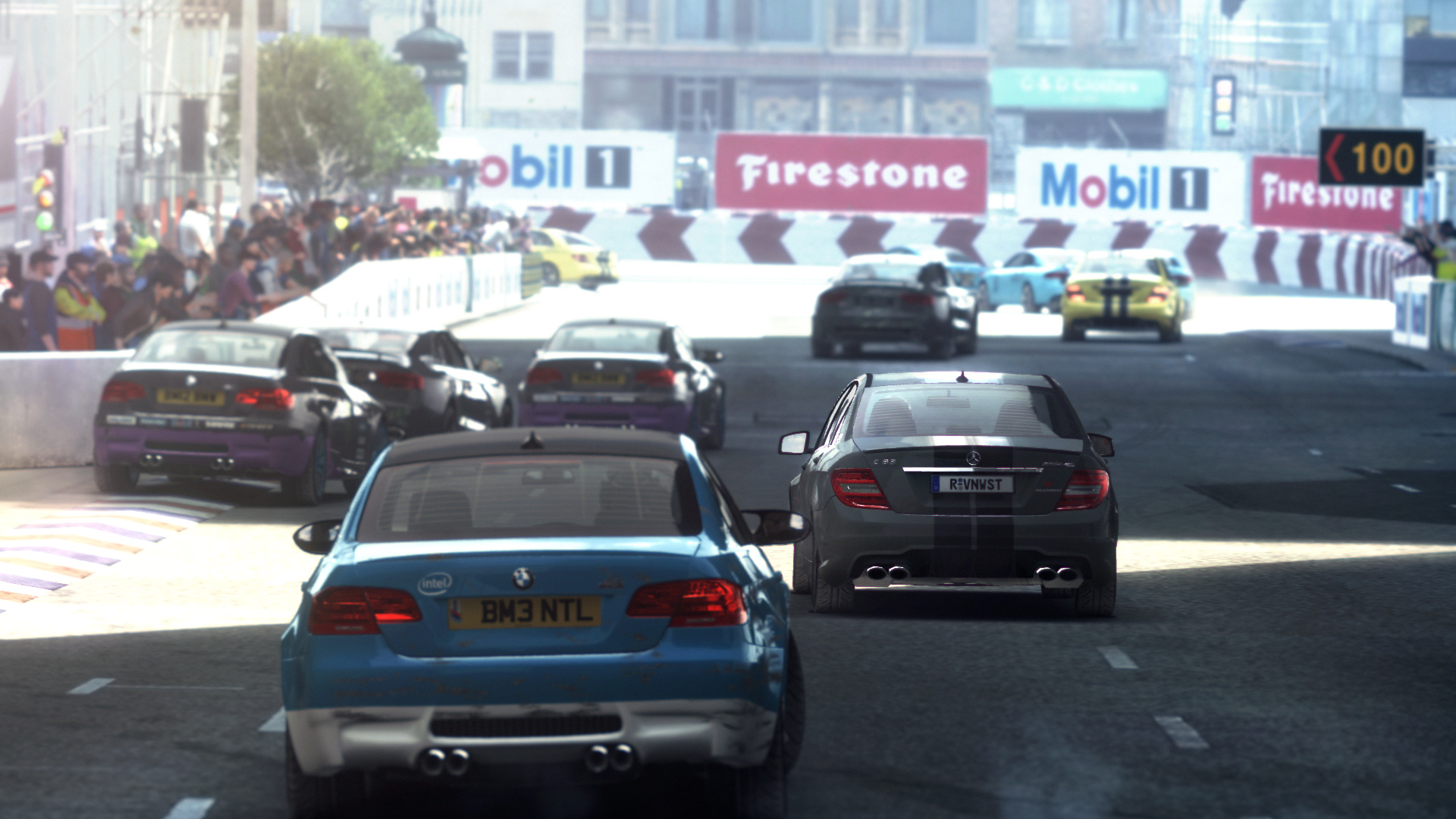
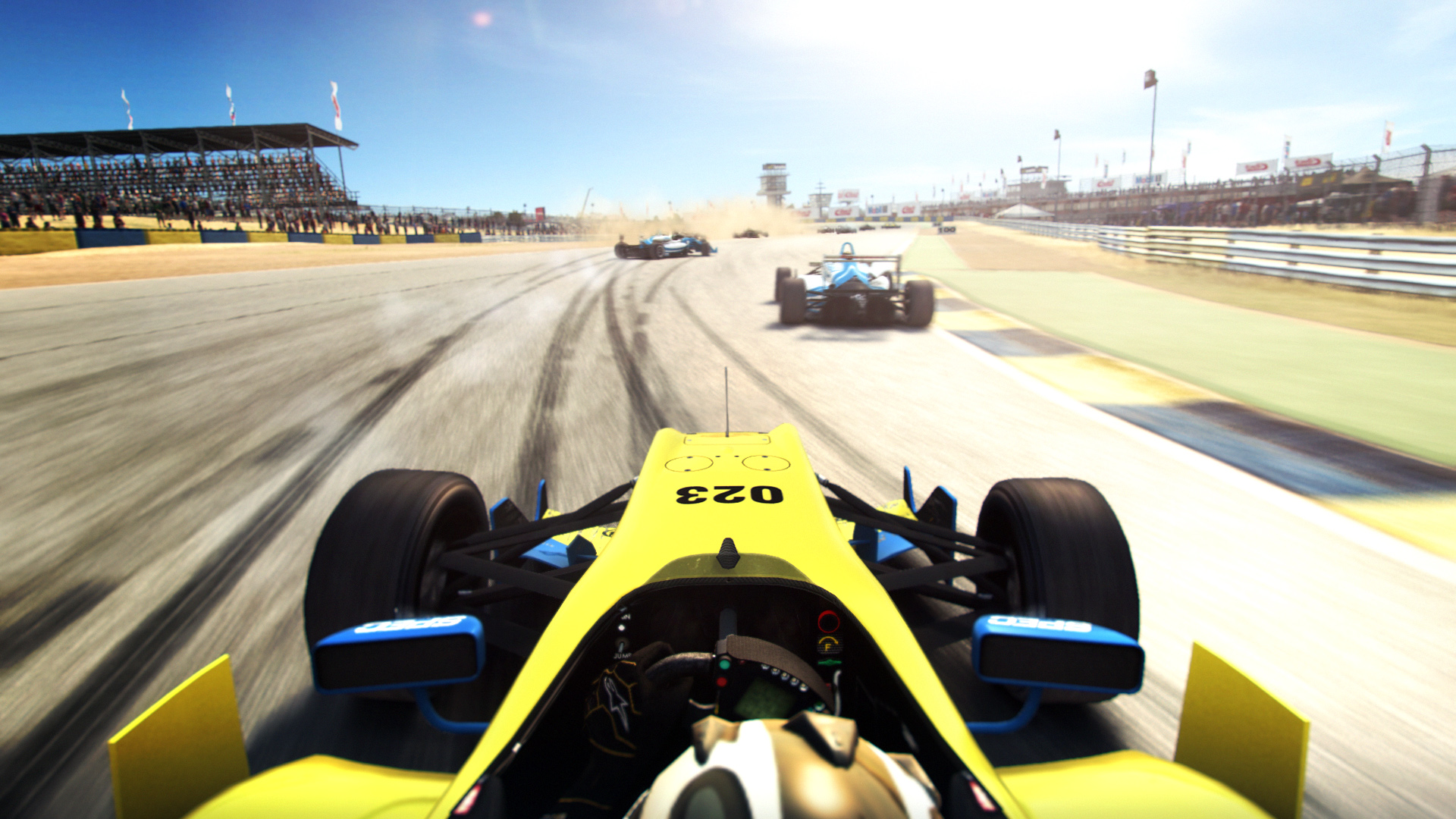
Official store screenshots from Steam — deckport links them, never rehosts. Hover to pause; click to preview.
Identity
Launch
- Binary
- GRIDAutosport.exe
- Options
- PROTON_DISABLE_NVAPI=1 %command%
- Needs files
- none beyond the binary
Proton
- Version
- proton_experimental
- Winetricks
- —
- ProtonDB
- ProtonDB Gold runs perfectly after tweaks
⚙ Setup notes
Status: Steam Deck Verified by Valve and ProtonDB gold — runs well on the Deck. Delisted from Steam July 2020 (appid 255220) over expired car/music licensing, but still launches/plays for owners. Real Windows binary is GRIDAutosport.exe (there is also an AVX build, GRIDAutosport_avx.exe).
Run it via Proton, not the native build: GRID Autosport has a native Linux port by Feral Interactive, but that port is Nvidia-GPU only (AMD/Intel GPUs are explicitly unsupported), so it will not run on the Deck's AMD APU. On Deck you run the Windows build through Proton, which is why [game].type = "proton".
Proton: Proton Experimental is the safe default — the July 31 2024 Experimental update fixed the 9.0 regression that had broken GRID Autosport and GRID 2. Some users still hit startup crashes on Proton 9; the reliable fix is the PROTON_DISABLE_NVAPI=1 %command% launch option (already set above). If it still misbehaves, fall back to Proton 8.0-5 (reported stable).
Controller: Native gamepad/wheel support, so the Deck controls work out of the box without a Steam Input remap.
DRM: No GFWL or always-online DRM.
Other fix: If it sticks on the launch logo, try LANG=C %command% instead.
Install: deckport only configures the prefix; it never bundles or links the game files.
The one thing to know
Supply your own copy: Delisted from Steam July 2020 (appid 255220) — no longer for sale, but owners can still install and play. deckport links nothing.
Compatibility: Steam Deck Verified and ProtonDB gold — native gamepad support, so no controller remap needed.
Don't use the native Linux build on Deck: The Feral native port is Nvidia-GPU only and won't run on the Deck's AMD APU. Run the Windows build through Proton instead (recipe type = "proton").
Proton: Some users hit Proton 9 startup crashes. The PROTON_DISABLE_NVAPI=1 %command% launch option (set in this recipe) is the reliable fix; otherwise drop to Proton 8.0-5.
Fix: Logo-stuck startup is also fixable with LANG=C %command%.
Binary: GRIDAutosport.exe (Codemasters), confirmed; an AVX variant GRIDAutosport_avx.exe also exists.
Community guides
Write-ups and threads from people who got this (or a similar) game running. deckport links to them — it doesn't reproduce them.
Get the artwork
deckport never hosts game images. Open this game on SteamGridDB, pick
the cover / hero / logo / icon you like, and drop them into the
game folder under .deckport-art/ before you push it to the
Deck. The importer files them under the right names automatically.
Run it on your Deck
Two files: the one-time importer (deckport.py) in your
Deck's home folder, and this game's install helper. Copy the game
into ~/Games and run the helper with Steam closed — it
writes the recipe (binary, launch options, Proton version)
and registers the shortcut with artwork.