About
Jet Set Radio is a cel-shaded action game in which rival gangs of rollerblading youths perform tricks and spray graffiti across a stylized near-future Tokyo while evading police. Originally developed by Sega studio Smilebit and released on the Dreamcast in 2000, it became a landmark title for its bold cel-shaded art style and genre-blending funk, hip-hop and electronic soundtrack. This Windows version is a 2012 port by BlitWorks that adds widescreen support and higher resolutions. It was pulled from Steam in December 2024 as part of Sega's removal of several classic Dreamcast-era titles.
Screenshots
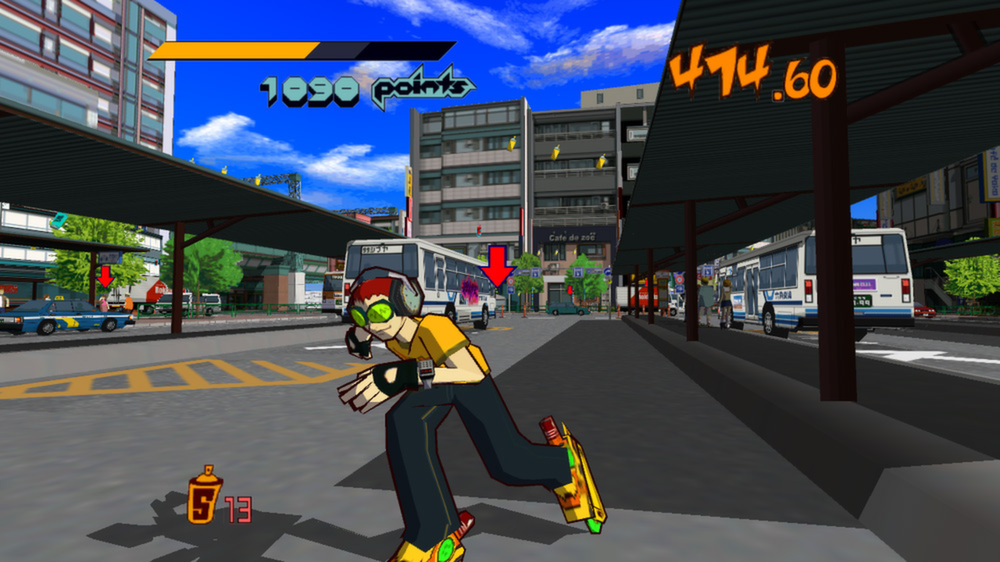
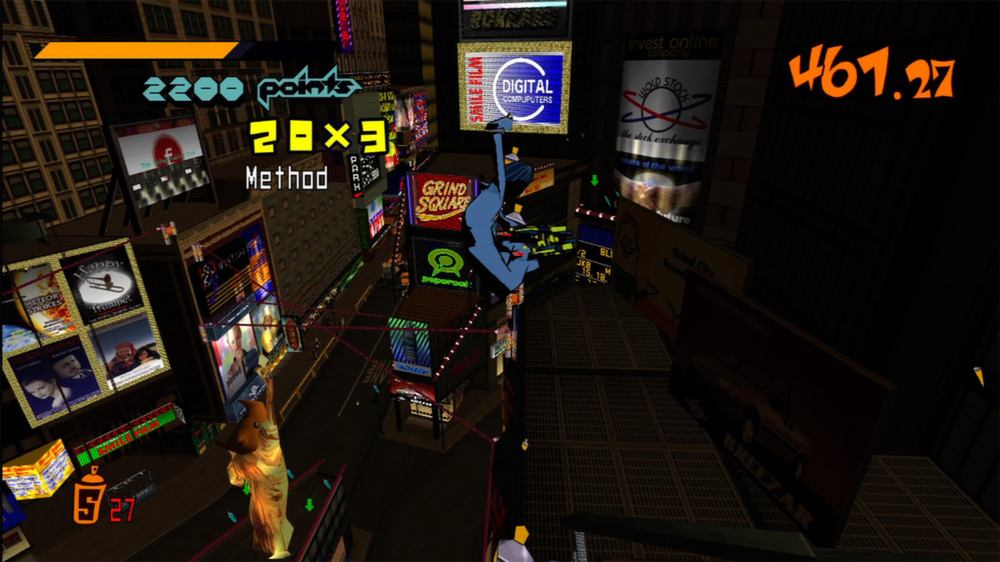
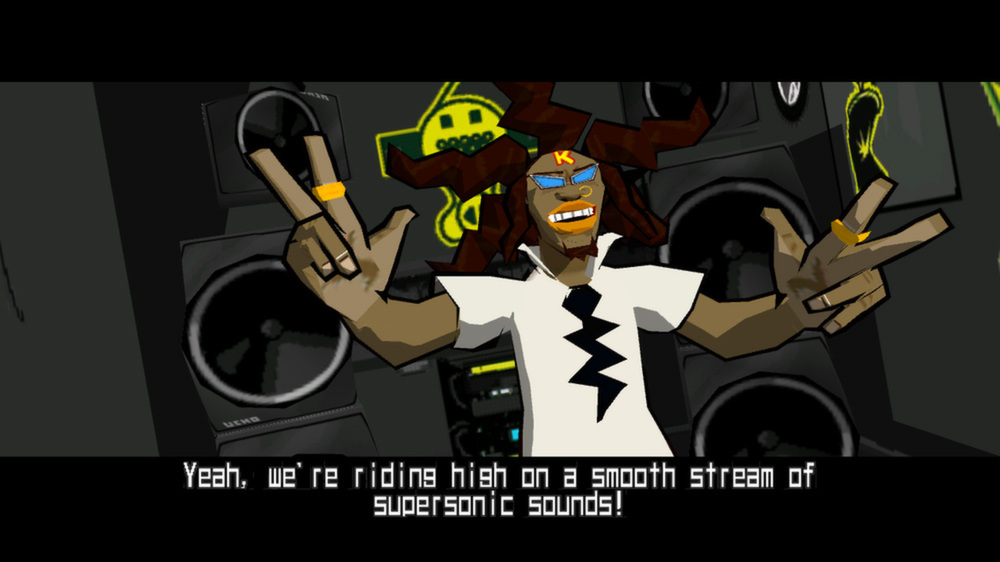
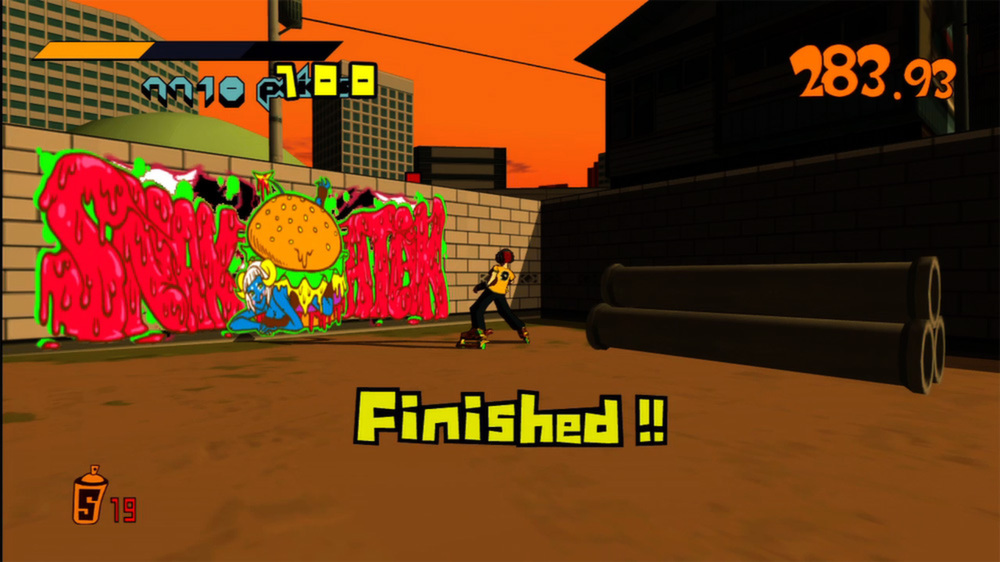
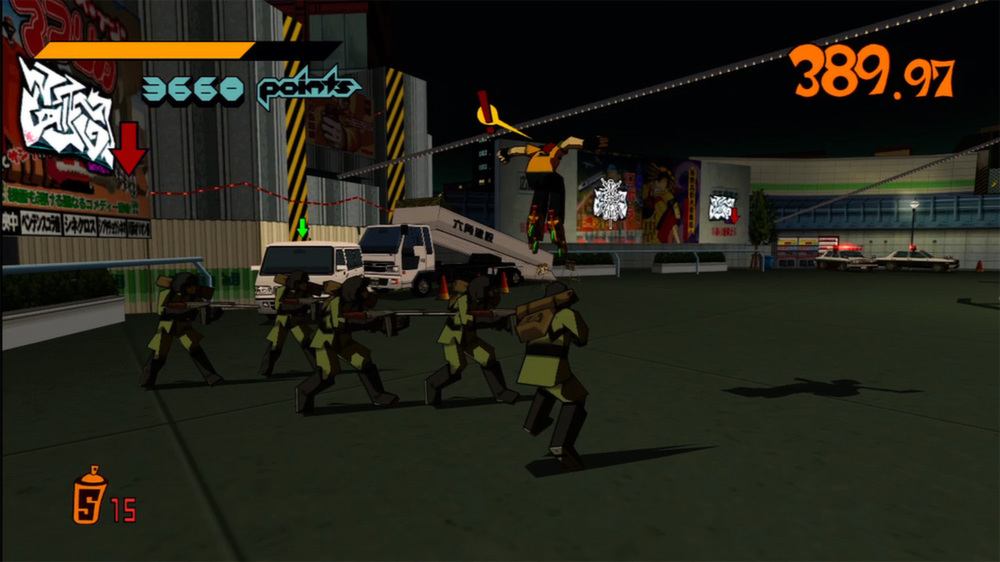
Official store screenshots from Steam — deckport links them, never rehosts. Hover to pause; click to preview.
Identity
Launch
- Binary
- jsrsetup.exe
- Options
- %command%
- Needs files
- none beyond the binary
Proton
- Version
- GE-Proton
- Winetricks
- —
- ProtonDB
- ProtonDB Gold runs perfectly after tweaks
⚙ Setup notes
DRM: Steam DRM. Delisted Steam game (appid 205950, removed Dec 2024 with the SEGA Classics cull); the appid remains valid for prior owners. ProtonDB tier gold (best reports platinum, ~81 reports, strong confidence) and the Deck experience is good.
Proton: GE-Proton or stock proton_experimental both work; GE-Proton is the safer default. No winetricks needed.
Executables / launcher: Steam launches jsrsetup.exe, the config/setup launcher. Under Proton this launcher frequently fails to open. The standard community workaround is to swap the two exe names in the install folder — rename jetsetradio.exe -> jsrsetup.exe (and the original jsrsetup.exe -> jetsetradio.exe) so that Steam's launch target runs the game directly. Trade-off: the config screen (resolution / control rebinds) is then unreachable, but the in-game defaults are fine for the Deck.
Display: If the launcher does open, it's a small window with hard-to-read text at the Deck's resolution. Use the trackpad (hold the right Steam-key for mouse mode) to click OK once, then the game launches.
Controller: In-game gamepad works well — navigate menus and play with the Deck's built-in controls. Only the external setup launcher is mouse-driven.
Frame rate: The game runs at ~31 fps natively by design. Do NOT force a 30 fps cap (game/animation speed is tied to it). Leave it uncapped or use the Deck's own frame limiter at 60.
Save/load glitch (known, unpatched): Loading a save can incorrectly drop you into the opening tutorial and overwrite the save, due to a save vs SAVE case-sensitivity bug on case-sensitive filesystems. The community fix is to patch a single string (save -> SAVE) in jetsetradio.exe with a hex editor (or apply a community-provided patched exe). This is a save-path fix, not a DRM bypass.
Install: deckport only configures the prefix; it never bundles or links the game files.
The one thing to know
Supply your own copy. deckport links nothing.
DRM: Steam DRM. Delisted from Steam Dec 2024 (SEGA Classics removal); appid 205950 still valid for prior owners. ProtonDB gold (best reports platinum); runs well on the Deck.
Launcher won't open under Proton. Steam launches jsrsetup.exe, which often fails on Proton. Community fix: swap the two exe names in the game folder so Steam runs jetsetradio.exe directly (downside: the config/rebind launcher is then unreachable).
Save/load glitch (unpatched): loading a save can restart the tutorial and overwrite it (a save vs SAVE case-sensitivity bug). Fixable by patching the string in jetsetradio.exe with a hex editor or applying a community-patched exe — a save-path fix, not a DRM bypass.
Controller: in-game gamepad works; only the external setup launcher is mouse/trackpad driven.
Frame rate: sits around 31 fps by design; don't force 30 fps or the game runs at the wrong speed.
Online: single-player, no online servers to worry about.
Community guides
Write-ups and threads from people who got this (or a similar) game running. deckport links to them — it doesn't reproduce them.
Get the artwork
deckport never hosts game images. Open this game on SteamGridDB, pick
the cover / hero / logo / icon you like, and drop them into the
game folder under .deckport-art/ before you push it to the
Deck. The importer files them under the right names automatically.
Run it on your Deck
Two files: the one-time importer (deckport.py) in your
Deck's home folder, and this game's install helper. Copy the game
into ~/Games and run the helper with Steam closed — it
writes the recipe (binary, launch options, Proton version)
and registers the shortcut with artwork.