About
Assault on Dark Athena is a 2009 first-person action game built on Starbreeze's proprietary engine and based on the Riddick film series. It bundles a graphically remastered version of the acclaimed 2004 game Escape from Butcher Bay alongside the new Dark Athena campaign, in which Riddick fights his way off a mercenary slaver ship. Reviewers praised its blend of melee combat, gunplay, and stealth, with the remastered Butcher Bay widely regarded as a high point. The PC version was later delisted from digital storefronts over expiry of the Riddick license, leaving no official way to purchase it.
Screenshots
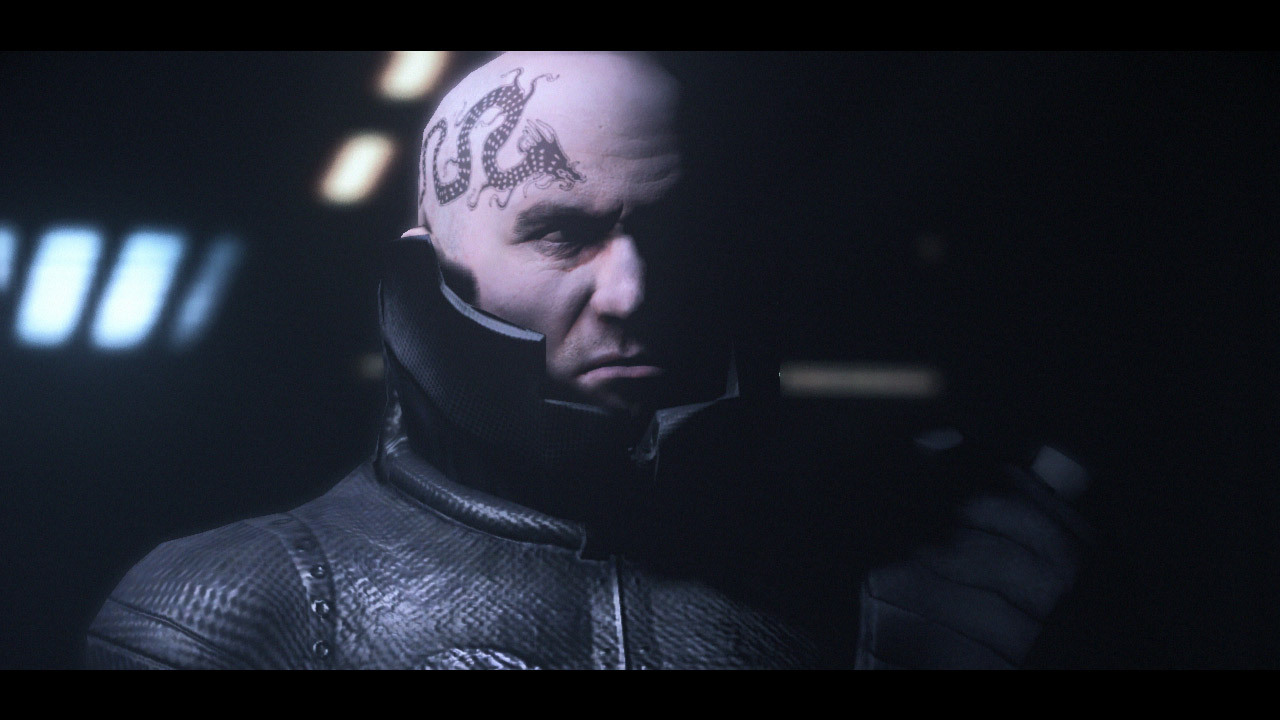
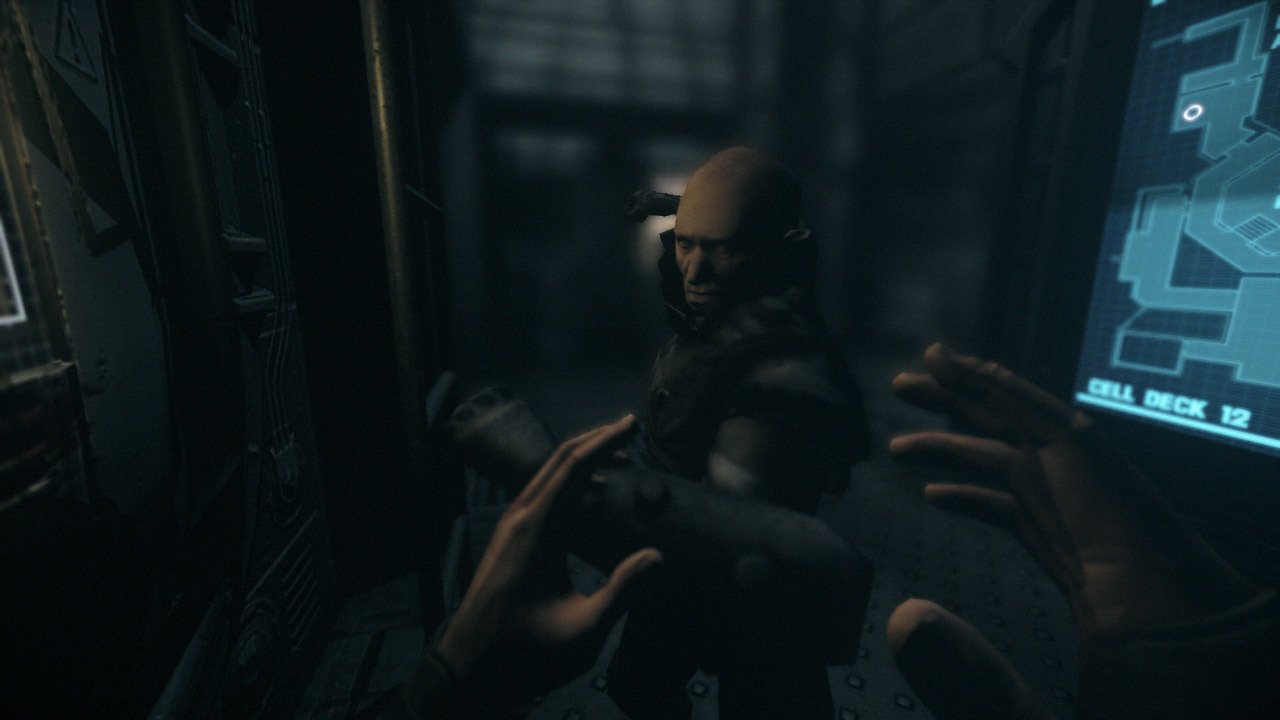
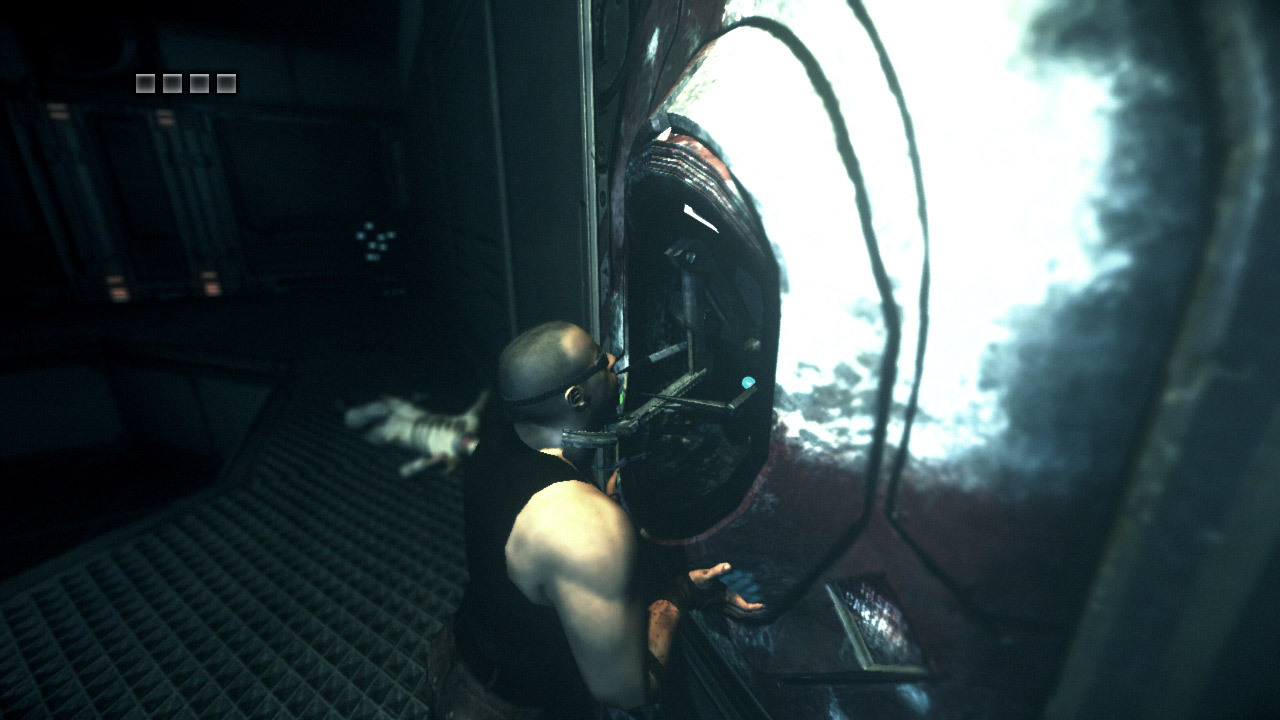
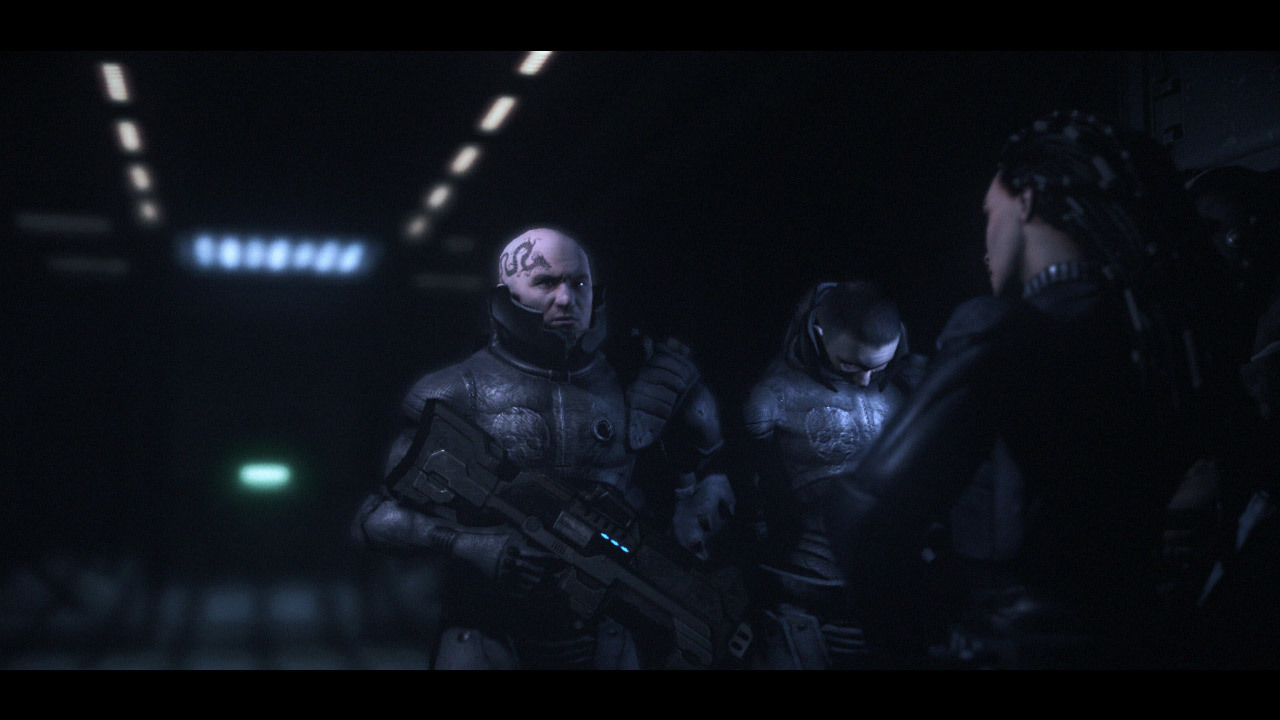
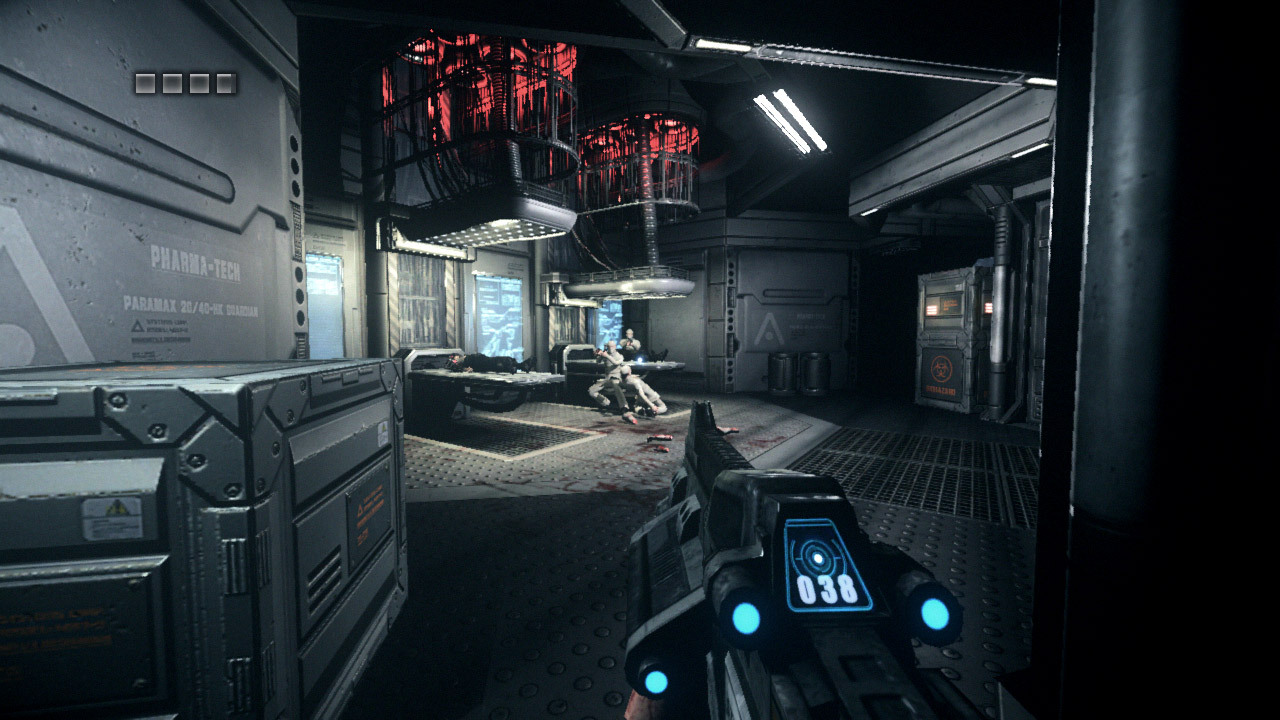
Official store screenshots from Steam — deckport links them, never rehosts. Hover to pause; click to preview.
Identity
Launch
- Binary
- DarkAthena.exe
- Needs files
- none beyond the binary
Proton
- Version
- GE-Proton
- Winetricks
- —
- ProtonDB
- ProtonDB Bronze runs, but with problems
⚙ Setup notes
Game: 2009 Starbreeze / Tigon, published by Atari — a first-person action game that also bundles a remastered version of Escape from Butcher Bay.
ProtonDB: Tier sits around Bronze (trending Silver, best-reported Platinum, ~11 reports as of mid-2026). The spread reflects the DRM situation below, not the engine: once the DRM blocker is cleared the game itself runs cleanly under Proton.
Steam Deck: Not officially Deck-Verified. The Steam build will not launch out of the box because of its DRM; once that is resolved it plays well at native Deck resolution.
Executable: The real binary is DarkAthena.exe, located in System\Win32_x86\ inside the install. A separate DarkAthena_Launcher.exe only sets language — point your shortcut at DarkAthena.exe directly.
DRM (launch blocker): The retail/Steam PC release uses TAGES (not SecuROM). TAGES's ring-0 driver does not initialise under Proton, so the Steam build fails to start. The GOG release is TAGES-free and pre-patched to v1.01, so a DRM-free executable from your own copy is the practical route.
Fix: Owners of the Steam copy commonly restore the DRM-free System\Win32_x86 files from their GOG copy over the Steam install (the dvm.dll it contains is a long-standing antivirus false positive, noted in GOG's own support docs). After that it launches normally under GE-Proton (proton_experimental is a fine fallback). Disabling DXVK is not required.
Controller: Native XInput gamepad support is built in — confirmed; the default Steam Deck controls work without a custom layout.
Display: Widescreen/16:9–16:10 is supported; if the resolution picker is limited, set it via the in-game options or the bundled Fullscreensizer tool — no launch options are normally required.
The one thing to know
Supply your own copy: Delisted from Steam (appid 9860) and GOG — supply your own copy; configuration only, no links.
DRM: DRM is TAGES (not SecuROM) and is the launch blocker under Proton — restore the DRM-free System\Win32_x86 files from your own GOG copy over the Steam install.
Executable: Launch DarkAthena.exe from System\Win32_x86\ (not the DarkAthena_Launcher.exe, which only sets language).
Controller: Native XInput gamepad support, so no custom controller layout needed.
Display: Widescreen supported; use in-game options or Fullscreensizer if the resolution list is limited.
Community guides
Write-ups and threads from people who got this (or a similar) game running. deckport links to them — it doesn't reproduce them.
Get the artwork
deckport never hosts game images. Open this game on SteamGridDB, pick
the cover / hero / logo / icon you like, and drop them into the
game folder under .deckport-art/ before you push it to the
Deck. The importer files them under the right names automatically.
Run it on your Deck
Two files: the one-time importer (deckport.py) in your
Deck's home folder, and this game's install helper. Copy the game
into ~/Games and run the helper with Steam closed — it
writes the recipe (binary, launch options, Proton version)
and registers the shortcut with artwork.