About
4 Elements is a 2008 casual puzzle-adventure from Playrix that blends match-3 boards with hidden-object and spot-the-difference scenes wrapped in a light fantasy story. Players restore the magic of a kingdom by unlocking four ancient books of magic across more than 60 levels, guided by a forest fairy, clearing chains of tiles to channel energy through labyrinth-style boards.
It was one of Playrix's signature casual hits of the era and helped establish the studio before its later free-to-play success. It was delisted from Steam in 2018.
Screenshots
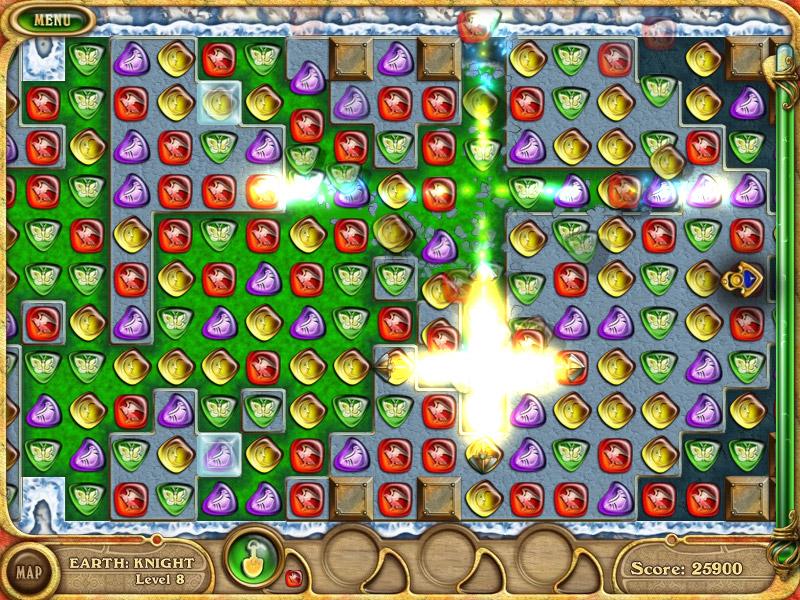
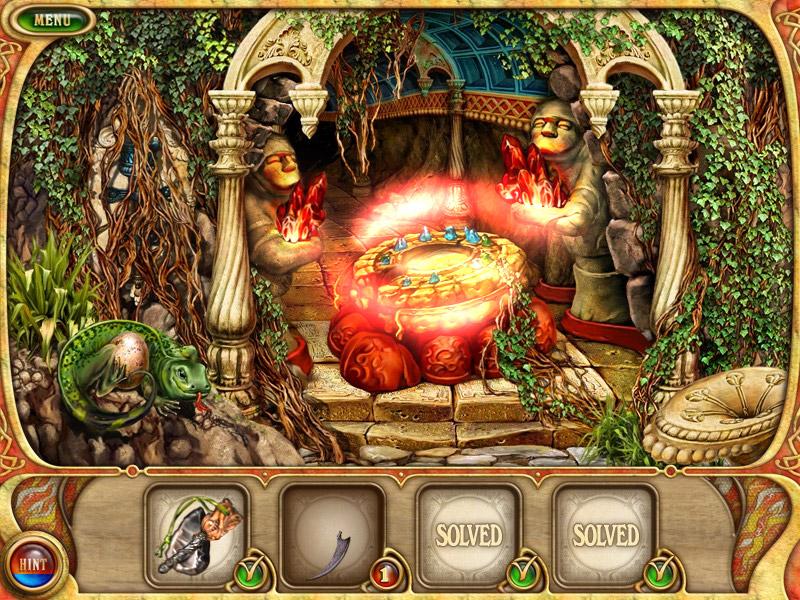
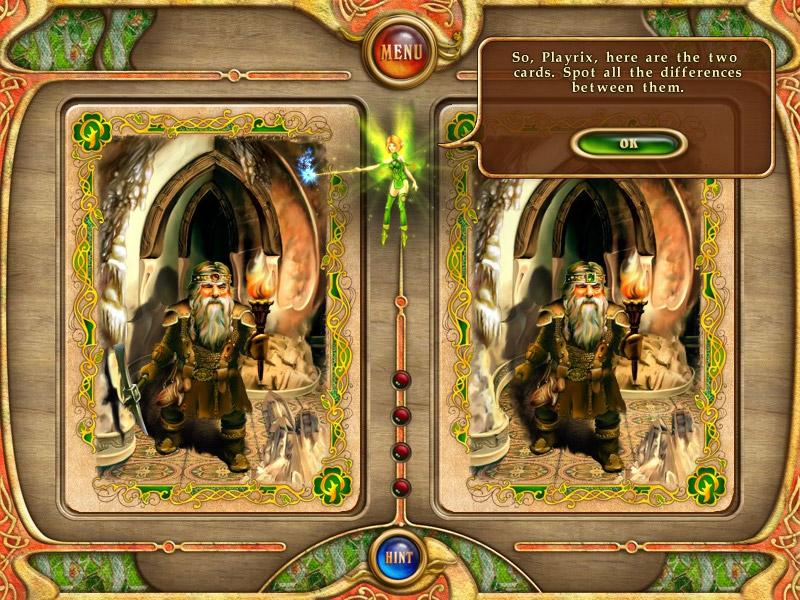
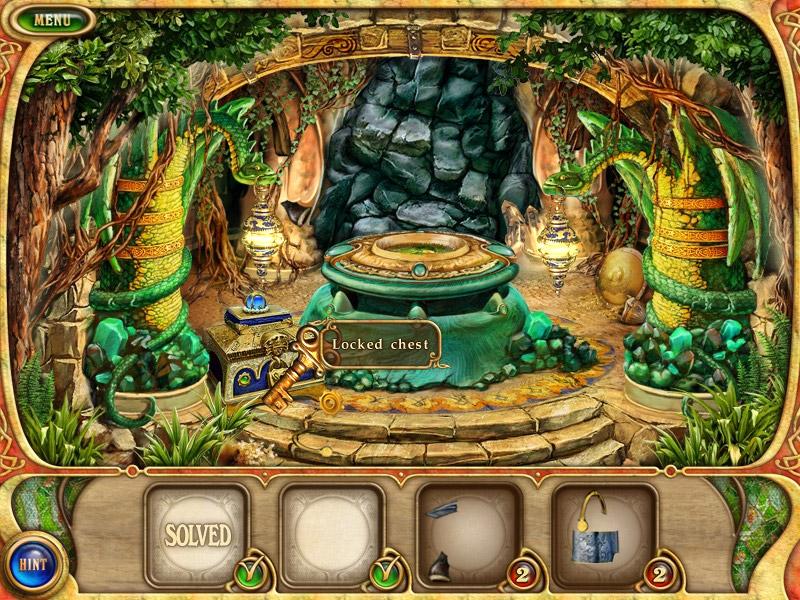
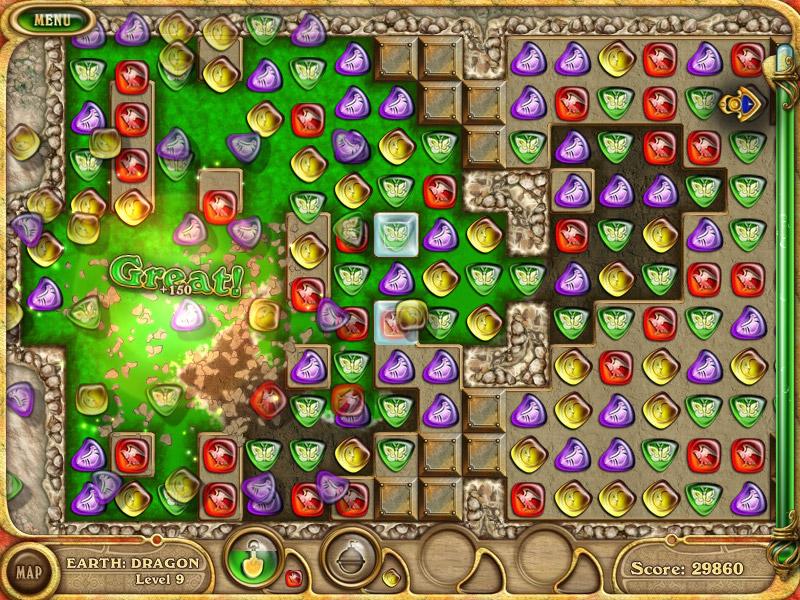
Official store screenshots from Steam — deckport links them, never rehosts. Hover to pause; click to preview.
Identity
Launch
- Binary
- 4 Elements.exe
- Needs files
- none beyond the binary
Proton
- Version
- proton_experimental
- Winetricks
- —
- ProtonDB
- ProtonDB Gold runs perfectly after tweaks
⚙ Setup notes
Status: Delisted Steam game (appid 47000, Playrix, 2008; pulled from Steam 2018-07-16). A 2008 casual match-3 / hidden-object title.
Proton: ProtonDB rates it gold and the exe runs under Proton. proton_experimental works; fall back to a recent GE-Proton if it crashes on launch.
Install: Binary is 4 Elements.exe (note the space). This is a light DirectX 9 game, so it should run well on Deck's AMD GPU.
Display: If you see launch crashes or fullscreen/black-screen issues on this old title, force windowed mode and let Gamescope upscale (older builds historically needed a windowing wrapper).
Files: deckport only configures the prefix; it never bundles or links the game files.
The one thing to know
Supply your own copy: deckport links nothing.
Delisted: Confirmed delisted from Steam (2018-07-16); not for sale.
Proton: ProtonDB gold for this old DirectX 9 casual title — community reports it running under Proton, so on Deck set status needs-test pending a hands-on run.
Controls: Pure mouse point-and-click match-3 with no native gamepad support — playable on Deck via a Steam Input layout (right trackpad as mouse + a button bound to left-click) or the Deck touchscreen, both of which fit a match-3 well.
Verification: Per-recipe Deck verification still pending.
Community guides
Write-ups and threads from people who got this (or a similar) game running. deckport links to them — it doesn't reproduce them.
Get the artwork
deckport never hosts game images. Open this game on SteamGridDB, pick
the cover / hero / logo / icon you like, and drop them into the
game folder under .deckport-art/ before you push it to the
Deck. The importer files them under the right names automatically.
Run it on your Deck
Two files: the one-time importer (deckport.py) in your
Deck's home folder, and this game's install helper. Copy the game
into ~/Games and run the helper with Steam closed — it
writes the recipe (binary, launch options, Proton version)
and registers the shortcut with artwork.