About
Adeptus Titanicus: Dominus is a 3D turn-based strategy game adapting Games Workshop's classic Titan Legions / Adeptus Titanicus tabletop wargame, in which players command god-machine Titans in the Warhammer 40,000 universe. It was developed and published by Membraine Studios, a small Australian indie team, launching into Steam Early Access in 2018. The game was delisted from Steam in January 2022 after the studio's Warhammer license expired, and was pulled from GOG in March 2022 when Membraine Studios ceased operations, leaving it unavailable for sale on any storefront.
Screenshots
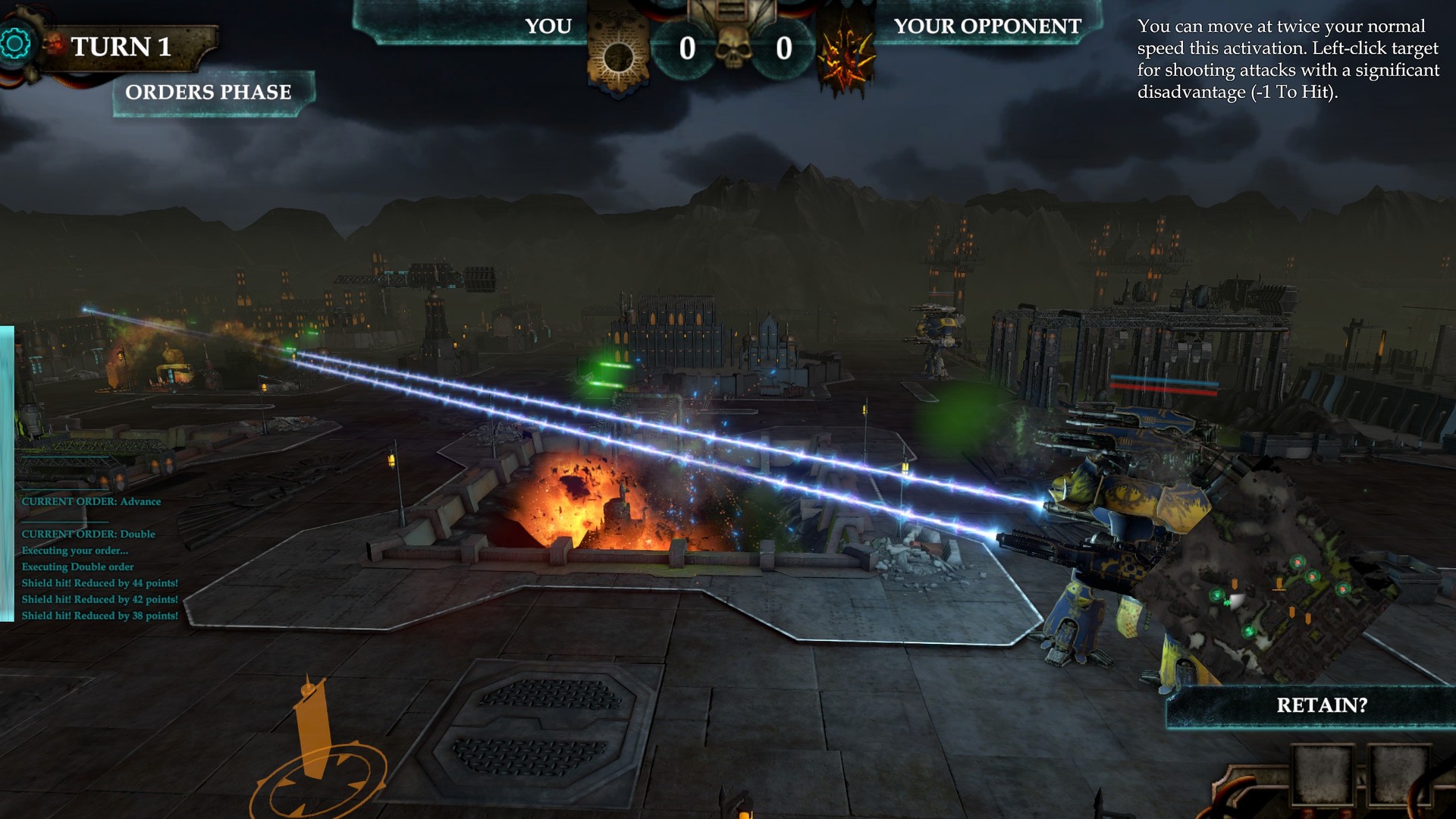
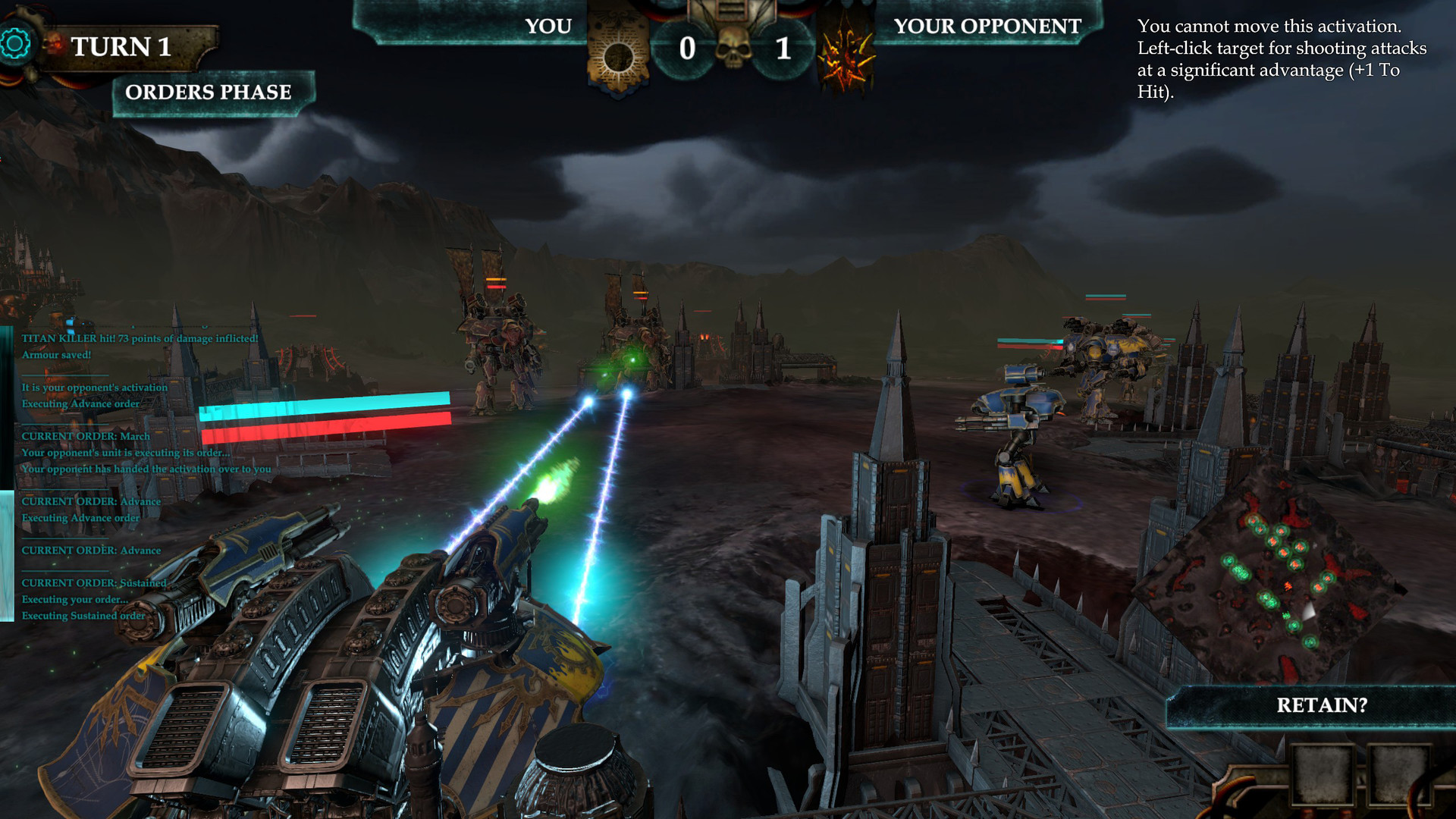
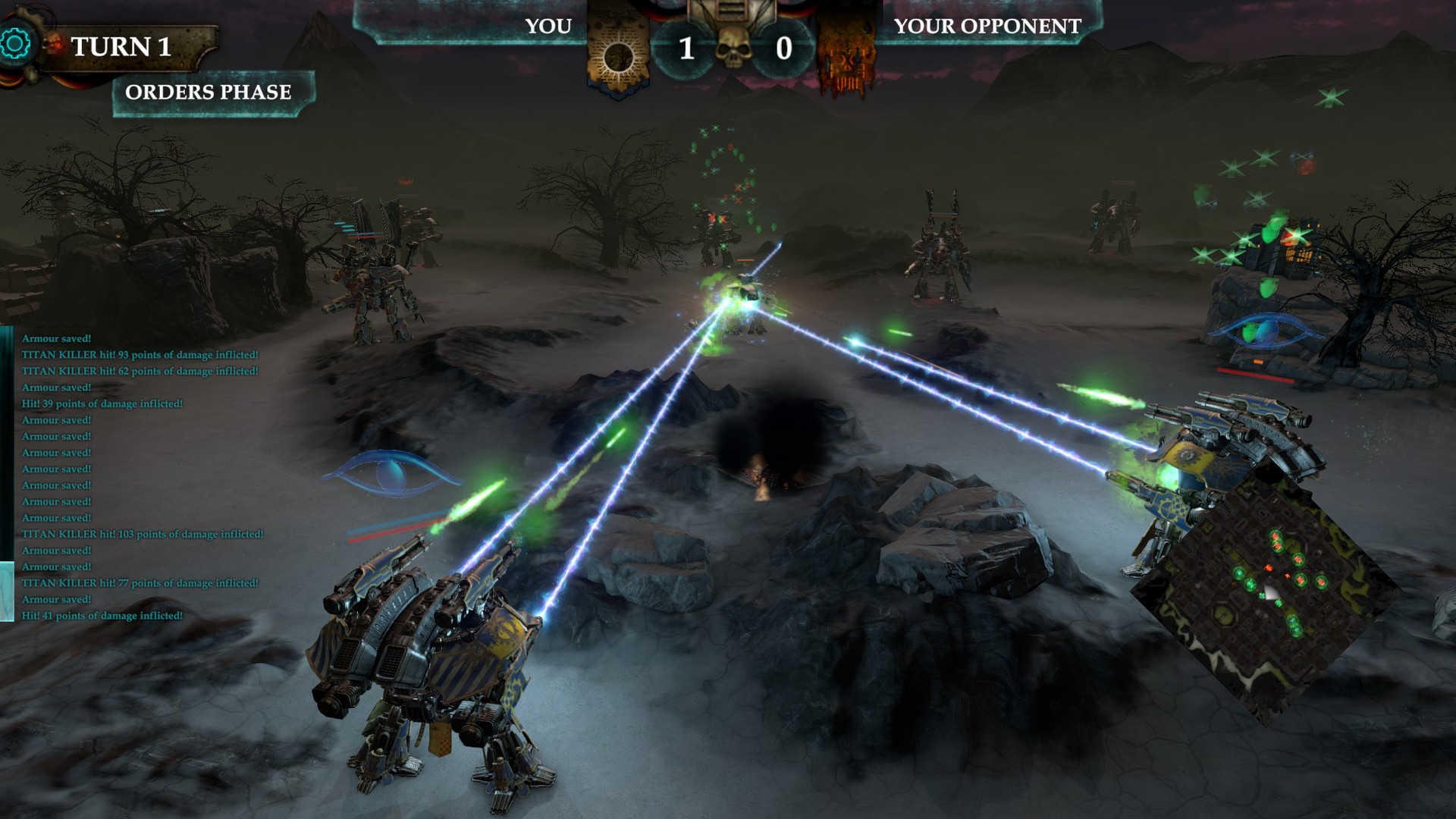
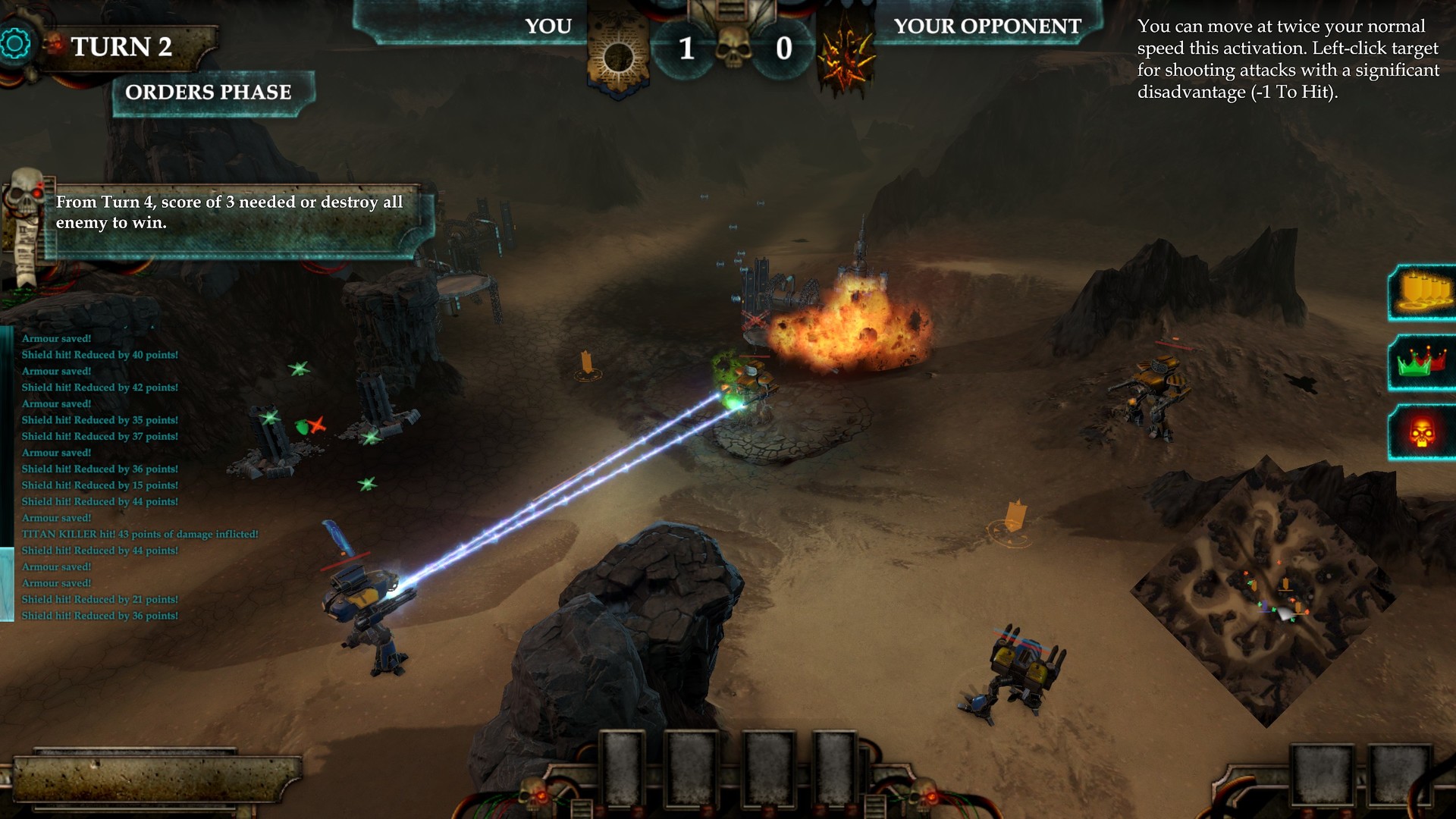
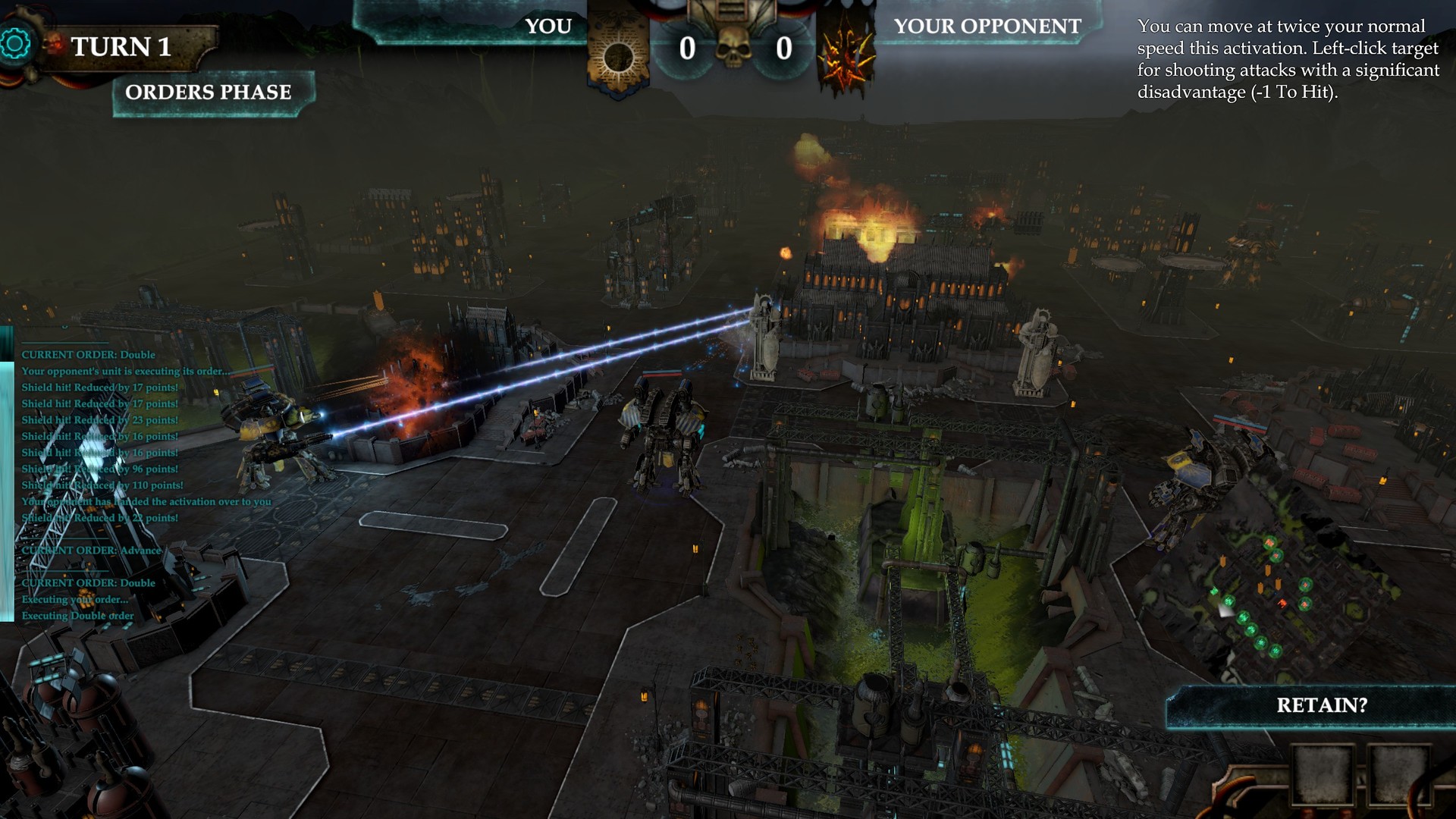
Official store screenshots from Steam — deckport links them, never rehosts. Hover to pause; click to preview.
Identity
Launch
- Binary
- Dominus.exe
- Needs files
- none beyond the binary
Proton
- Version
- GE-Proton
- Winetricks
- —
- ProtonDB
- ProtonDB Gold runs perfectly after tweaks
⚙ Setup notes
Delisted: Delisted Steam game (appid 853140), removed Jan 2022 when the Warhammer license expired; Membraine Studios has since ceased operations.
Engine: Unity engine (PlayMaker state machine).
Proton: ProtonDB gold — community reports it running cleanly on Linux/Proton, so it plays on the Deck. Use GE-Proton (or proton_experimental); no DRM/GFWL workarounds needed.
Controller: It is a 3D turn-based strategy game, so input is mouse-driven — bind a Steam Input mouse/trackpad-and-keyboard layout on the Deck (right trackpad as mouse, A = left click). No native gamepad scheme.
Install: deckport only configures the prefix; it never bundles or links the game files.
The one thing to know
Supply your own copy: Delisted Steam game (appid 853140) — no longer for sale anywhere. deckport links nothing.
Proton: ProtonDB gold; runs on Proton (GE-Proton / experimental).
Controller: Turn-based strategy with mouse-driven UI: it has no native controller scheme, so on the Deck set up a Steam Input mouse+keyboard layout (right trackpad = mouse, A = click) — fully playable that way, but not couch-friendly out of the box.
Binary: Unity build — the game data folder is Dominus_Data, so the launcher exe is Dominus.exe (crash logs output_log.txt / error_log.txt live inside Dominus_Data).
Community guides
Write-ups and threads from people who got this (or a similar) game running. deckport links to them — it doesn't reproduce them.
Get the artwork
deckport never hosts game images. Open this game on SteamGridDB, pick
the cover / hero / logo / icon you like, and drop them into the
game folder under .deckport-art/ before you push it to the
Deck. The importer files them under the right names automatically.
Run it on your Deck
Two files: the one-time importer (deckport.py) in your
Deck's home folder, and this game's install helper. Copy the game
into ~/Games and run the helper with Steam closed — it
writes the recipe (binary, launch options, Proton version)
and registers the shortcut with artwork.