About
Age of Booty is a pirate-themed real-time strategy game in which players command a ship to capture towns, gather resources, and sink rival vessels for their faction. Developed by Certain Affinity with A.C.R.O.N.Y.M. Games and published by Capcom, it debuted on Xbox Live Arcade in 2008 before the Windows release in 2009. Its streamlined, accessible take on RTS emphasizes teamwork and coordination across cooperative and competitive team modes. The Xbox 360 version drew generally favorable reviews and earned two Xbox Live Arcade award nominations, while the team-based online play depended on GameSpy services that have since shut down.
Screenshots
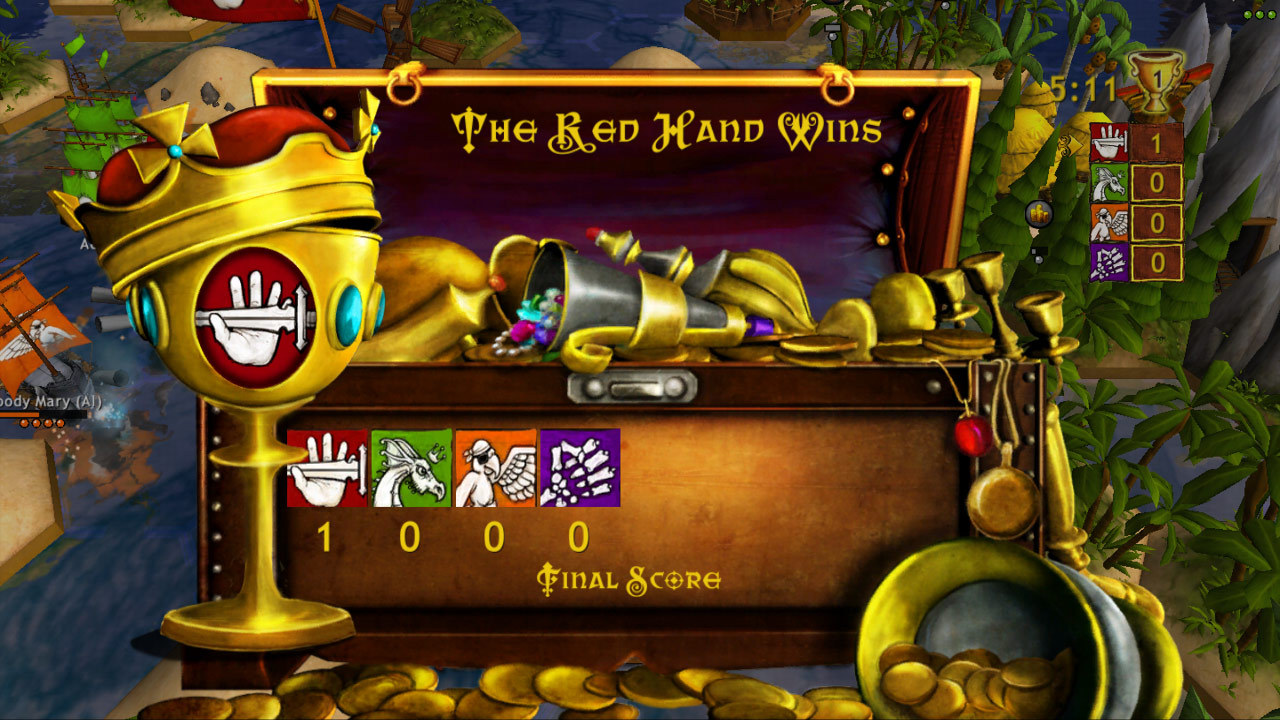
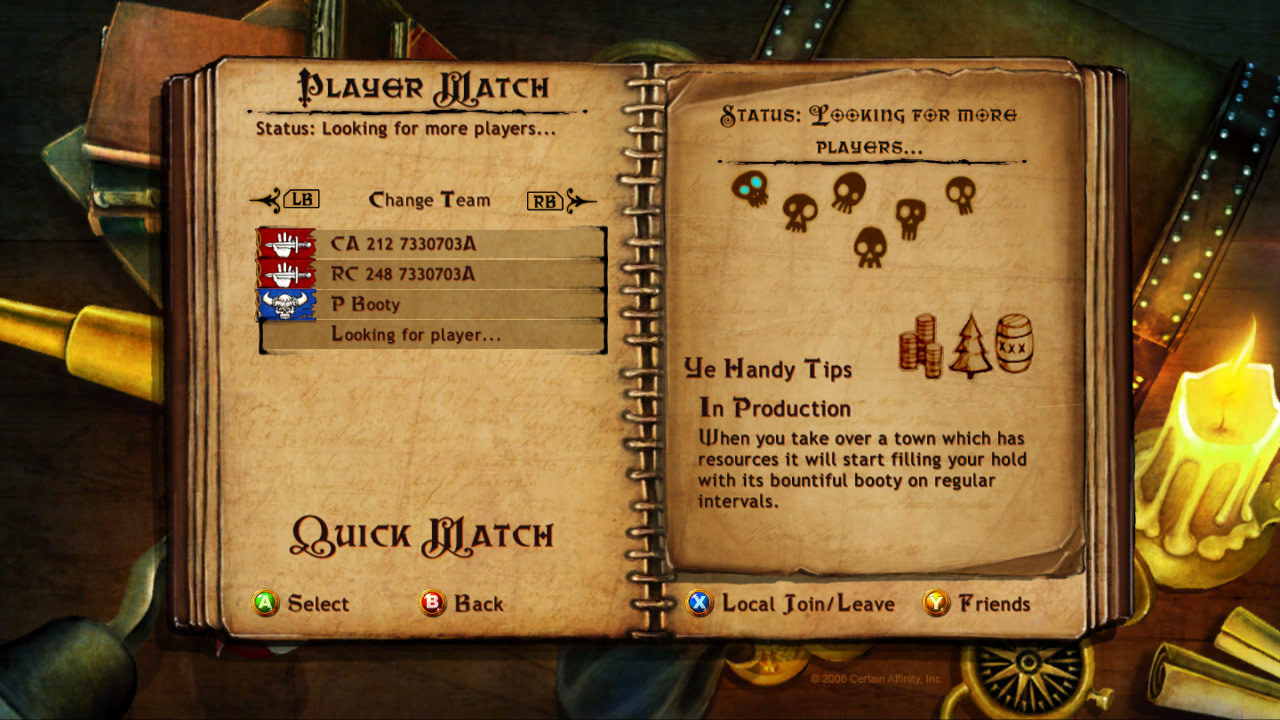


Official store screenshots from Steam — deckport links them, never rehosts. Hover to pause; click to preview.
Identity
Launch
- Binary
- Age of Booty.exe
- Needs files
- none beyond the binary
Proton
- Version
- GE-Proton
- Winetricks
- —
- ProtonDB
- ProtonDB Gold runs perfectly after tweaks
⚙ Setup notes
DRM: Delisted Steam game (appid 21600), removed from the Steam store in Sept 2015. ProtonDB rates it gold (only a handful of low-confidence reports) and the single-player campaign runs on Proton/Deck.
DRM (the real blocker): This title ships with SecuROM PA (product activation) plus a Steam wrapper. SecuROM does an online CD-key activation with a limited activation count (reported ~20 machines, and the count cannot be reset), and it installs an extra DirectX (DXSETUP) package. SecuROM PA is the part most likely to misbehave under Proton, so if launch fails, that's the first thing to look at — use a recent GE-Proton (or proton_experimental), which handles the bundled vcredist/DirectX shims.
GFWL: It is also a Games for Windows LIVE title, but the online/multiplayer side died with the GameSpy/GFWL marketplace shutdowns — only the single-player campaign is playable now, so no GFWL sign-in is required for offline play.
Controller: The PC/Steam version has NO native gamepad support (it is mouse + keyboard only, despite Xbox button prompts in the store screenshots). On Deck you must add a Steam Input mouse/keyboard layout (e.g. trackpad-as-mouse) — the gamepad will not work out of the box.
Install: deckport only configures the prefix; it never bundles or links the game files.
The one thing to know
Supply your own copy. deckport links nothing.
DRM: Delisted from Steam (appid 21600) in Sept 2015; not for sale. ProtonDB gold, but only a few low-confidence reports — keep status needs-test.
SecuROM (main risk): The game uses SecuROM PA online product activation with a limited (~20-machine) activation count that cannot be reset, plus a bundled DXSETUP install. This activation step is the most likely point of failure under Proton — if the game won't launch, suspect SecuROM before anything else.
Multiplayer: Online/multiplayer is permanently dead (GameSpy/GFWL services shut down) — only the single-player campaign is playable, so treat this as a solo-only recipe.
GFWL: It is also a GFWL title, but offline single-player does not need a Live sign-in.
Controller: NO native controller support on PC — it is mouse + keyboard only. On Deck you must apply a Steam Input mouse/keyboard layout; the gamepad will not work by default.
Binary: Binary name Age of Booty.exe is a best guess — confirm against your own install.
Community guides
Write-ups and threads from people who got this (or a similar) game running. deckport links to them — it doesn't reproduce them.
Get the artwork
deckport never hosts game images. Open this game on SteamGridDB, pick
the cover / hero / logo / icon you like, and drop them into the
game folder under .deckport-art/ before you push it to the
Deck. The importer files them under the right names automatically.
Run it on your Deck
Two files: the one-time importer (deckport.py) in your
Deck's home folder, and this game's install helper. Copy the game
into ~/Games and run the helper with Steam closed — it
writes the recipe (binary, launch options, Proton version)
and registers the shortcut with artwork.