About
Angry Birds Space is a 2012 physics-based puzzle game and the fifth main entry in Rovio's Angry Birds series, notable as the first to move the slingshot gameplay into outer space where varied planetary gravity fields bend each bird's trajectory. It launched in a partnership with NASA and was a major commercial hit, passing 50 million downloads within weeks of release. Like the rest of the classic Angry Birds catalog, it was later delisted and is no longer sold, leaving the PC/Mac version unsupported.
Screenshots

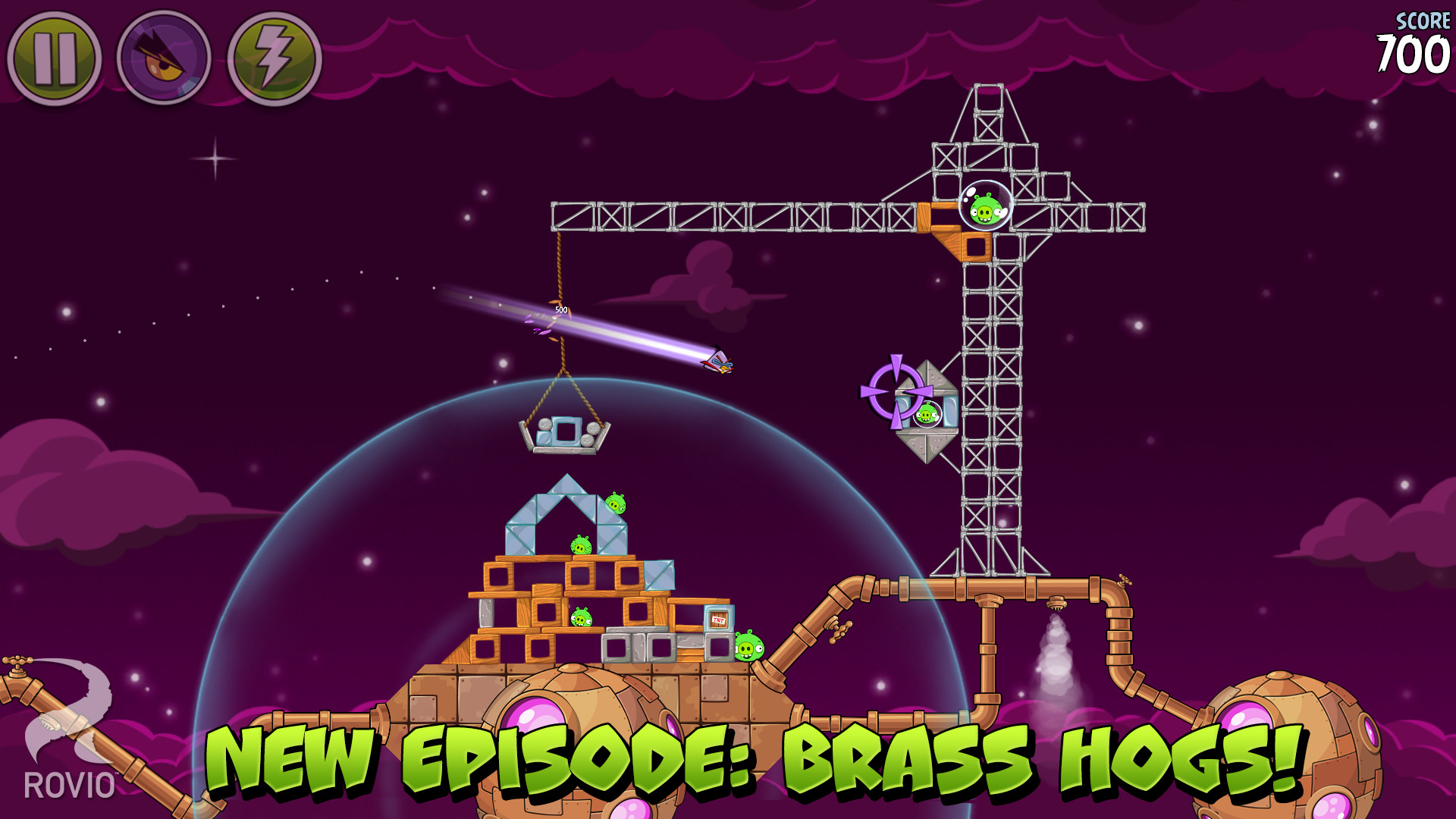
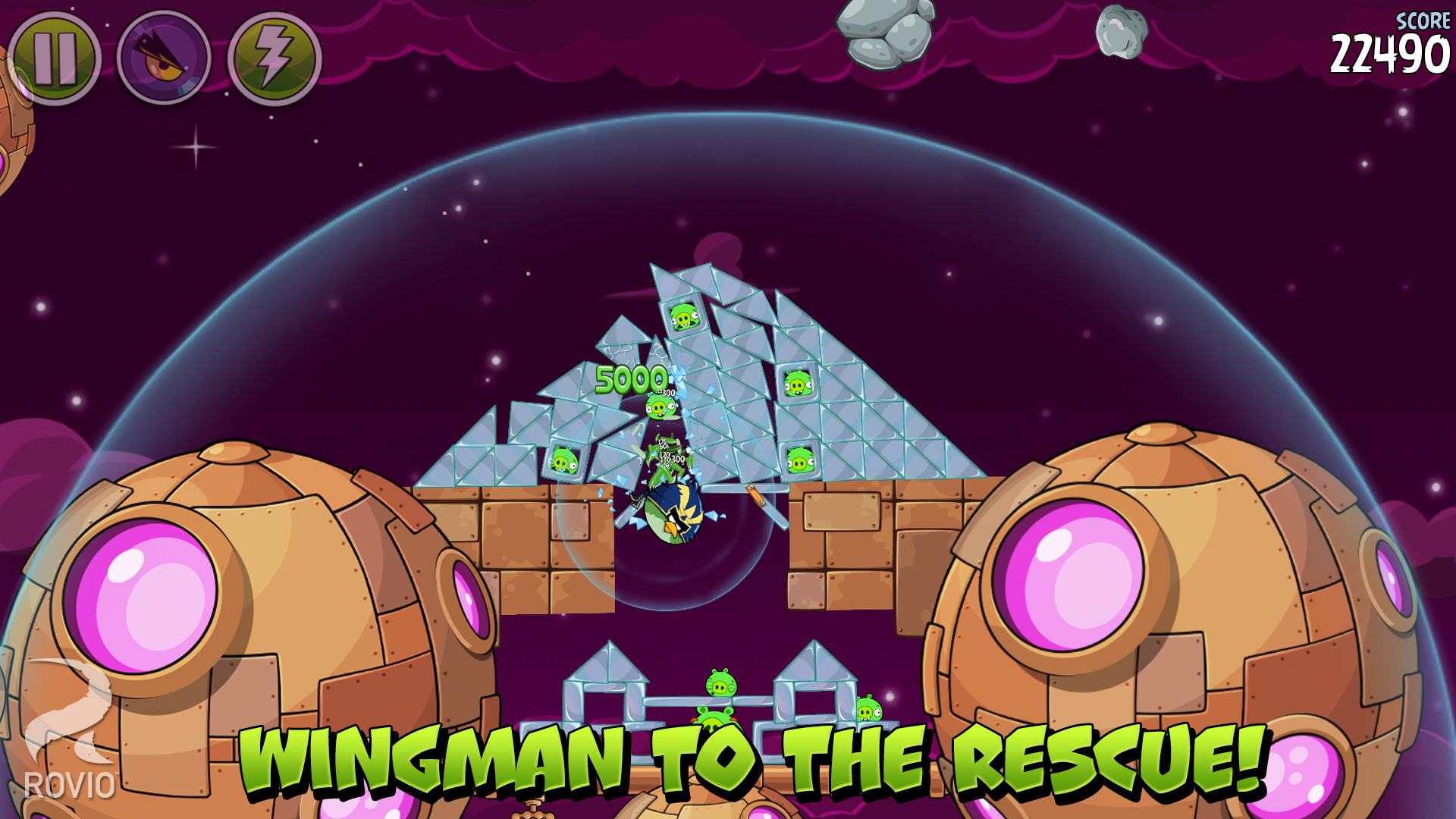
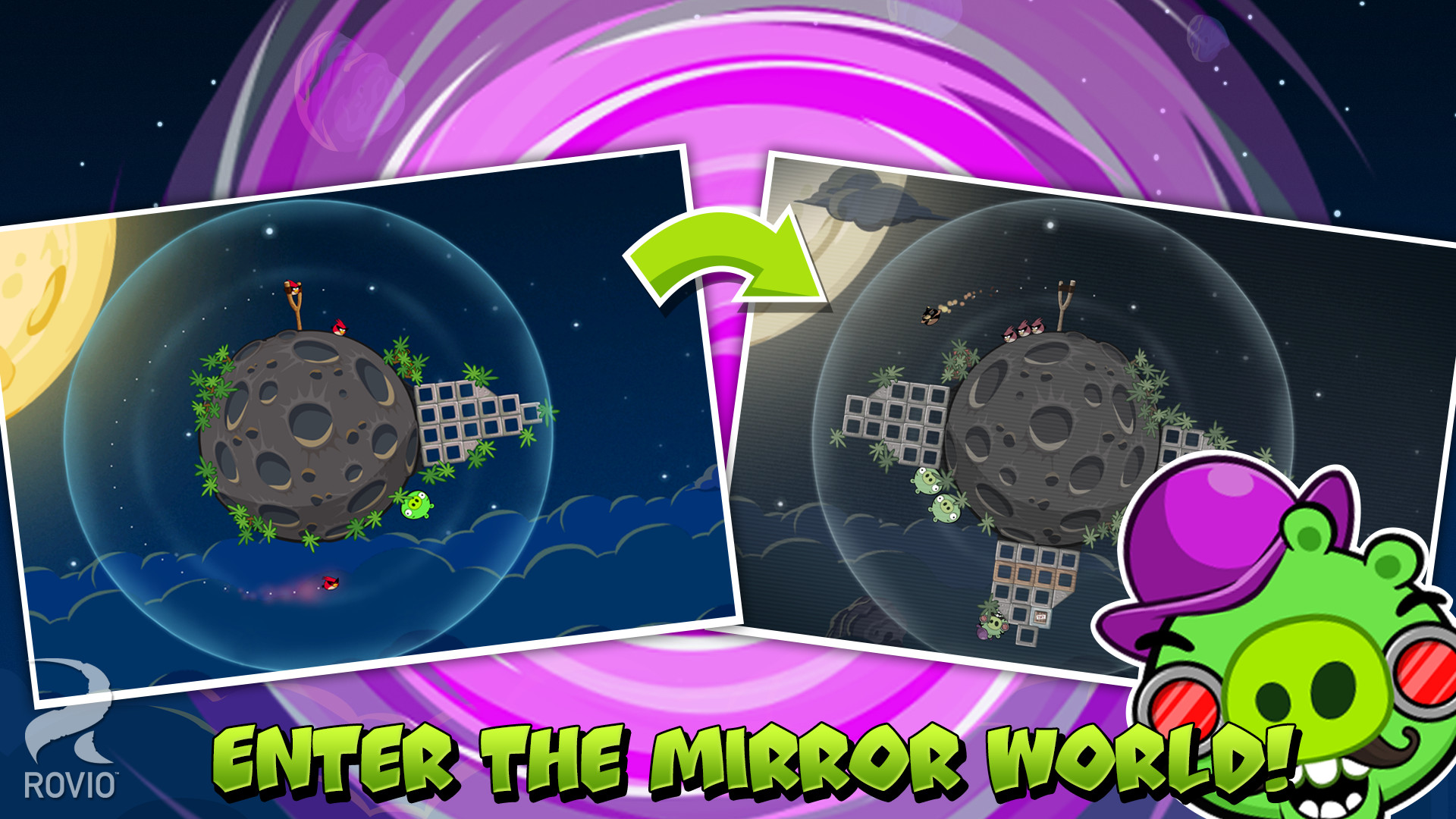
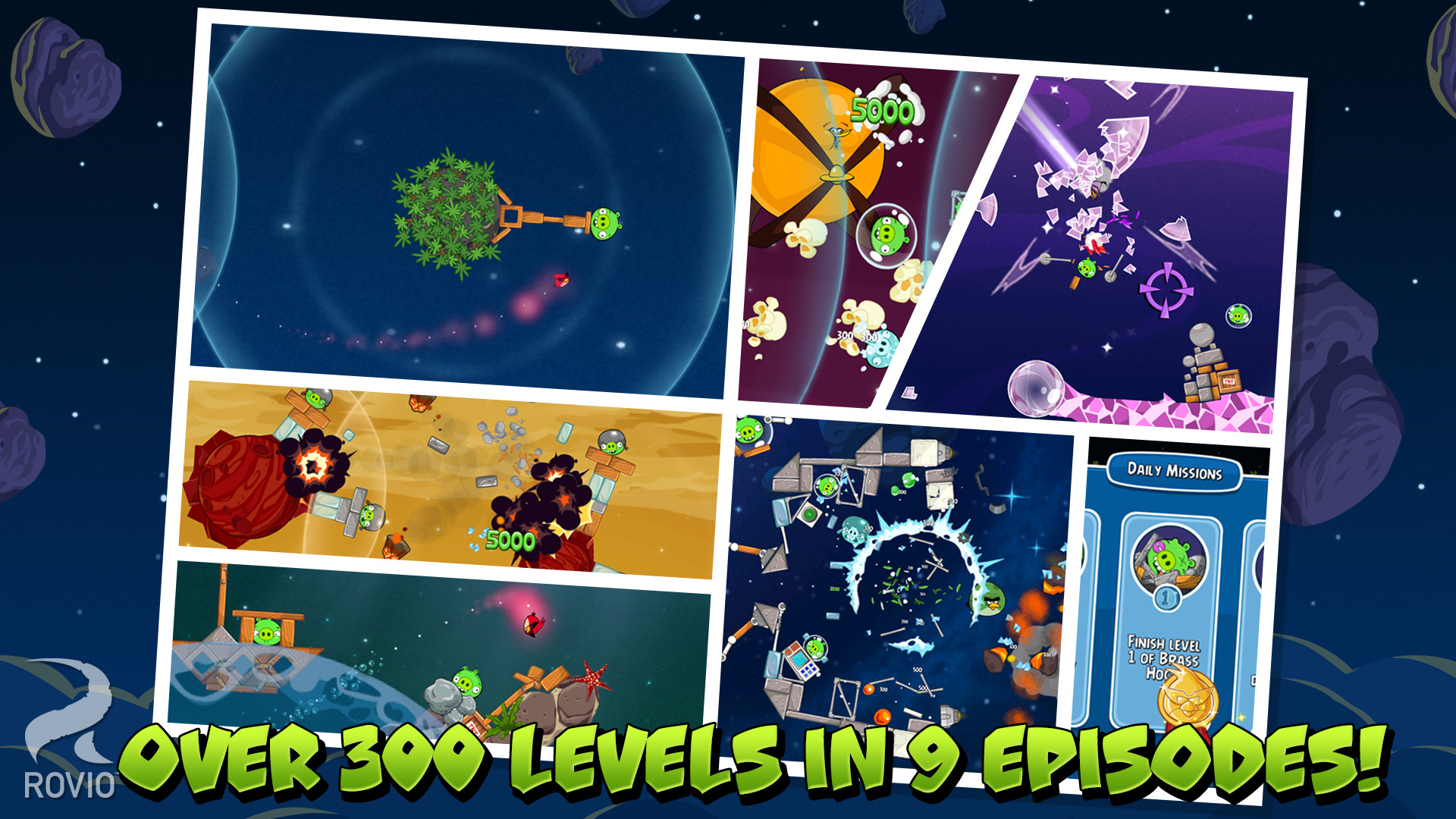
Official store screenshots from Steam — deckport links them, never rehosts. Hover to pause; click to preview.
Identity
Launch
- Binary
- AngryBirdsSpace.exe
- Needs files
- none beyond the binary
Proton
- Version
- GE-Proton
- Winetricks
- —
- ProtonDB
- ProtonDB Gold runs perfectly after tweaks
⚙ Setup notes
Status: Delisted Steam game (appid 210550). ProtonDB rates it gold and community reports confirm it runs on Linux/Proton.
Proton: GE-Proton (or proton_experimental) launches cleanly, with no DRM/GFWL middleware to bypass.
Controller: The slingshot gameplay is pure point-and-click mouse, so it has NO native controller support. On the Deck, add a Steam Input layout that drives the cursor with the right trackpad (or gyro) and binds left-click to a trigger; aiming the slingshot then works fine.
Install: deckport only configures the prefix; it never bundles or links the game files.
The one thing to know
Supply your own copy. deckport links nothing.
Compatibility: ProtonDB gold; runs on Linux/Proton per community reports (delisted, no longer purchasable on Steam).
Controller: No native gamepad support — the slingshot is mouse-only, so on the Deck you MUST set up a Steam Input layout using the right trackpad/gyro as the mouse with a trigger bound to left-click; without that the game is unplayable on a controller.
Online: Single-player/offline, so no server-shutdown risk.
Needs-test: Binary (AngryBirdsSpace.exe) and Steam Input layout still need a hands-on Deck pass to confirm.
Community guides
Write-ups and threads from people who got this (or a similar) game running. deckport links to them — it doesn't reproduce them.
Get the artwork
deckport never hosts game images. Open this game on SteamGridDB, pick
the cover / hero / logo / icon you like, and drop them into the
game folder under .deckport-art/ before you push it to the
Deck. The importer files them under the right names automatically.
Run it on your Deck
Two files: the one-time importer (deckport.py) in your
Deck's home folder, and this game's install helper. Copy the game
into ~/Games and run the helper with Steam closed — it
writes the recipe (binary, launch options, Proton version)
and registers the shortcut with artwork.