About
Area 51 is a 2005 sci-fi first-person shooter that loosely remakes Midway's 1995 arcade light-gun game. Players control HAZMAT soldier Ethan Cole investigating an alien outbreak at the titular base, gaining mutant powers as the story unfolds. The game is notable for its B-movie voice cast, featuring David Duchovny, Powers Boothe, and Marilyn Manson.
It was later released for free on Steam by Midway/Warner Bros., with the original StarForce DRM removed from that build.
Screenshots
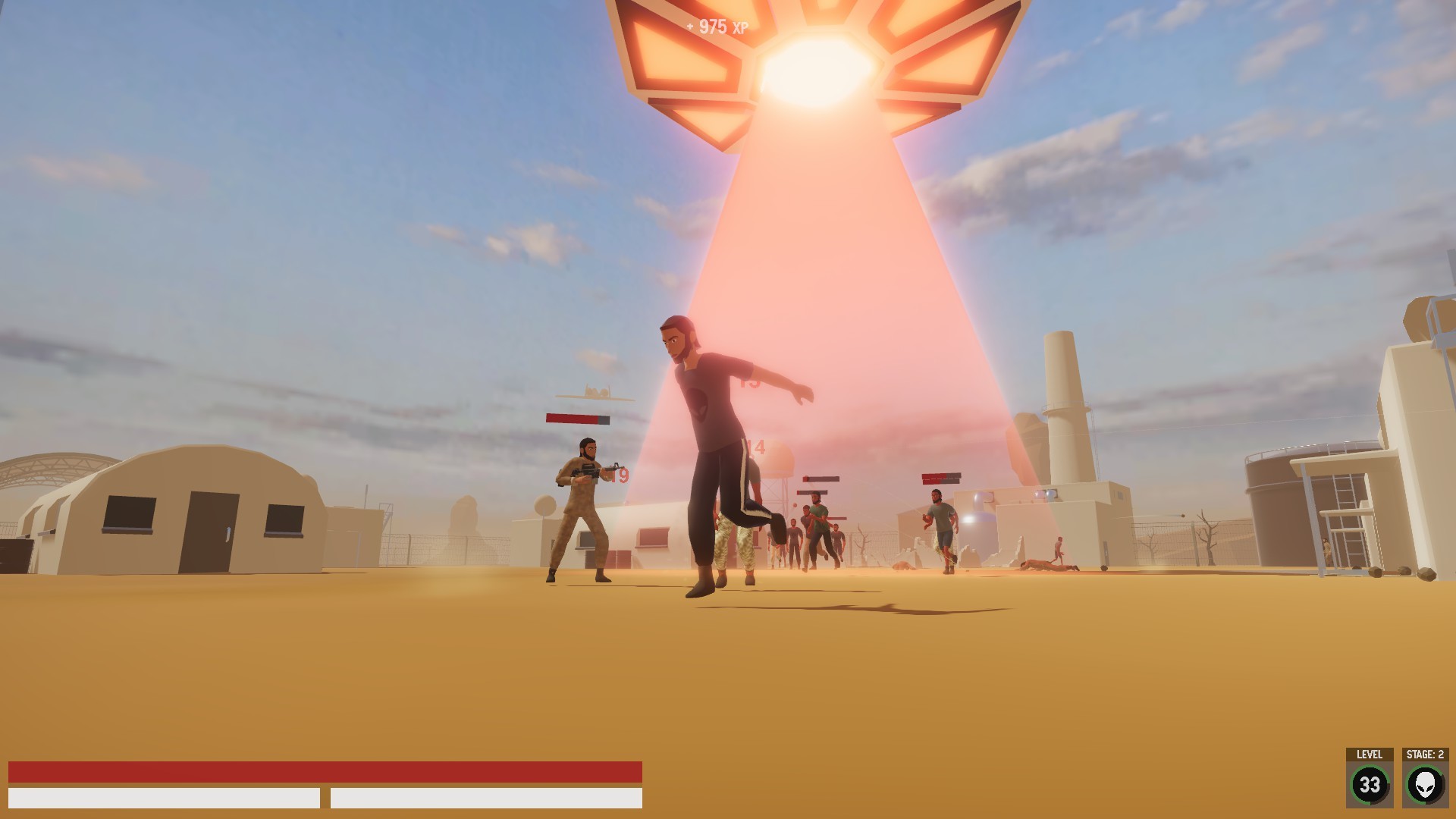
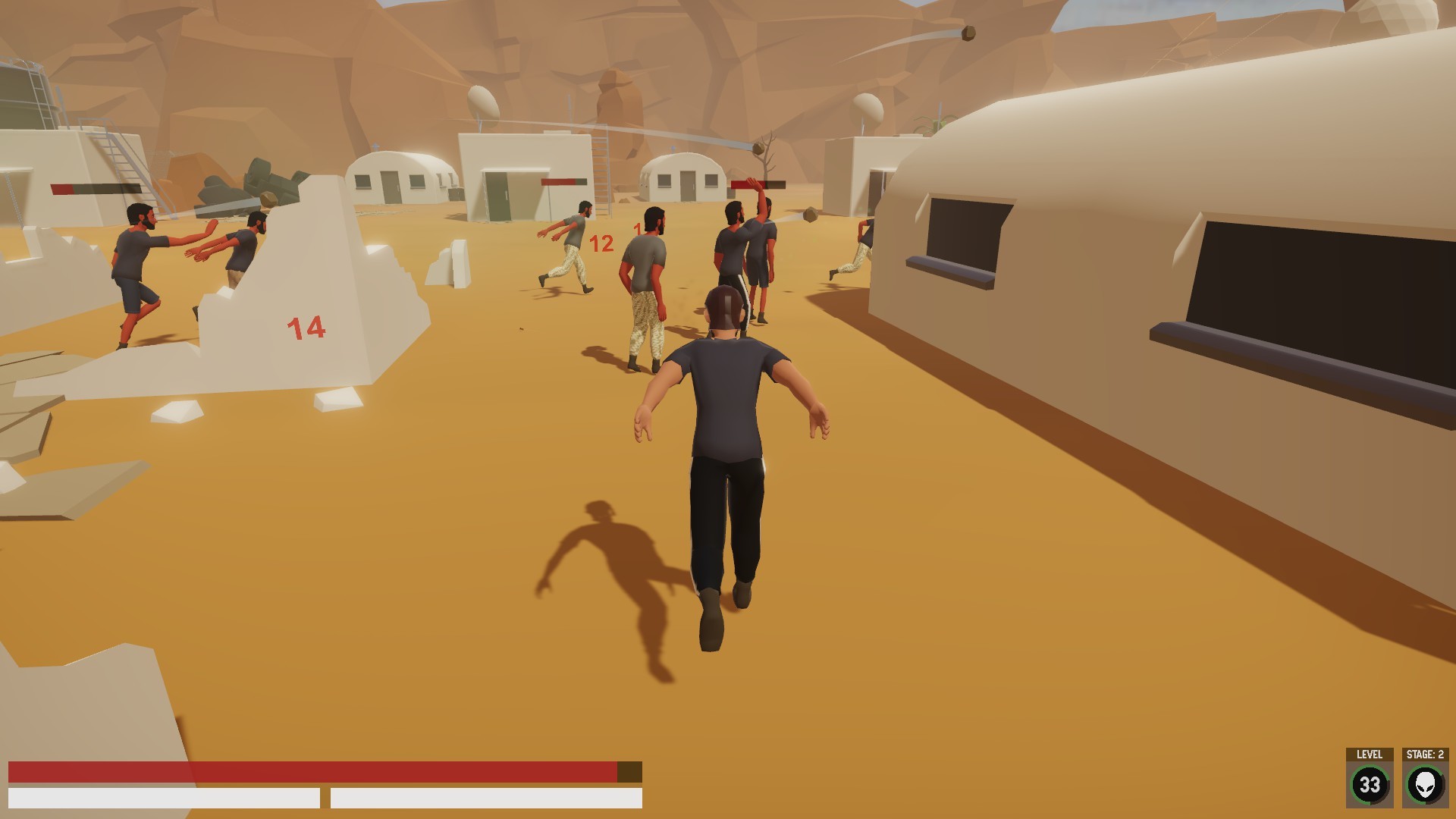
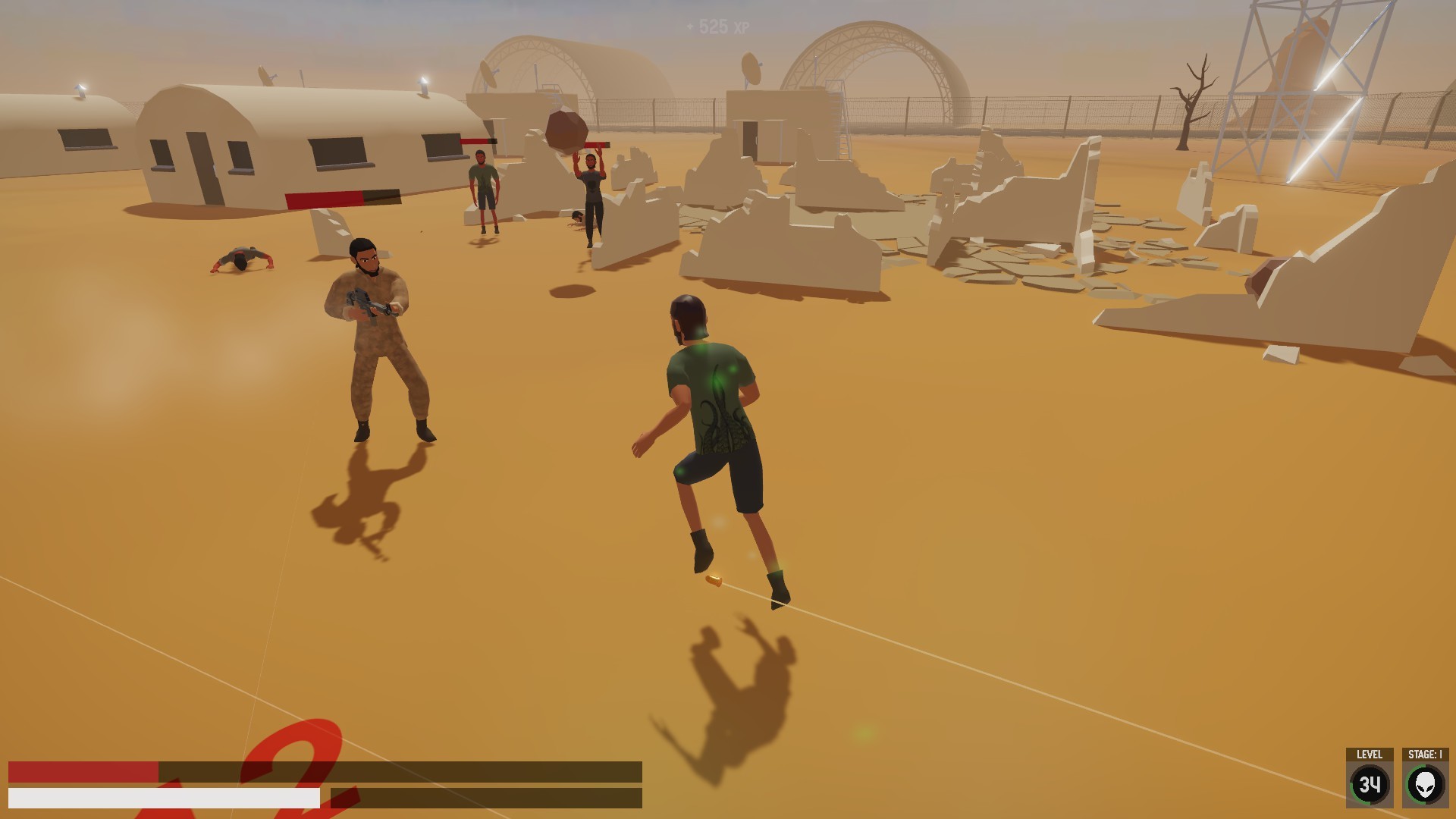
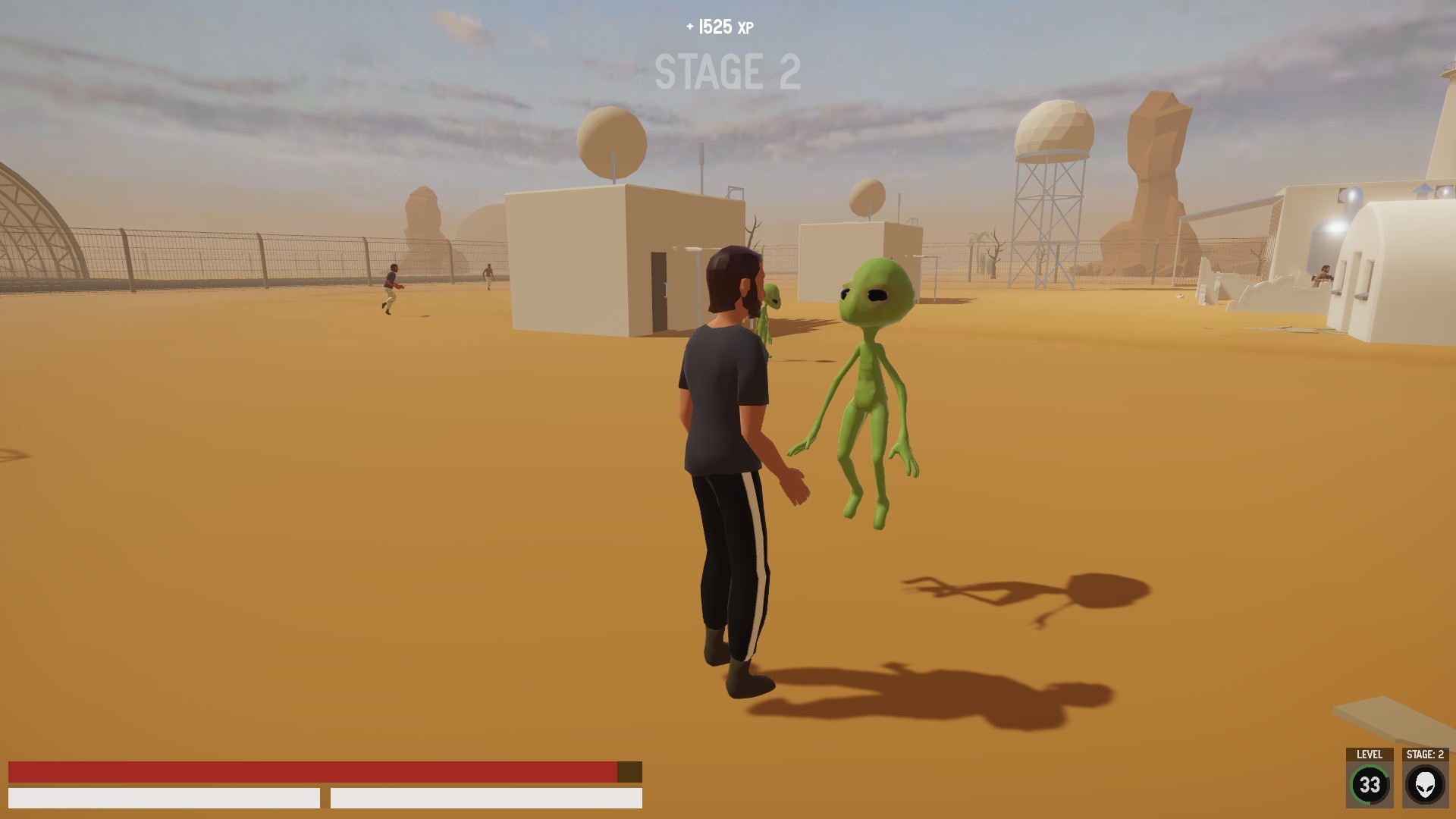

Official store screenshots from Steam — deckport links them, never rehosts. Hover to pause; click to preview.
Identity
Launch
- Binary
- A51.exe
- Needs files
- none beyond the binary
Proton
- Version
- GE-Proton
- Winetricks
- —
⚙ Setup notes
Game: 2005 Midway Studios Austin sci-fi FPS (David Duchovny + Marilyn Manson).
DRM: This recipe targets the official free Steam re-release (app 1125130), which already has the old StarForce DRM stripped out, so no DRM workaround is needed.
Proton: DX9 title; launches via A51.exe. Force a recent GE-Proton (proton_experimental also works) for best compatibility.
Display: In Video Settings enable High Detailed Textures.
Controller: The PC port has no native gamepad support and is keyboard/mouse only, so on Deck apply a Steam Input gamepad-to-keyboard/mouse layout (an FPS template binds cleanly).
FOV: Widescreen is VERT- by default. For a HOR+ field of view, either apply the community "Area 51 HOR+ FOV fix" patch, or hex-edit A51.exe at offset 338C20, changing 92 0A 86 3F to your desired FOV value.
Optional mod: The community Project Dreamland mod restores multiplayer, widens FOV, and fixes crashes on modern GPUs, but it adds setup complexity; for a minimal Deck run the stock A51.exe plus the FOV fix is enough.
The one thing to know
Supply your own copy: Use the official free Steam re-release (app 1125130); StarForce DRM is already removed from that build.
Proton: Run A51.exe under GE-Proton and enable High Detailed Textures.
Controller: No native controller support — bind a Steam Input gamepad-to-keyboard/mouse FPS layout on Deck.
FOV: Widescreen defaults to VERT- (narrowed FOV on 16:10); optional A51.exe hex-edit at offset 338C20 (92 0A 86 3F) restores a HOR+ FOV.
ProtonDB: Tier not confirmed via an aggregate rating; mark verified after a real Deck run.
Community guides
Write-ups and threads from people who got this (or a similar) game running. deckport links to them — it doesn't reproduce them.
Get the artwork
deckport never hosts game images. Open this game on SteamGridDB, pick
the cover / hero / logo / icon you like, and drop them into the
game folder under .deckport-art/ before you push it to the
Deck. The importer files them under the right names automatically.
Run it on your Deck
Two files: the one-time importer (deckport.py) in your
Deck's home folder, and this game's install helper. Copy the game
into ~/Games and run the helper with Steam closed — it
writes the recipe (binary, launch options, Proton version)
and registers the shortcut with artwork.