About
Armed and Dangerous is a comedic third-person run-and-gun shooter from Planet Moon Studios, the studio founded by former Shiny Entertainment developers behind Giants: Citizen Kabuto. Players control Roman, leader of a band of outlaws, across destructible battlefields featuring exotic weapons like the Land Shark Gun and a Topsy-Turvy bomb that flips the world upside down. The game is best known for its irreverent humor and cutscenes that parody Star Wars, The Lord of the Rings, and Monty Python. It was released in 2003 for Windows and Xbox and has since been delisted from digital storefronts.
Screenshots
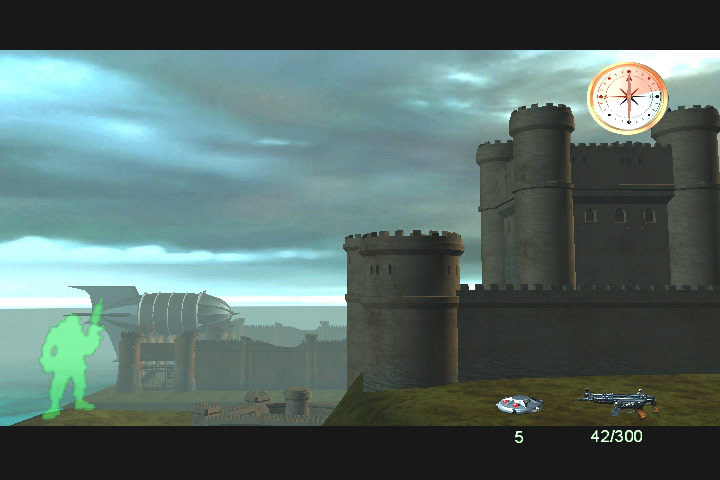
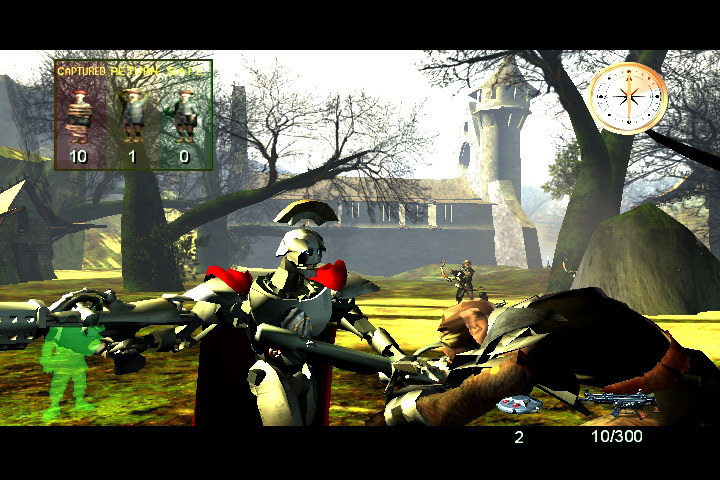
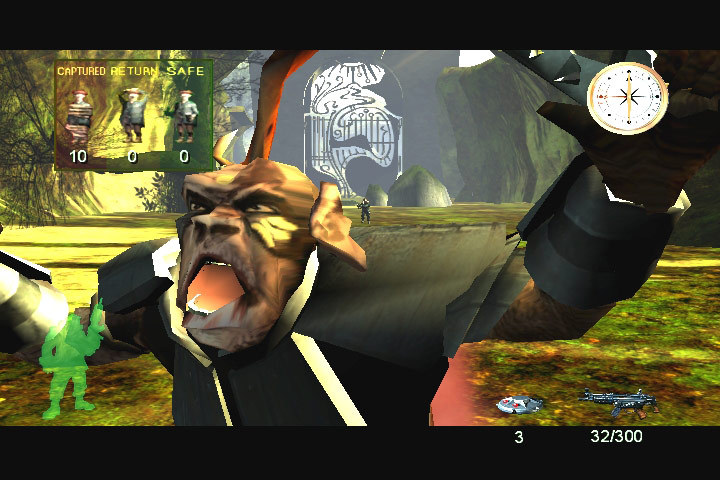
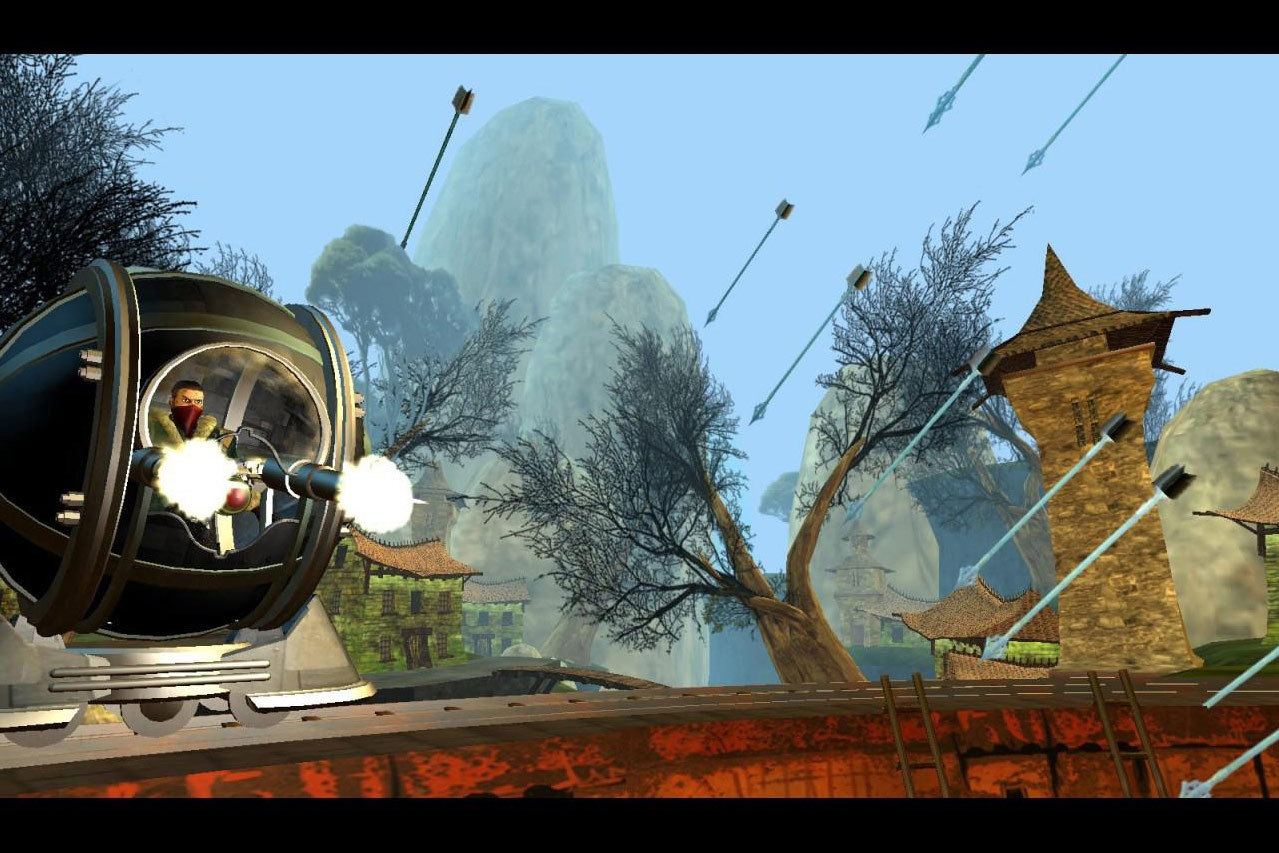
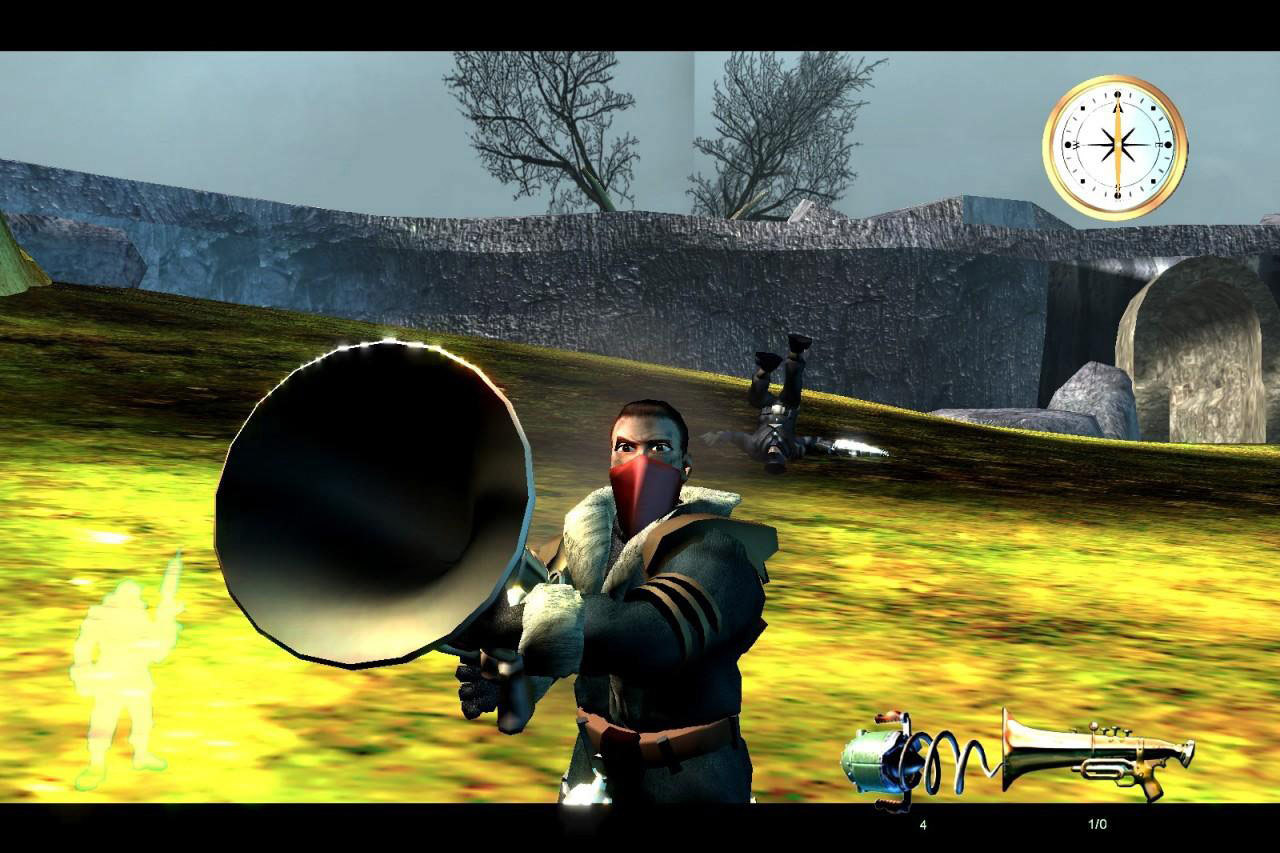
Official store screenshots from Steam — deckport links them, never rehosts. Hover to pause; click to preview.
Identity
Launch
- Binary
- game.exe
- Needs files
- none beyond the binary
Proton
- Version
- GE-Proton
- Winetricks
- —
- ProtonDB
- ProtonDB Gold runs perfectly after tweaks
⚙ Setup notes
Game: 2003 Planet Moon Studios comedic action game (published by LucasArts, rights now under Disney/Lucasfilm).
Install: Delisted from Steam — supply your own copy.
Proton: Runs well on Deck under Proton GE (GE-Proton); proton_experimental also works.
Framerate fix (CRITICAL): Physics/game speed are tied to framerate and run wildly too fast above 60 FPS — cap the framerate to 60 in Steam's per-game performance overlay (Frame Limit = 60 / 60 Hz) before playing.
Display: Apply the WSGF Widescreen Fix (czarman) for 16:9+ resolutions — either copy the matching game.exe from the fix, or drop d3d9.dll + resolution.ini into the game folder and edit resolution.ini for a HOR+ resolution.
Controller: No native gamepad support — bind a Steam Input keyboard/mouse layout (a community gamepad with mouse trackpad template works well).
The one thing to know
Supply your own copy: Delisted from Steam — configuration only, no links.
Framerate (#1 fix): MUST cap framerate to 60 FPS (Frame Limit) or game speed/physics break and run far too fast.
Display: Apply the WSGF Widescreen Fix (game.exe swap, or d3d9.dll + resolution.ini) for non-4:3 resolutions.
Controller: No native controller — map a Steam Input keyboard/mouse layout.
Tier estimate: protondb_tier gold is a best estimate from community reports; verify on hardware.
Community guides
Write-ups and threads from people who got this (or a similar) game running. deckport links to them — it doesn't reproduce them.
Get the artwork
deckport never hosts game images. Open this game on SteamGridDB, pick
the cover / hero / logo / icon you like, and drop them into the
game folder under .deckport-art/ before you push it to the
Deck. The importer files them under the right names automatically.
Run it on your Deck
Two files: the one-time importer (deckport.py) in your
Deck's home folder, and this game's install helper. Copy the game
into ~/Games and run the helper with Steam closed — it
writes the recipe (binary, launch options, Proton version)
and registers the shortcut with artwork.