About
Arx Libertatis is a fully open-source, cross-platform port of Arx Fatalis, a first-person RPG released in 2002 by Arkane Studios (later creators of Dishonored). The engine port launched in 2012, bringing the game to modern operating systems with support for arbitrary resolutions, widescreen, improved renderer compatibility, and bug fixes absent from the original.
The original game is sold on GOG and Steam (app 1700) and must be owned to supply the data files. Arx Fatalis is notable for its unique rune-drawing magic system and immersive underground world setting.
Screenshots
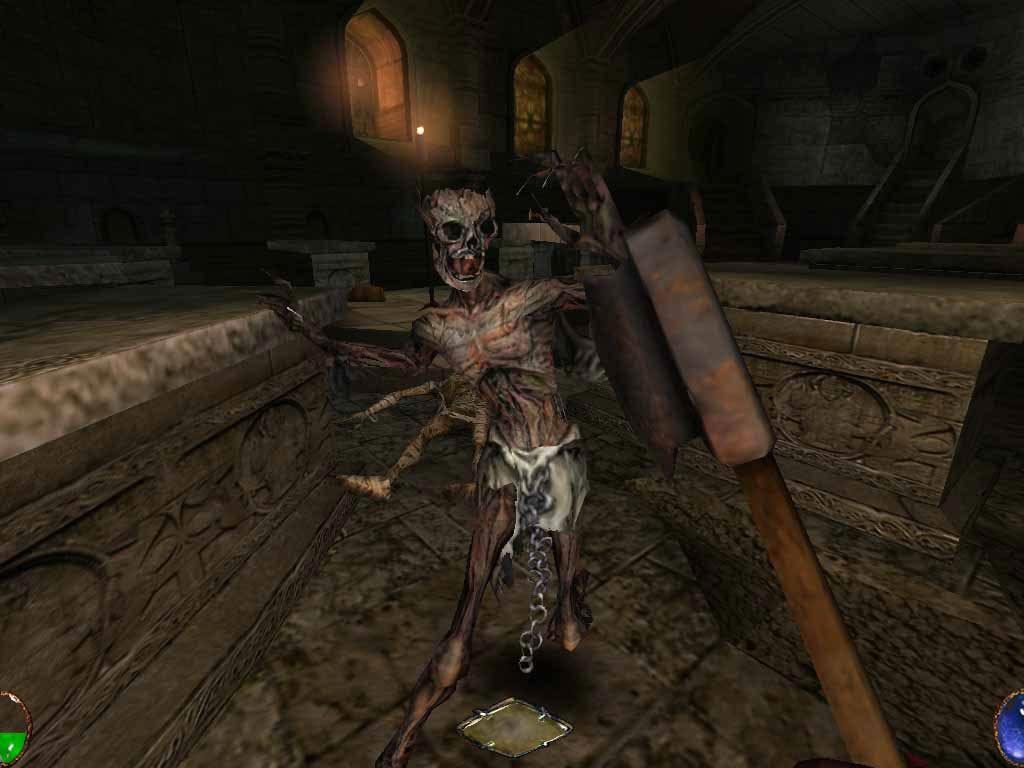
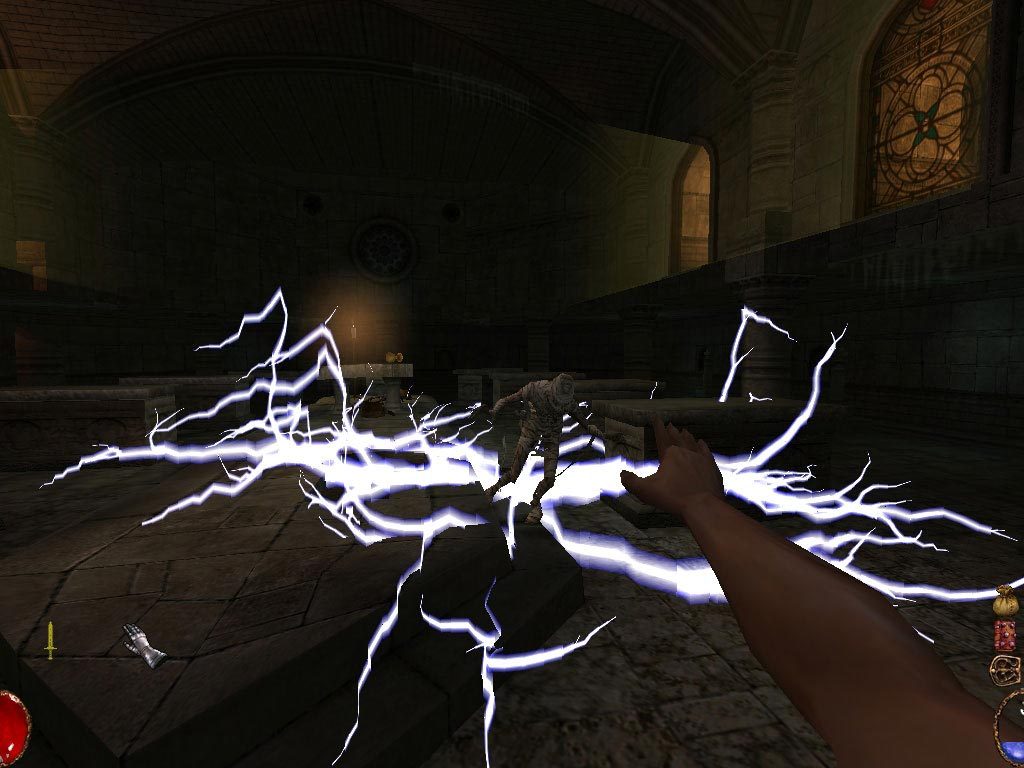
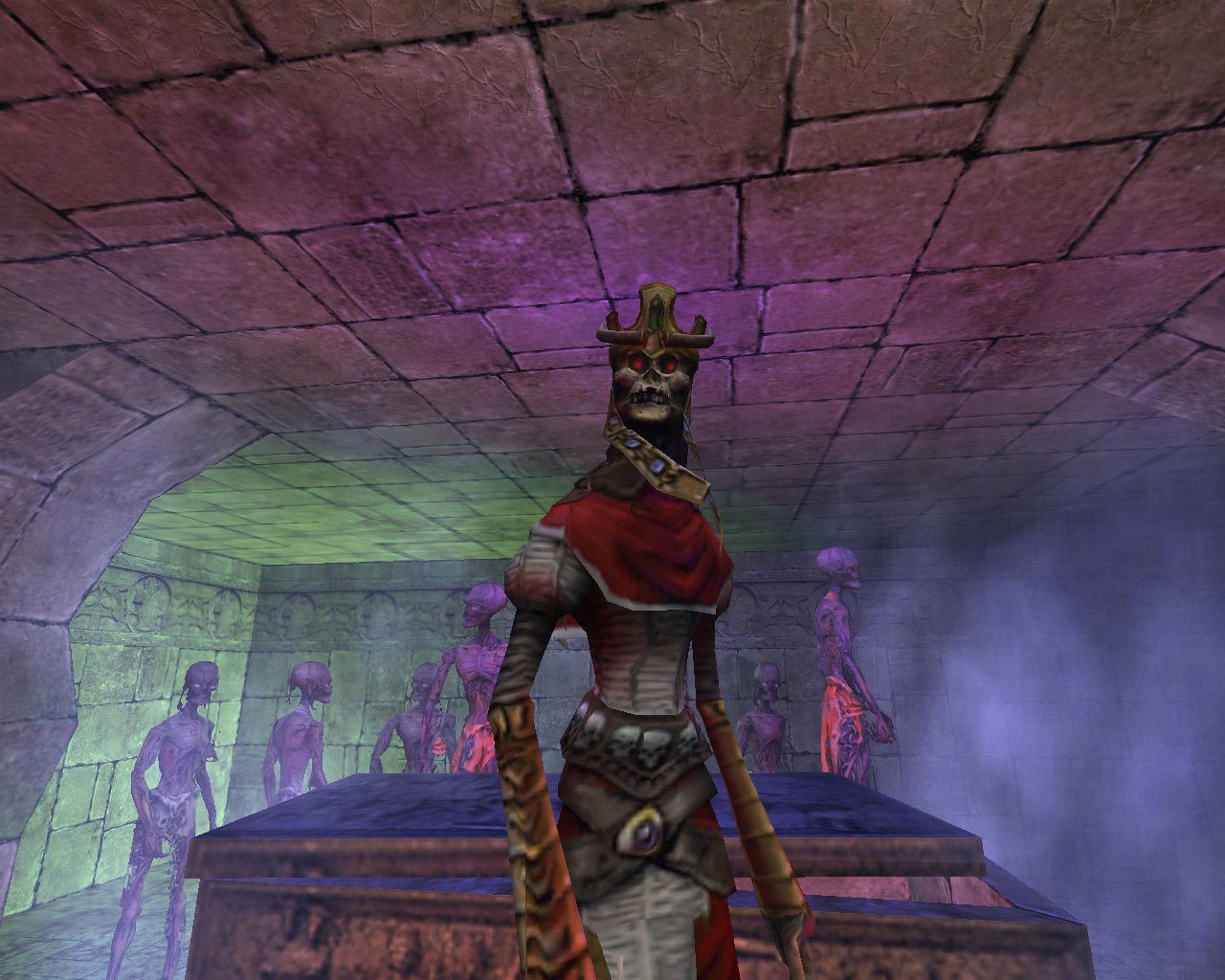
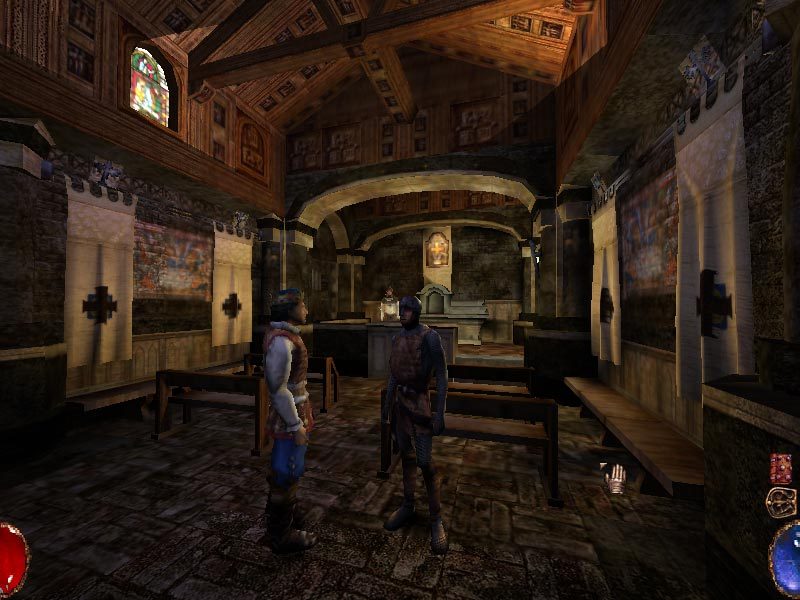
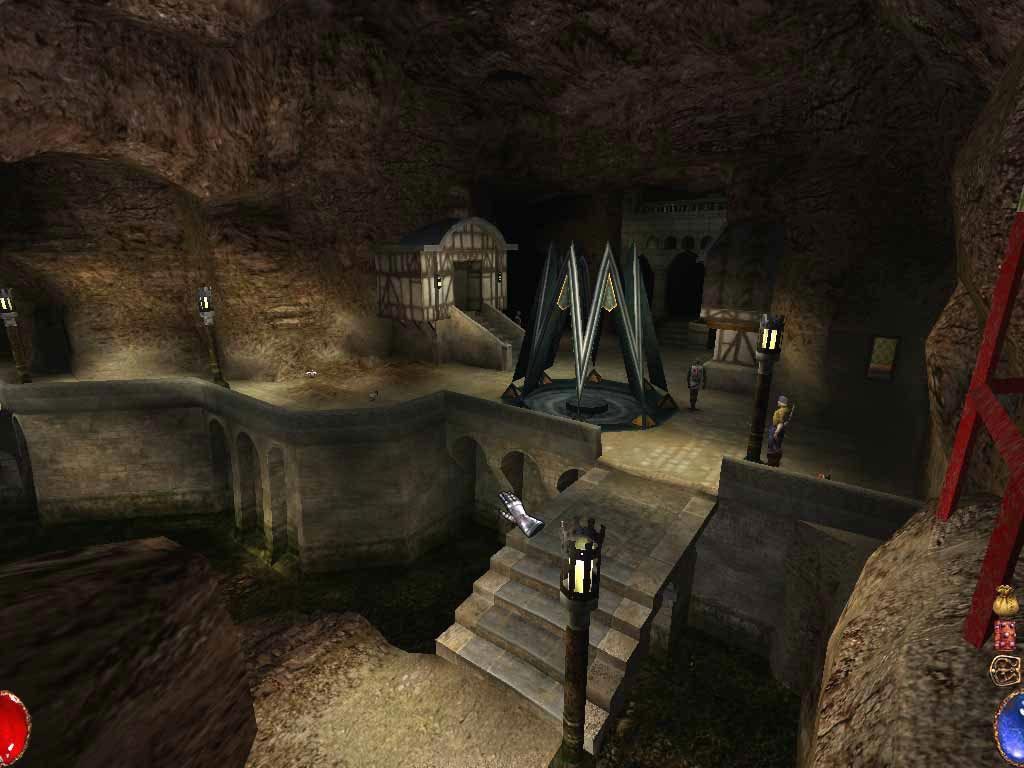
Official store screenshots from Steam — deckport links them, never rehosts. Hover to pause; click to preview.
Identity
Launch
- Binary
- arx
- Needs files
-
- data.pak
- loc.pak
- arx.pak
Runtime
- Runs as
- Native Linux
- Proton
- not needed
⚙ Setup notes
Native: A native Linux build is available and packaged for most distributions (AUR: arx-libertatis or arx-libertatis-bin; portable dev snapshots are also published on the project site). The binary is simply arx.
Easiest on Steam Deck (Luxtorpeda): The community-recommended path is the Luxtorpeda Steam Play compatibility tool. In Desktop Mode install ProtonUp-Qt from Discover, use it to install Luxtorpeda, then in Steam set Arx Fatalis (app 1700) to use Luxtorpeda as its compatibility tool. Launching the game then auto-downloads and runs the Arx Libertatis native engine against your installed data — no manual binary install needed.
Manual install: After installing the arx binary, point it at your Arx Fatalis data files using arx-install-data (bundled helper script), which copies, renames to lowercase, and verifies checksums from your Steam install. Note the on-disk Steam folder is lowercase: steamapps/common/arx fatalis/.
Alternative launch option: Set the Steam launch option for Arx Fatalis to: arx --data-dir "/path/to/steamapps/common/arx fatalis" %command% (adjust the arx binary path to wherever you installed it).
Controller: Input is handled via SDL, but Arx Fatalis is a keyboard/mouse-era game (rune-drawing magic). On Deck, apply one of the community Steam Input layouts for usable gamepad control — there is no polished built-in controller scheme.
The one thing to know
Supply your own copy: Requires Arx Fatalis data files (data.pak, loc.pak, arx.pak, and others) from your own purchase — available on Steam (app 1700) and GOG. The arx binary is a separate install from your distribution repos; it does NOT ship with data.
Install: Easiest on Deck is the Luxtorpeda compatibility tool (via ProtonUp-Qt), which auto-fetches the engine and runs it against your data. Otherwise run arx-install-data pointing at the Steam data directory (steamapps/common/arx fatalis/, lowercase on disk) to correctly lowercase and verify all required files.
Proton: No Proton needed — this is a native Linux engine. Apply a community Steam Input layout for comfortable controller play.
Community guides
Write-ups and threads from people who got this (or a similar) game running. deckport links to them — it doesn't reproduce them.
- steam Making Steam launch native Linux Arx Libertatis — Steam Arx Fatalis discussions ↗
- wiki Installing the game data under Linux — Arx Libertatis Wiki ↗
- steam Arx Libertatis on Steam Deck (Luxtorpeda) — Arx Fatalis discussions ↗
- wiki Linux packages — Arx Libertatis Wiki ↗
- arx-libertatis Arx Libertatis official site ↗
Get the artwork
deckport never hosts game images. Open this game on SteamGridDB, pick
the cover / hero / logo / icon you like, and drop them into the
game folder under .deckport-art/ before you push it to the
Deck. The importer files them under the right names automatically.
Run it on your Deck
Two files: the one-time importer (deckport.py) in your
Deck's home folder, and this game's install helper. Copy the game
into ~/Games and run the helper with Steam closed — it
writes the recipe (binary, launch options)
and registers the shortcut with artwork.