About
The fifth main entry in the Assassin's Creed series, built on Ubisoft's new AnvilNext engine. Set in Colonial America from 1754-1783, it follows Haytham Kenway and his son Ratonhnhaké:ton (Connor), a half-Mohawk Assassin caught up in the events of the American Revolution. It introduced large-scale wilderness exploration, naval combat, and a frontier setting to the franchise. Released to strong sales but a mixed-to-positive critical reception, partly due to numerous launch glitches; the original 2012 release was later delisted from Steam following the 2019 Remastered edition.
Screenshots
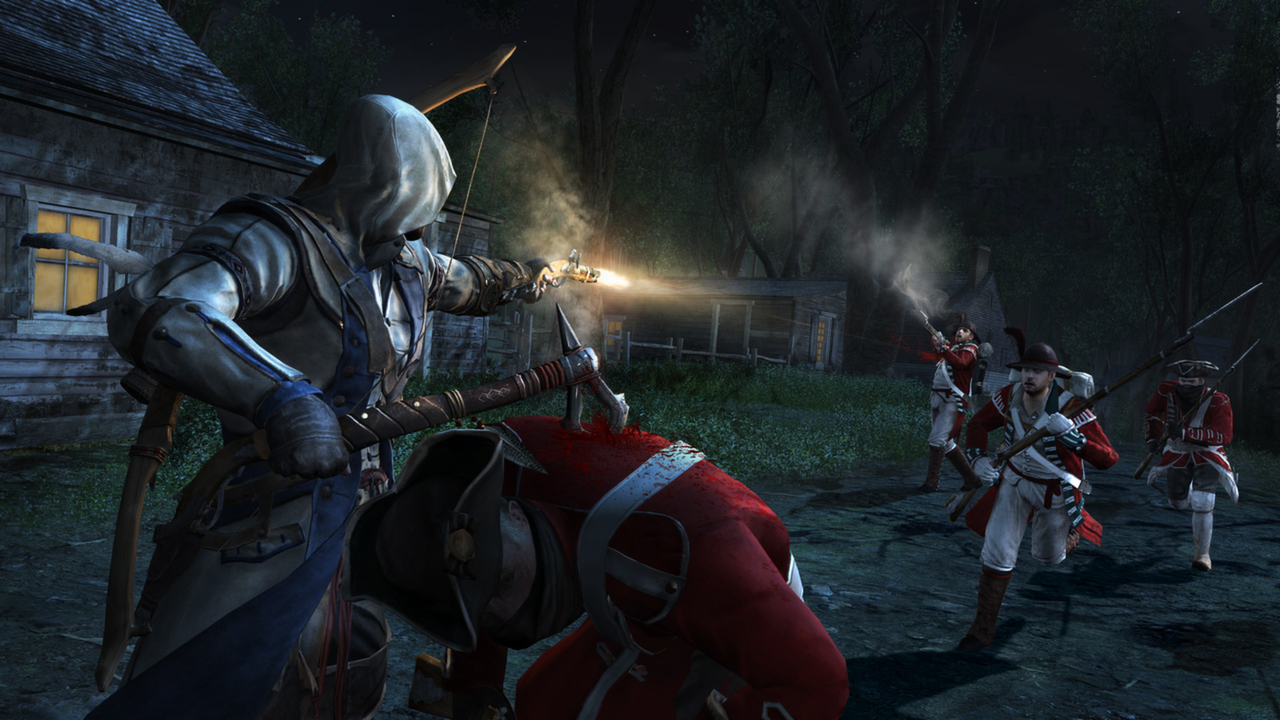


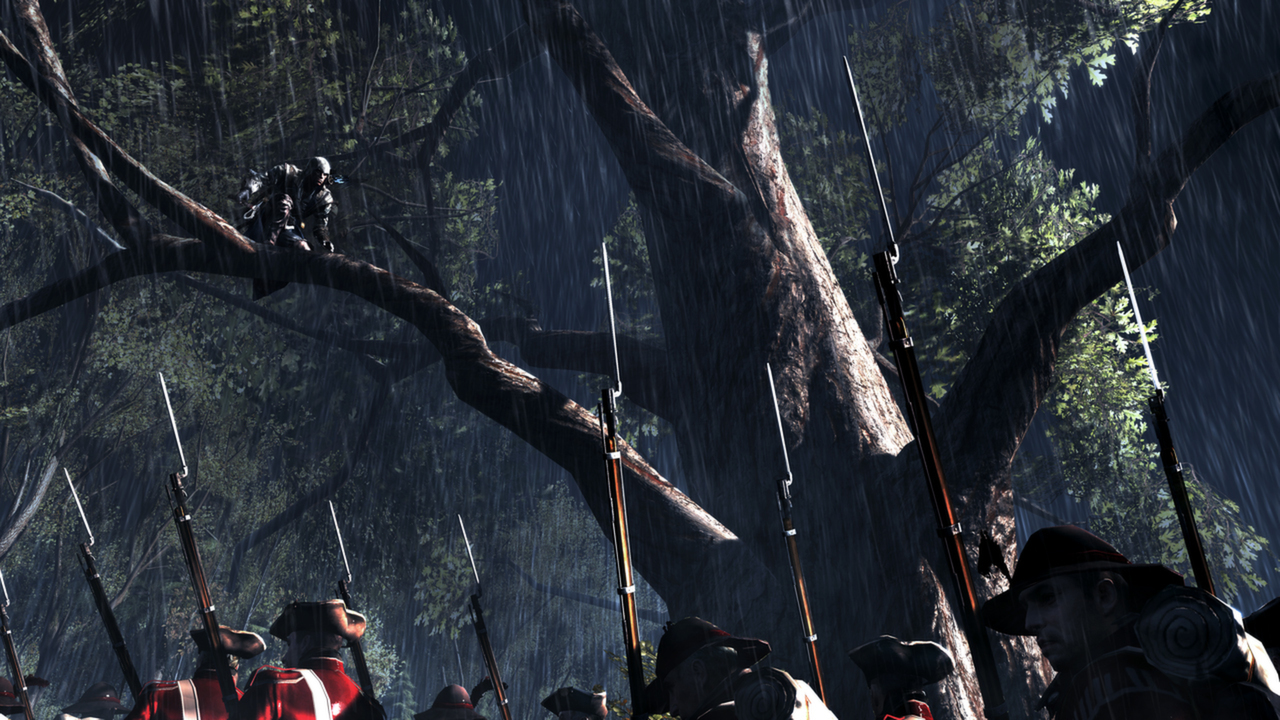
Official store screenshots from Steam — deckport links them, never rehosts. Hover to pause; click to preview.
Identity
Launch
- Binary
- AC3SP.exe
- Needs files
- none beyond the binary
Proton
- Version
- GE-Proton
- Winetricks
- —
- ProtonDB
- ProtonDB Gold runs perfectly after tweaks
⚙ Setup notes
Target: Original 2012 Assassin's Creed III, delisted from Steam in 2019 when the Remastered edition (a SEPARATE appid, still for sale) launched. This recipe targets the delisted original, appid 208480. ProtonDB gold; community confirms it runs on Deck.
DRM: Launches through Uplay / Ubisoft Connect. On first run it wants to register on Ubisoft servers, and the legacy in-game browser is unsupported. If the launcher window hangs or shows a blank/black panel, do a full Deck restart and relaunch.
Proton: Most reliable path is GE-Proton (better Ubisoft Connect overlay/login handling than stock). If the bundled launcher fails, install Ubisoft Connect as its own non-Steam game and point that prefix at AC3SP.exe.
Controller: Reports describe a recurring gamepad-detection issue: the game/Ubisoft Connect can fail to see the controller, and on some Proton builds it's only fixed by disabling Steam Input (game Properties → Controller → Disable Steam Input) and selecting the X360 controller in the in-game options. Proton 8.0-5 works with Steam Input off; Proton Experimental has shown the detection failure. The game does NOT cleanly hand off to a native gamepad out of the box — expect to toggle Steam Input. If the pad isn't recognised after launch, set a Desktop controller layout before starting.
Install: deckport only configures the prefix; it never bundles or links the game files.
The one thing to know
Supply your own copy. deckport links nothing.
Right appid: Targets the DELISTED original (appid 208480), NOT the Remastered edition (appid 911400) which remains for sale on Steam — don't confuse them.
DRM: Ubisoft Connect / Uplay is required and can be the only friction point on Deck: first-launch server registration plus the dead legacy in-game browser may need a full Deck restart, and GE-Proton handles the launcher login most reliably (fallback: run Ubisoft Connect as a non-Steam game and launch AC3SP.exe from it).
Controller: Not plug-and-play on Deck. Community reports show the controller can go undetected; the common fix is to DISABLE Steam Input and pick the X360 controller in the in-game options. Proton 8.0-5 + Steam Input off is a known-good combo (Proton Experimental had detection failures).
Modes: Multiplayer servers for the original are long dead — single-player only.
Community guides
Write-ups and threads from people who got this (or a similar) game running. deckport links to them — it doesn't reproduce them.
Get the artwork
deckport never hosts game images. Open this game on SteamGridDB, pick
the cover / hero / logo / icon you like, and drop them into the
game folder under .deckport-art/ before you push it to the
Deck. The importer files them under the right names automatically.
Run it on your Deck
Two files: the one-time importer (deckport.py) in your
Deck's home folder, and this game's install helper. Copy the game
into ~/Games and run the helper with Steam closed — it
writes the recipe (binary, launch options, Proton version)
and registers the shortcut with artwork.