About
Atari Vault is a compilation of 100 classic Atari titles drawn from the Atari 2600 home console and arcade cabinets of the 1970s, 1980s, and 1990s, including Asteroids, Centipede, Missile Command, Tempest, and Warlords. Developed by Code Mystics, who previously handled the Atari Greatest Hits series, it adds modern conveniences such as local and online multiplayer plus online leaderboards. Built in Unity, it shipped on Windows (Mar 2016), Linux/SteamOS (May 2016) and macOS (2017). The collection was expanded over time via DLC and a 150-game 'Atari Vault Collection' bundle. Atari delisted it from Steam in November 2022 to make way for Atari 50: The Anniversary Celebration, though existing owners retain access.
Screenshots
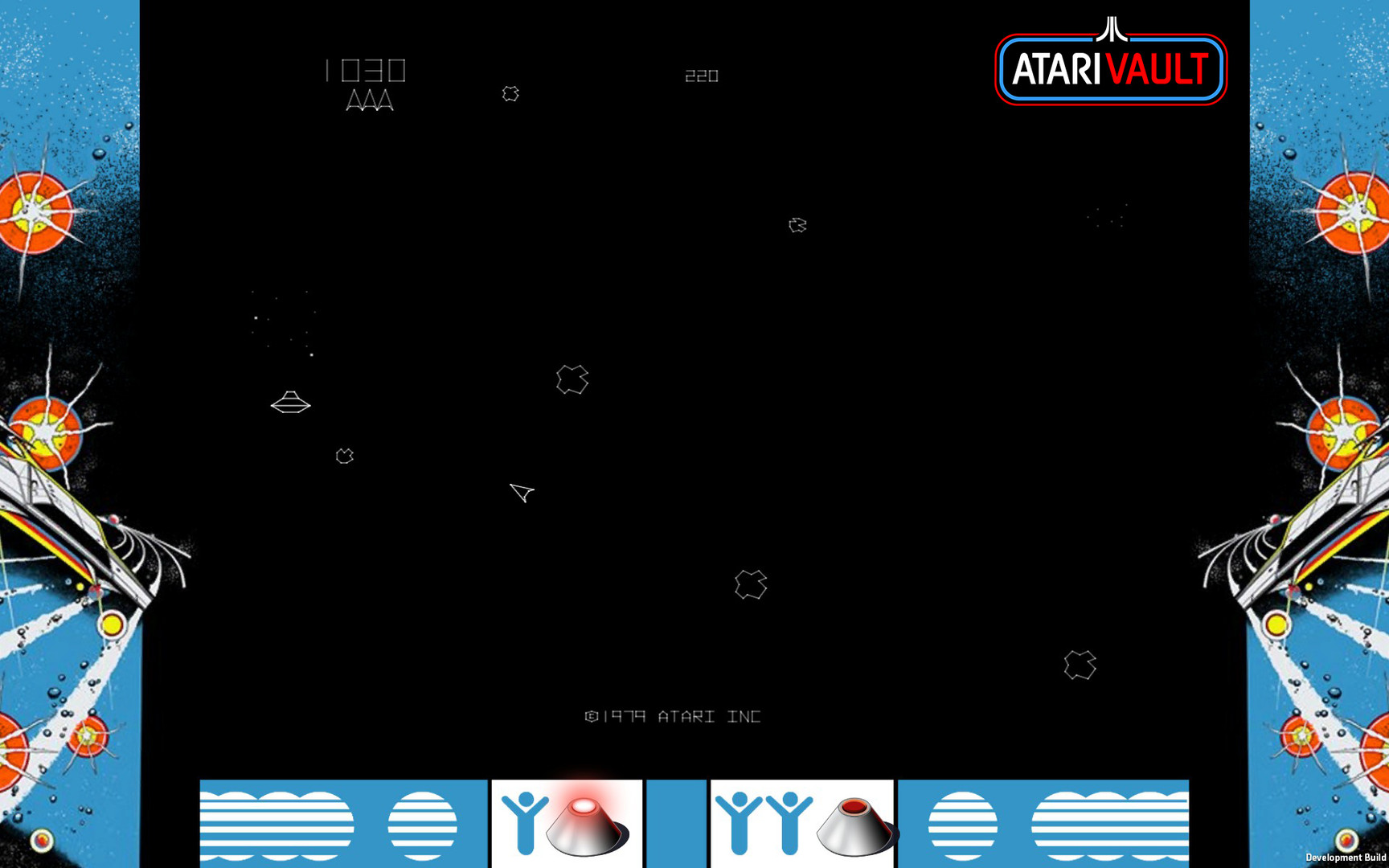
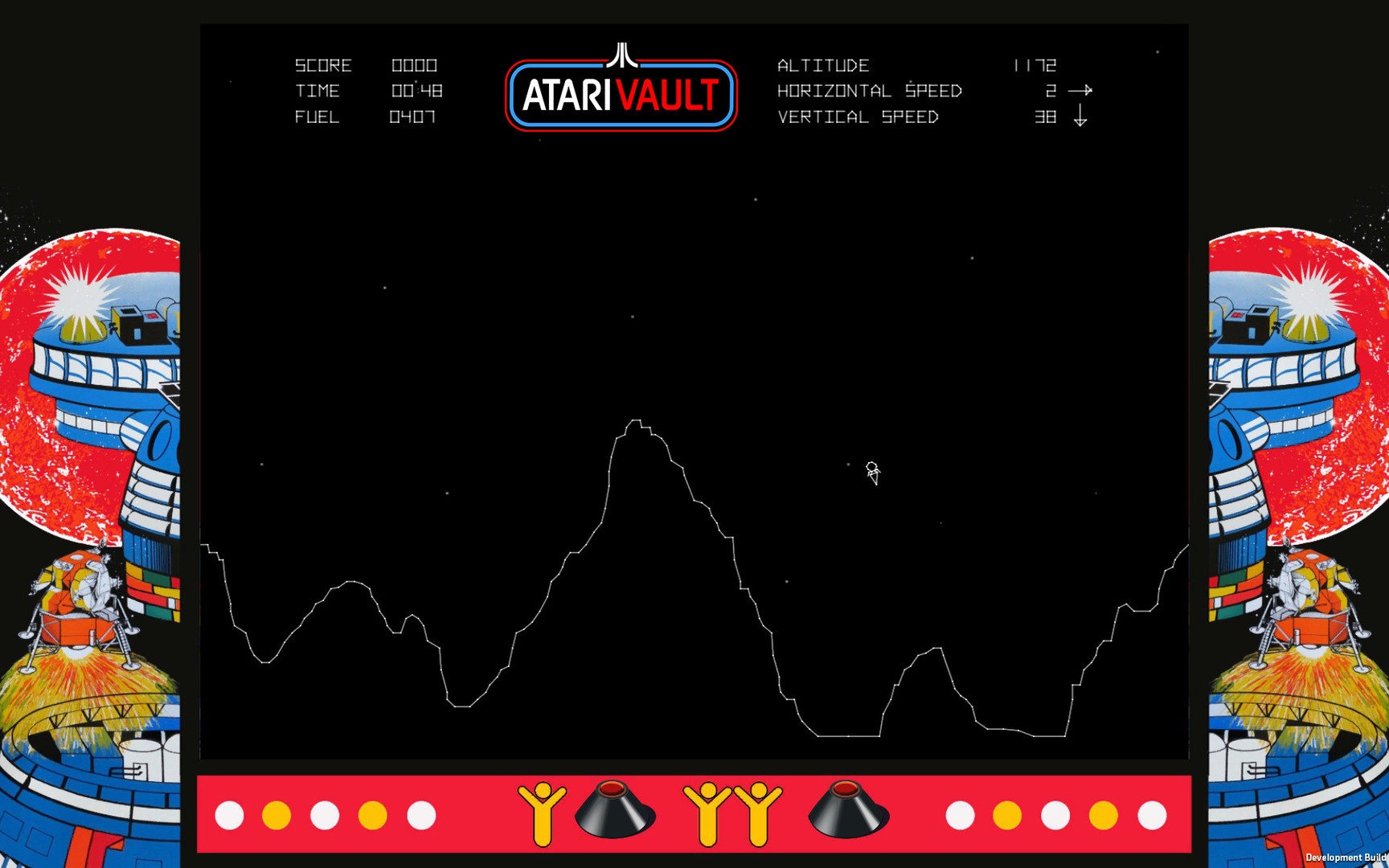
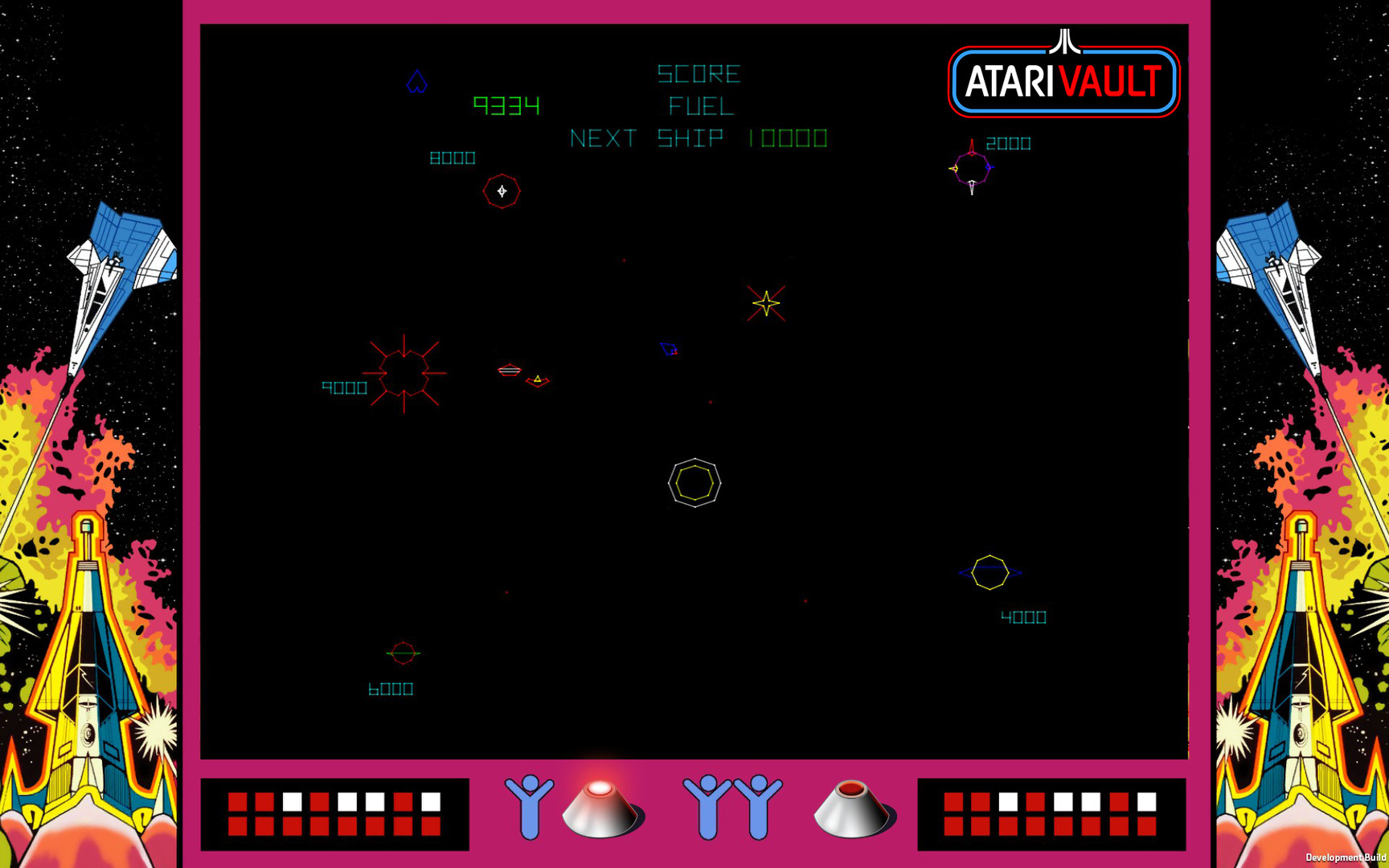
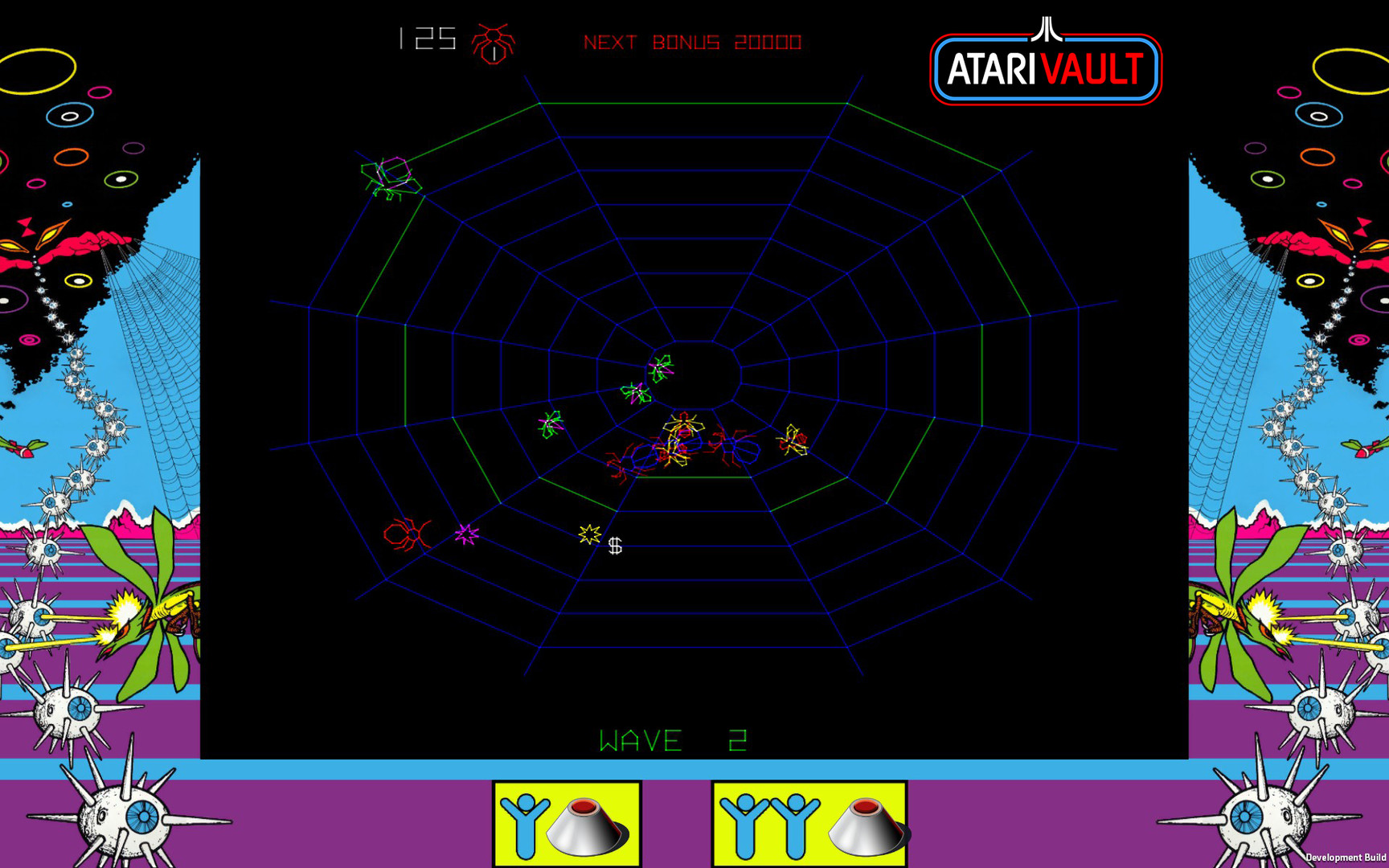
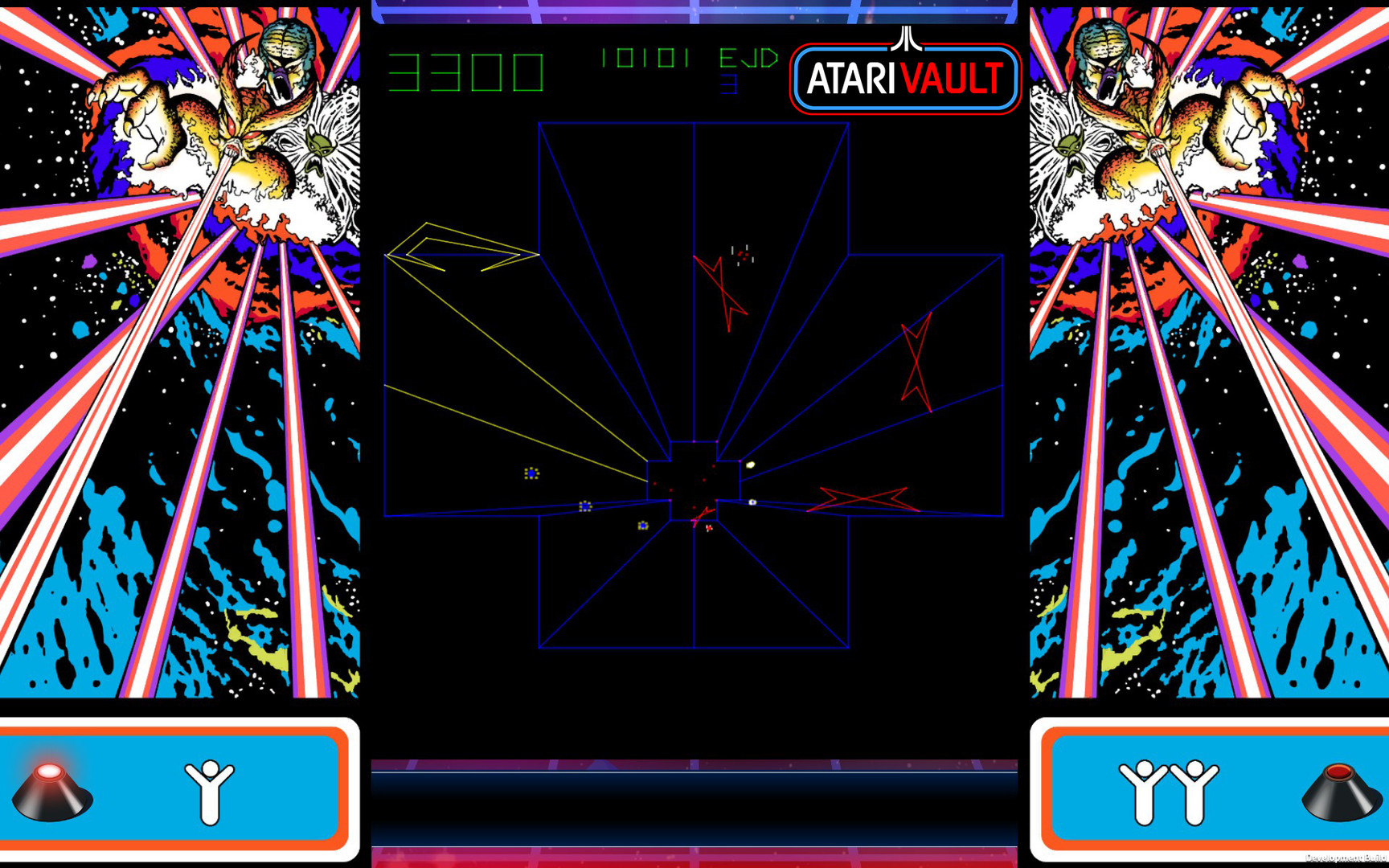
Official store screenshots from Steam — deckport links them, never rehosts. Hover to pause; click to preview.
Identity
Launch
- Binary
- AtariVault.x86_64
- Needs files
- none beyond the binary
Runtime
- Runs as
- Native Linux
- Proton
- not needed
⚙ Setup notes
Native Linux: Atari Vault ships an official native Linux/SteamOS build (added May 2016) — this is what Steam installs on the Deck by default, so no Proton is needed. The native binary is the Unity executable AtariVault.x86_64 (a 32-bit AtariVault.x86 may also be present) at the install root.
DRM: Delisted Steam game (appid 400020) — pulled from sale Nov 2022 to make way for Atari 50, but existing owners keep access. Standard Steam wrapper only; no GFWL.
Proton (optional): If you prefer the Windows build, force a Steam Play tool (Properties > Compatibility) and use AtariVault.exe; ProtonDB reports for the Windows build are positive. The native build is the recommended path.
Controller: The native build detects the Deck gamepad in menus and supports controllers.
Cosmetic: Input glyphs can show the wrong button (e.g. shows 'Y' for what is really 'A').
Fix: A handful of Atari 5200 / arcade titles can be fussy with in-game input — if a game doesn't respond, fall back to a Steam Input gamepad layout. In Gaming Mode you may have to scroll through many per-game action sets to remap.
Install: deckport only configures the prefix; it never bundles or links the game files.
The one thing to know
Supply your own copy. Native Linux binary is AtariVault.x86_64 at the install root (Unity build). deckport links nothing.
Native build: Steam installs the official native Linux version on the Deck by default — no Proton required. Marked native; tier protondb_tier = "native".
DRM: Delisted from Steam Nov 2022 (appid 400020); owners retain access, no longer for sale.
Status: Native Linux reports run well on Linux/Deck — set to needs-test pending a hands-on Deck confirmation.
Controller: Game detects the Deck pad in menus. Input prompts may display the wrong button glyph, and in-game input for a handful of Atari 5200/arcade titles can be unreliable — a Steam Input gamepad layout is the fallback.
Community guides
Write-ups and threads from people who got this (or a similar) game running. deckport links to them — it doesn't reproduce them.
Get the artwork
deckport never hosts game images. Open this game on SteamGridDB, pick
the cover / hero / logo / icon you like, and drop them into the
game folder under .deckport-art/ before you push it to the
Deck. The importer files them under the right names automatically.
Run it on your Deck
Two files: the one-time importer (deckport.py) in your
Deck's home folder, and this game's install helper. Copy the game
into ~/Games and run the helper with Steam closed — it
writes the recipe (binary, launch options)
and registers the shortcut with artwork.