About
Big Crown: Showdown is a frantic four-player party brawler from UK studio Hyper Luminal Games, blending precision platforming with chaotic one-button combat as players knock each other off scrolling courses across three medieval-themed worlds to claim the crown. Built in Unity, it released on PC, PS4, Xbox One and Switch in December 2018 and was praised as fun couch competition with full native controller support. It was delisted across all platforms in 2024 because the third-party online service it relied on was shut down, leaving the online modes inoperable and only local play available.
Screenshots
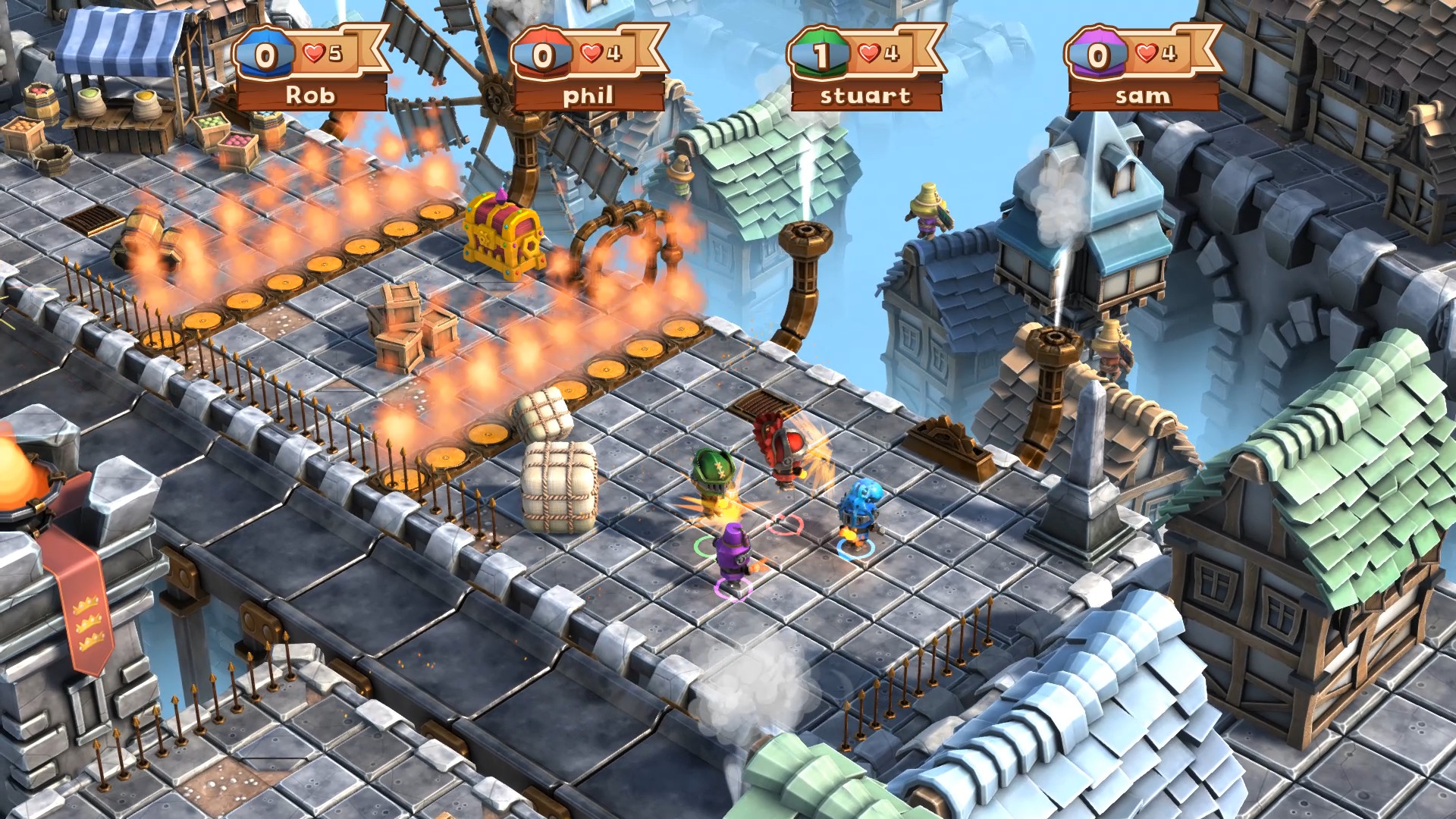
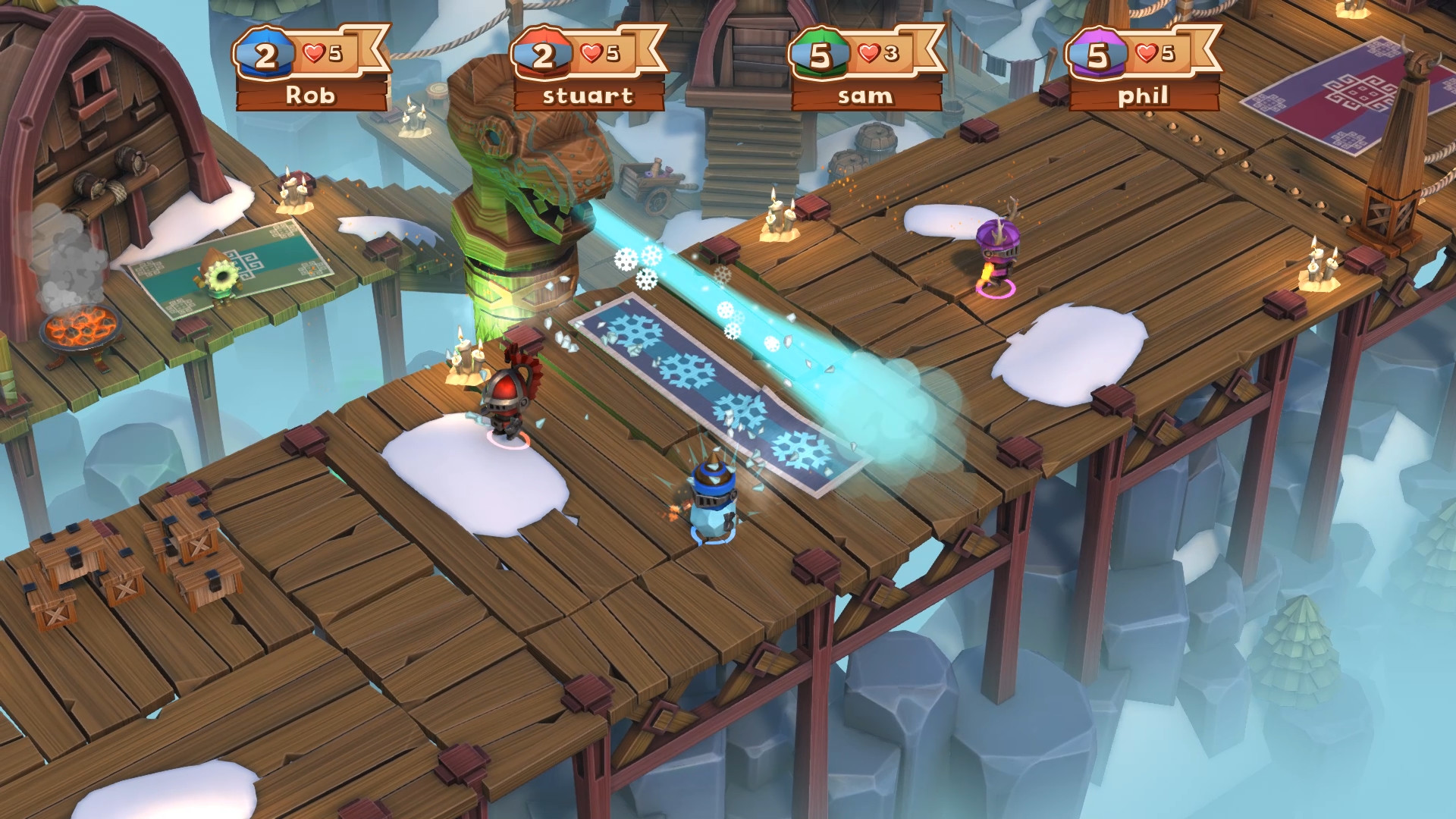
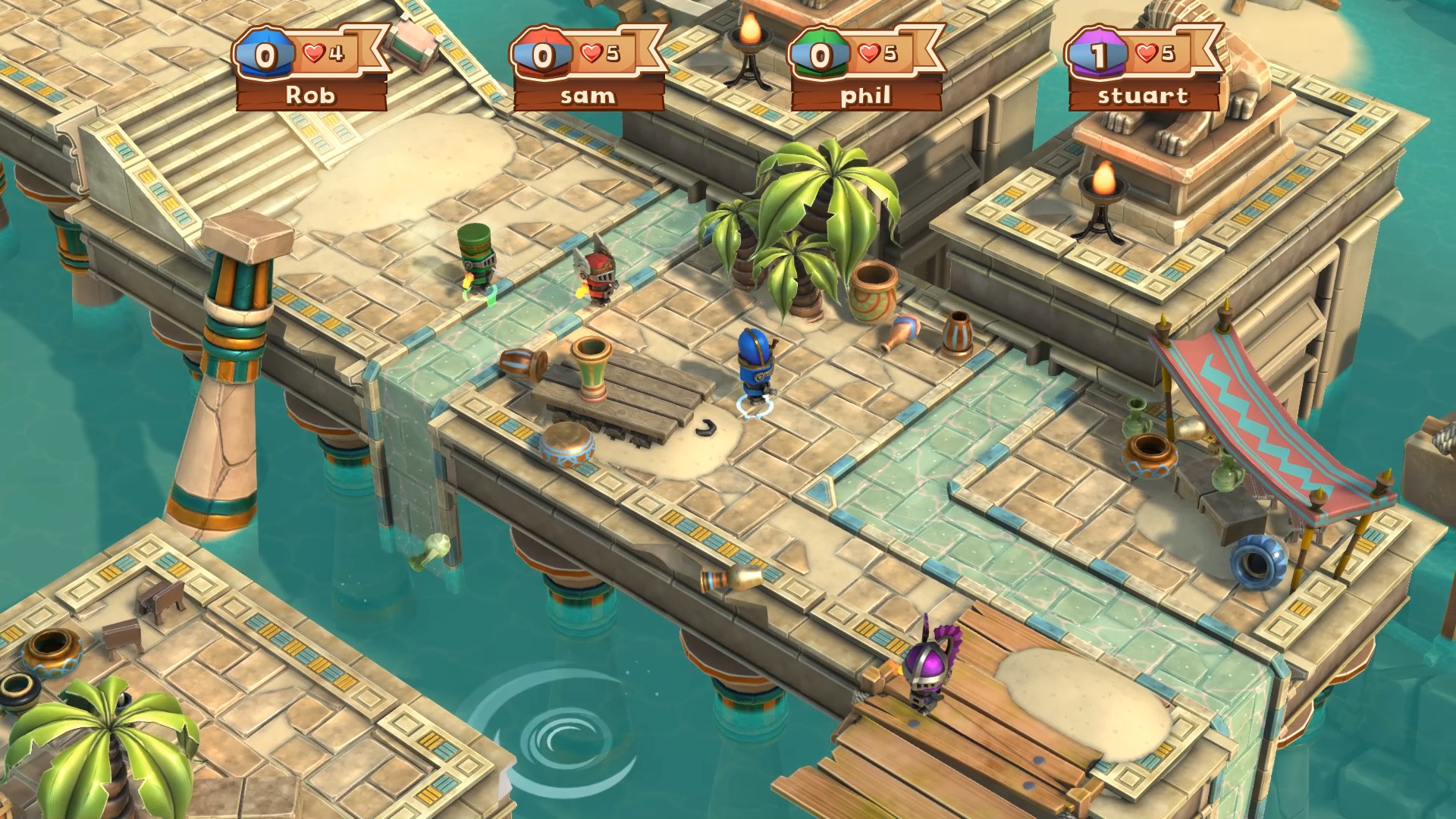

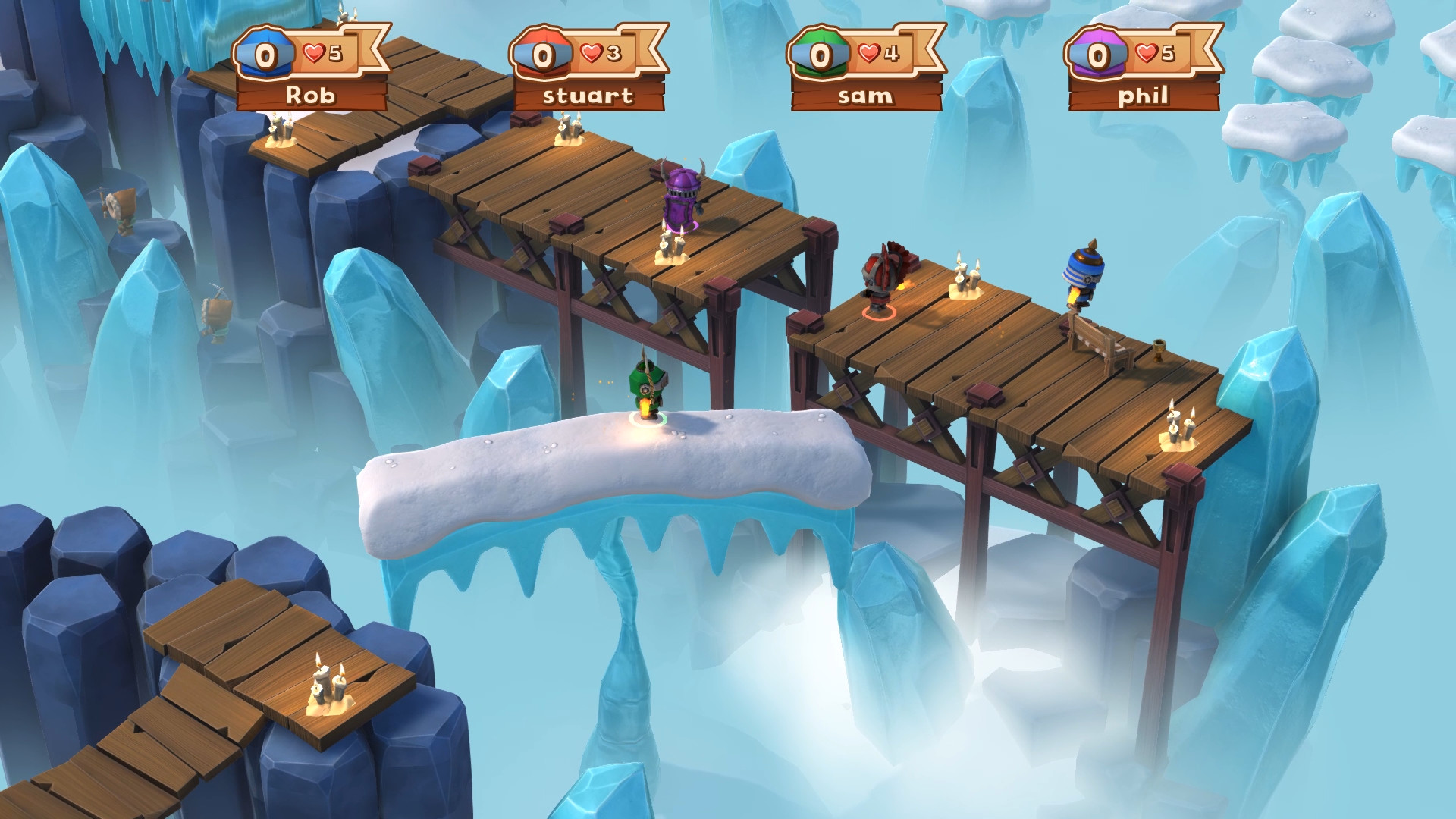
Official store screenshots from Steam — deckport links them, never rehosts. Hover to pause; click to preview.
Identity
Launch
- Binary
- Big Crown Showdown.exe
- Needs files
- none beyond the binary
Proton
- Version
- GE-Proton
- Winetricks
- —
- ProtonDB
- ProtonDB Gold runs perfectly after tweaks
⚙ Setup notes
Game: Delisted Steam game (appid 793360), Unity engine.
Proton: ProtonDB rates it gold; runs well on the Deck under Proton (GE-Proton recommended; proton_experimental also reported fine).
DRM: The game phones a third-party online service on launch and the servers were shut down (Dec 2022), so out of the box it can hang/fail to reach the menu.
Fix: Offline/local fix — hex-edit Assembly-CSharp.dll in Big Crown Showdown_Data/Managed at offset 128269, replacing bytes 39 02 with 00 00. This bypasses the dead server check and boots straight to the menu.
Multiplayer: After patching, local 4-player works via Local -> Quickplay or Local -> Custom Game.
Controller: Native controller support is excellent (built for 4 pads), so no Steam Input layout is needed.
Install: deckport only configures the prefix; it never bundles or links the game files.
The one thing to know
Supply your own copy: Delisted multiplayer brawler; deckport links nothing.
Servers: Online servers are dead (shut down Dec 2022), so online modes are gone — local-only now.
Fix: To even reach the menu offline you must apply the Assembly-CSharp.dll hex patch described in the proton notes (offset 128269, 39 02 -> 00 00); without it the game can hang on the server check. Verify the exact byte offset against your build before editing.
Once patched: Gold-tier on Proton with full native 4-pad controller support — great Deck couch game.
Community guides
Write-ups and threads from people who got this (or a similar) game running. deckport links to them — it doesn't reproduce them.
Get the artwork
deckport never hosts game images. Open this game on SteamGridDB, pick
the cover / hero / logo / icon you like, and drop them into the
game folder under .deckport-art/ before you push it to the
Deck. The importer files them under the right names automatically.
Run it on your Deck
Two files: the one-time importer (deckport.py) in your
Deck's home folder, and this game's install helper. Copy the game
into ~/Games and run the helper with Steam closed — it
writes the recipe (binary, launch options, Proton version)
and registers the shortcut with artwork.