About
Blood is a 1997 first-person shooter built on the Build engine, the same technology behind Duke Nukem 3D and Shadow Warrior. Players control Caleb, an undead gunslinger seeking revenge on the dark god Tchernobog and his Cabal cult, across levels steeped in horror and B-movie references. It is known for its gory action, deadpan humor, and exotic arsenal, and is regarded as one of the finest Build-engine shooters.
One Unit Whole Blood is the 1998 compilation bundling the main game with the Plasma Pak and Cryptic Passage expansions; the Steam release was later delisted.
Screenshots

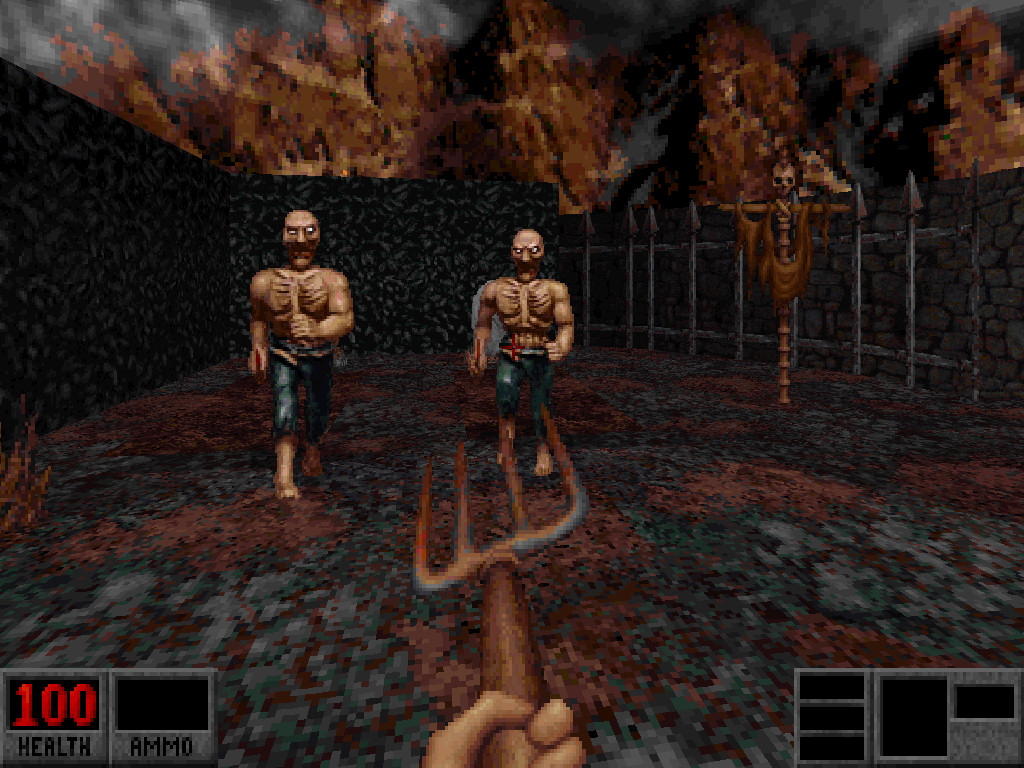
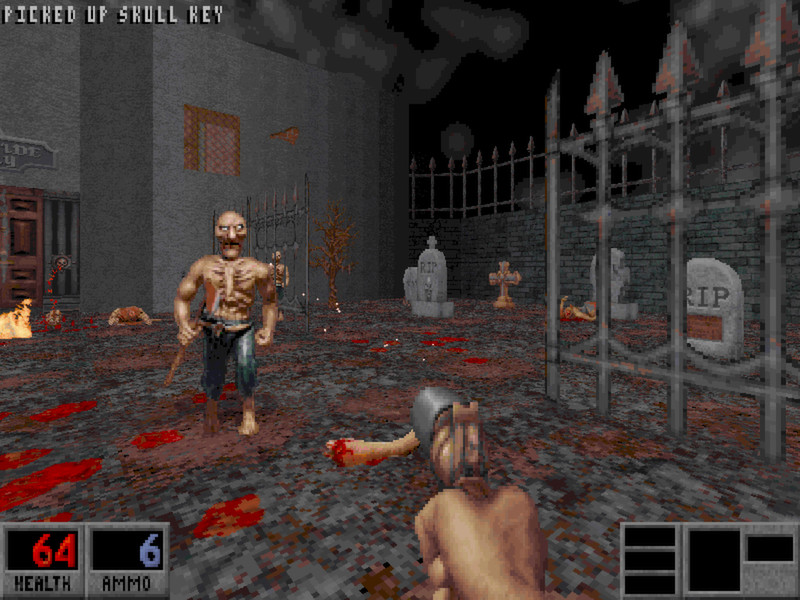
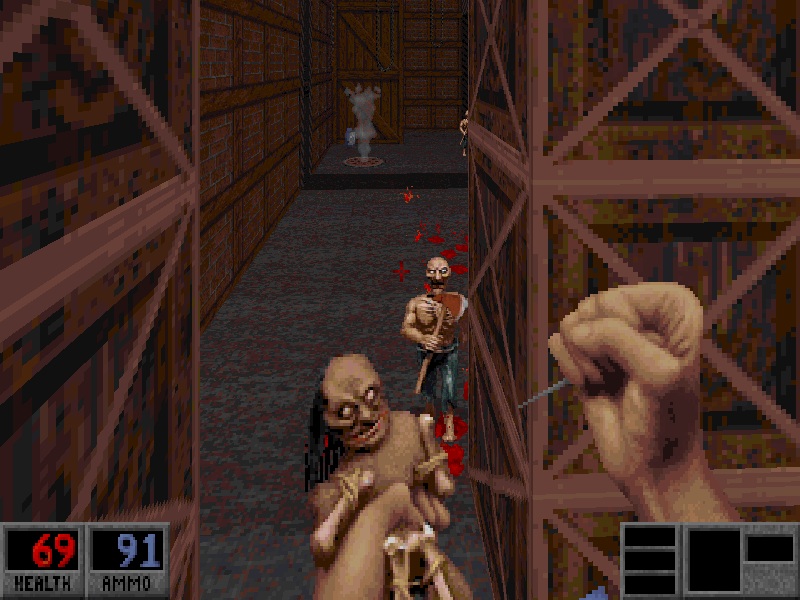

Official store screenshots from Steam — deckport links them, never rehosts. Hover to pause; click to preview.
Identity
Launch
- Binary
- dosboxBlood.exe
- Needs files
- none beyond the binary
Proton
- Version
- GE-Proton
- Winetricks
- —
- ProtonDB
- ProtonDB Silver runs with minor issues
⚙ Setup notes
DRM: Delisted Steam game (appid 299030).
Proton: This is a DOS-era shooter and the Steam package runs it inside bundled DOSBox (launcher = dosboxBlood.exe, config = dosboxBlood.conf) — it is NOT a Win32 native game. Runs fine on Deck through Proton; ProtonDB tier silver.
Controller: KEY CONTROLLER FIX — edit dosboxBlood.conf and set output = openglnb. This re-enables the Steam overlay and lets Steam Input inject controller/keyboard input into DOSBox. Without it the overlay is suppressed and the gamepad does nothing. Use a Steam Input gamepad-as-keyboard/mouse layout (no native controller support in-engine).
Fix: For better aim, the BMOUSE mouse-fix (BMOUSE.EXE, enabled via BLOOD.CFG + the conf) gives proper free mouselook. Alternatively run the game through a Build source port (e.g. BuildGDX / NBlood) for modern mouselook and controls.
Install: deckport only configures the prefix; it never bundles or links the game files.
The one thing to know
Supply your own copy. deckport links nothing.
DRM: Delisted Steam game (appid 299030), ProtonDB silver — community reports confirm it runs on Linux/Proton/Deck.
Proton: It's a DOS game running in bundled DOSBox via the dosboxBlood.exe launcher, not a Win32 native, so Proton just hosts DOSBox.
Controller: NO native gamepad support, but set output = openglnb in dosboxBlood.conf and apply a Steam Input keyboard/mouse layout — that combination makes the gamepad usable (this is the working hack). Without the openglnb edit the Steam overlay/input is suppressed.
Fix: For real mouselook use BMOUSE or a Build source port (BuildGDX/NBlood).
Community guides
Write-ups and threads from people who got this (or a similar) game running. deckport links to them — it doesn't reproduce them.
Get the artwork
deckport never hosts game images. Open this game on SteamGridDB, pick
the cover / hero / logo / icon you like, and drop them into the
game folder under .deckport-art/ before you push it to the
Deck. The importer files them under the right names automatically.
Run it on your Deck
Two files: the one-time importer (deckport.py) in your
Deck's home folder, and this game's install helper. Copy the game
into ~/Games and run the helper with Steam closed — it
writes the recipe (binary, launch options, Proton version)
and registers the shortcut with artwork.