About
BloodRayne: Betrayal is a 2D side-scrolling action platformer in the BloodRayne series, a sharp departure from the earlier 3D hack-and-slash entries. Developed by WayForward Technologies and published by Majesco, it follows the dhampir Rayne through hand-drawn, cel-shaded levels combining brutal melee combat, gunplay, and platforming, and is known for its striking art style and punishing difficulty. The original 2011 console release reached PC via Steam in 2014. The standalone Legacy version was superseded in 2021 by the enhanced re-release BloodRayne Betrayal: Fresh Bites and is no longer sold.
Screenshots
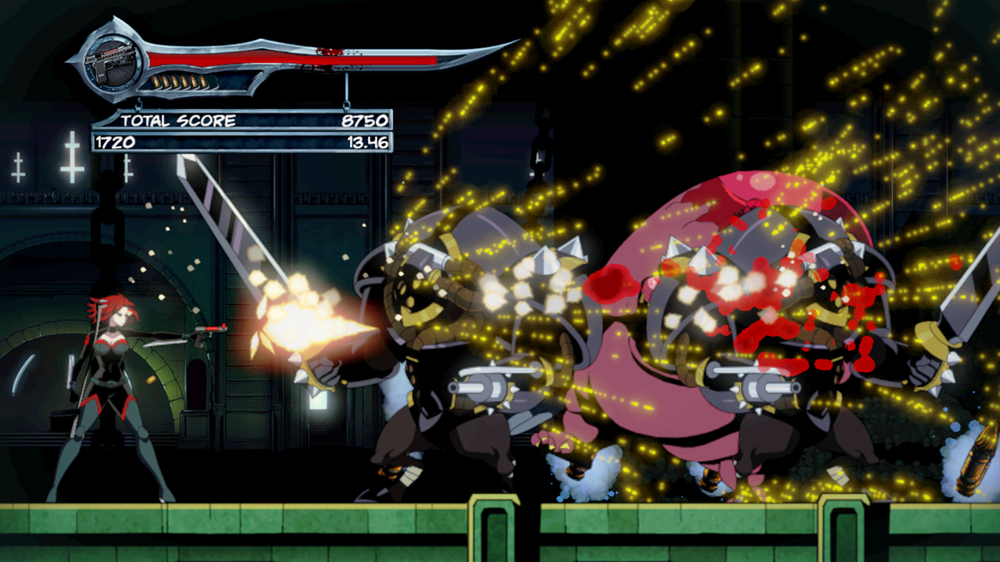
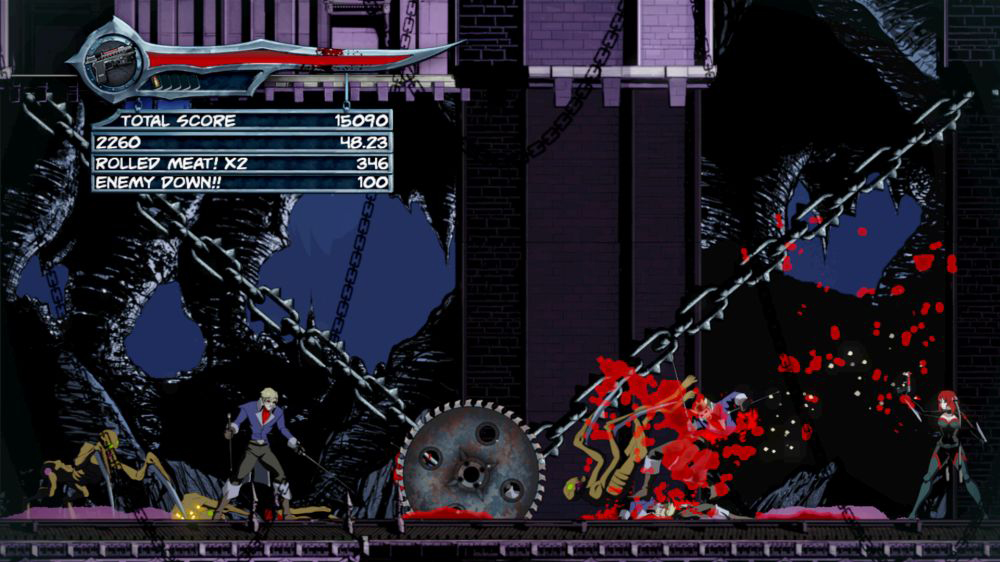
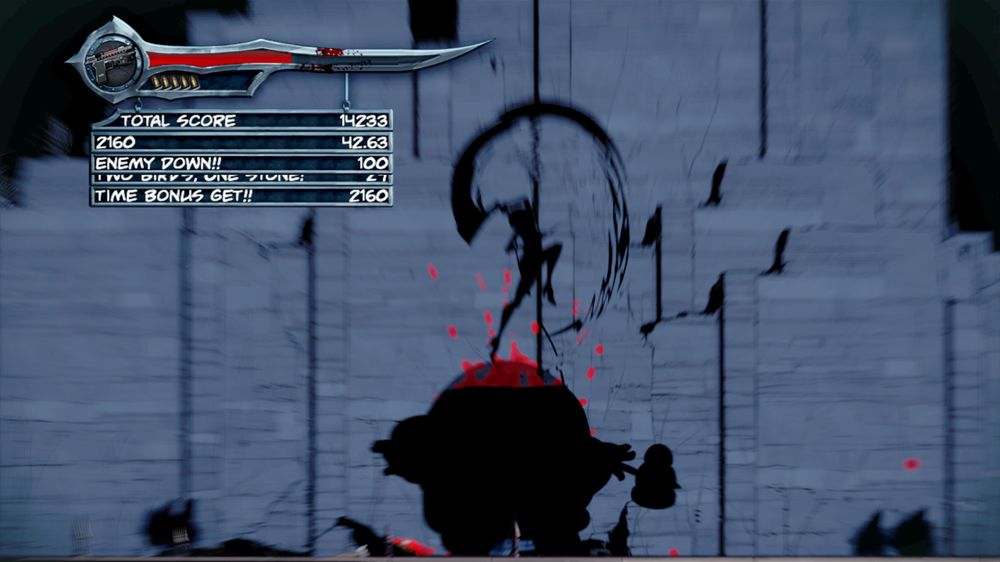
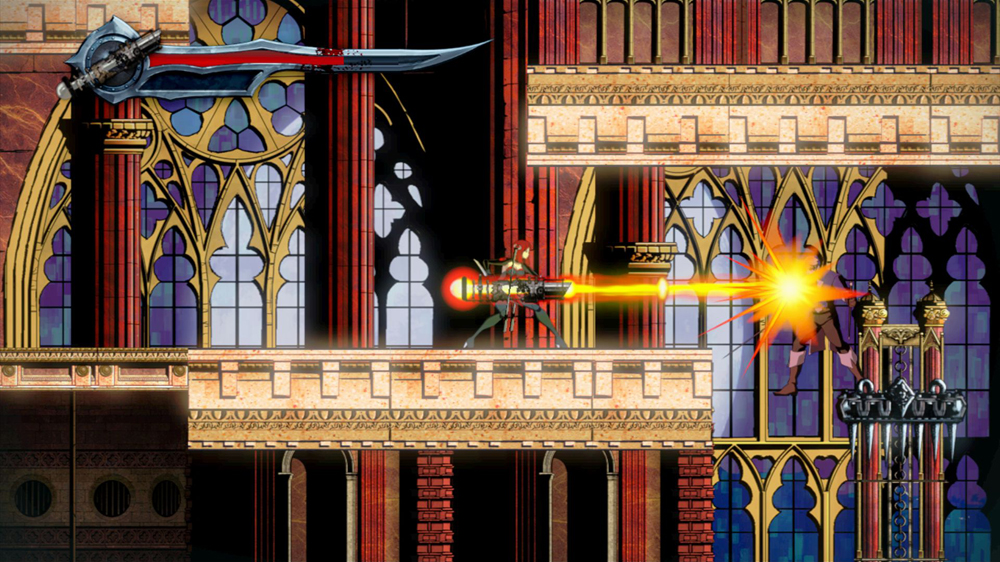
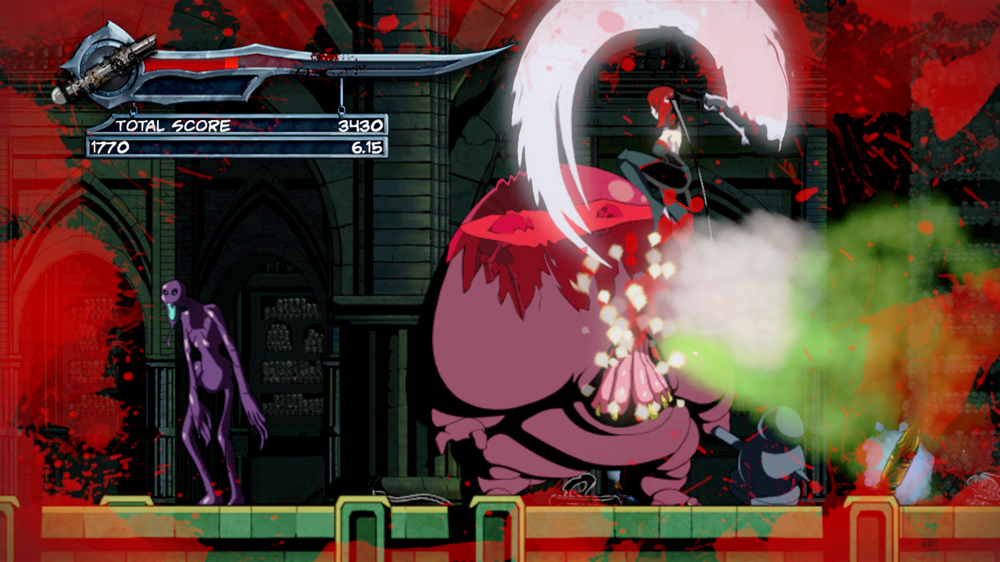
Official store screenshots from Steam — deckport links them, never rehosts. Hover to pause; click to preview.
Identity
Launch
- Binary
- bloodrayne.exe
- Needs files
- none beyond the binary
Proton
- Version
- proton_experimental
- Winetricks
- —
- ProtonDB
- ProtonDB Platinum runs flawlessly
⚙ Setup notes
DRM: appid 281220, now shown as BloodRayne: Betrayal (Legacy) after the 2021 Fresh Bites re-release shipped as a separate product (appid 1373530). The Legacy Steam page still exists; the Steam release is published by Ziggurat (the original 2011 console version was by Majesco). No invasive DRM blocker reported.
Binary: The real executable is bloodrayne.exe in the root of the install folder (steamapps/common/Blood Rayne Betrayal) — not a bin/ subfolder, and not game.exe.
Proton: ProtonDB tier is platinum (13 reports, trending and best both platinum, score ~0.72). Note: Valve's March 2023 Proton Experimental BloodRayne fix targeted Terminal Cut / BloodRayne 2: Terminal Cut, not this Legacy title — Betrayal Legacy simply runs well on its own under recent Proton. Use proton_experimental or GE-Proton.
Controller: Native Xbox 360 controller support works through Steam Input, so the Deck gamepad is detected out of the box with no extra layout needed.
Display: Known quirk — selecting exclusive fullscreen can make the window vanish (audio keeps playing, screen blanks). Fix: edit engine.ini under drive_c/users/steamuser/AppData/Roaming/Wayforward Technologies/BloodRayne/ in the prefix, set WindowOption=0, and set X/Y to the Deck's resolution (e.g. X=1280, Y=800). Or just launch in windowed/borderless.
Install: deckport only configures the prefix; it never bundles or links the game files.
The one thing to know
Supply your own copy. deckport links nothing.
DRM: Legacy edition (appid 281220) still has a Steam page; the 2021 Fresh Bites remaster is a separate product. No invasive DRM blocker reported. Steam release published by Ziggurat.
Proton: ProtonDB platinum (13 reports). Run under proton_experimental or GE-Proton. (The 2023 Proton Experimental BloodRayne fix was for the *Terminal Cut* games, not this title.)
Controller: Native Xbox 360 controller support is recognized via Steam Input on the Deck. Single-player only, no online component to worry about.
Display: Watch the fullscreen bug — exclusive fullscreen can make the window disappear. Fix: set WindowOption=0 (and X/Y to the Deck resolution) in engine.ini under AppData/Roaming/Wayforward Technologies/BloodRayne/ in the prefix, or just use windowed/borderless.
Binary: bloodrayne.exe in the game's root folder (not bin/).
Status: Recipe still needs a real Deck confirmation.
Community guides
Write-ups and threads from people who got this (or a similar) game running. deckport links to them — it doesn't reproduce them.
Get the artwork
deckport never hosts game images. Open this game on SteamGridDB, pick
the cover / hero / logo / icon you like, and drop them into the
game folder under .deckport-art/ before you push it to the
Deck. The importer files them under the right names automatically.
Run it on your Deck
Two files: the one-time importer (deckport.py) in your
Deck's home folder, and this game's install helper. Copy the game
into ~/Games and run the helper with Steam closed — it
writes the recipe (binary, launch options, Proton version)
and registers the shortcut with artwork.