About
Blur is a 2010 arcade racing game built around real-world licensed cars and locales with Mario Kart-style vehicular combat, where racers grab power-ups to attack rivals while drifting through city streets. It was the penultimate title from Bizarre Creations, the studio behind Project Gotham Racing and Geometry Wars, before Activision shut them down in February 2011. The game was well reviewed for its slick handling and deep multiplayer but sold poorly, and it was delisted from digital stores on December 31, 2012 after the real-world car licenses expired. Single-player and offline split-screen play remain fully available on physical and previously-purchased copies.
Screenshots
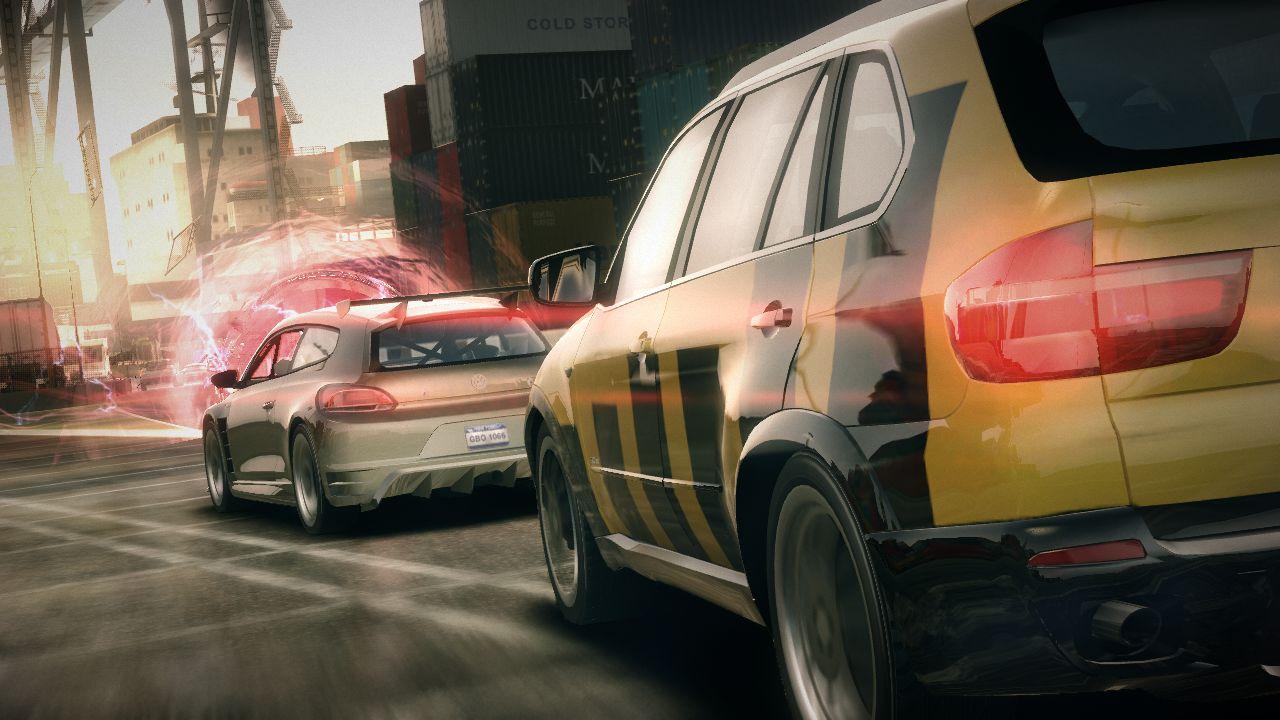
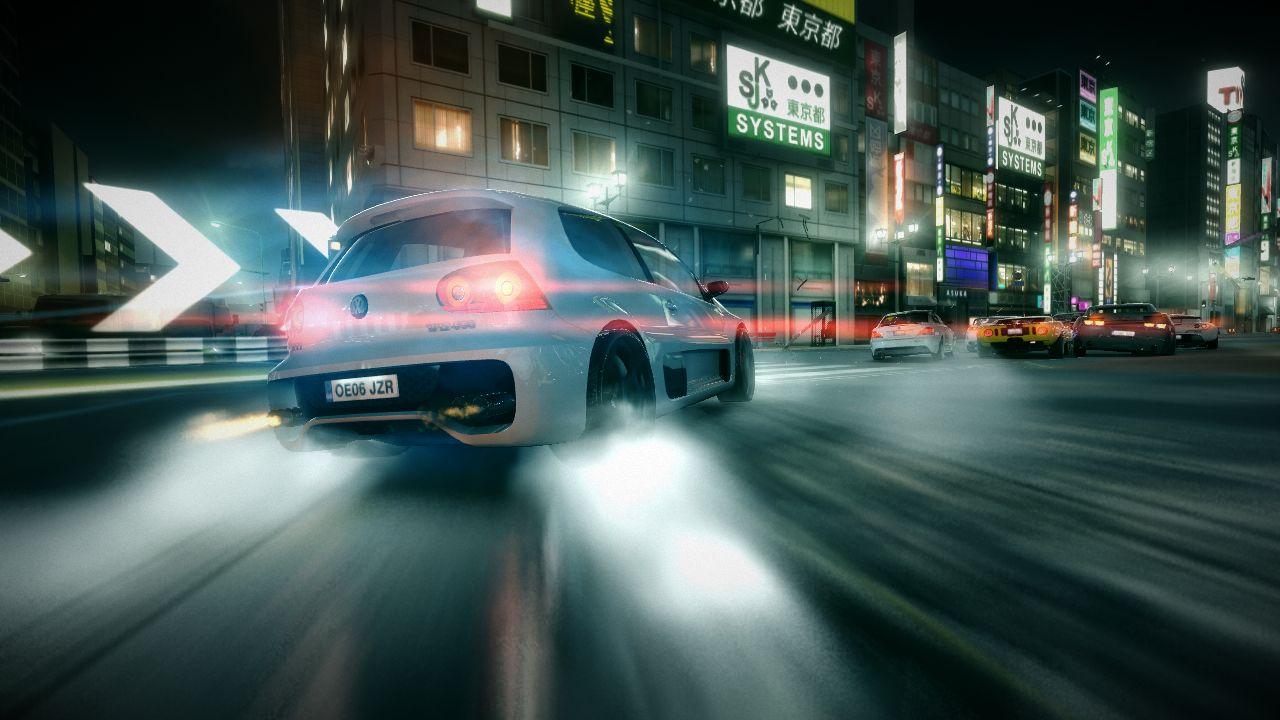

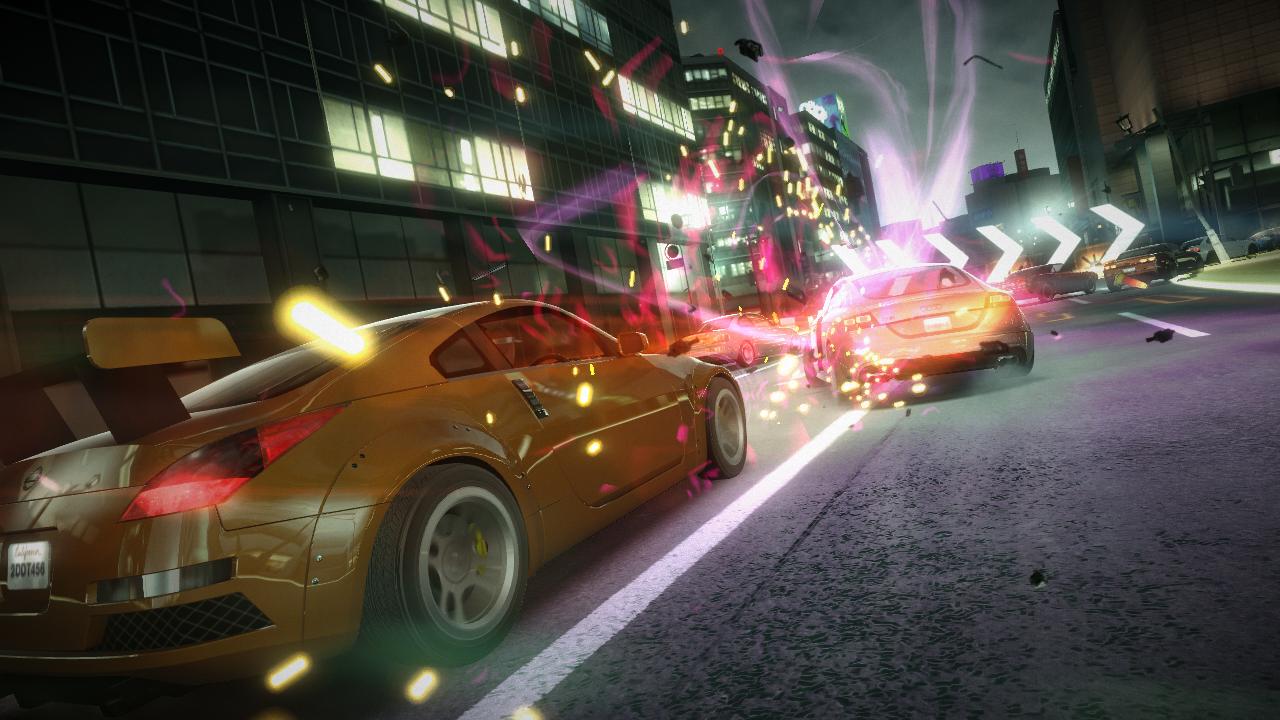
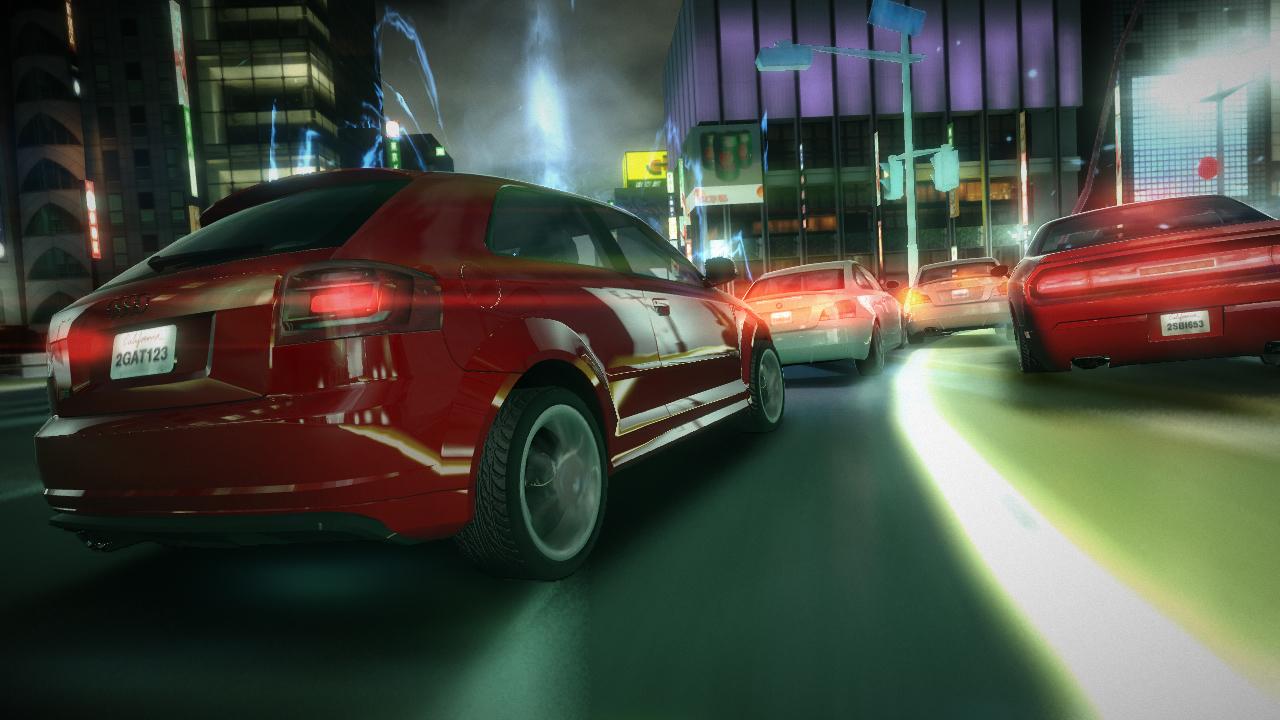
Official store screenshots from Steam — deckport links them, never rehosts. Hover to pause; click to preview.
Identity
Launch
- Binary
- Blur.exe
- Needs files
- none beyond the binary
Proton
- Version
- Proton 7.3-GE-1
- Winetricks
- —
- ProtonDB
- ProtonDB Gold runs perfectly after tweaks
⚙ Setup notes
Overview: 2010 Bizarre Creations / Activision arcade racer with Mario Kart-style vehicular combat.
ProtonDB: Reported Gold on app 42640 — playable on Deck once GFWL and the Proton version are sorted.
Install: Delisted Dec 31, 2012 (real-car licenses expired; Bizarre Creations shut down Feb 2011) — bring your own copy, configuration only.
GFWL: Uses Games for Windows Live, which is dead. Drop an xliveless GFWL replacement (xlive.dll + xlive.ini, placed next to Blur.exe) into the install folder so the game can launch and save to a local offline profile; edit the username in xlive.ini if you like. Online multiplayer stays unavailable.
Proton: CRITICAL Proton pick — use the OLDER Proton-7.3-GE-1. On the latest Proton/GE-Proton the in-game cutscenes render blank (most reported on non-Steam copies); the 7.3-GE-1 build plays them correctly.
Display: Defaults to 800p, lowest settings, vsync on — raise these manually. Holds a solid 60fps in most races (can dip when many cars explode at once); ~2:45-3:00h battery at higher settings, cap to 30fps for more.
Controller: Native Xbox-style gamepad support, so the Deck pad works out of the box. Note: some menu/UI button prompts still show keyboard glyphs even with the controller active — cosmetic only.
Cosmetic: Lower audio quality to medium; a few users see occasional black spots before/after races, and the game crashes on the final-race credits sequence — but progress is saved.
The one thing to know
Supply your own copy: Delisted — configuration only, no links.
GFWL: It relies on Games for Windows Live (GFWL), which no longer works — apply an xliveless GFWL bypass (xlive.dll/.ini next to the exe) before it will run; this disables online play.
Proton: Use Proton-7.3-GE-1 specifically — newer Proton/GE blanks the cutscenes.
Controller: Native controller support, so the Deck pad works without a Steam Input layout. Some UI prompts may still show keyboard glyphs — cosmetic only.
Cosmetic: Minor — occasional black spots around races and a crash on final-race credits (save is kept).
Community guides
Write-ups and threads from people who got this (or a similar) game running. deckport links to them — it doesn't reproduce them.
Get the artwork
deckport never hosts game images. Open this game on SteamGridDB, pick
the cover / hero / logo / icon you like, and drop them into the
game folder under .deckport-art/ before you push it to the
Deck. The importer files them under the right names automatically.
Run it on your Deck
Two files: the one-time importer (deckport.py) in your
Deck's home folder, and this game's install helper. Copy the game
into ~/Games and run the helper with Steam closed — it
writes the recipe (binary, launch options, Proton version)
and registers the shortcut with artwork.