About
Bone: Out from Boneville is a point-and-click adventure based on Out from Boneville, the first volume of Jeff Smith's award-winning Bone comic series. Players guide the three Bone cousins -- Fone Bone, Phoney Bone, and Smiley Bone -- after they are run out of Boneville and become lost in a mysterious valley. Notably, it was Telltale Games' first adventure title and an early showcase for their episodic storytelling style. The game was later delisted and is no longer sold.
Screenshots
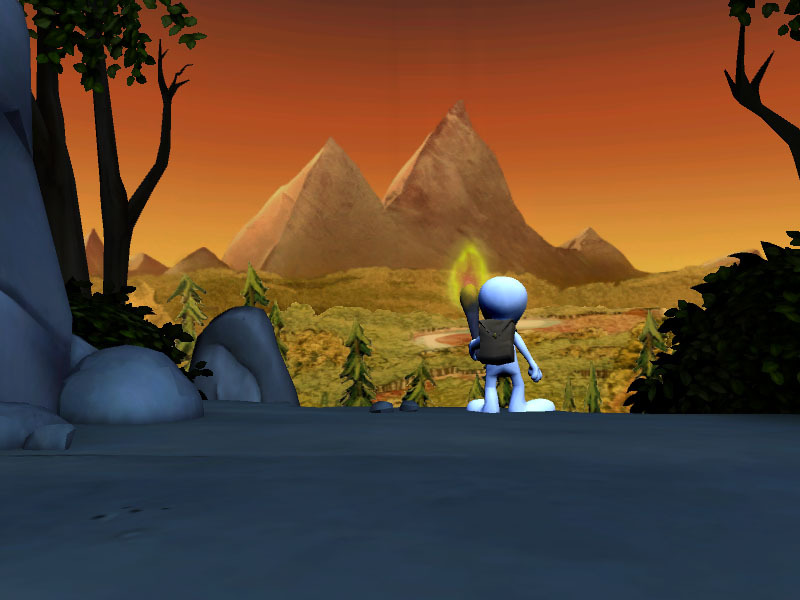


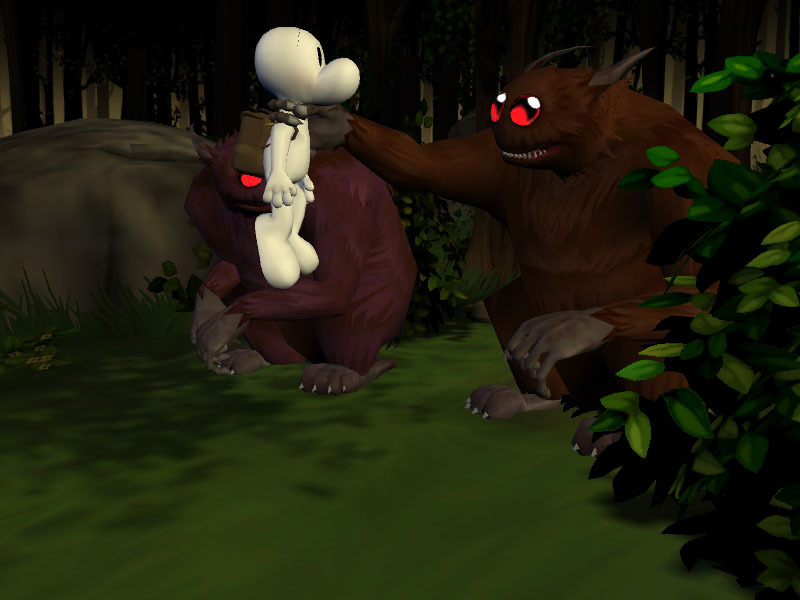

Official store screenshots from Steam — deckport links them, never rehosts. Hover to pause; click to preview.
Identity
Launch
- Binary
- Bone1v20.exe
- Needs files
- none beyond the binary
Proton
- Version
- GE-Proton
- Winetricks
- —
- ProtonDB
- ProtonDB Platinum runs flawlessly
⚙ Setup notes
Game: Delisted Telltale point-and-click (Steam appid 8310), DirectX 8 era.
Proton: ProtonDB lists it platinum, but on a small/low-confidence report pool — treat as promising rather than proven. GE-Proton is the recommended runner; stock proton_experimental should also work.
DRM: The retail/Steam build carries SecuROM copy protection, which fails on modern systems. If the .exe refuses to launch, use the open-source SecuROMLoader (github.com/nckstwrt/SecuROMLoader): drop its version.dll (and bundled version.json) next to Bone1v20.exe so the legitimately-owned game runs without the long-dead disc check.
Fix: If it crashes or hangs on startup, delete prefs.prop in the install folder (it stores a bad fullscreen/resolution state); the game regenerates it.
Install: Install to a non-Windows path inside the prefix to keep DRM happy.
Files: deckport only configures the prefix; it never bundles or links the game files.
The one thing to know
Supply your own copy: deckport links nothing.
Proton: Delisted Telltale adventure (appid 8310); ProtonDB lists platinum but on few/low-confidence reports, so expect to do a real test pass. Use GE-Proton.
DRM: SecuROM on retail/Steam builds fails on modern systems — restore your owned copy with the open-source SecuROMLoader (version.dll + version.json beside Bone1v20.exe) if it won't start.
Fix: If it crashes on launch, delete prefs.prop to reset the bad fullscreen state.
Controller: Pure mouse-driven point-and-click with no native gamepad support — bind a Steam Input mouse-region/trackpad layout for the Deck (works fine, but plan on a custom controller config).
Modes: Single-player only, no servers to worry about.
Community guides
Write-ups and threads from people who got this (or a similar) game running. deckport links to them — it doesn't reproduce them.
Get the artwork
deckport never hosts game images. Open this game on SteamGridDB, pick
the cover / hero / logo / icon you like, and drop them into the
game folder under .deckport-art/ before you push it to the
Deck. The importer files them under the right names automatically.
Run it on your Deck
Two files: the one-time importer (deckport.py) in your
Deck's home folder, and this game's install helper. Copy the game
into ~/Games and run the helper with Steam closed — it
writes the recipe (binary, launch options, Proton version)
and registers the shortcut with artwork.