About
Boris and the Dark Survival is a free standalone spin-off in the Bendy franchise, serving as a side prequel to Bendy and the Ink Machine. Players control Boris the Wolf as he scavenges a randomly generated studio for items while evading the Ink Demon, blending survival horror with roguelike runs. Built in Unreal Engine 4, it released in February 2020 on the third anniversary of Bendy and the Ink Machine. It was removed from Steam in August 2025 ahead of its replacement, Bendy: Lone Wolf; existing owners keep access to it.
Screenshots
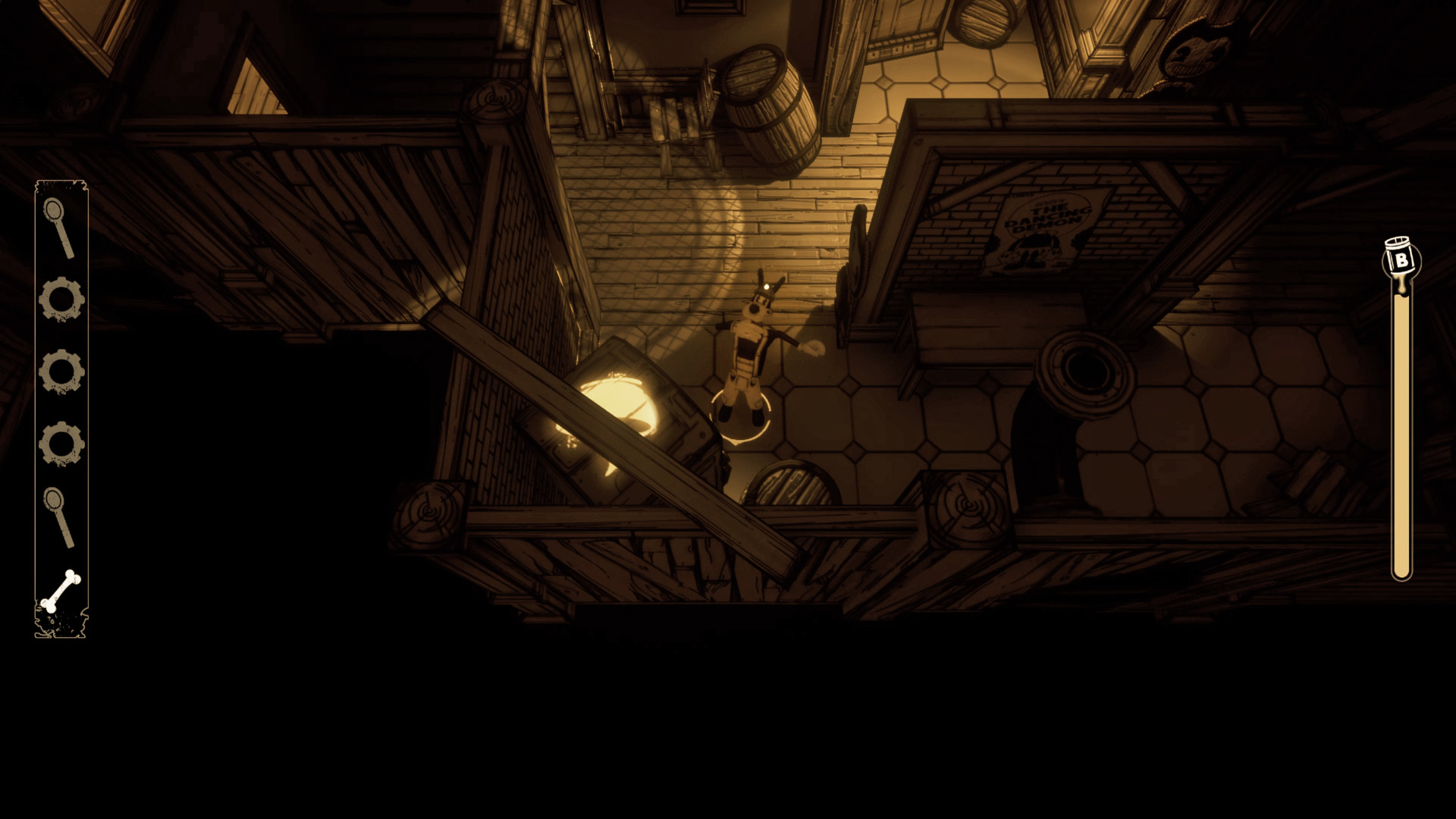
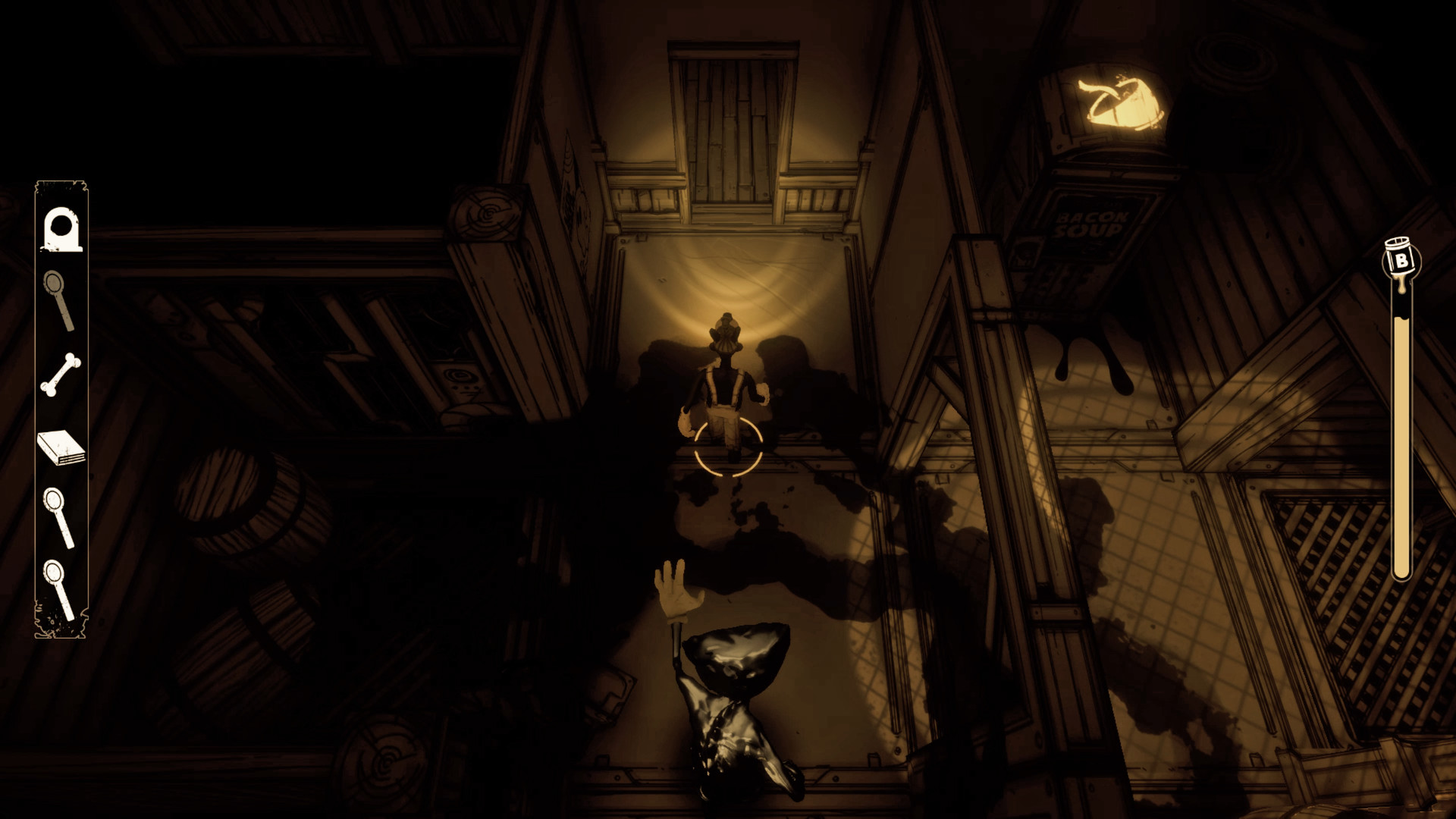
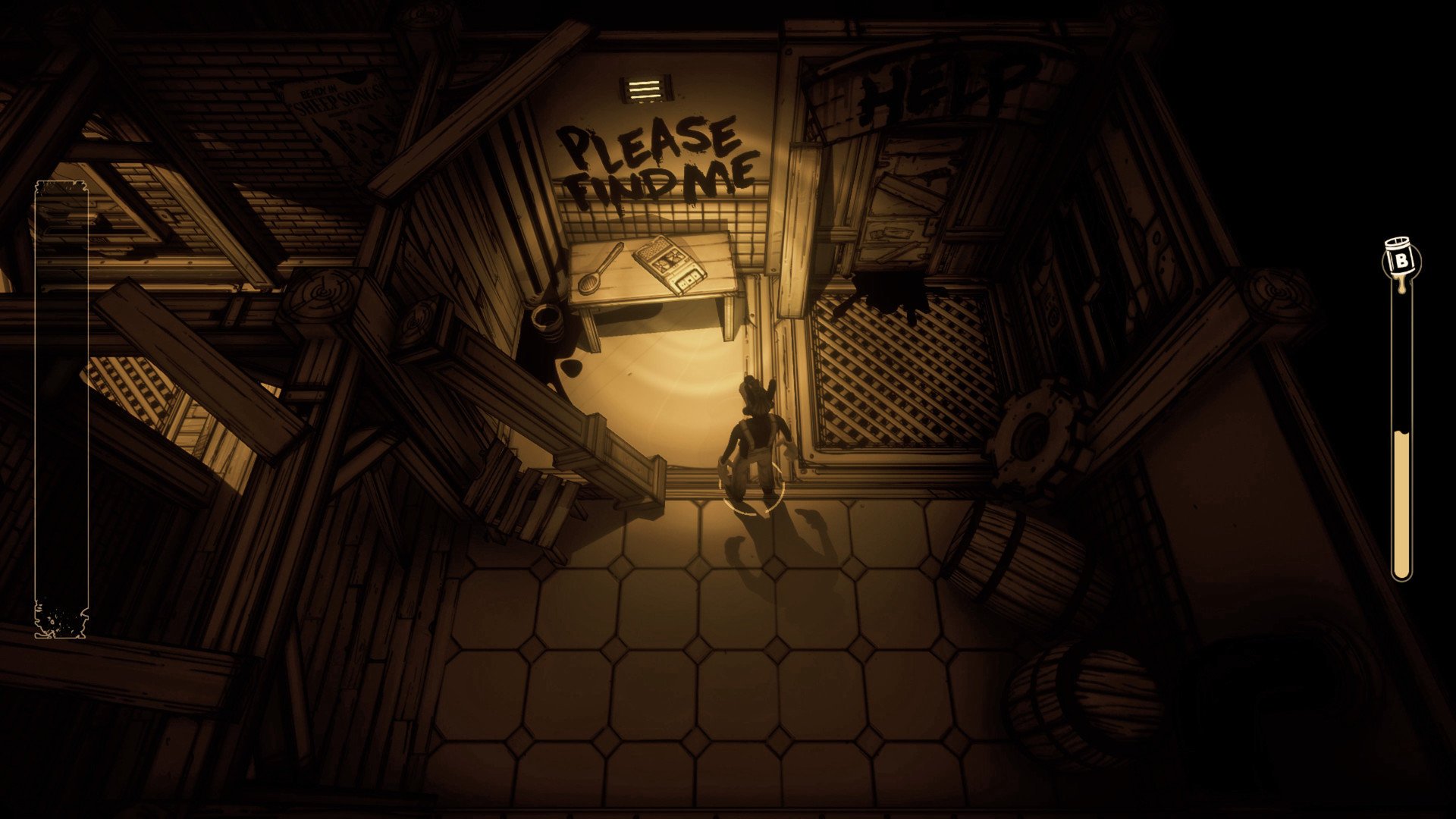
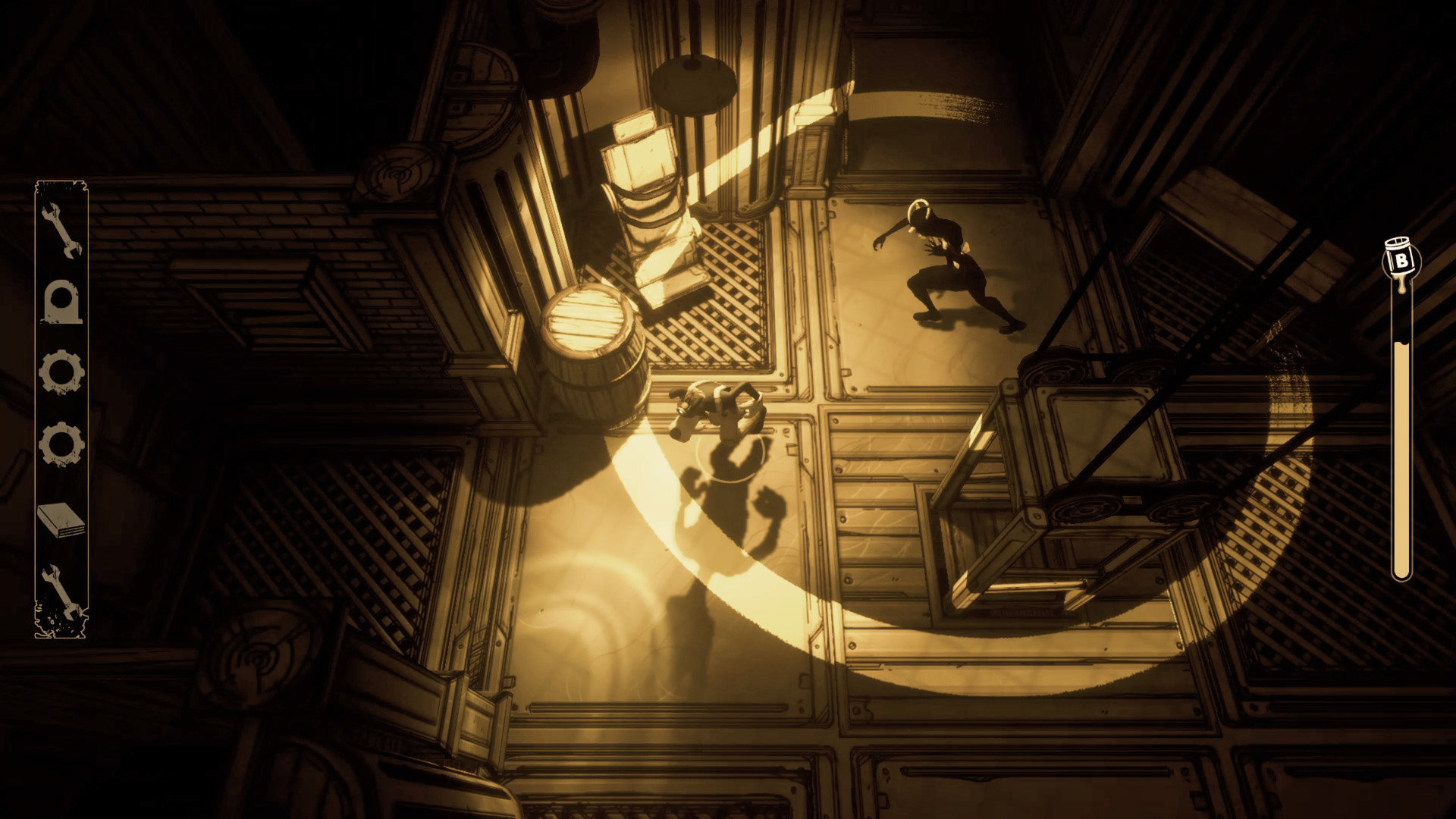
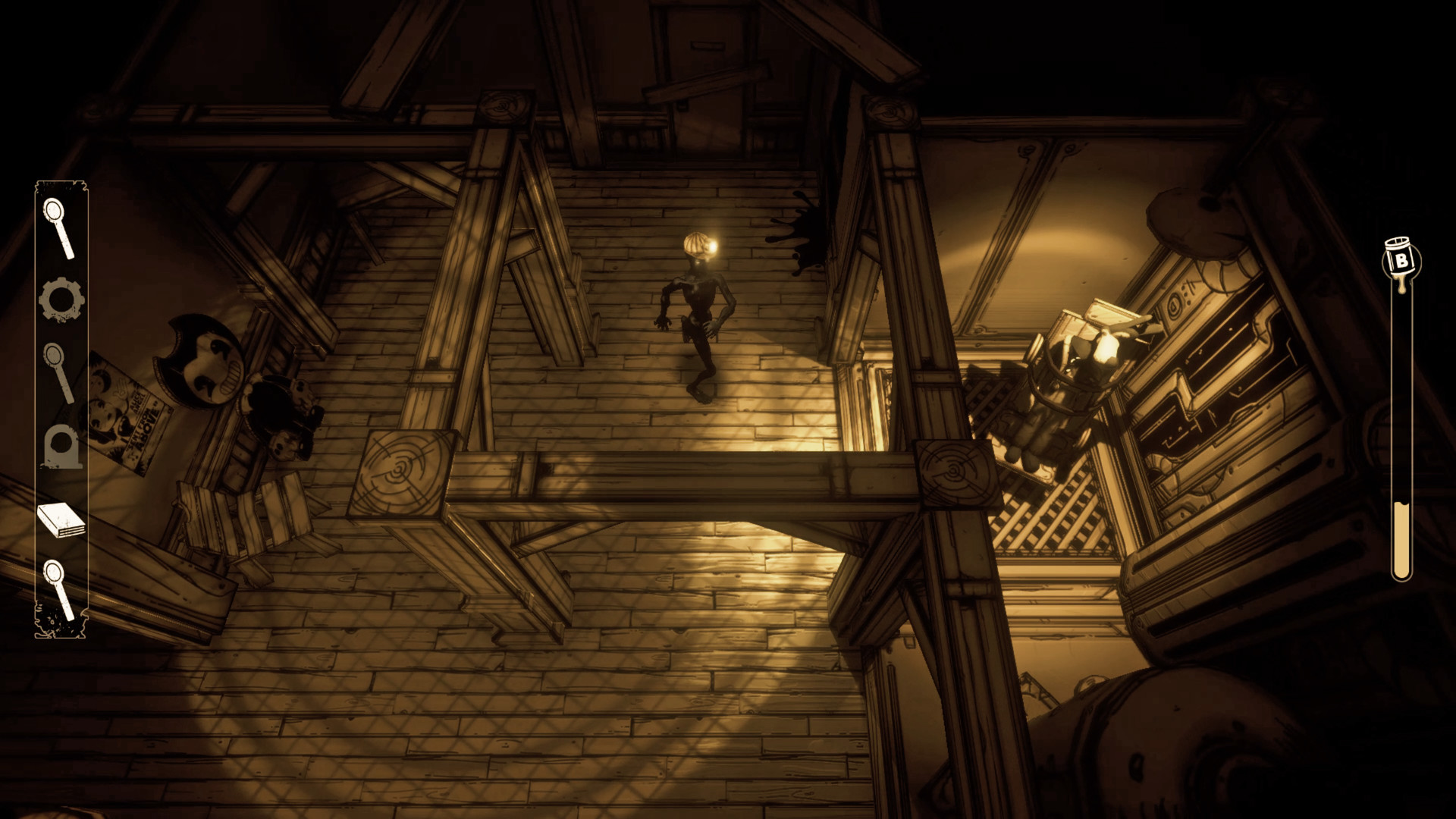
Official store screenshots from Steam — deckport links them, never rehosts. Hover to pause; click to preview.
Identity
Launch
- Binary
- Boris.exe
- Needs files
- none beyond the binary
Proton
- Version
- GE-Proton
- Winetricks
- —
- ProtonDB
- ProtonDB Platinum runs flawlessly
⚙ Setup notes
Proton: Stock Proton works — this title is Steam Deck Verified and ProtonDB Platinum. If you hit any FMV cutscene rendering glitch (a common Proton issue on Unreal Engine titles, though not consistently reported for this game), try a recent GE-Proton build.
Performance: Unreal Engine 4 title, ProtonDB Platinum (small sample, ~5 reports) and reported running 40-60 FPS on the Deck.
Exit: On exit the process can hang; use Steam's 'Stop' button if it doesn't close.
DRM: Delisted Steam game (appid 1236990; removed from Steam early-mid Aug 2025 ahead of Bendy: Lone Wolf — existing owners keep it, no longer for sale). deckport only configures the prefix; it never bundles or links the game files.
The one thing to know
Supply your own copy. deckport links nothing.
DRM: Delisted from Steam Aug 2025 (no longer for sale; existing owners retain it).
Performance: ProtonDB Platinum (small sample) and Steam Deck Verified, with Deck reports around 40-60 FPS.
Controller: Full native controller support (Steam lists "Full controller support") — no Steam Input hack needed.
Known issues: Process can hang on exit (use Steam's 'Stop' button). If FMV cutscenes glitch, switch to a recent GE-Proton build; this is not consistently reported for this game and stock Proton is generally fine.
Binary: Boris.exe / Boris-Win64-Shipping.exe is the standard UE4 layout but should be confirmed against an actual install.
Community guides
Write-ups and threads from people who got this (or a similar) game running. deckport links to them — it doesn't reproduce them.
Get the artwork
deckport never hosts game images. Open this game on SteamGridDB, pick
the cover / hero / logo / icon you like, and drop them into the
game folder under .deckport-art/ before you push it to the
Deck. The importer files them under the right names automatically.
Run it on your Deck
Two files: the one-time importer (deckport.py) in your
Deck's home folder, and this game's install helper. Copy the game
into ~/Games and run the helper with Steam closed — it
writes the recipe (binary, launch options, Proton version)
and registers the shortcut with artwork.