About
Bunny Must Die! Chelsea and the 7 Devils is a 2D exploration-platformer from Japanese doujin studio Platine Dispositif, originally released at Comiket in 2006 and localized for the West by Rockin' Android. Players control the bunny-eared Chelsea through the sprawling Cave of Devils, in the post-Symphony-of-the-Night Metroidvania tradition, switching weapons and gaining power-ups. Its signature mechanic is time manipulation, letting Chelsea stop time and rewind it to solve puzzles, open timed gates, and dodge boss attacks. It is well regarded as a cult favorite of the doujin scene and was later ported to consoles.
Screenshots
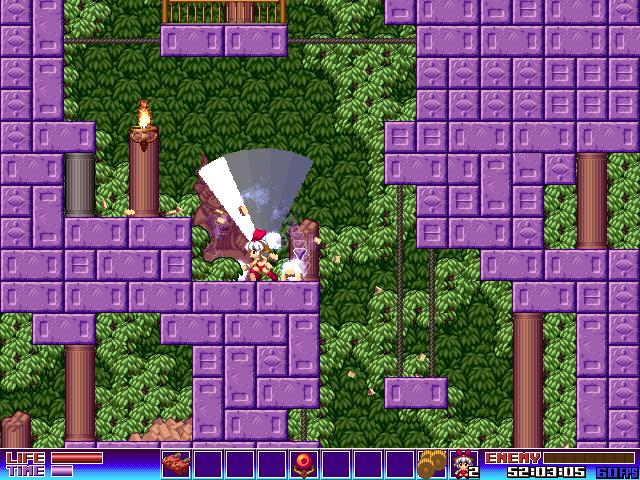
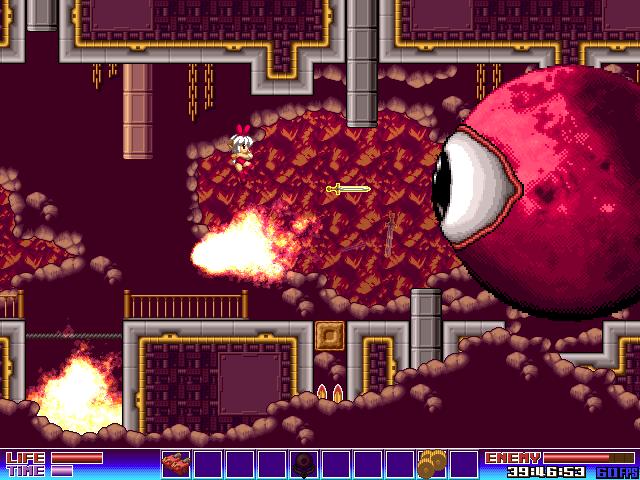
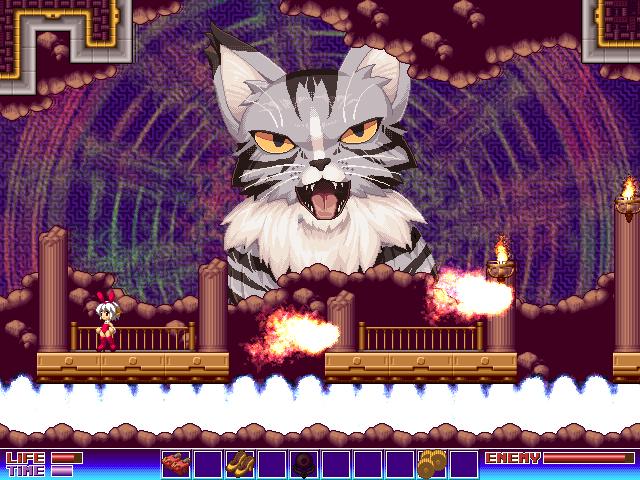
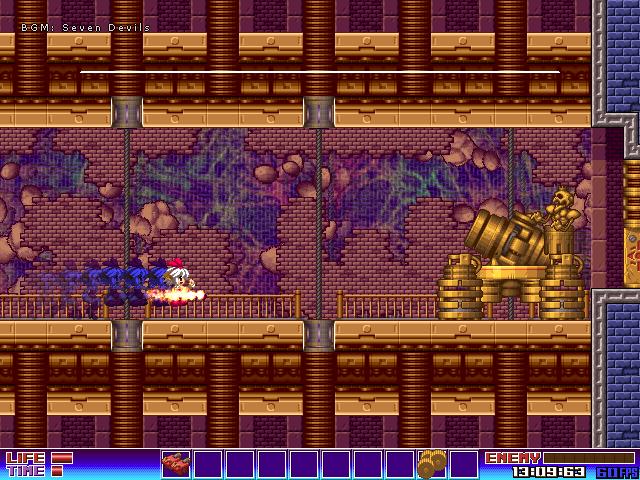
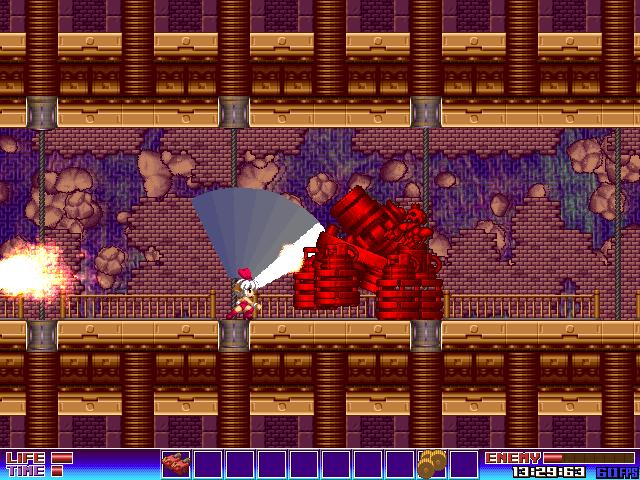
Official store screenshots from Steam — deckport links them, never rehosts. Hover to pause; click to preview.
Identity
Launch
- Binary
- bunnymustdie.exe
- Needs files
- none beyond the binary
Proton
- Version
- GE-Proton
- Winetricks
- —
- ProtonDB
- ProtonDB Platinum runs flawlessly
⚙ Setup notes
DRM: Delisted Steam game (appid 250660, retired from the store July 31 2019 / price zeroed Aug 1 — owners keep library access; not for sale). No always-online or store-side DRM that blocks Proton.
Proton: Old DirectX 2D Metroidvania, runs essentially out-of-the-box under Proton; ProtonDB platinum (small sample, low confidence). GE-Proton or proton_experimental both work.
Display: Fullscreen/widescreen quirk — the game stores resolution in bunny.ini ([Display] section) in the game directory. If it opens to a black screen or wrong size, edit bunny.ini and set Resize=1 with Width=640 Height=480 WideWidth=640 WideHeight=360 (or set every [Display] value except Resize to 0); deleting bunny.ini lets the game regenerate defaults.
Controller: Partial XInput support (D-pad works); if a gamepad mis-behaves, force a Steam Input layout (gamepad-with-camera-controls or a keyboard layout) via the controller settings.
Install: deckport only configures the prefix; it never bundles or links the game files.
The one thing to know
Supply your own copy. deckport links nothing.
DRM: Delisted from Steam July 31 2019 (single-player, no servers needed).
Proton: ProtonDB platinum (small sample, low confidence) — community reports it running cleanly under Proton, so it should run on Deck; not yet confirmed on a real Deck (needs-test).
Binary: bunnymustdie.exe in steamapps/common/Bunny Must Die/ — verify against your install.
Display: Fullscreen/black-screen — edit bunny.ini [Display] (Resize=1, or set all but Resize to 0).
Controller: Partial (XInput D-pad); set a Steam Input layout if the gamepad misbehaves.
Community guides
Write-ups and threads from people who got this (or a similar) game running. deckport links to them — it doesn't reproduce them.
Get the artwork
deckport never hosts game images. Open this game on SteamGridDB, pick
the cover / hero / logo / icon you like, and drop them into the
game folder under .deckport-art/ before you push it to the
Deck. The importer files them under the right names automatically.
Run it on your Deck
Two files: the one-time importer (deckport.py) in your
Deck's home folder, and this game's install helper. Copy the game
into ~/Games and run the helper with Steam closed — it
writes the recipe (binary, launch options, Proton version)
and registers the shortcut with artwork.