About
Burnout Paradise is an open-world arcade racing game set in the fictional Paradise City, the seventh main entry in Criterion's Burnout series and the first to reach PC. Players freely roam a seamless open map taking on races, stunt events, and the series' signature high-speed crashes and takedowns.
The Ultimate Box is the definitive PC re-release bundling the original game with its free updates and Game Changing content packs (bikes, the Party Pack, and more). Critically acclaimed for its sense of speed and reckless fun, it was delisted in June 2020 when a Remastered edition took its place.
Screenshots
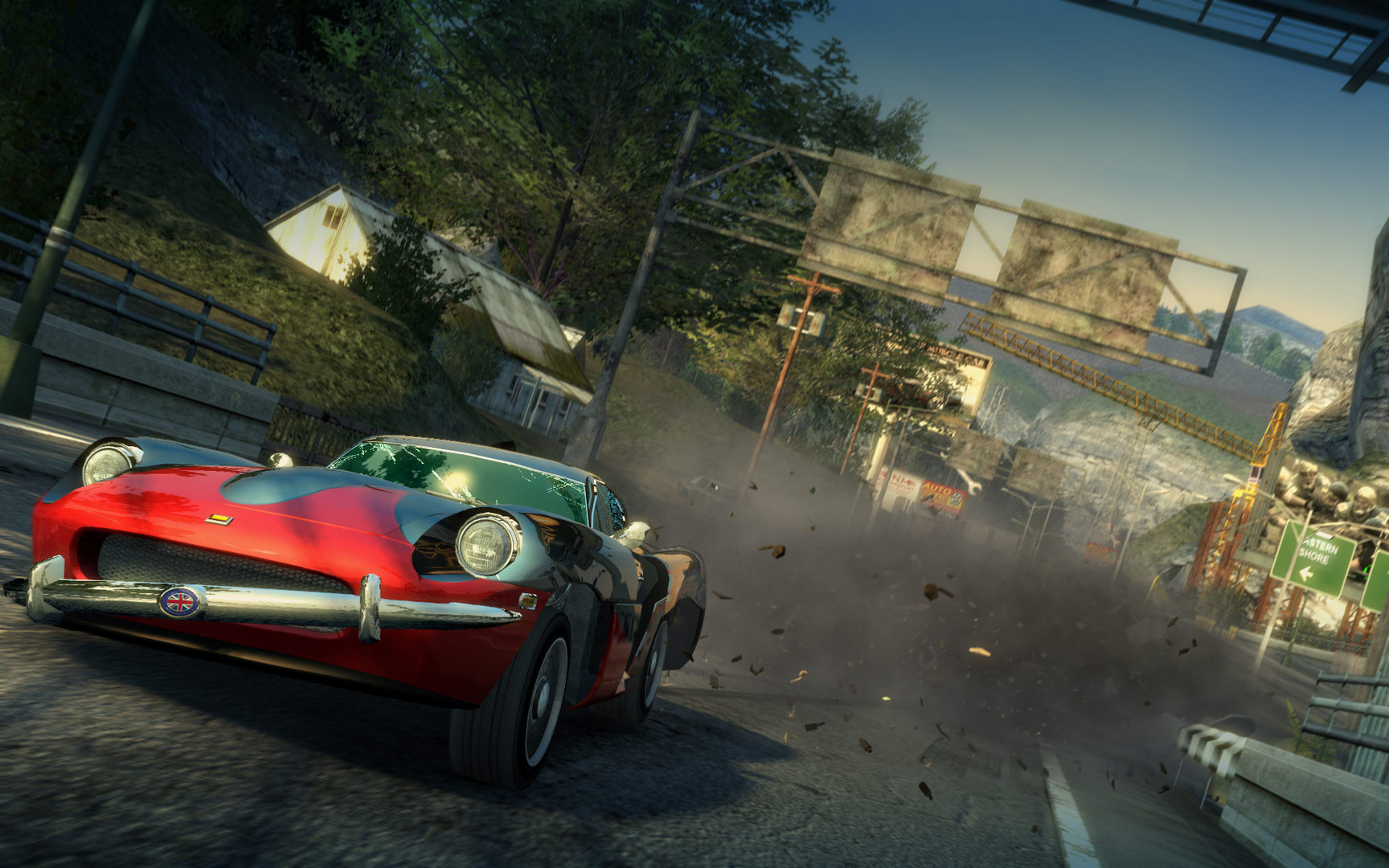
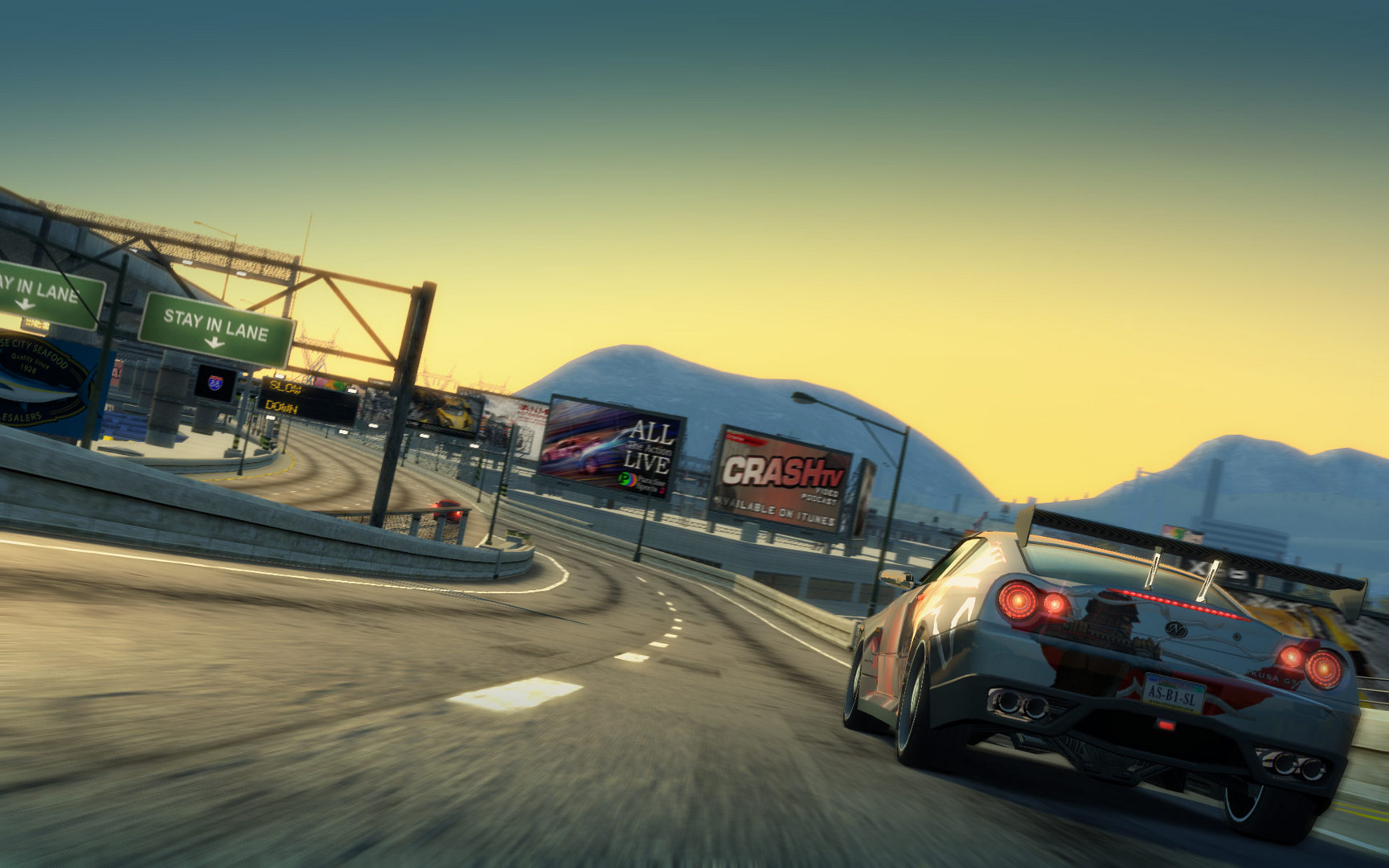
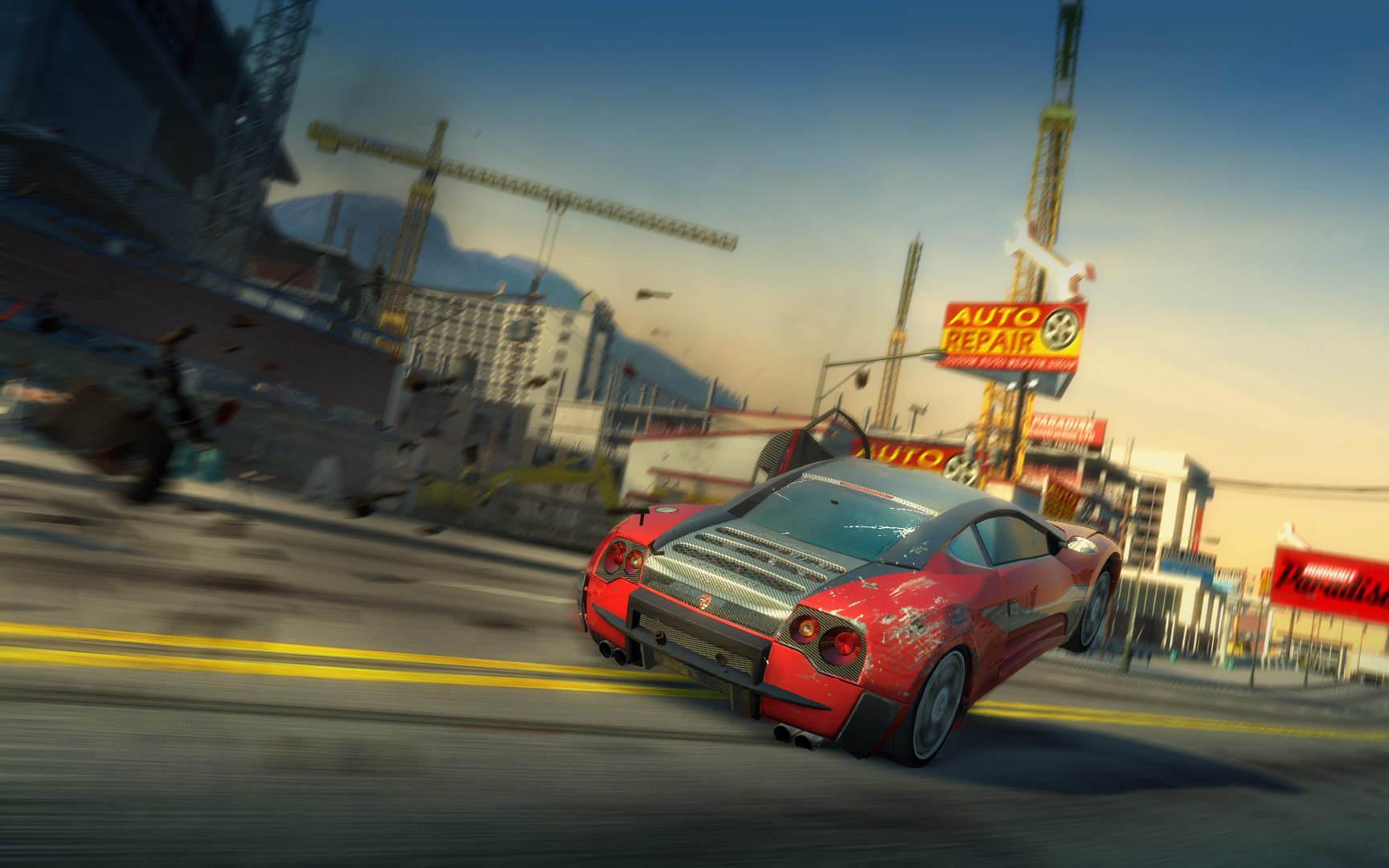
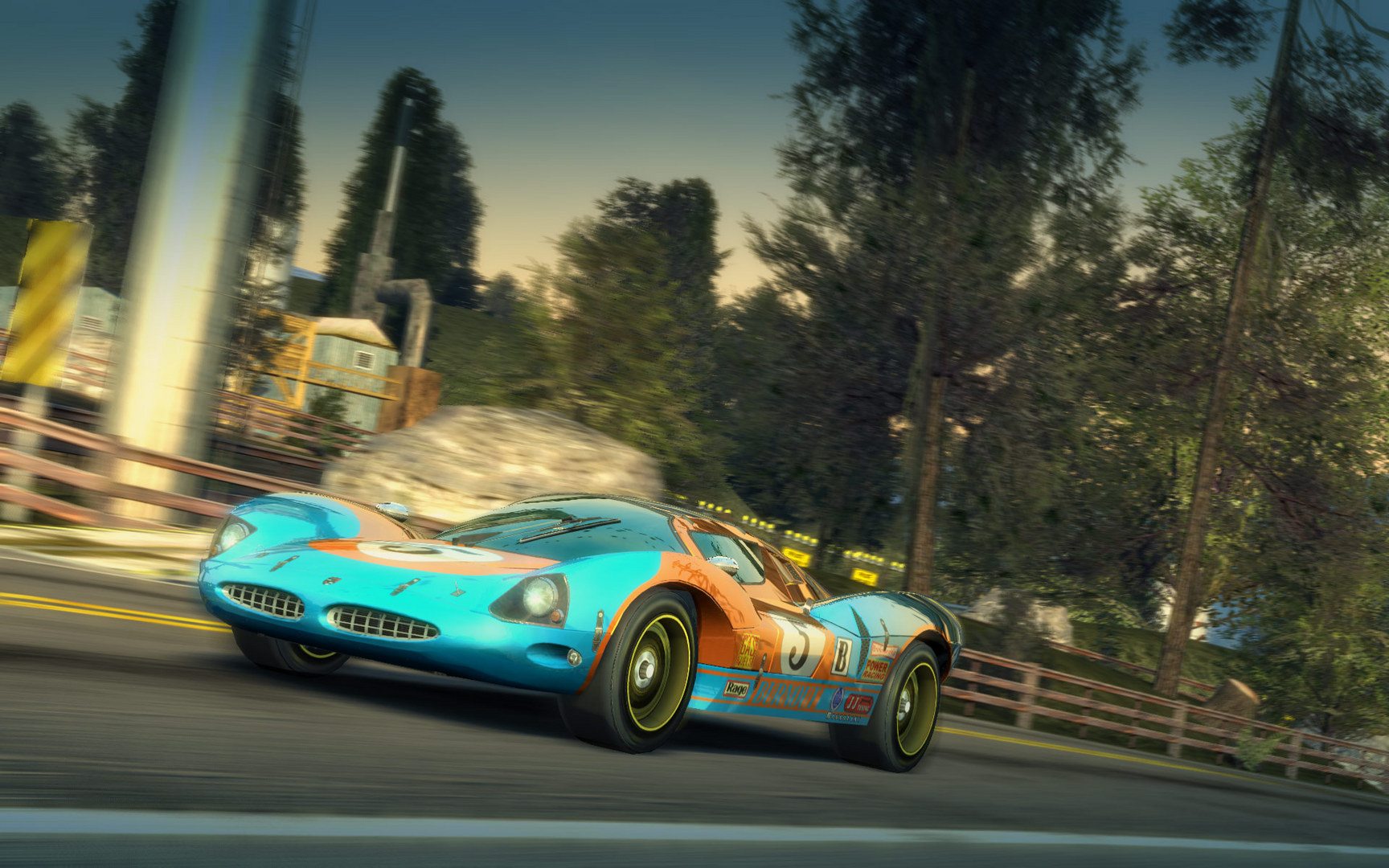
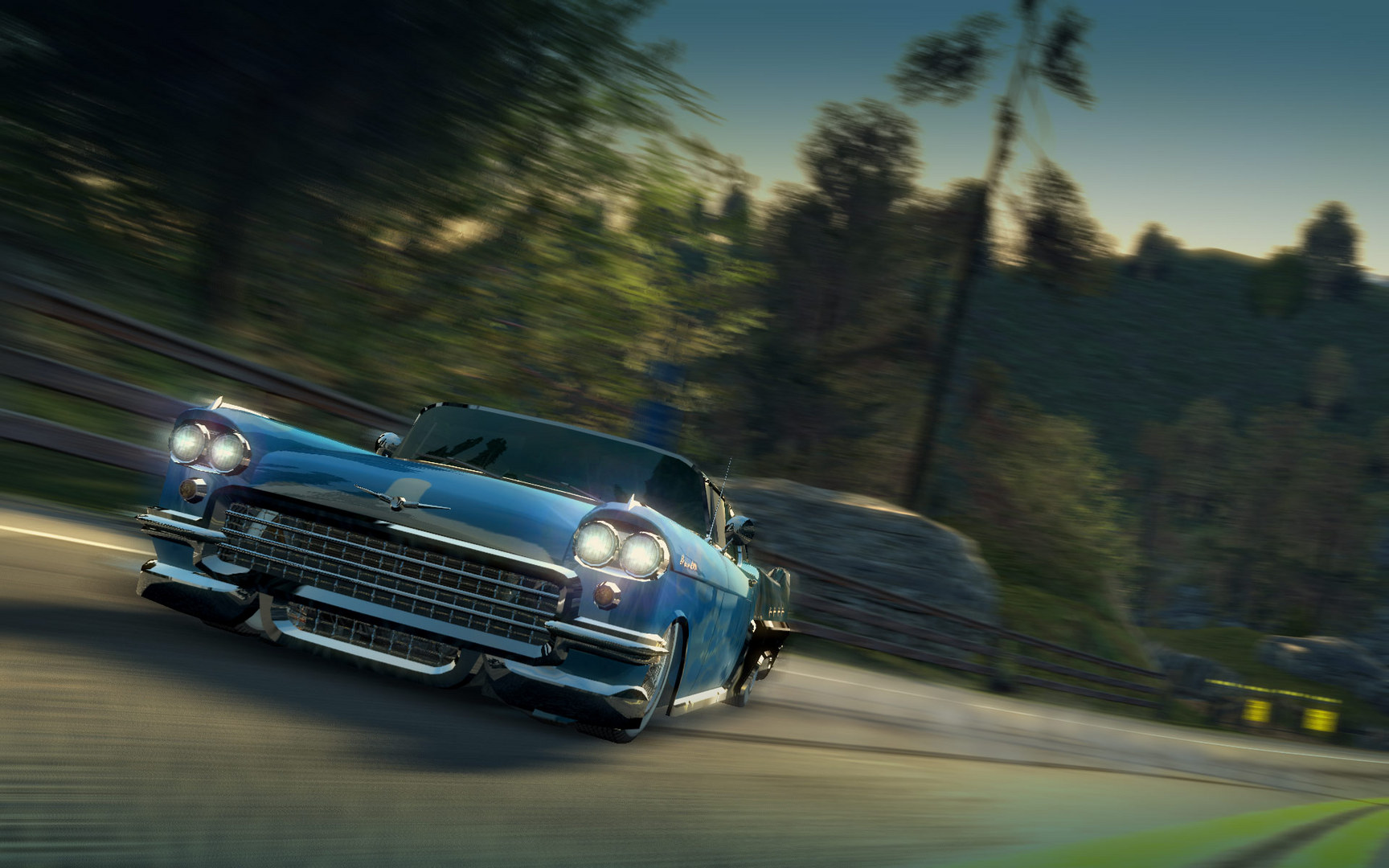
Official store screenshots from Steam — deckport links them, never rehosts. Hover to pause; click to preview.
Identity
Launch
- Binary
- BurnoutParadise.exe
- Options
- -multithread %command%
- Needs files
- none beyond the binary
Proton
- Version
- GE-Proton
- Winetricks
- —
- ProtonDB
- ProtonDB Gold runs perfectly after tweaks
⚙ Setup notes
Edition: This is the classic Burnout Paradise: The Ultimate Box (Steam appid 24740), delisted June 4 2020 when the Remastered edition (1238080) replaced it. Do NOT confuse the two: the Remastered build has a known black-screen / movie-playback hang on Deck via the EA launcher, but the original Ultimate Box runs cleanly.
Binary: The game launches from BurnoutParadise.exe in the install root. The folder also contains BurnoutConfigTool.exe — a small settings utility that appears at first launch; point deckport at BurnoutParadise.exe, not the config tool.
Proton: GE-Proton works; community reports also confirm Proton 7.0-3 and proton_experimental. ProtonDB tier is Gold — it generally runs out of the box and is very well optimized (~60fps, low wattage on Deck).
Launch option: -multithread %command% is a long-standing community fix that prevents early crashes on some setups. If you still see a crash on the audio track *"Never Heard of It — Finger on the Trigger,"* disable that song in Audio Options (a known game-side bug).
Config tool fix: If you get a green/blue or white/grey screen on first boot, run the built-in config tool once and set the resolution to 1280×800 (Deck native) before launching the game.
Online: At first launch the game may prompt to create/sign into an EA online account — skip it. The online servers were shut down Aug 1 2019, so online play and the online-dependent DLC features are gone; offline single-player and the bundled Game Changing content are unaffected.
DRM: The Steam build uses Steamworks only — no GFWL, no SecuROM disc check. (The old retail/Origin SecuROM was retired by EA in an Oct 2017 update.)
Controller: Mostly works as a generic gamepad, but reports are mixed — some users must open the in-game Controls menu and rebind, or disable Steam Input (Properties → Controller) if a connected pad causes a crash. Expect light per-device tweaking rather than fully automatic native support.
Install: deckport only configures the prefix; it never bundles or links the game files.
The one thing to know
Supply your own copy. deckport links nothing.
Right edition: Targets the DELISTED original (appid 24740), not the for-sale Remastered (1238080) — make sure you're launching the right one.
Online: Servers were shut down Aug 1 2019: multiplayer and online-dependent DLC are unavailable; skip the EA account sign-in prompt — offline single-player is unaffected.
Crashes: Set the launch option -multithread %command%. If it still crashes, disable the audio track *"Never Heard of It — Finger on the Trigger"* in Audio Options.
Controller: Works as a generic gamepad, but support is not fully automatic — some users must rebind in the in-game Controls menu, or disable Steam Input if a connected pad triggers a crash.
Display: Some users see minor frame stutter targeting 60Hz; the Deck's 40Hz mode isn't smooth, so cap to 30 or 60. If you get a corrupted first-boot screen, set 1280×800 in the built-in config tool first.
Status: Community-confirmed on Deck but this specific recipe is not yet hardware-verified.
Community guides
Write-ups and threads from people who got this (or a similar) game running. deckport links to them — it doesn't reproduce them.
Get the artwork
deckport never hosts game images. Open this game on SteamGridDB, pick
the cover / hero / logo / icon you like, and drop them into the
game folder under .deckport-art/ before you push it to the
Deck. The importer files them under the right names automatically.
Run it on your Deck
Two files: the one-time importer (deckport.py) in your
Deck's home folder, and this game's install helper. Copy the game
into ~/Games and run the helper with Steam closed — it
writes the recipe (binary, launch options, Proton version)
and registers the shortcut with artwork.