About
Clicker Heroes 2 is the sequel to Playsaurus's popular browser idle game Clicker Heroes, blending incremental clicker mechanics with an action-RPG-style gear and skill system. It is notable for famously rejecting the free-to-play microtransaction model of the original in favor of a single paid purchase, a decision the developer framed in ethical terms. The game launched in Steam Early Access in July 2018 and supports offline progression. It was delisted from Steam in March 2024 because it depended on the discontinued Adobe Flash/AIR toolchain, which made further builds impossible.
Screenshots
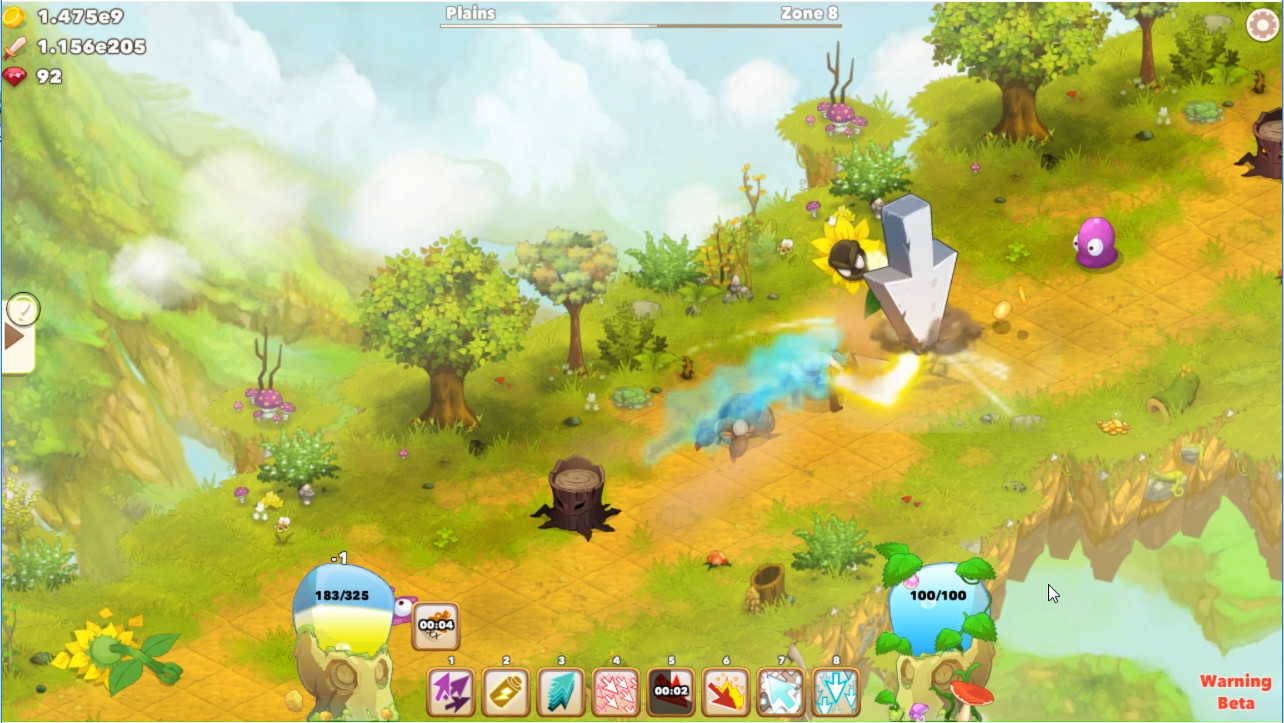

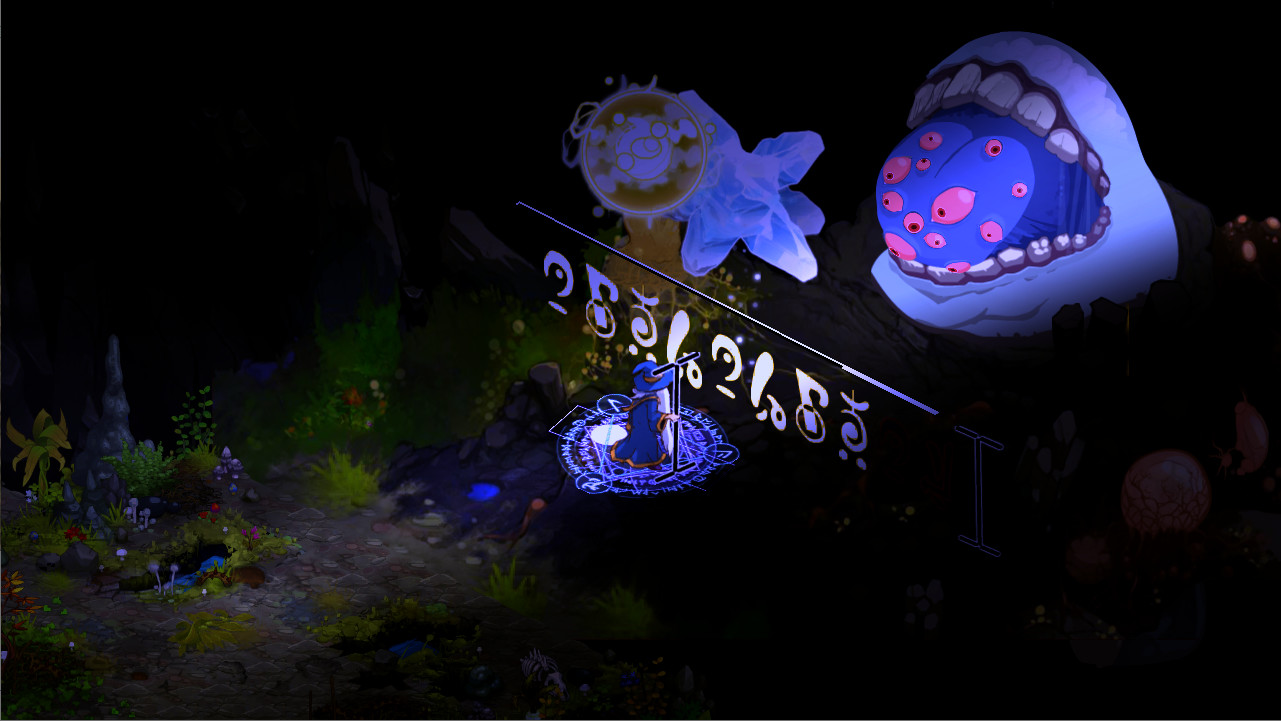
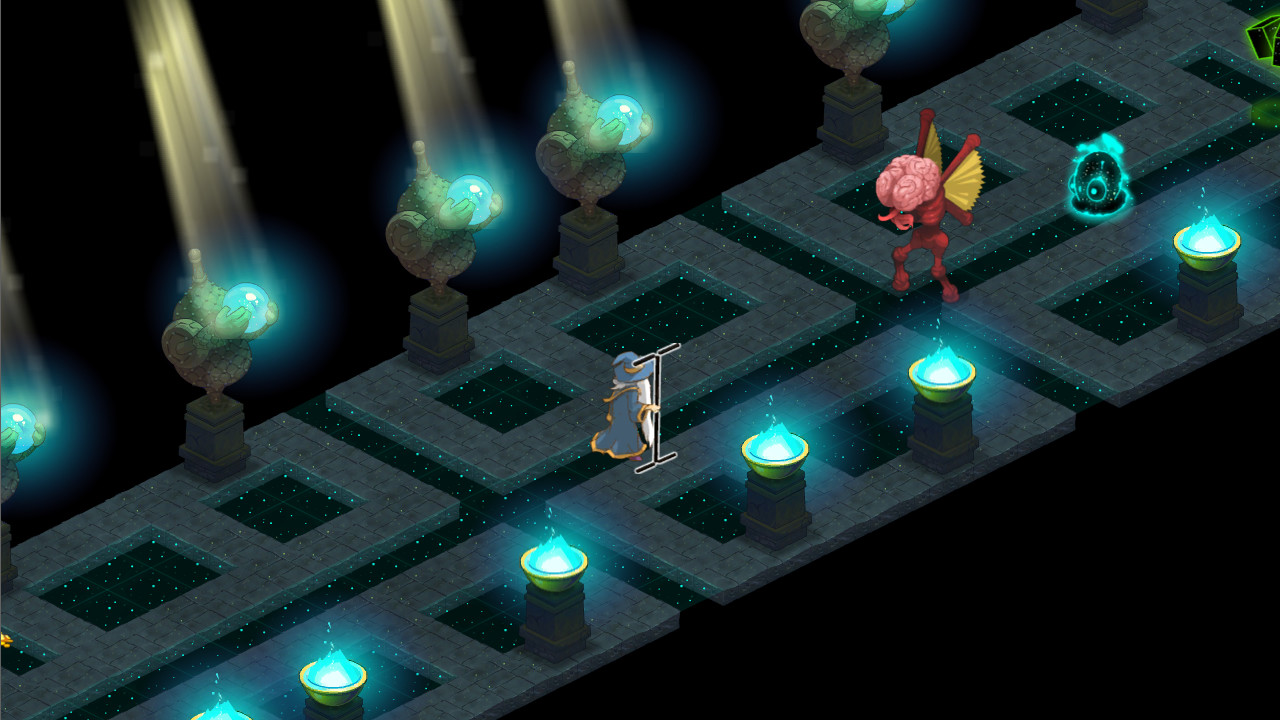
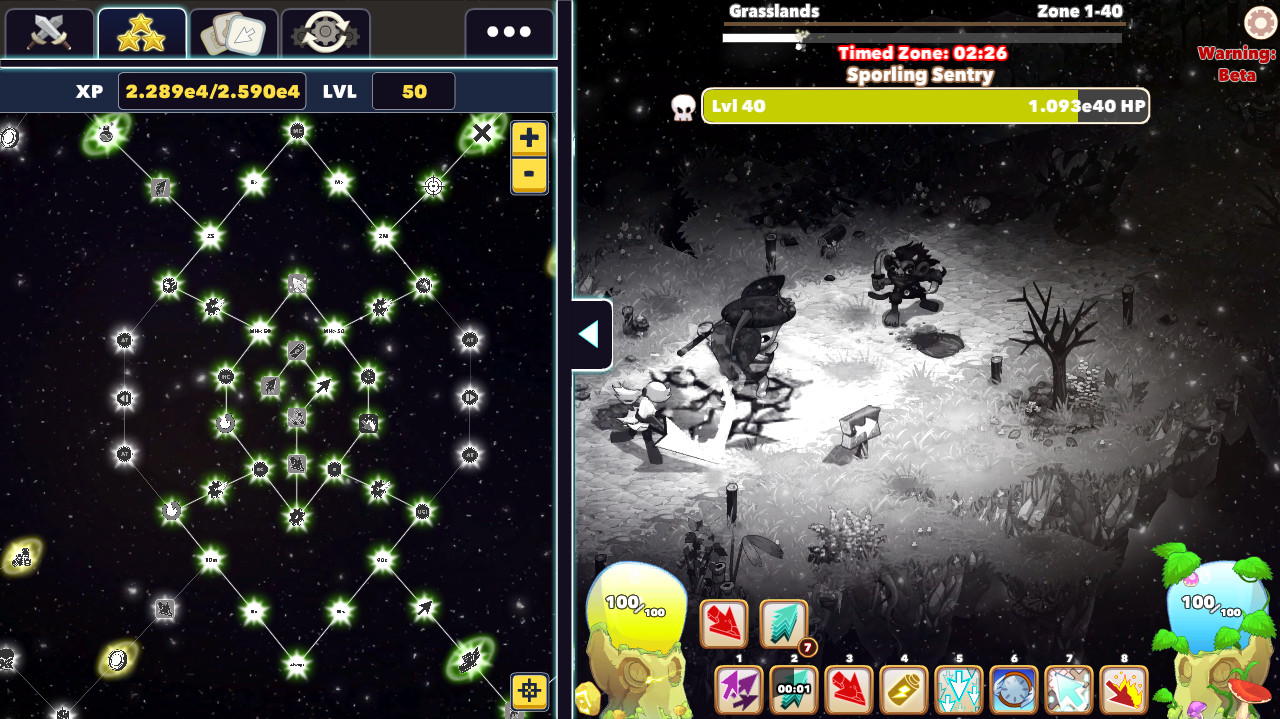
Official store screenshots from Steam — deckport links them, never rehosts. Hover to pause; click to preview.
Identity
Launch
- Binary
- Clicker Heroes 2.exe
- Needs files
- none beyond the binary
Proton
- Version
- proton_experimental
- Winetricks
- —
- ProtonDB
- ProtonDB Silver runs with minor issues
⚙ Setup notes
Delisted: Delisted Steam game (appid 629910, removed from sale 2024-03-14 — the discontinued Adobe Flash/AIR toolchain made further builds impossible). Built on Adobe AIR, not Unity; the captive-runtime launcher executable is Clicker Heroes 2.exe.
Proton: ProtonDB rates it silver (best-reported platinum) and community reports confirm it runs on Linux/Proton, so it plays on the Deck. Use proton_experimental; GE-Proton is a fine fallback if you see a launch hang.
DRM: No GFWL/SecuROM/DRM steps needed.
Controller: This is a mouse-driven idle/clicker — no native gamepad support, so use a Steam Input layout that maps the right trackpad (and/or gyro) to mouse cursor + a button to left-click; that makes it fully playable on the Deck.
Install: deckport only configures the prefix; it never bundles or links game files.
The one thing to know
Supply your own copy: deckport links nothing.
Verification: ProtonDB silver; community reports confirm it runs on Linux/Proton/Deck, but this specific recipe is not yet hands-on Deck-verified.
Controller: No native controller support — map the right trackpad/gyro to mouse + a click button via Steam Input (works because it's an idle/clicker, not a precision game).
Offline: Largely offline/single-player idle game, so server shutdown is not a concern.
Community guides
Write-ups and threads from people who got this (or a similar) game running. deckport links to them — it doesn't reproduce them.
Get the artwork
deckport never hosts game images. Open this game on SteamGridDB, pick
the cover / hero / logo / icon you like, and drop them into the
game folder under .deckport-art/ before you push it to the
Deck. The importer files them under the right names automatically.
Run it on your Deck
Two files: the one-time importer (deckport.py) in your
Deck's home folder, and this game's install helper. Copy the game
into ~/Games and run the helper with Steam closed — it
writes the recipe (binary, launch options, Proton version)
and registers the shortcut with artwork.