About
Cloudberry Kingdom is a 2D precision platformer built around algorithms by Jordan Fisher that procedurally generate levels tuned to the player's skill, abilities, and physics settings, producing effectively infinite stages.
Originally Kickstarter-funded, it launched in 2013 on PC alongside PS3, Xbox 360, and Wii U, and was praised for its fast-twitch difficulty and adaptive level design. The PC release was delisted from Steam in May 2020 and is no longer sold there.
Screenshots
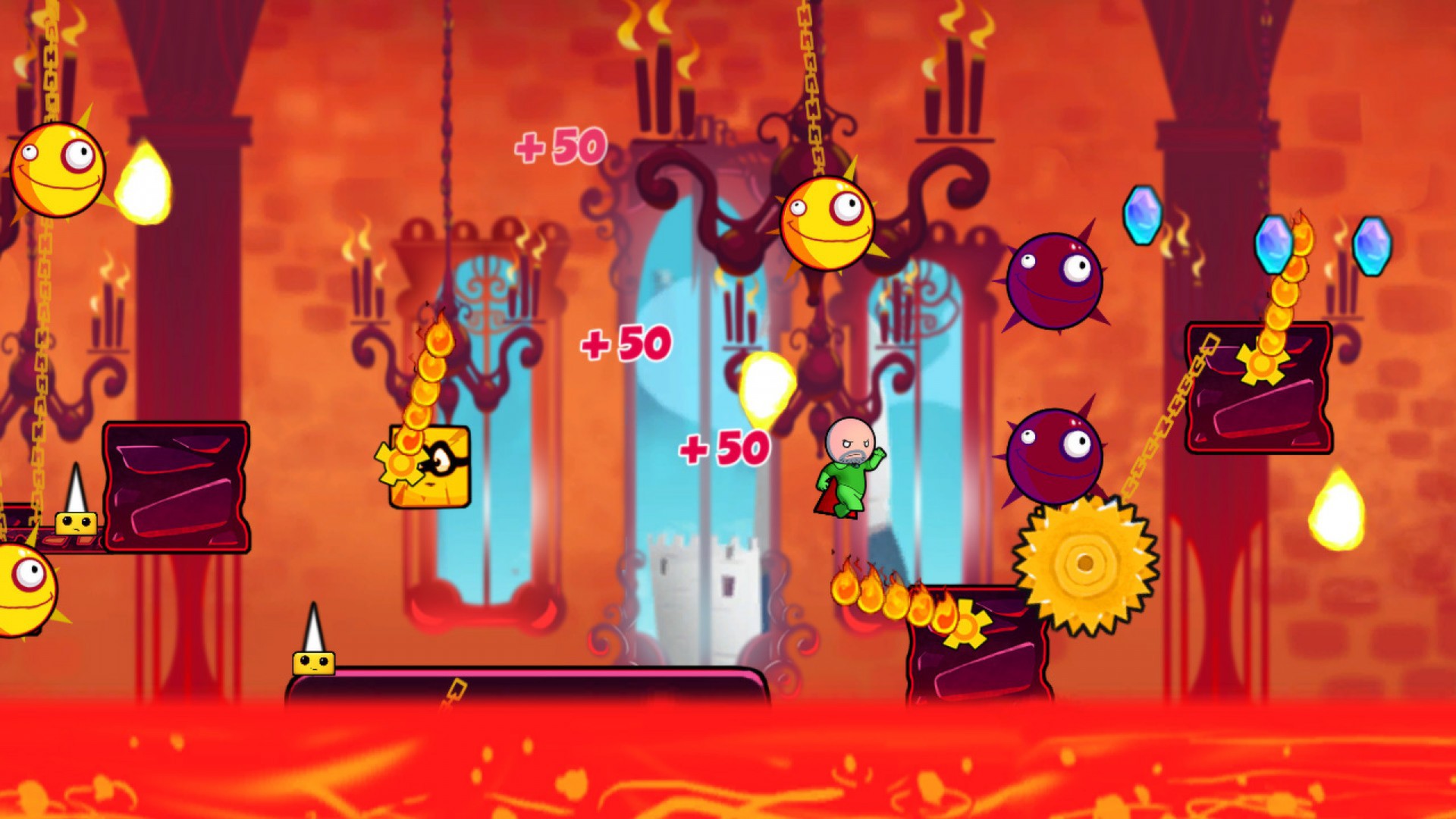
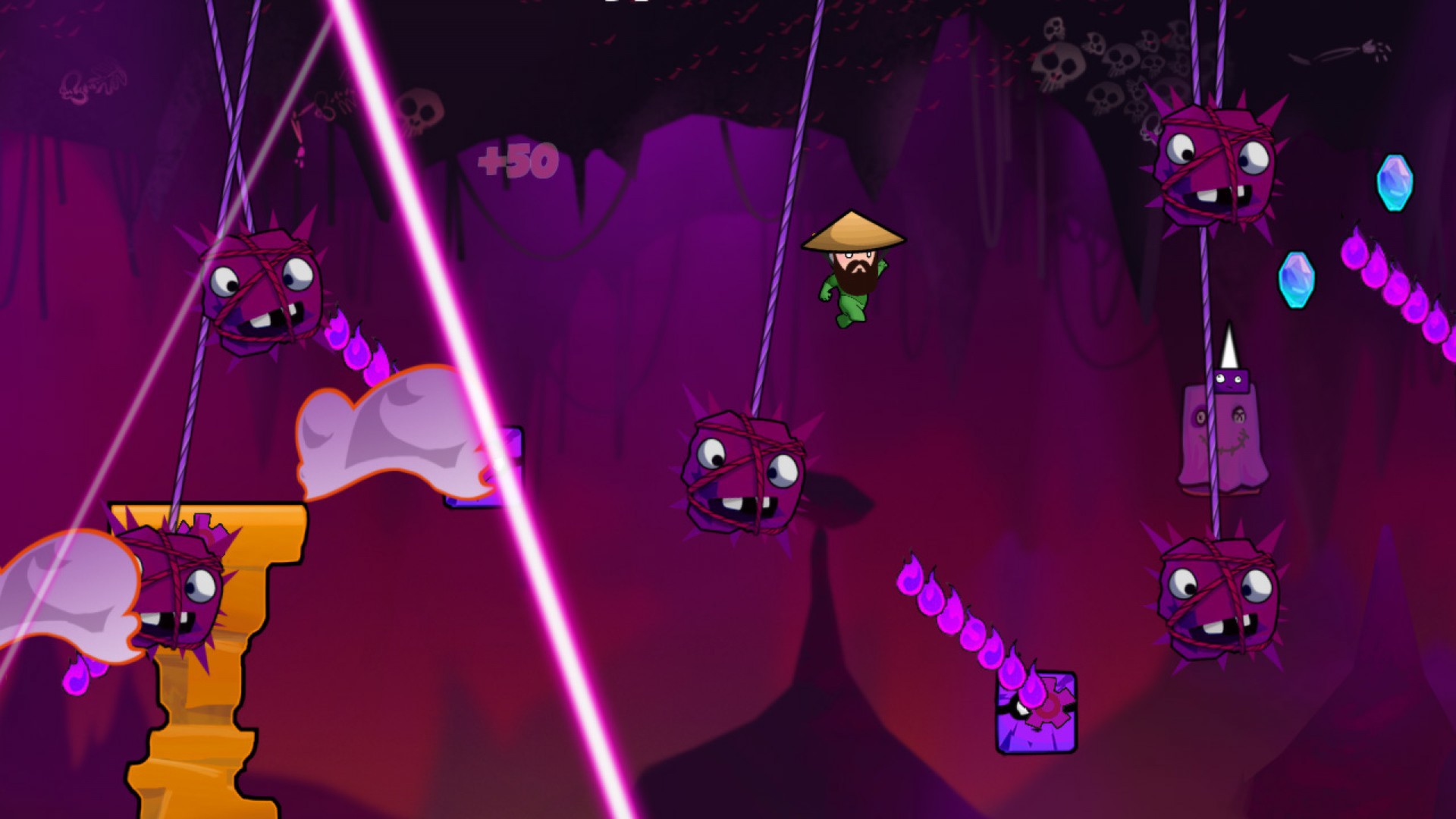
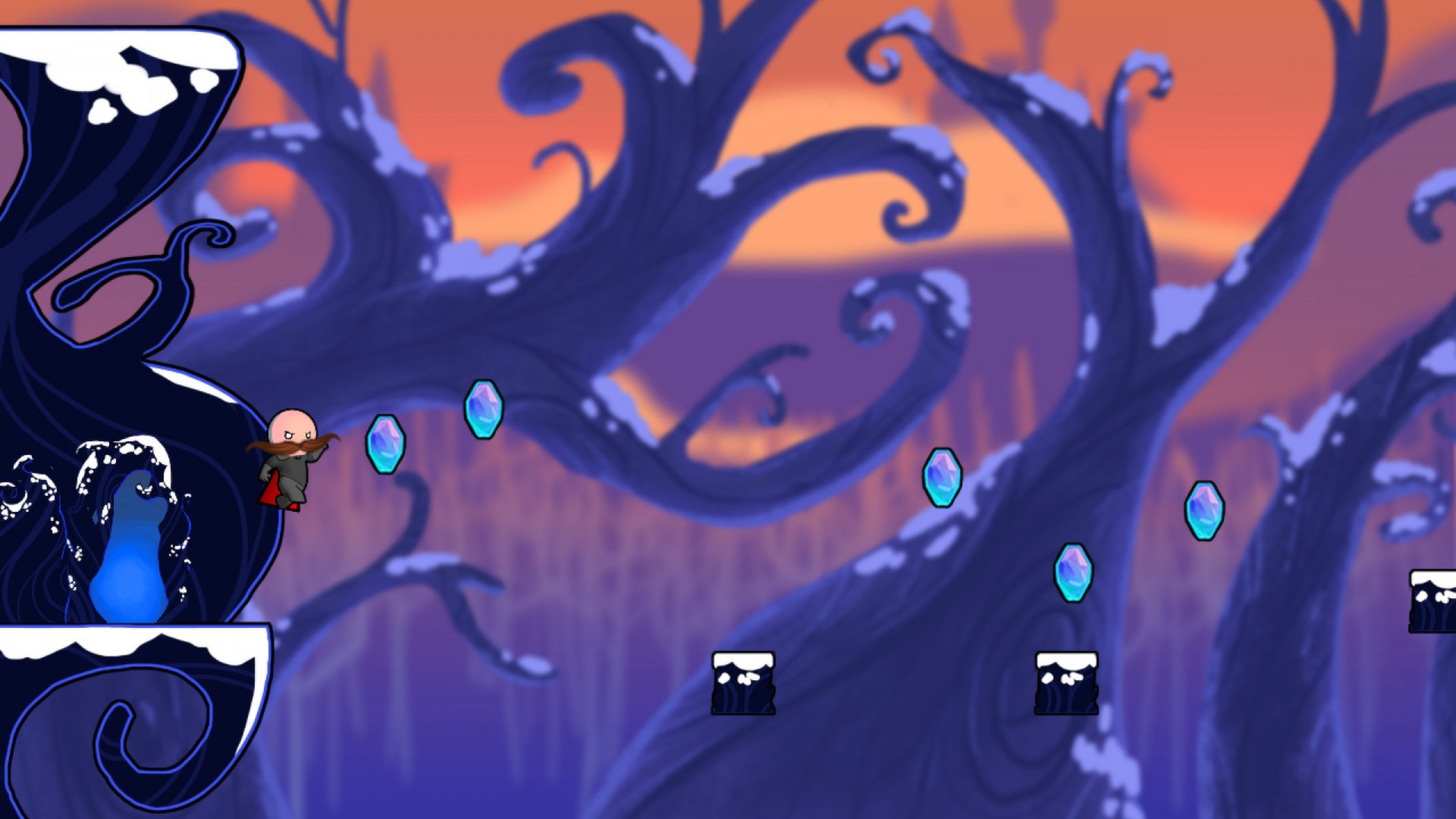
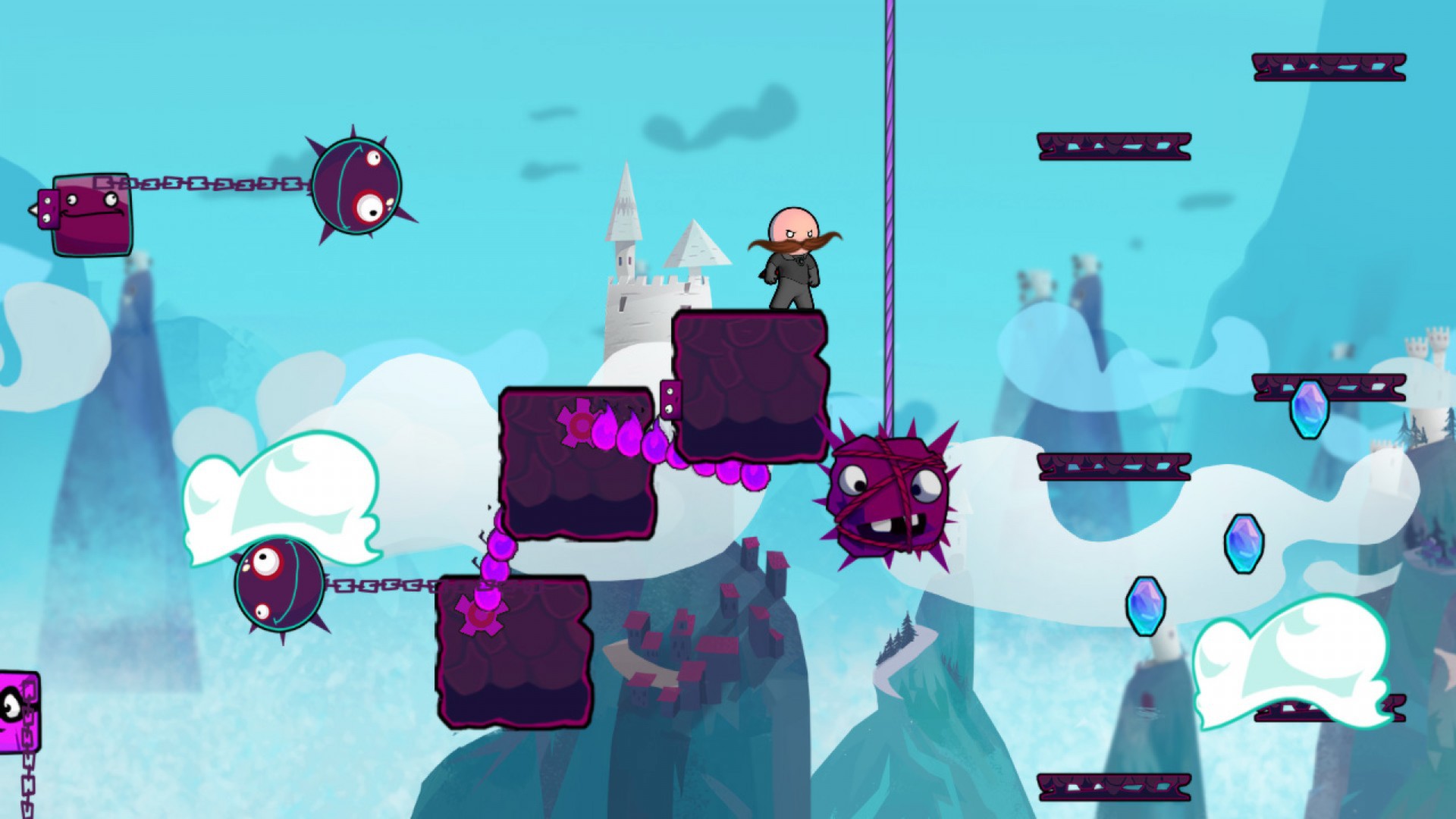
Official store screenshots from Steam — deckport links them, never rehosts. Hover to pause; click to preview.
Identity
Launch
- Binary
- Binaries/Retail/CloudberryKingdom.exe
- Needs files
- none beyond the binary
Proton
- Version
- GE-Proton
- Winetricks
- xact, d3dx9, dotnet48
- ProtonDB
- ProtonDB Silver runs with minor issues
⚙ Setup notes
Game: Pwnee Studios / Ubisoft procedurally-generated precision platformer (Steam appid 210870).
DRM: Delisted from Steam on 4 May 2020 (still on other storefronts) — bring your own copy.
Proton: This is an XNA (C# / .NET) game, which makes it fiddly under Proton. Reports note Steam/Proton choking on the bundled XNA4 redistributable install, leaving the game with a silent non-launch. Use GE-Proton (which bundles more of the needed runtime bits) and, if it still won't start, run protontricks against the prefix to install xact (XAudio2 — fixes/avoids audio crashes), d3dx9, and dotnet48. ProtonDB skews bronze/silver; it is *not* a clean out-of-the-box runner.
Media note: The original game's intro/cutscene videos (WMV/WMA) play too fast with choppy audio under Wine; the music re-encodes cleanly but the videos are a known cosmetic issue, not a blocker.
Binary: XNA PC builds (CloudberryKingdomPC.sln) emit CloudberryKingdom.exe; on the Steam build it lives under a Binaries/Retail subfolder. If that path is wrong for your copy, point at the root-level CloudberryKingdom.exe.
Controller: Full native Xbox-style gamepad support, so the Deck's built-in controls work directly — no Steam Input mapping needed for this fast-twitch platformer.
The one thing to know
Supply your own copy: Delisted from Steam (May 2020); configuration only, no links.
Proton: XNA / .NET game — expect to fight the XNA4 redistributable. Use GE-Proton and, if it won't launch, protontricks xact / d3dx9 / dotnet48 into the prefix. Native gamepad support; no Steam Input needed.
Online: Single-player / local co-op (no dead-server concern).
Binary: Path is a best guess — Binaries/Retail/CloudberryKingdom.exe on the Steam build; falls back to a root-level CloudberryKingdom.exe. Verify against your install.
Community guides
Write-ups and threads from people who got this (or a similar) game running. deckport links to them — it doesn't reproduce them.
Get the artwork
deckport never hosts game images. Open this game on SteamGridDB, pick
the cover / hero / logo / icon you like, and drop them into the
game folder under .deckport-art/ before you push it to the
Deck. The importer files them under the right names automatically.
Run it on your Deck
Two files: the one-time importer (deckport.py) in your
Deck's home folder, and this game's install helper. Copy the game
into ~/Games and run the helper with Steam closed — it
writes the recipe (binary, launch options, Proton version)
and registers the shortcut with artwork.