About
Colin McRae Rally is a rally racing game from Codemasters, originally launched on mobile in 2013-2014 and ported to Windows and macOS on Steam in July 2014. Despite carrying the classic name, it is built on the 2000 PlayStation title Colin McRae Rally 2.0, faithfully reproducing thirty of that game's stages. It was delisted from Steam on January 10, 2019, at the publisher's request, most likely due to expired licensing for the real-world cars, drivers, or music featured in the game.
Screenshots
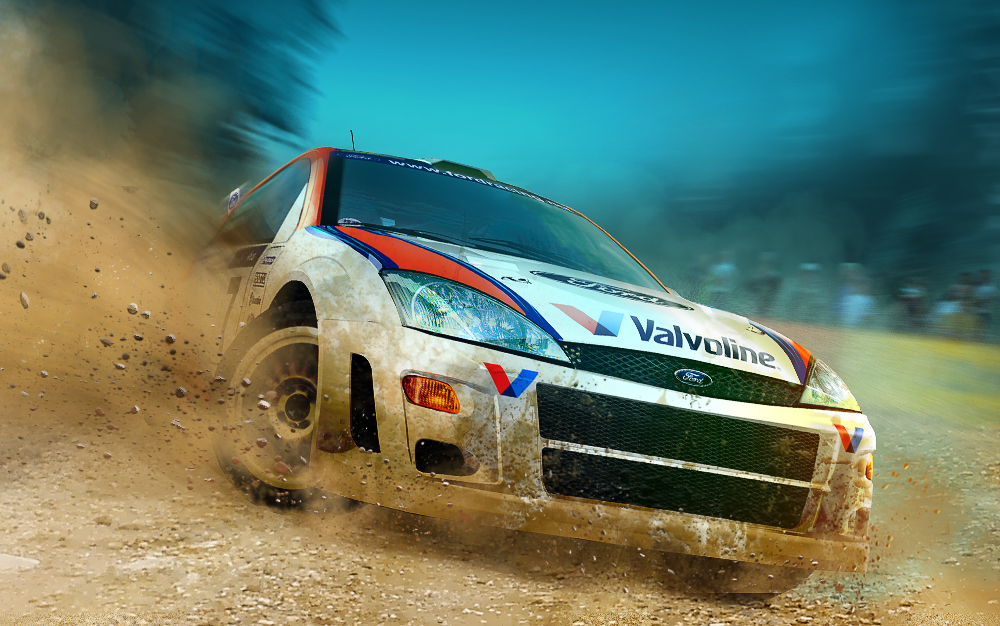
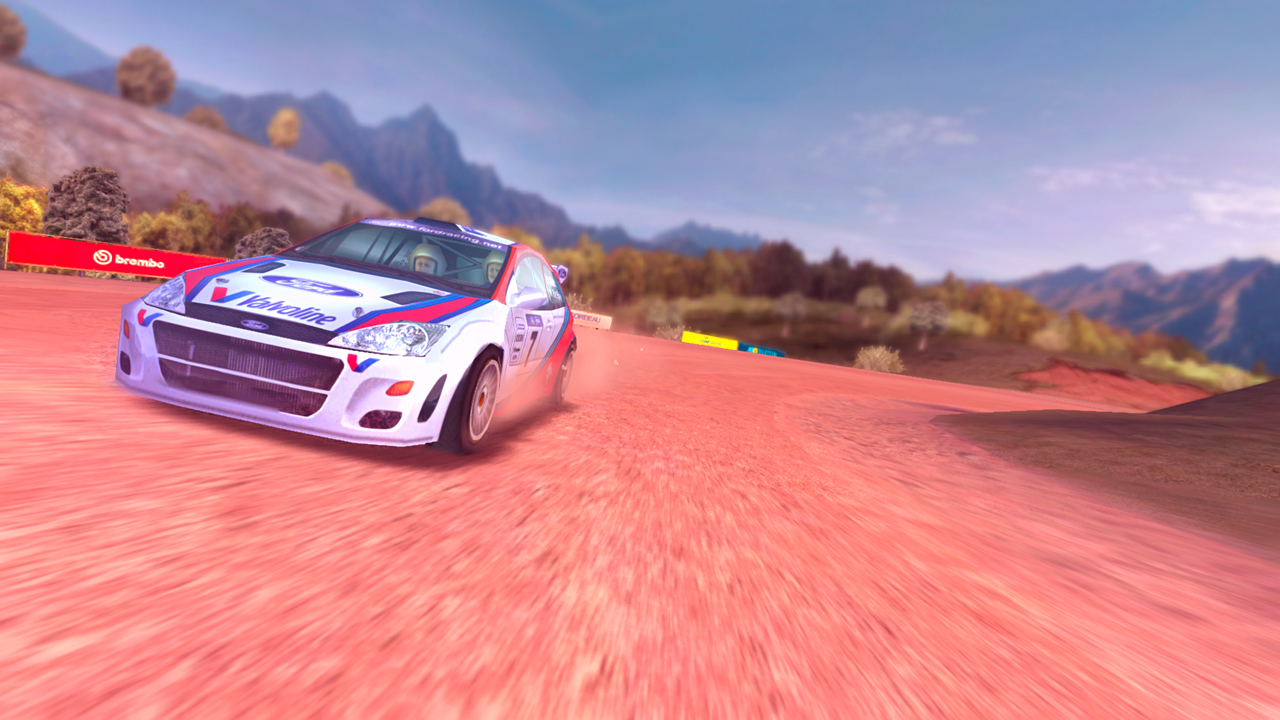
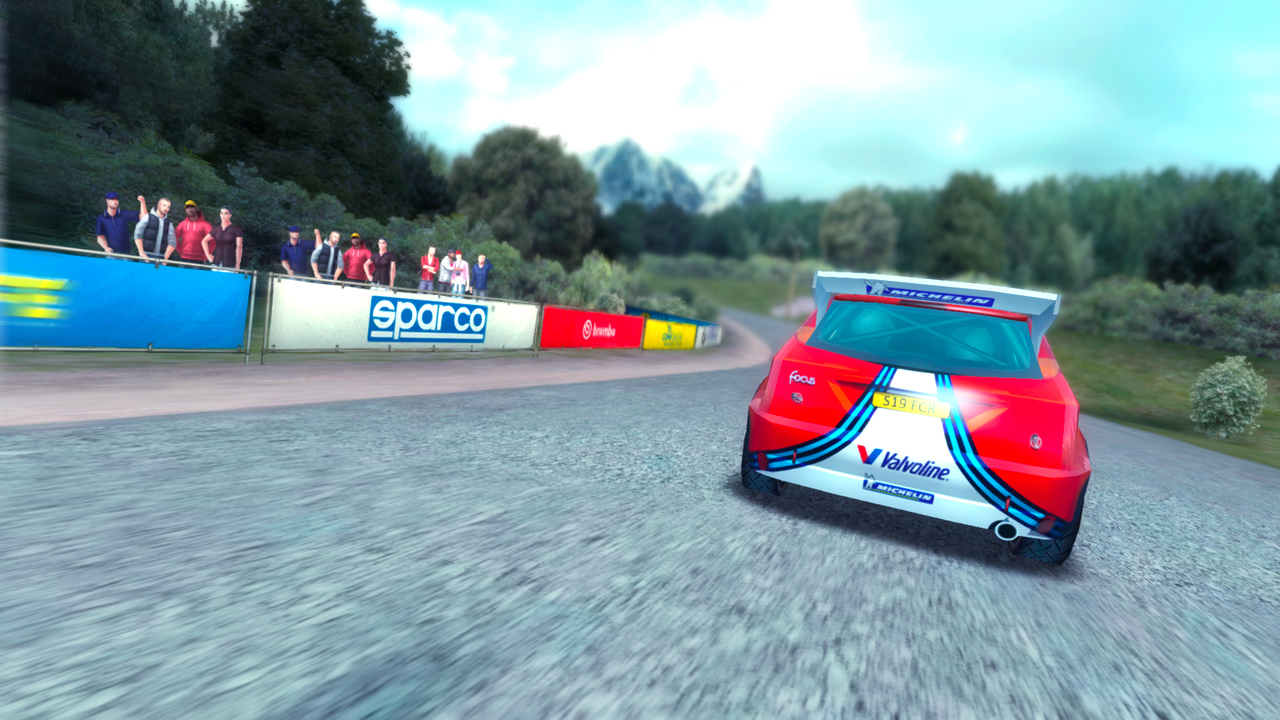
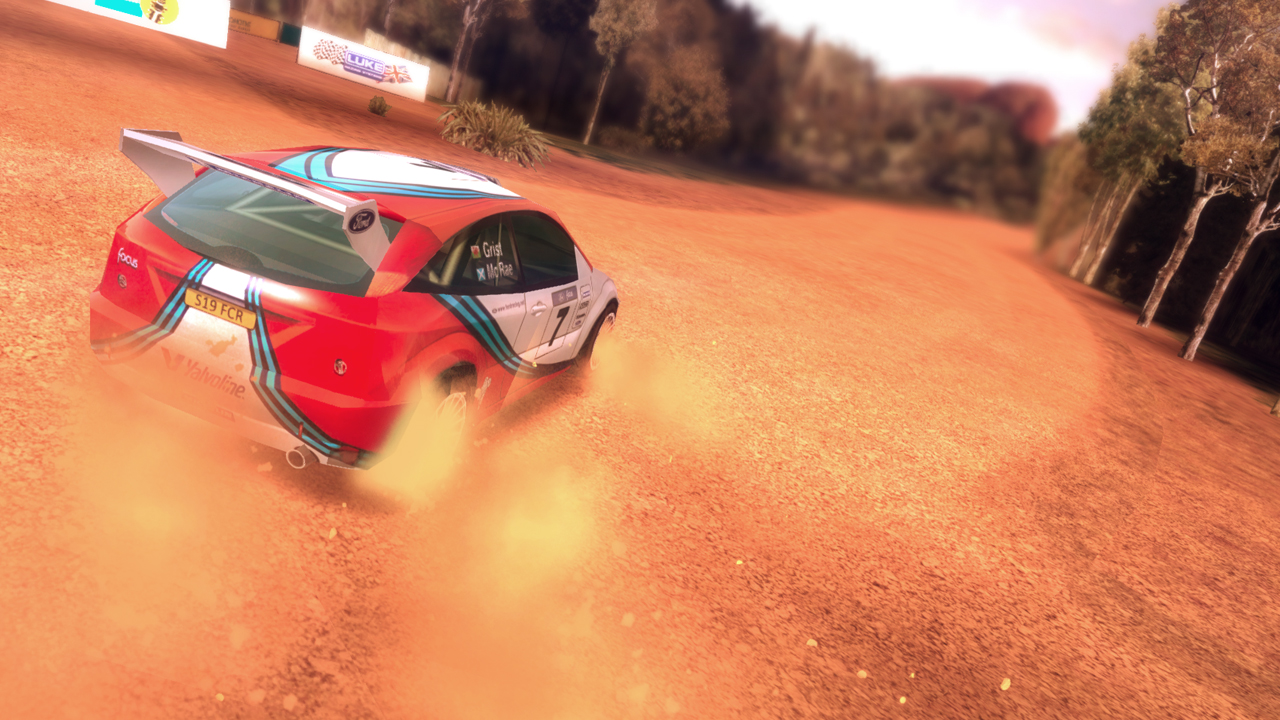
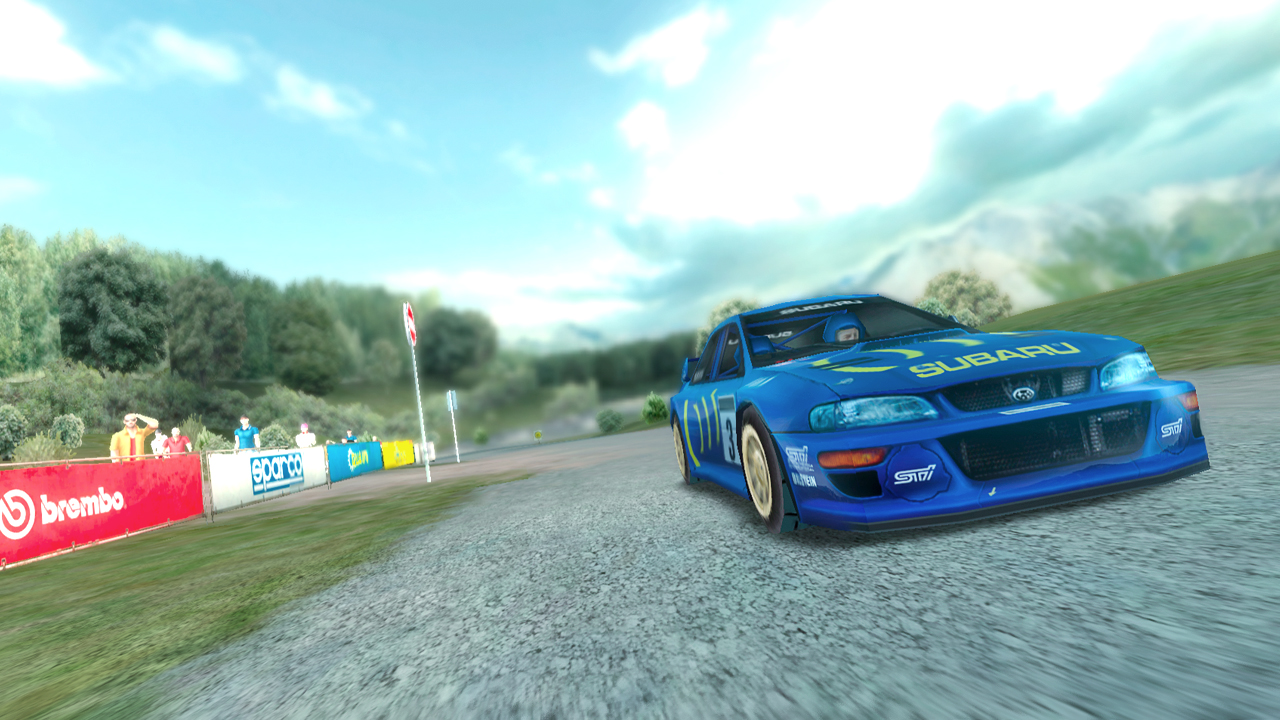
Official store screenshots from Steam — deckport links them, never rehosts. Hover to pause; click to preview.
Identity
Launch
- Binary
- CMR2.exe
- Needs files
- none beyond the binary
Proton
- Version
- GE-Proton
- Winetricks
- —
⚙ Setup notes
Game: Delisted Steam game (appid 287340, removed Jan 10 2019 at the publisher's request — most likely expired car/driver/music licensing). This is the 2014 PC port of the 2013-2014 mobile title, itself built on the 2000 PlayStation game Colin McRae Rally 2.0 (not the classic 1998 CMR). DRM is plain Steam — no GFWL / SecuROM / TAGES / publisher launcher.
Proton: No special tricks needed. GE-Proton (or proton_experimental) — pick the latest if the default Proton stutters. No winetricks required.
Controller: Pad support is XInput / Xbox 360 but quirky: the controller must be connected before the game launches, and a known fix is to enter Options and reset the video/steering data so the axes bind to the default 360 layout. On Deck, leave the Deck pad as a virtual Xbox 360 controller and use a Steam Input gamepad template; expect to do the in-game reset once.
Binary: The 2014 build reuses the CMR 2.0 engine, so the executable is most likely CMR2.exe — this is a best guess, confirm it against your own install folder and update [launch].binary if it differs. deckport only configures the prefix; it never bundles or links the game files.
The one thing to know
Supply your own copy: Delisted (not for sale) since Jan 10 2019 — you must already own it. deckport links nothing.
Status: Plain-Steam DRM means there is no licensing/launcher blocker to defeat, so it should run under Proton, but this recipe is not yet hardware-verified and the ProtonDB tier could not be confirmed remotely — hence needs-test.
Controller: XInput / Xbox 360 support is present but finicky — connect the pad before launch and, if axes misbehave, reset the video/steering data in Options. On Deck, present the pad as a virtual Xbox 360 controller via Steam Input.
Online: Single-player rally game, no online dependency to worry about.
Binary: [launch].binary is a best-guess CMR2.exe (the CMR 2.0 engine the 2014 port is built on) — confirm the real .exe from your install and adjust if needed.
Community guides
Write-ups and threads from people who got this (or a similar) game running. deckport links to them — it doesn't reproduce them.
Get the artwork
deckport never hosts game images. Open this game on SteamGridDB, pick
the cover / hero / logo / icon you like, and drop them into the
game folder under .deckport-art/ before you push it to the
Deck. The importer files them under the right names automatically.
Run it on your Deck
Two files: the one-time importer (deckport.py) in your
Deck's home folder, and this game's install helper. Copy the game
into ~/Games and run the helper with Steam closed — it
writes the recipe (binary, launch options, Proton version)
and registers the shortcut with artwork.