About
Command & Conquer 4: Tiberian Twilight is the final chapter of the Tiberium saga, developed by EA Los Angeles and released in 2010. It radically reworked the classic C&C formula, dropping traditional base-building in favor of a mobile 'Crawler' unit, persistent player progression, and a class system, alongside a story-driven co-op campaign. The game was the first in the series to require a constant internet connection even for singleplayer, and it remains one of the worst-reviewed entries in the franchise. EA Los Angeles was dissolved shortly afterward, making this the last mainline Command & Conquer release of that era.
Screenshots
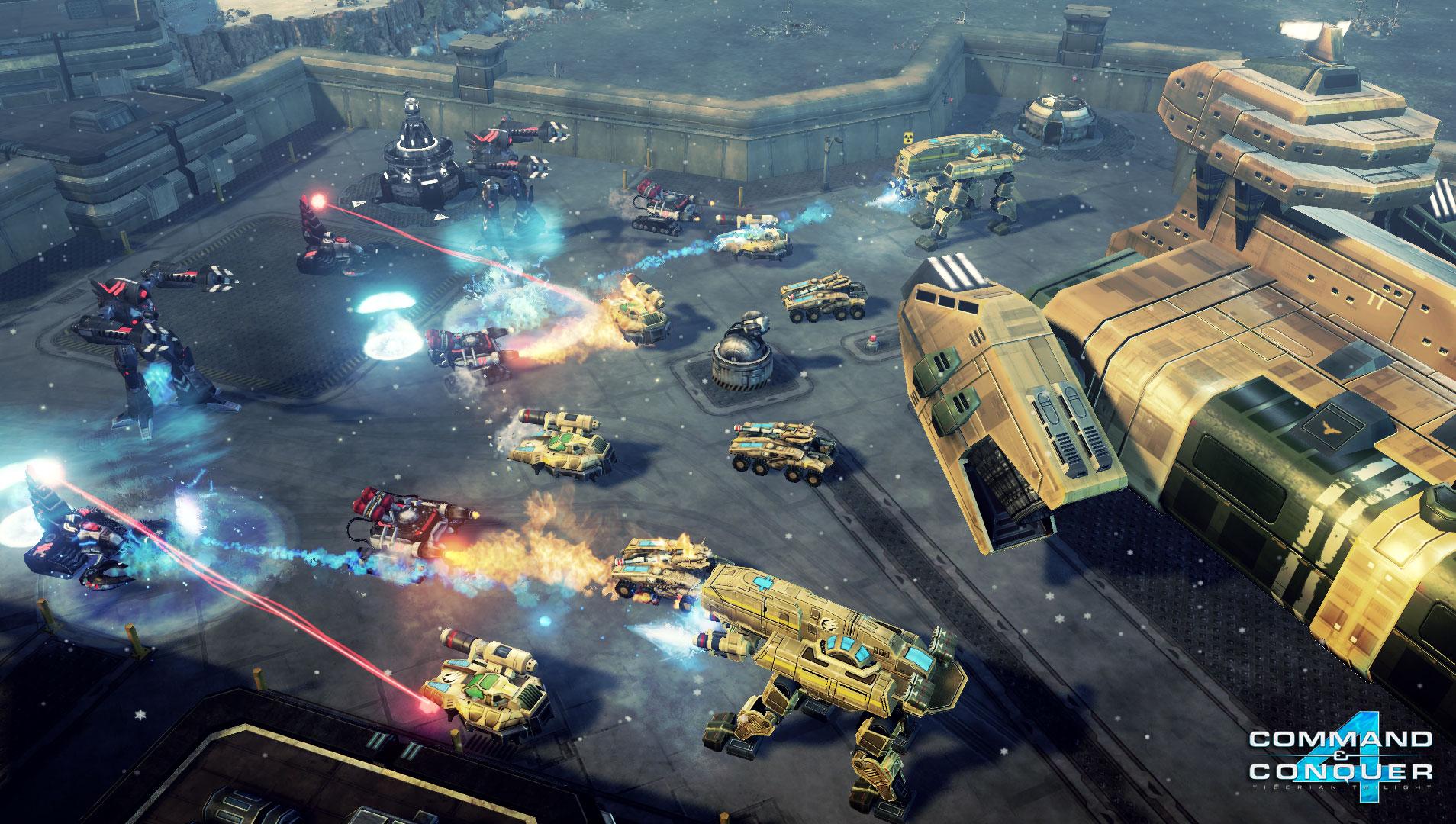
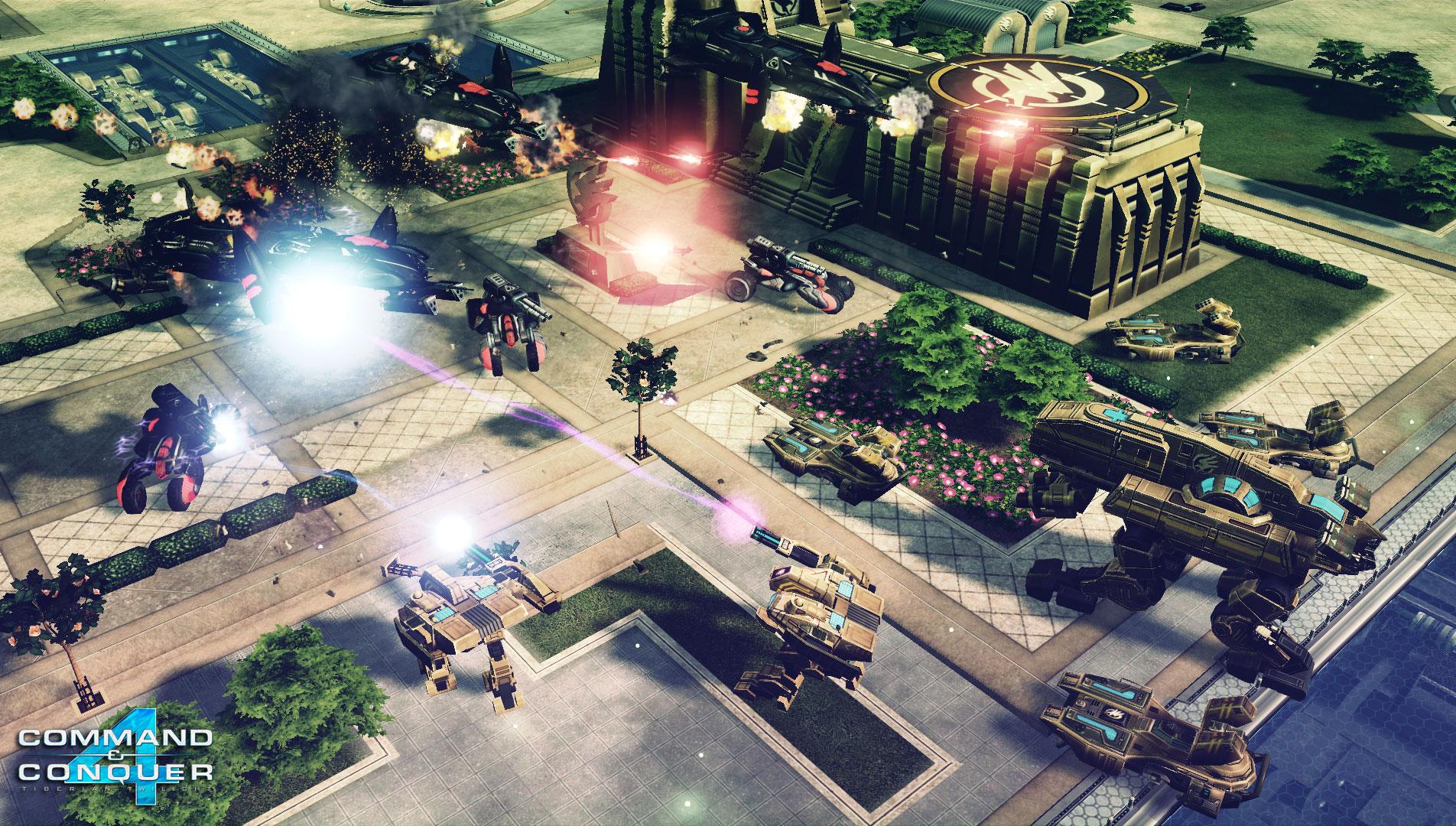
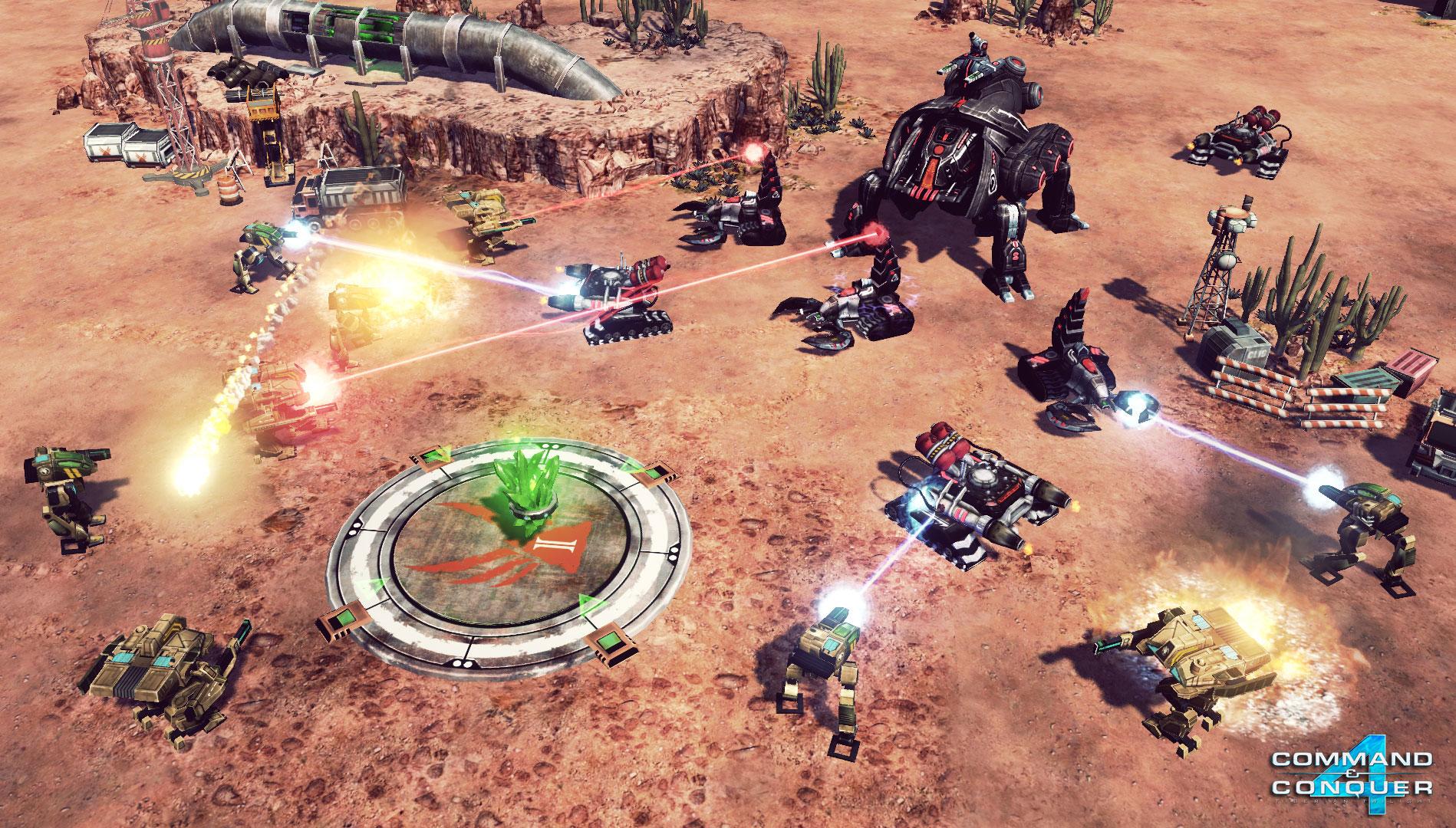
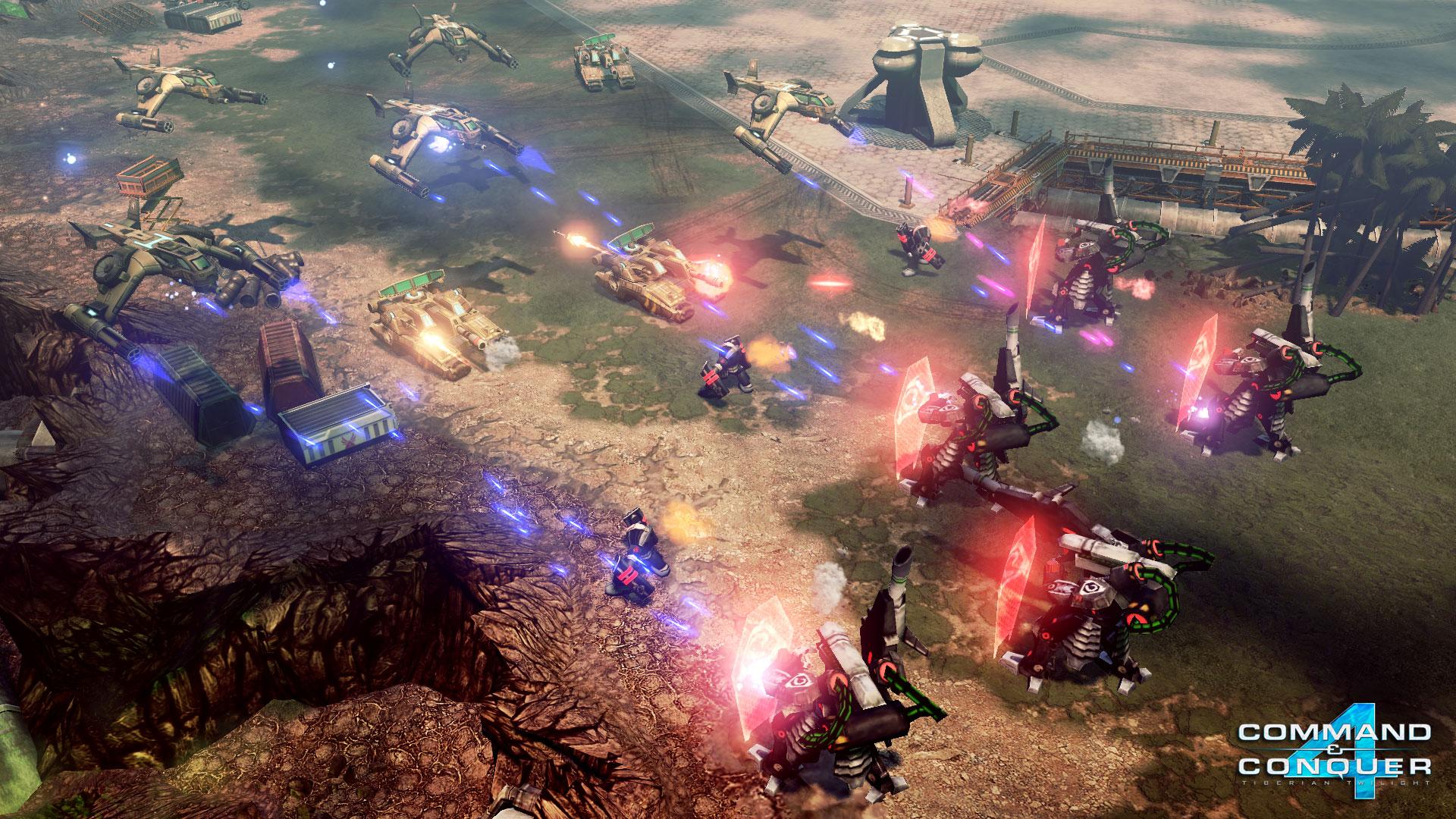
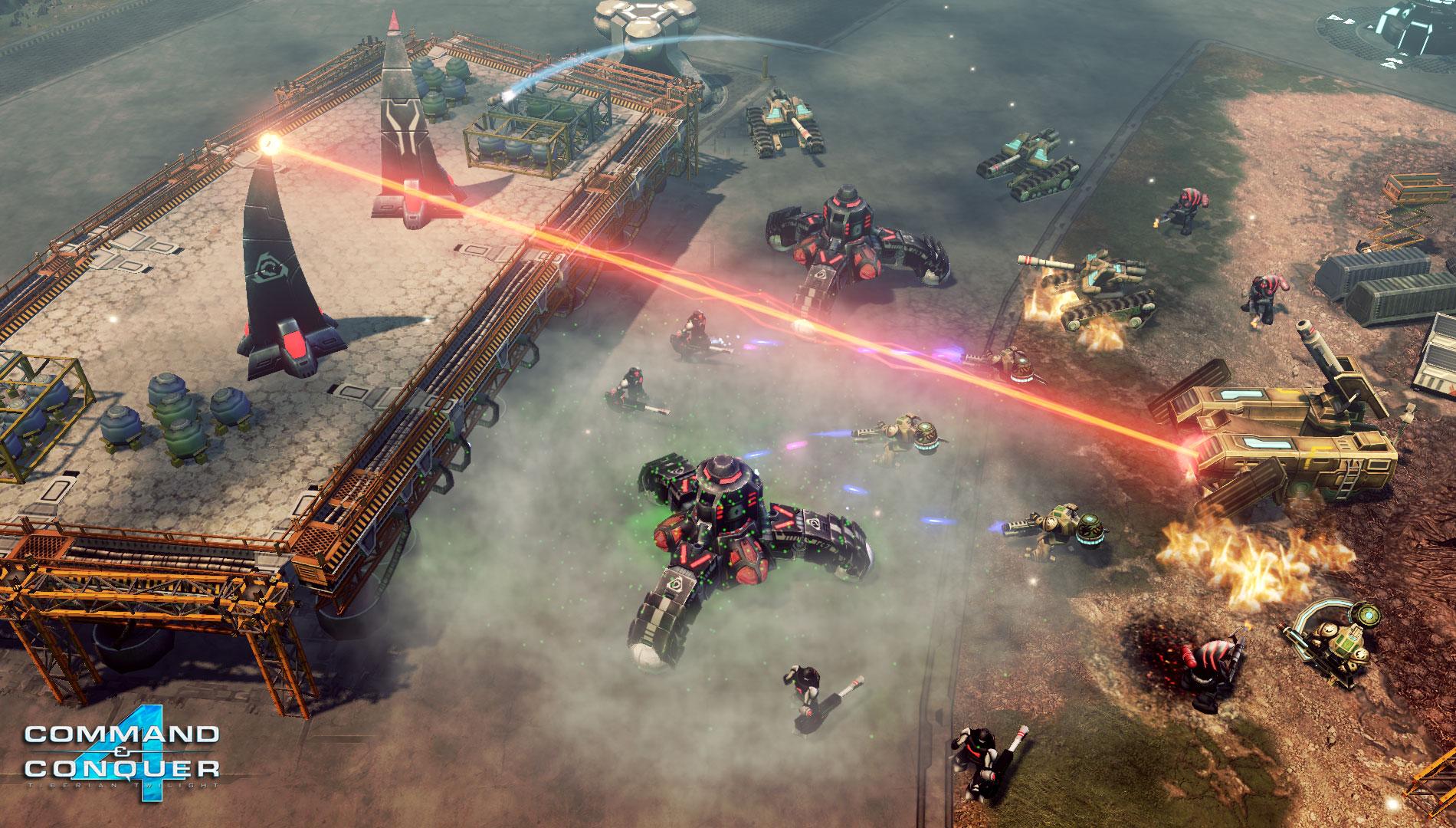
Official store screenshots from Steam — deckport links them, never rehosts. Hover to pause; click to preview.
Identity
Launch
- Binary
- Data/CNC4.game
- Options
- -config "../CNC4_English.SkuDef" %COMMAND%
- Needs files
- none beyond the binary
Proton
- Version
- GE-Proton
- Winetricks
- —
- ProtonDB
- ProtonDB Silver runs with minor issues
⚙ Setup notes
Genre: Real-time tactics game, keyboard+mouse only (no native gamepad).
Controller: On Deck use a Steam Input desktop/keyboard-mouse layout — right touchpad as mouse, trackpad-click as select, grips/back-buttons mapped to hotkeys; fully playable that way.
Proton: Boots via Proton (community reports running on Proton 5.13 / GE-Proton).
Display: Set graphics to medium to avoid GL_OUT_OF_MEMORY on Deck's GPU.
DRM: THE BIG CATCH: this game has always-online DRM and authenticates the singleplayer campaign and skirmish against EA's auth servers, which are intermittently down/broken (404 'error communicating with server'); without a working server connection it will sit at the login screen.
Fix: The community offline patch removes that requirement — apply it on the Windows side BEFORE first launch under Proton (do not run the game online first).
Launcher: CNC4.exe is just the EA launcher/registration wrapper — to boot straight into the game, launch Data/CNC4.game with -config "../CNC4_English.SkuDef" (swap the SkuDef for your language). Register the game's key to your EA account first; with DRM active the game still needs that account at the login screen. Skips the launcher entirely.
Files: deckport only configures the prefix; it never bundles or links any game files.
The one thing to know
Supply your own copy: deckport links nothing.
Delisting: Standalone appid 47700 was delisted from Steam (Oct 2021). It is NOT individually purchasable today — it only comes bundled inside 'The Ultimate Collection', so the standalone is effectively off the shelf.
Proton: ProtonDB silver: it runs under Proton (5.13 / GE-Proton) but two real hurdles remain.
DRM: (1) ALWAYS-ONLINE DRM: even singleplayer/skirmish phones home to EA auth servers that are flaky-to-dead (404s); the community offline patch is the practical fix and must be applied before first launch.
Input: (2) it's an RTS/RTT with no gamepad support, so it needs a Steam Input keyboard-mouse layout (touchpad-as-mouse) — playable, but not a native controller experience.
Display: NEEDS-TEST: keep graphics at medium (GL_OUT_OF_MEMORY otherwise).
Community guides
Write-ups and threads from people who got this (or a similar) game running. deckport links to them — it doesn't reproduce them.
Get the artwork
deckport never hosts game images. Open this game on SteamGridDB, pick
the cover / hero / logo / icon you like, and drop them into the
game folder under .deckport-art/ before you push it to the
Deck. The importer files them under the right names automatically.
Run it on your Deck
Two files: the one-time importer (deckport.py) in your
Deck's home folder, and this game's install helper. Copy the game
into ~/Games and run the helper with Steam closed — it
writes the recipe (binary, launch options, Proton version)
and registers the shortcut with artwork.