About
Condemned: Criminal Origins is a first-person survival horror game built on Monolith's LithTech Jupiter EX engine, first released on Xbox 360 in 2005 and on PC in 2006. Players take the role of FBI agent Ethan Thomas investigating a string of serial killings, with brutal, melee-focused close-quarters combat against deranged enemies in decaying urban environments.
It is widely regarded as one of the standout survival horror titles of the mid-2000s, praised for its oppressive atmosphere, sound design, and improvised weapon combat. It was delisted from Steam in October 2025, following Warner Bros. Games' closure of Monolith Productions earlier that year.
Screenshots
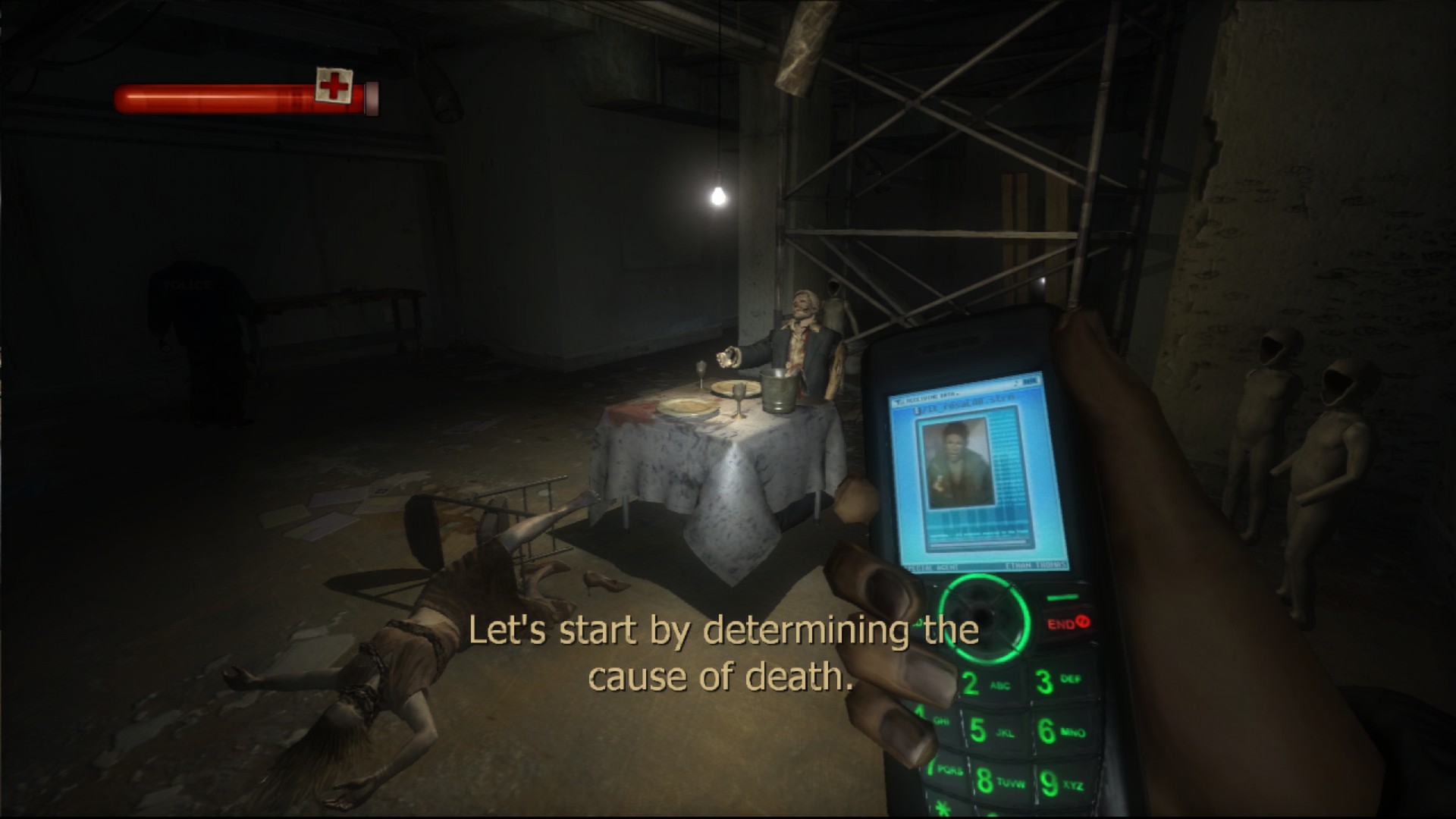
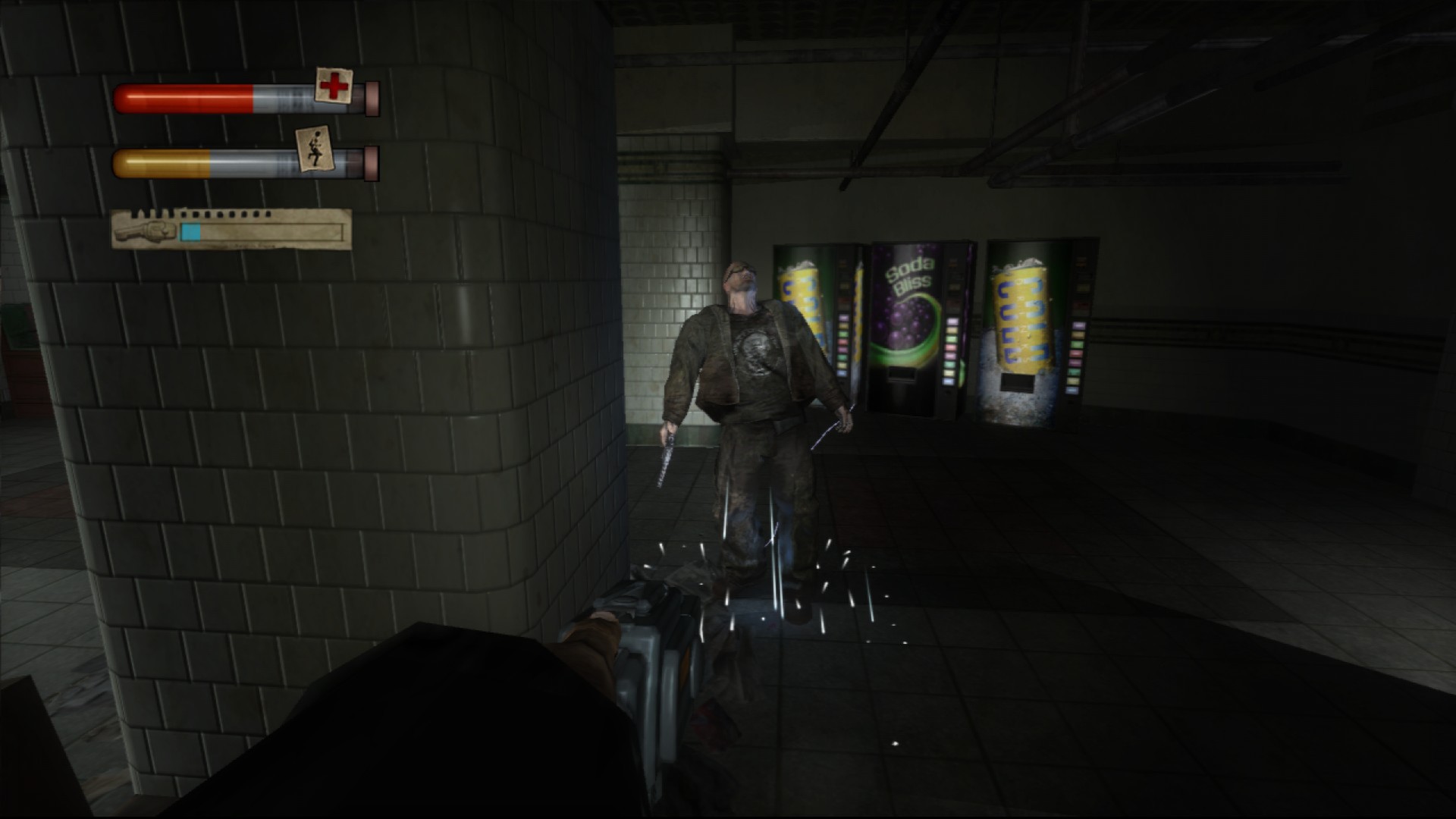
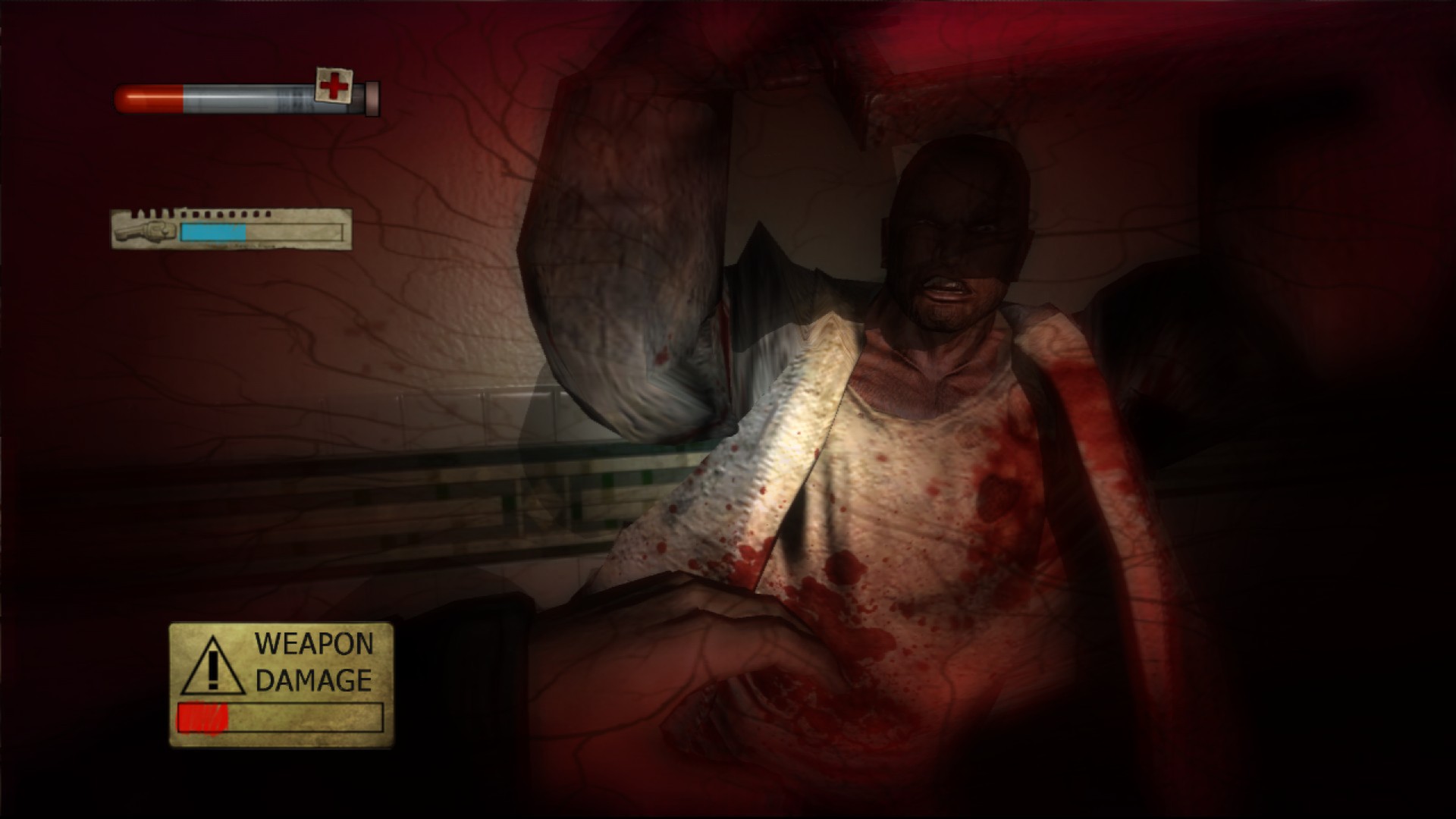
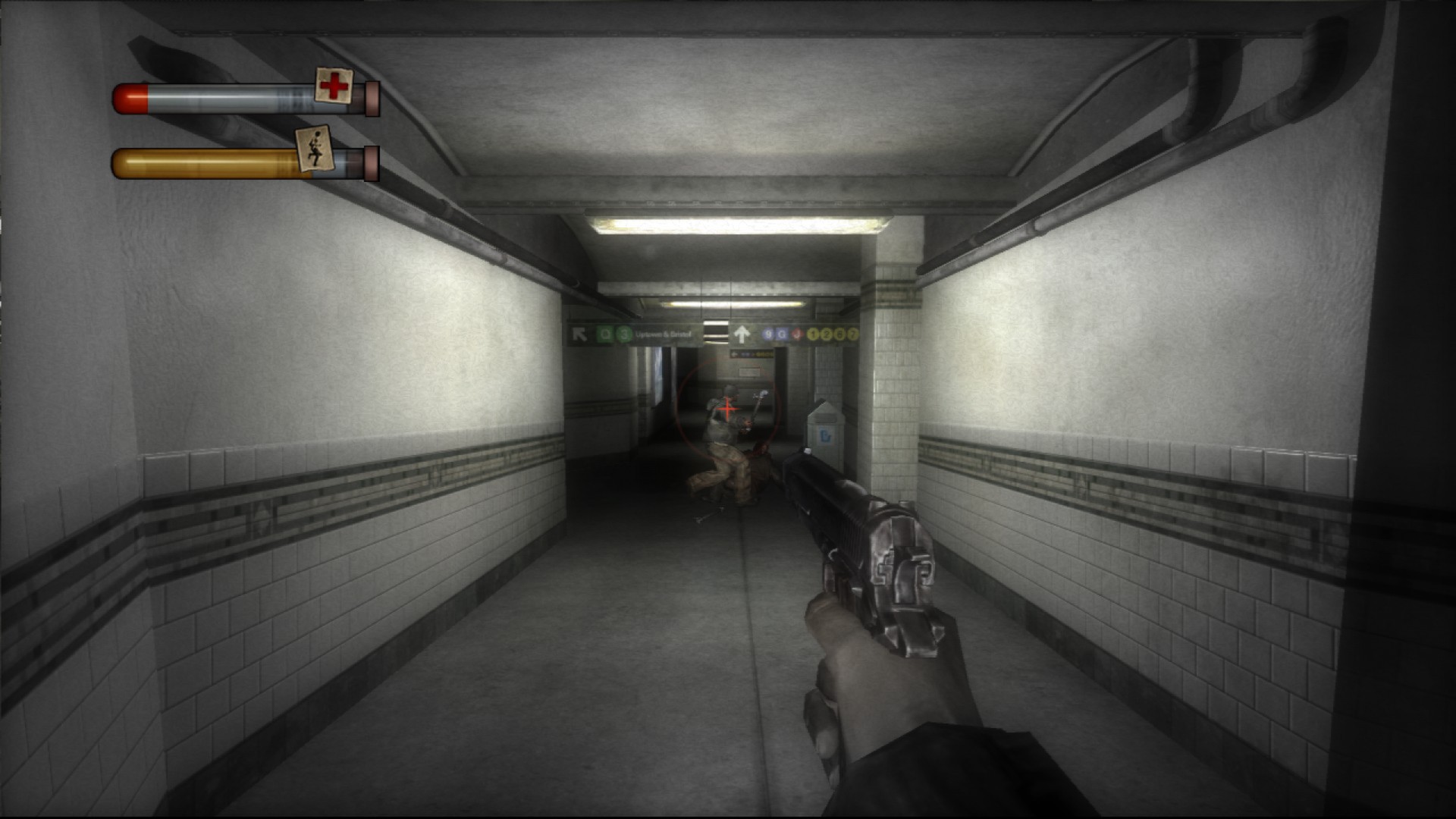
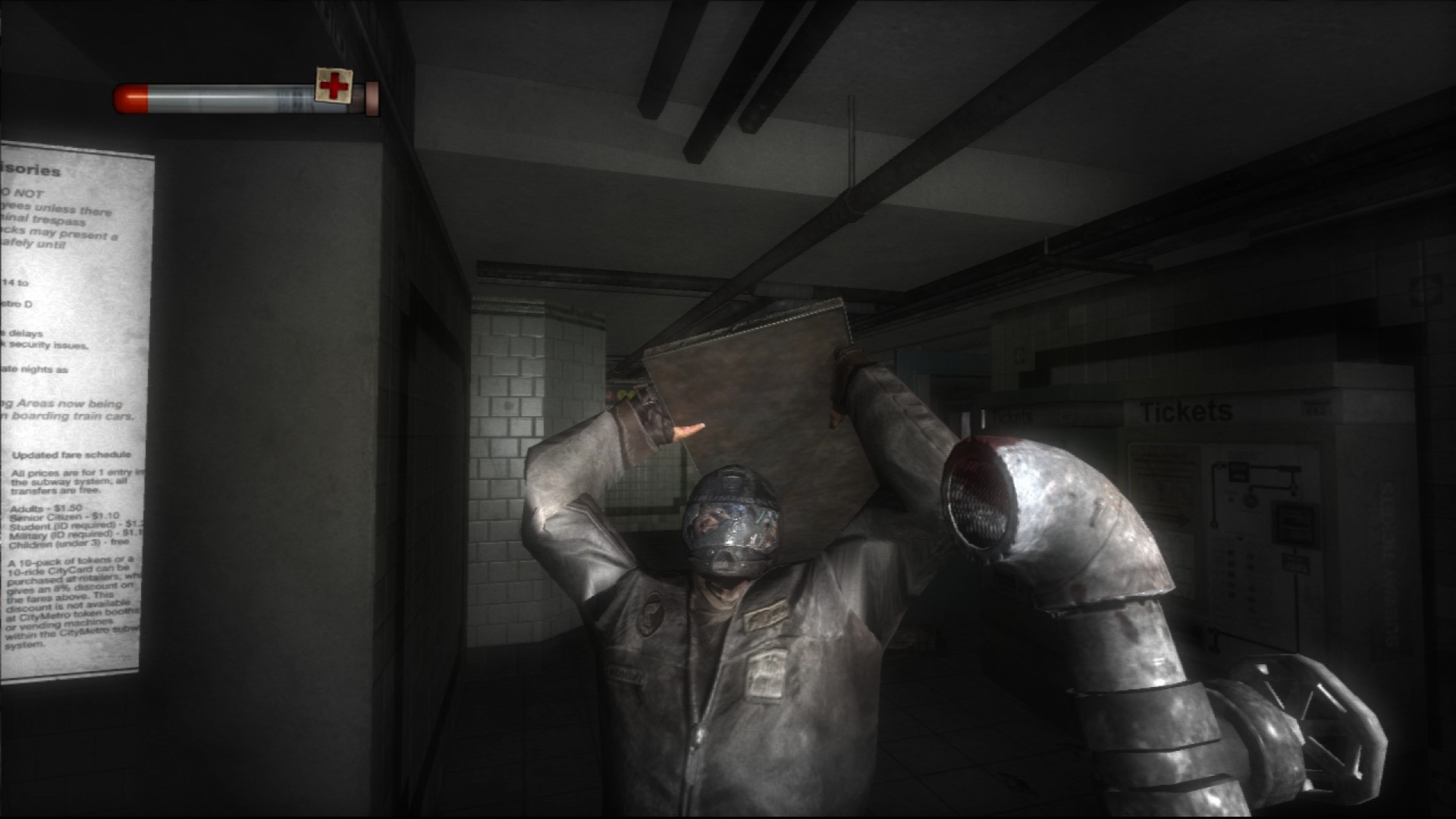
Official store screenshots from Steam — deckport links them, never rehosts. Hover to pause; click to preview.
Identity
Launch
- Binary
- Condemned.exe
- Needs files
- none beyond the binary
Proton
- Version
- proton_experimental
- Winetricks
- —
- ProtonDB
- ProtonDB Platinum runs flawlessly
⚙ Setup notes
Overview: Monolith / SEGA 2006 first-person psychological horror (LithTech Jupiter EX engine).
DRM: Delisted from Steam — bring your own copy. Launch Condemned.exe from the game's root folder.
Proton: Confirmed strong on Deck — officially Deck-Playable and ProtonDB Platinum. proton_experimental or GE-Proton both work.
Essential fixes (unpack into the game folder): ThirteenAG's Condemned Widescreen Fix adds real widescreen and fixes the stretched menu / low framerate. Pair it with the Missing Steam Files Fix — the Steam release ships a smaller archive with missing and reversed sound effects.
Controller: The base game has no native gamepad support. ThirteenAG's fix adds full gamepad support (via Xidi), but on Steam Deck specifically, rebinding keys through the fix can crash (a WINEDLLOVERRIDE quirk) — so the reliable route on Deck is a Steam Input layout. A community "Simple Steam Deck Configuration" profile (Xbox-360 style) works well; set the analog axes in-game after applying it.
The one thing to know
Supply your own copy: Delisted from Steam.
Binary: Confirmed — Condemned.exe in the game's root folder.
Proton: ProtonDB Platinum, officially Deck-Playable (proton_experimental / GE-Proton).
Fixes: Apply ThirteenAG's Widescreen Fix + the Missing Steam Files Fix (the Steam version is missing/has reversed sounds).
Controller: No native gamepad. On Deck use a Steam Input layout — the fix's in-game gamepad rebinding can crash on Deck. A community "Simple Steam Deck Configuration" profile exists.
Community guides
Write-ups and threads from people who got this (or a similar) game running. deckport links to them — it doesn't reproduce them.
Get the artwork
deckport never hosts game images. Open this game on SteamGridDB, pick
the cover / hero / logo / icon you like, and drop them into the
game folder under .deckport-art/ before you push it to the
Deck. The importer files them under the right names automatically.
Run it on your Deck
Two files: the one-time importer (deckport.py) in your
Deck's home folder, and this game's install helper. Copy the game
into ~/Games and run the helper with Steam closed — it
writes the recipe (binary, launch options, Proton version)
and registers the shortcut with artwork.