About
Corporate Lifestyle Simulator is a comedic isometric action game from indie studio Dolphin Barn, released in February 2014 and built on GameMaker: Studio. It stages a zombie outbreak inside an office building, where the player smashes through hordes of tie-wearing zombies across 27 short missions using improvised office-supply weapons like staplers, corded phones, and thrown pencils. An expansion of the studio's earlier casual game 'Zombies', it drew mixed reviews for being fun and funny but repetitive and shallow. It was later pulled from Steam and is no longer sold.
Screenshots
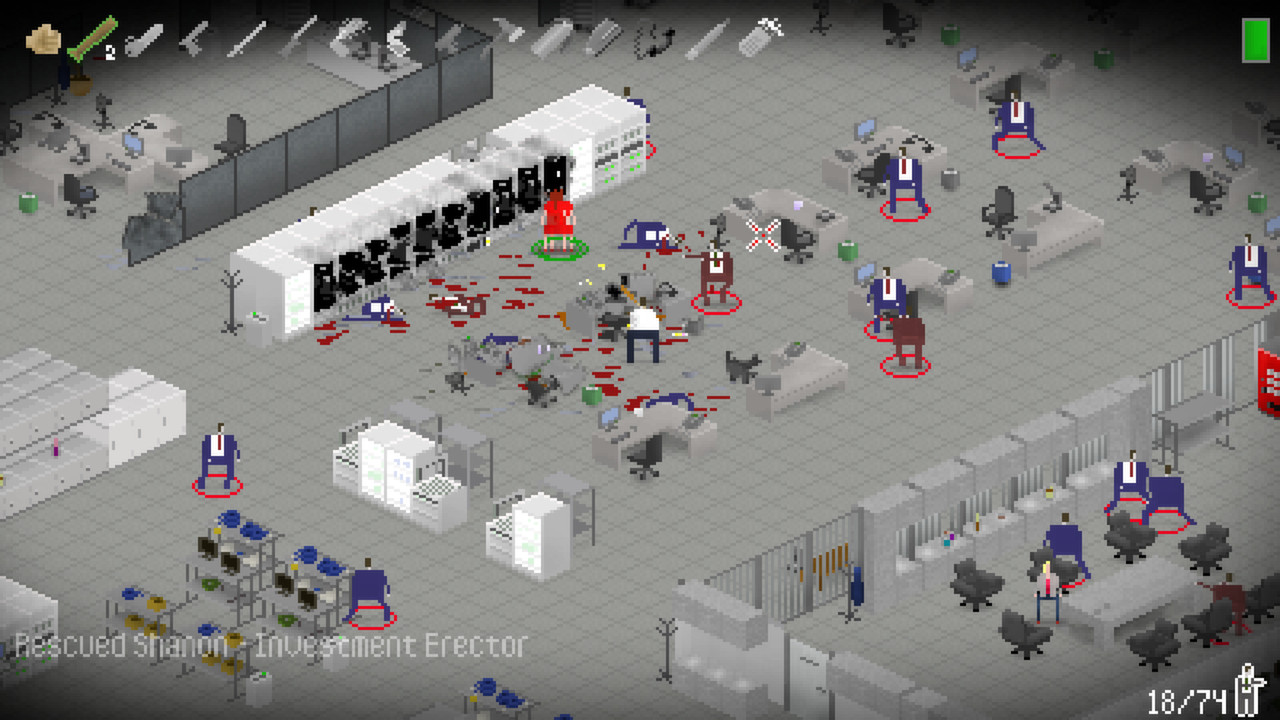
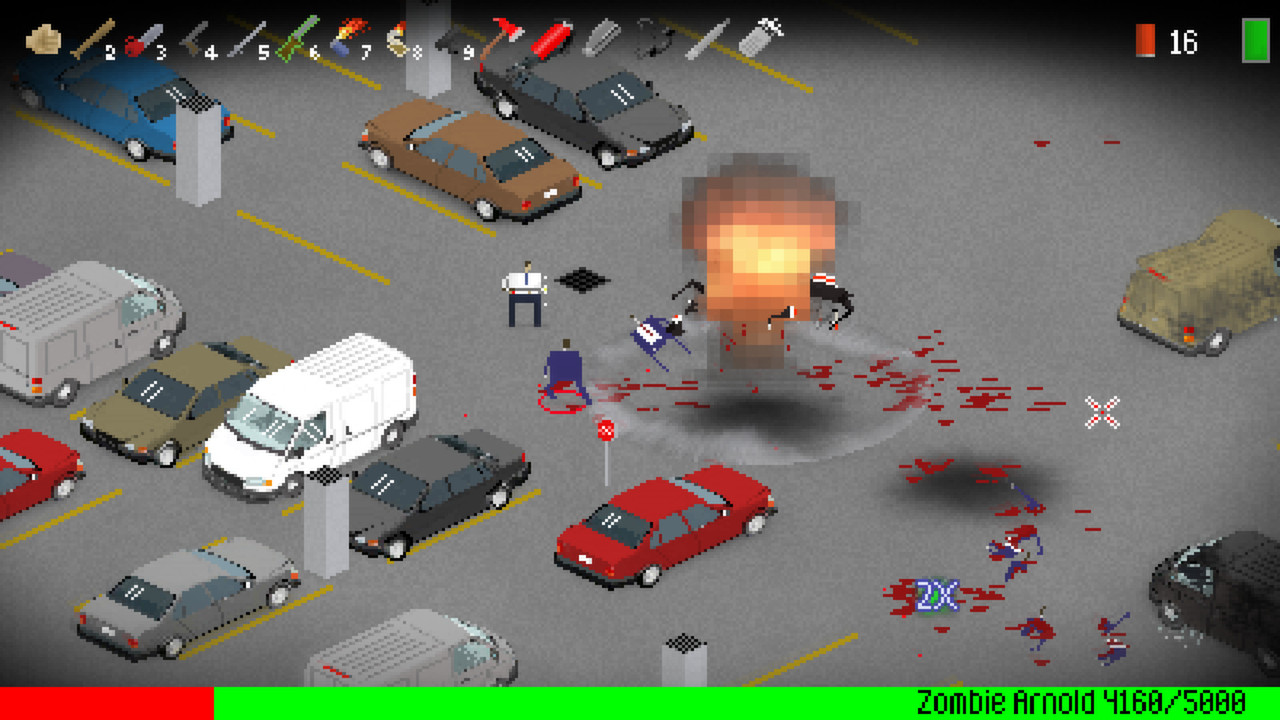
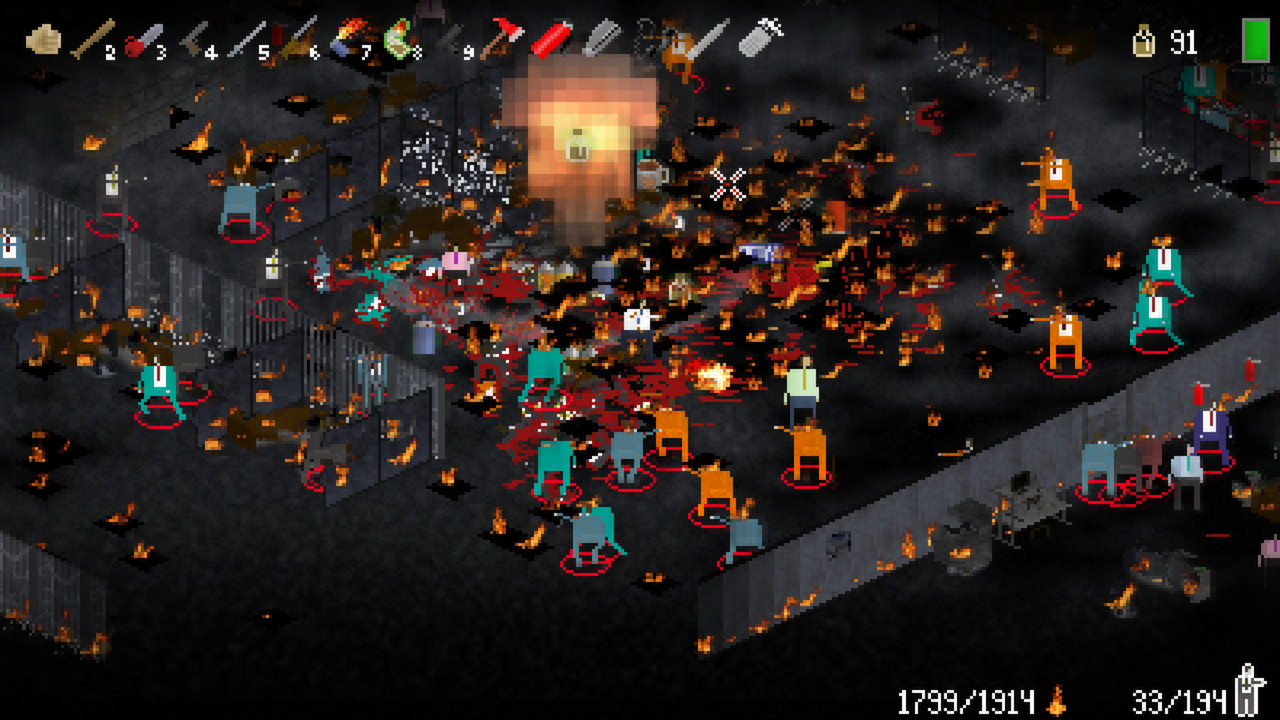
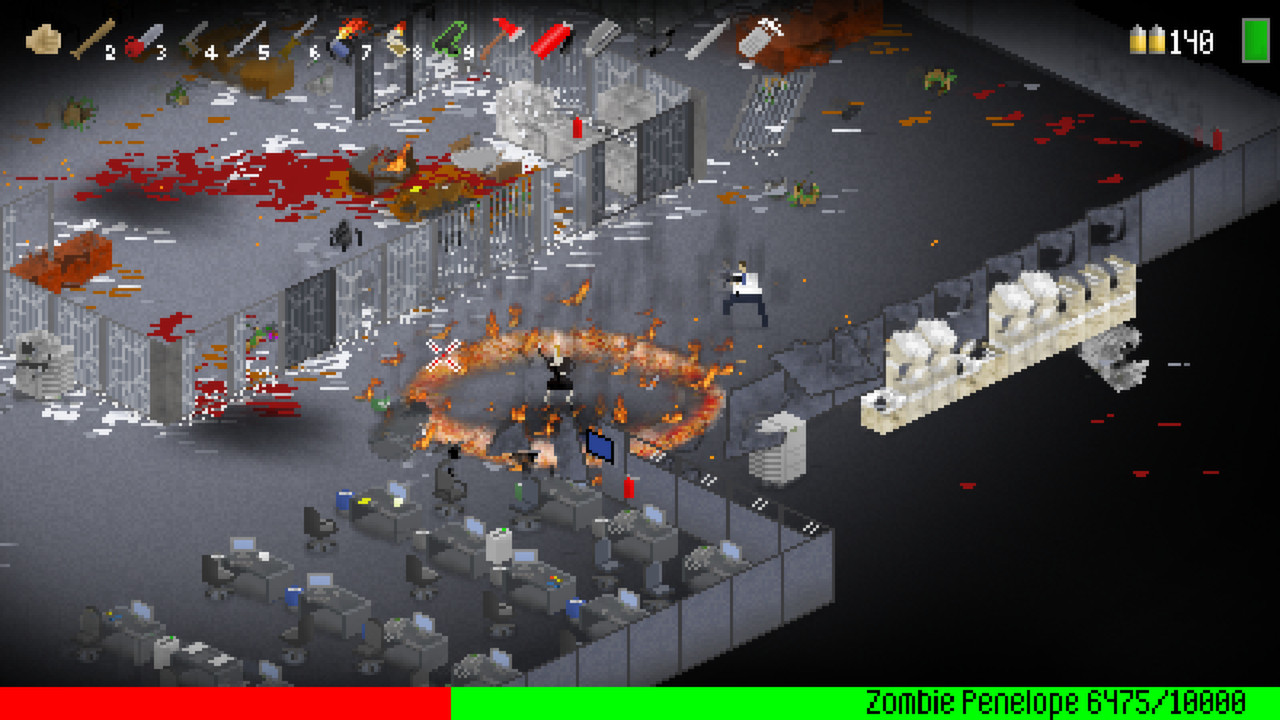
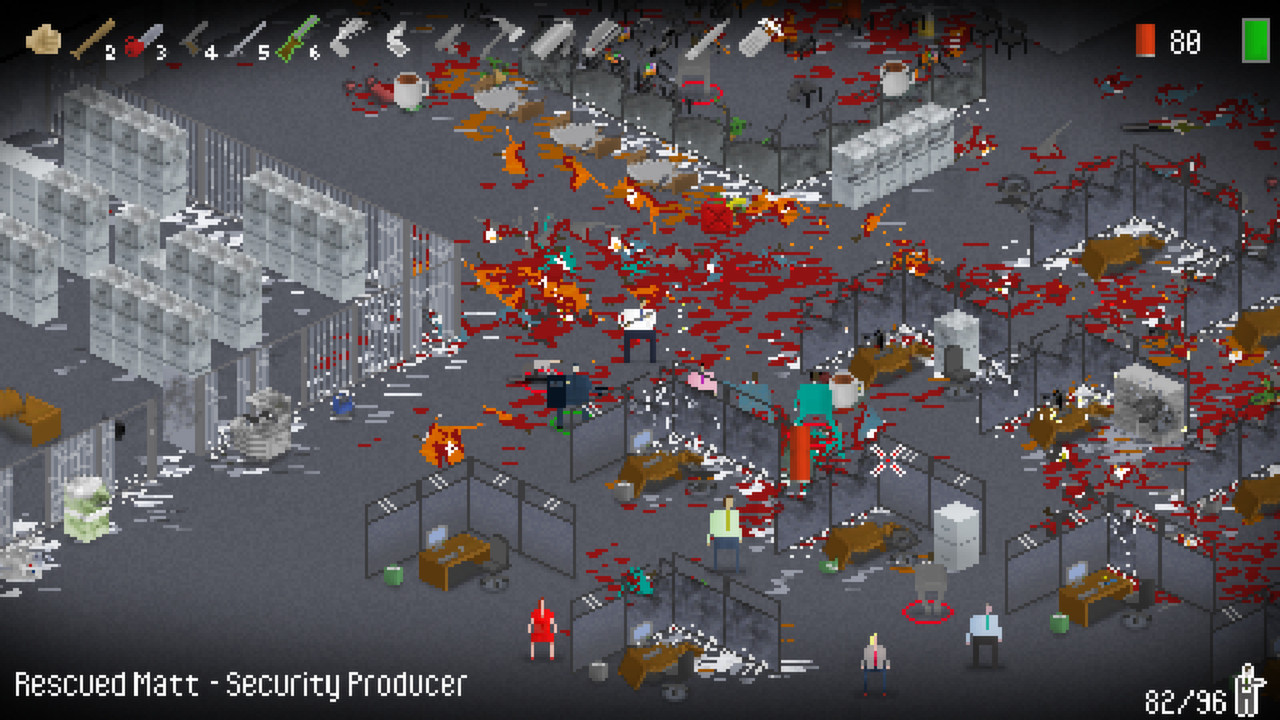
Official store screenshots from Steam — deckport links them, never rehosts. Hover to pause; click to preview.
Identity
Launch
- Binary
- NotZombies.exe
- Needs files
- none beyond the binary
Proton
- Version
- GE-Proton
- Winetricks
- —
- ProtonDB
- ProtonDB Platinum runs flawlessly
⚙ Setup notes
Status: Delisted Steam game (appid 261880), pulled by Valve over the developer's misuse of platform tools — not for sale anymore.
Engine: Built on GameMaker: Studio, a lightweight 2D isometric office brawler, so it's undemanding and AMD/Deck-friendly.
Proton: ProtonDB rates it platinum and it runs out of the box under recent Proton; GE-Proton or proton_experimental both work.
DRM: No DRM, GFWL, or install hoops.
Install: The shipped binary is NotZombies.exe (a leftover from the studio's earlier 'Zombies' build that this game expanded — confirm the name against your install). deckport only configures the prefix; it never bundles or links the game files.
The one thing to know
Supply your own copy: deckport links nothing — confirm the binary NotZombies.exe against your install (it really is named that; it's the engine build left over from the studio's earlier 'Zombies' game).
Compatibility: Delisted single-player GameMaker brawler; ProtonDB platinum, community reports it running cleanly on Linux/Proton so it should be Deck-friendly.
Controller: GameMaker XInput gamepad support is usable; if a pad isn't detected, bind a Steam Input keyboard/mouse layout (it plays fine that way).
Online: No online dependency.
Community guides
Write-ups and threads from people who got this (or a similar) game running. deckport links to them — it doesn't reproduce them.
Get the artwork
deckport never hosts game images. Open this game on SteamGridDB, pick
the cover / hero / logo / icon you like, and drop them into the
game folder under .deckport-art/ before you push it to the
Deck. The importer files them under the right names automatically.
Run it on your Deck
Two files: the one-time importer (deckport.py) in your
Deck's home folder, and this game's install helper. Copy the game
into ~/Games and run the helper with Steam closed — it
writes the recipe (binary, launch options, Proton version)
and registers the shortcut with artwork.