About
Crayola Scoot is a colorful arcade trick-action game built around the Crayola brand. Players ride scooters and perform tricks and combos to paint the environment, blending the ink-coverage idea of Splatoon with the trick scoring of Tony Hawk's Pro Skater. It was released in 2018 for PC, Nintendo Switch, PlayStation 4, and Xbox One. It was removed from sale on Steam on 2022-12-30 after the Crayola brand license expired, though existing owners can still install it from their library.
Screenshots


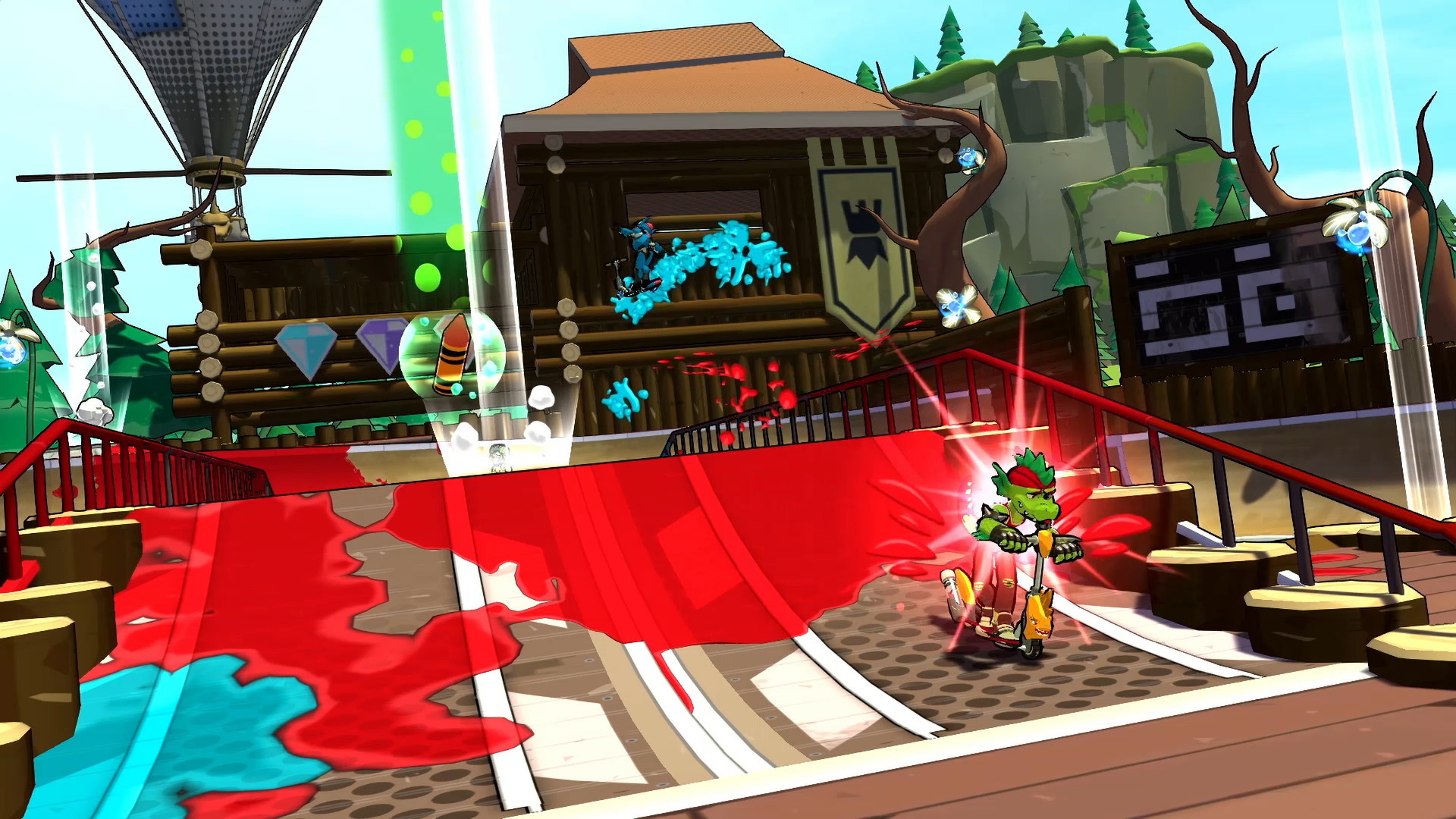
Official store screenshots from Steam — deckport links them, never rehosts. Hover to pause; click to preview.
Identity
Launch
- Binary
- Crayola Scoot.exe
- Needs files
- none beyond the binary
Proton
- Version
- proton_experimental
- Winetricks
- —
- ProtonDB
- ProtonDB Gold runs perfectly after tweaks
⚙ Setup notes
Delisted: Delisted Steam game (appid 772530), removed from sale 2022-12-30 over expired Crayola brand licensing; owners can still install it from their Steam library.
Engine: Unity engine, Steam DRM.
Proton: ProtonDB rates it gold and the community reports it running fine on Linux/Proton, so it should play on the Deck out of the box. Proton Experimental (or current stable Proton) is the known-good runtime; no winetricks or DRM workaround needed since Steam DRM is satisfied by launching through Steam.
Controller: Full native controller support — no Steam Input layout required; the Deck's built-in gamepad works as-is.
Cosmetic: If it stutters on first launch, give it time to compile shaders.
Install: deckport only configures the prefix; it never bundles or links the game files.
The one thing to know
Supply your own copy. deckport links nothing.
Proton: ProtonDB gold; community reports it running on Linux/Proton.
Binary: The Unity executable is Crayola Scoot.exe (typically under a Game/ subfolder of the install) — confirm the exact name and path against your install.
Controller: Full native controller support, so the Deck gamepad works without a Steam Input layout.
DRM: Steam DRM is required, so launch it through Steam.
Multiplayer: Online/multiplayer modes may no longer have live servers, but the singleplayer trick/challenge content is self-contained.
Status: Not yet hands-on verified on a physical Deck.
Community guides
Write-ups and threads from people who got this (or a similar) game running. deckport links to them — it doesn't reproduce them.
Get the artwork
deckport never hosts game images. Open this game on SteamGridDB, pick
the cover / hero / logo / icon you like, and drop them into the
game folder under .deckport-art/ before you push it to the
Deck. The importer files them under the right names automatically.
Run it on your Deck
Two files: the one-time importer (deckport.py) in your
Deck's home folder, and this game's install helper. Copy the game
into ~/Games and run the helper with Steam closed — it
writes the recipe (binary, launch options, Proton version)
and registers the shortcut with artwork.