About
Daggerfall Unity is an open-source reimplementation of The Elder Scrolls II: Daggerfall (1996) built in the Unity engine by Gavin Clayton (Interkarma). Work began around 2009 and reached version 1.0 in 2022. Bethesda made the original Daggerfall free on Steam, so the required data files cost nothing to acquire legally. The project dramatically improves the original's stability, adds modern resolutions and rendering options, and supports a rich modding ecosystem through DFMods. It is now the standard way to experience Daggerfall on modern systems.
Screenshots
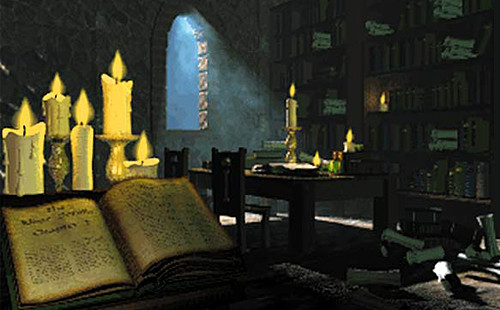
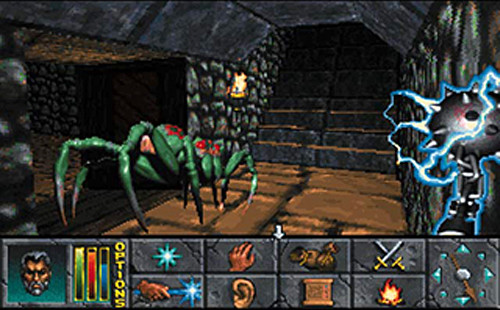
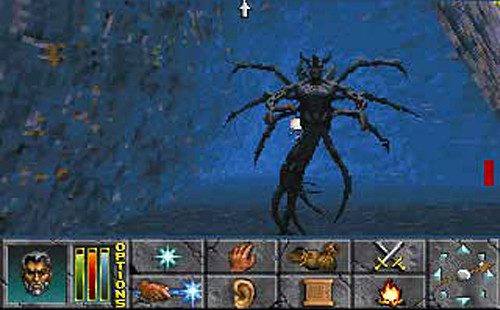
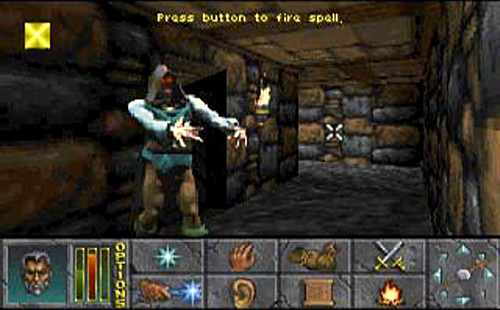
Official store screenshots from Steam — deckport links them, never rehosts. Hover to pause; click to preview.
Identity
Launch
- Binary
- DaggerfallUnity.x86_64
- Needs files
-
- ARENA2
Runtime
- Runs as
- Native Linux
- Proton
- not needed
⚙ Setup notes
Proton: Not needed — a native Linux build is available. Use the native Linux build.
Install: Download the Linux 64-bit zip from the Interkarma/daggerfall-unity releases — the binary inside is DaggerfallUnity.x86_64. Extract the zip into your Daggerfall Steam data directory (steamapps/common/The Elder Scrolls Daggerfall/).
Launch: In Steam, set the launch options for the Daggerfall entry to: "/path/to/DaggerfallUnity.x86_64" %command% — this wraps it in Steam for overlay and playtime tracking.
Data: On first launch, the settings screen asks you to point at the Daggerfall game data (the ARENA2 folder). Since Daggerfall is free on Steam (app 1812390), the data files are freely available — just install the Steam game first.
Luxtorpeda: Luxtorpeda also supports Daggerfall Unity and can automate the installation and data wiring.
Wayland note: On a pure Wayland session the native build can fail to start; if that happens, launch with SDL_VIDEODRIVER=x11 (e.g. SDL_VIDEODRIVER=x11 "/path/to/DaggerfallUnity.x86_64" %command%). Game Mode on Steam Deck is unaffected.
The one thing to know
Get the data first: Daggerfall is free on Steam (app 1812390) — install it first to get the ARENA2 data folder.
Separate download: Daggerfall Unity is a separate download from GitHub releases; it is NOT a Steam game itself. Extract the Linux build into the Daggerfall Steam directory, then override the Steam launch command.
First run: The settings screen on first run must be used to point at the ARENA2 folder before gameplay starts.
Luxtorpeda: Luxtorpeda can automate this entire process.
Community guides
Write-ups and threads from people who got this (or a similar) game running. deckport links to them — it doesn't reproduce them.
- steam How to run Daggerfall Unity via Steam on Linux + Steam Deck — Steam Community ↗
- steam Daggerfall Unity on Steam Deck — Complete Walkthrough and Setup Guide (video) ↗
- steam Configuring Daggerfall Unity for Steam — Steam Community ↗
- dfworkshop Using the Steam Release of Daggerfall with Daggerfall Unity — dfworkshop.net ↗
- github Daggerfall Unity Linux via Steam — GitHub Gist (launch options walkthrough) ↗
- github Installing Daggerfall Unity Cross Platform — Interkarma/daggerfall-unity Wiki ↗
Get the artwork
deckport never hosts game images. Open this game on SteamGridDB, pick
the cover / hero / logo / icon you like, and drop them into the
game folder under .deckport-art/ before you push it to the
Deck. The importer files them under the right names automatically.
Run it on your Deck
Two files: the one-time importer (deckport.py) in your
Deck's home folder, and this game's install helper. Copy the game
into ~/Games and run the helper with Steam closed — it
writes the recipe (binary, launch options)
and registers the shortcut with artwork.