About
Dark Souls is a third-person action RPG from FromSoftware, directed by Hidetaka Miyazaki, set in the decaying kingdom of Lordran. The Prepare to Die Edition was the PC debut, released in August 2012, bundling the Artorias of the Abyss expansion with extra areas, bosses, and items. Renowned for its punishing difficulty, interconnected world design, and cryptic lore, it is widely credited with defining the modern Souls-like genre. The original PtDE was later delisted from Steam, with the store page redirecting buyers to the 2018 remaster; its online matchmaking servers were shut down in January 2022, leaving single-player intact.
Screenshots
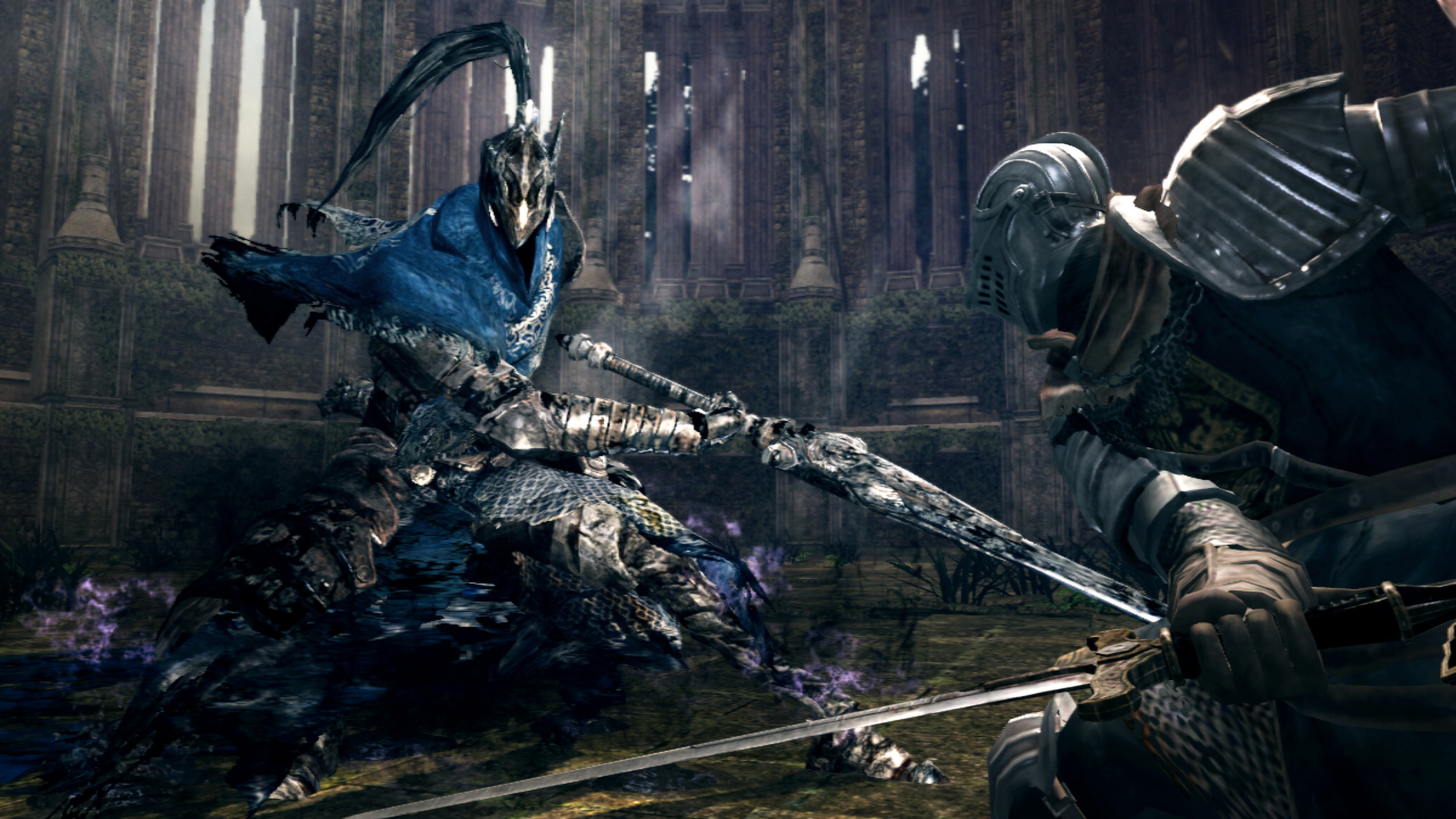


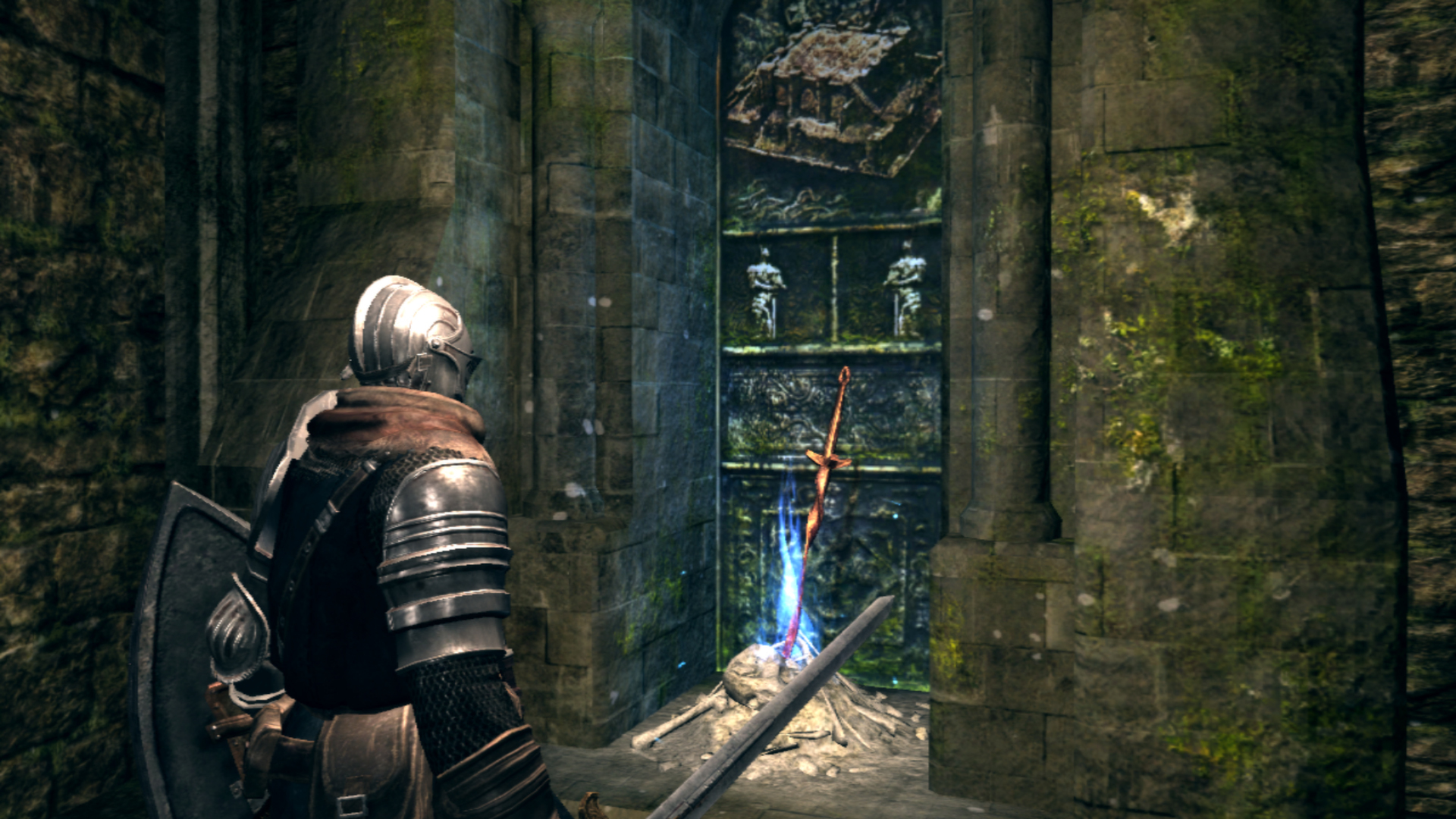
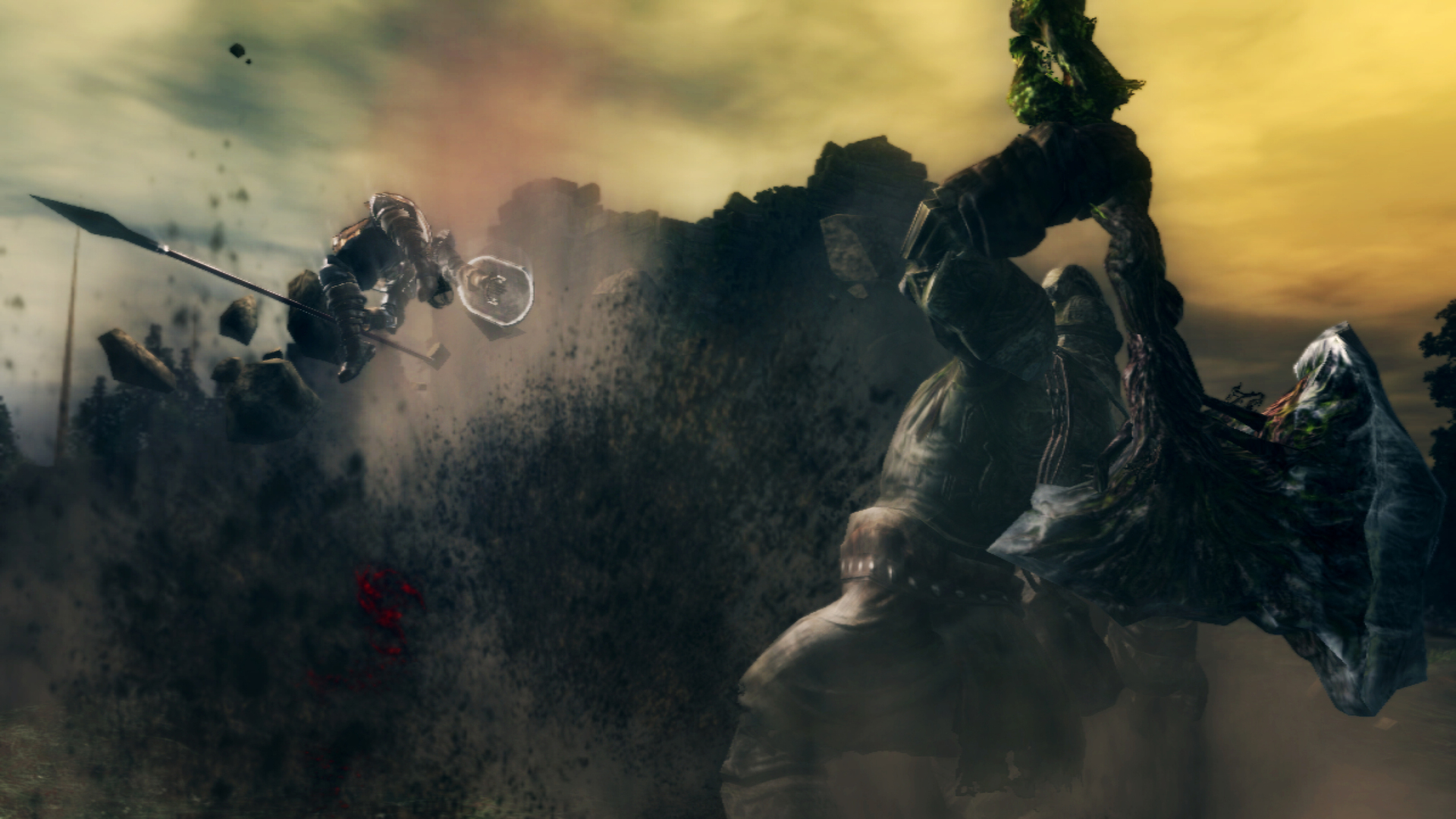
Official store screenshots from Steam — deckport links them, never rehosts. Hover to pause; click to preview.
Identity
Launch
- Binary
- DATA\DARKSOULS.exe
- Options
- WINEDLLOVERRIDES="dinput8=n,b" %command%
- Needs files
- none beyond the binary
Proton
- Version
- GE-Proton
- Winetricks
- —
- ProtonDB
- ProtonDB Gold runs perfectly after tweaks
⚙ Setup notes
Delisted: This is the original Prepare to Die Edition (appid 211420), delisted from sale in 2019. The store page now points new buyers to Dark Souls: Remastered (570940), so the PtDE itself is no longer sold; only prior owners (or those activating a legacy retail key on Steam) can redownload it.
Proton: Community reports put this around ProtonDB Gold and "runs flawlessly" on the Deck under GE-Proton (proton_experimental also works). Binary is DARKSOULS.exe inside the DATA folder.
GFWL (the historical blocker): PtDE originally shipped with Games for Windows Live DRM, which is the classic reason it would not boot. The legitimate fix is already in place: in 2015 Bandai Namco patched the Steam build to use Steamworks instead, and the current default Steam download is GFWL-free — no Live login or Gfwlivesetup.exe needed. You only meet a GFWL prompt if you are on a legacy/retail-key install or have manually opted into the old depot; the supported workaround there is simply to activate your key on Steam and let it download the modern (dsptde-2.0) Steamworks build. Do not chase the legacy GFWL servers — they are gone.
Display: In-game, open PC Settings, turn OFF Full Screen, set resolution to 1280x720, and disable Anti-Aliasing and Motion Blur for a clean Deck picture.
DSfix (essential community fix): Strongly recommended to lift the hard 30 FPS cap and raise internal render resolution. DSfix is a wrapper dinput8.dll — drop its dinput8.dll, DSfix.ini, DSfixKeys.ini and the dsfix folder into the DATA folder next to DARKSOULS.exe, then set your target FPS/res in DSfix.ini. It is loaded via the dinput8=n,b override already set in launch_options; uninstall by deleting the DLL. Note the engine couples physics to frame rate, so unlocking FPS too high can cause physics glitches — many Deck users cap DSfix at 30.
Online: GFWL online services and the later Steamworks matchmaking servers were both shut down (Steamworks servers off Jan 2022), so this is effectively single-player only now.
Install: deckport only configures the prefix; it never bundles or links the game files. Supply your own legitimately-owned copy.
The one thing to know
Supply your own copy: deckport links nothing.
Corrected appid: This recipe is the DELISTED original Prepare to Die Edition (211420), NOT Dark Souls: Remastered (570940) which is still sold on Steam — the auto-stub had the wrong appid.
Status: Community reports confirm PtDE runs well on Deck under GE-Proton, so status is needs-test (no one has verified this exact recipe yet).
GFWL: The current Steam build is already Steamworks (GFWL was removed in 2015), so no Games for Windows Live login is required out of the box — see notes for the rare legacy-key case.
Controller: Full native gamepad support, plays great with the Deck's built-in controls — keyboard is only needed once to type your character name in the creator (bring up the on-screen keyboard with Steam+X). Recommended remap: move Jump off B (e.g. to L3) and put Sprint/Roll on a back paddle so you can keep the camera on the right stick while sprinting.
Display: Set the in-game res to 1280x720 windowed and add DSfix (dinput8.dll in the DATA folder) to lift the 30 FPS lock.
Online: Online play is dead (servers off Jan 2022) — single-player only.
Community guides
Write-ups and threads from people who got this (or a similar) game running. deckport links to them — it doesn't reproduce them.
Get the artwork
deckport never hosts game images. Open this game on SteamGridDB, pick
the cover / hero / logo / icon you like, and drop them into the
game folder under .deckport-art/ before you push it to the
Deck. The importer files them under the right names automatically.
Run it on your Deck
Two files: the one-time importer (deckport.py) in your
Deck's home folder, and this game's install helper. Copy the game
into ~/Games and run the helper with Steam closed — it
writes the recipe (binary, launch options, Proton version)
and registers the shortcut with artwork.