About
Dark Void Zero is a retro 8-bit-style 2D action platformer and Metroidvania-flavored spin-off of Capcom's 2010 jetpack shooter Dark Void. It began as an April Fools' parody presented through fake lore as a lost late-1980s NES PlayChoice-10 prototype 'rediscovered' in Capcom's vault, and was then released for real on DSiWare, iOS, and PC via Steam in 2010. Developed by Other Ocean Interactive and published by Capcom, it was well received for its deliberately old-school design.
The PC version was delisted from Steam in May 2024 because its SecuROM DRM could no longer be supported, with Capcom unable to generate valid activation keys going forward.
Screenshots
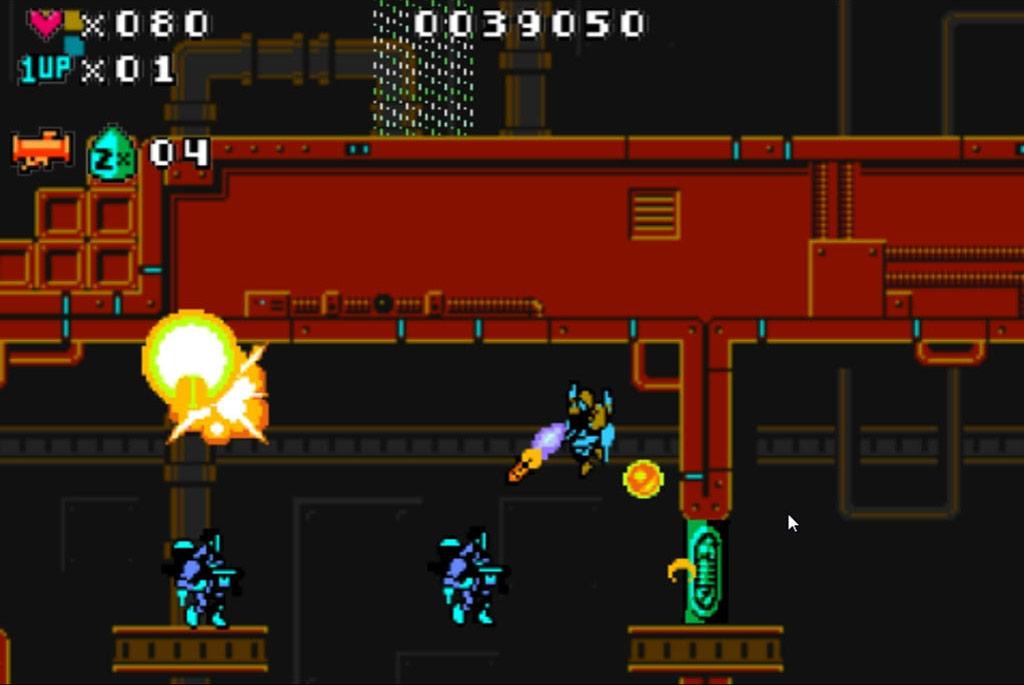
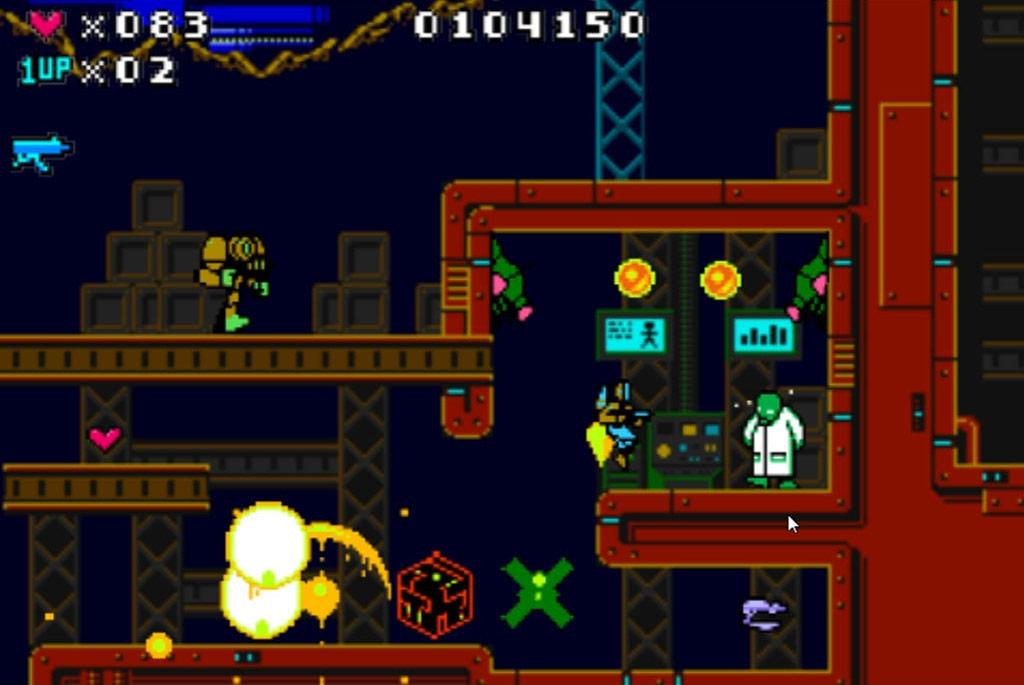
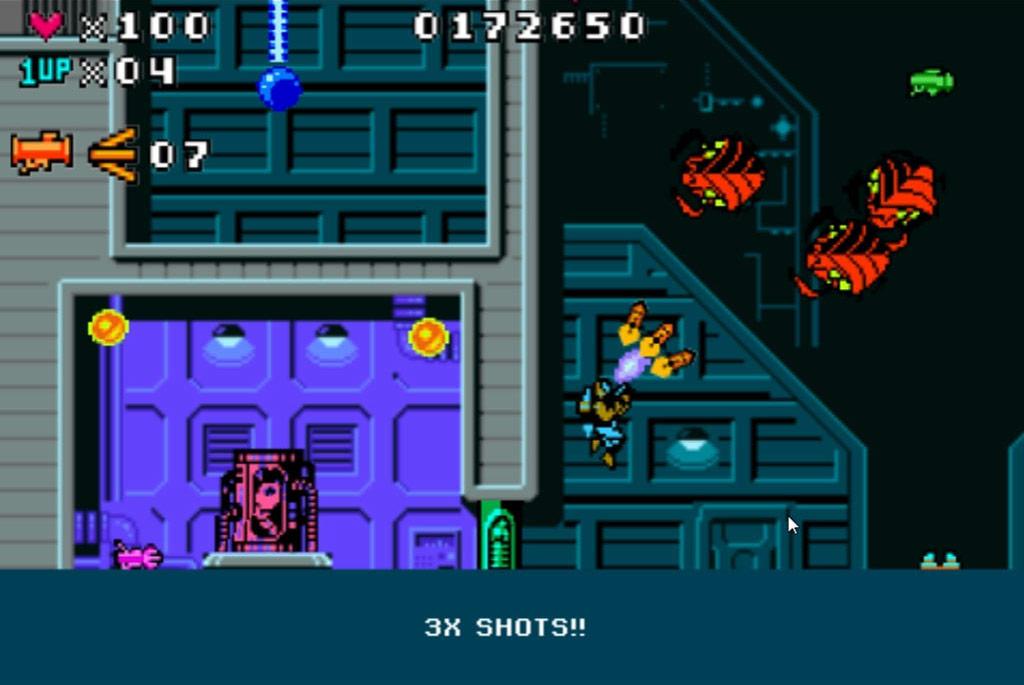
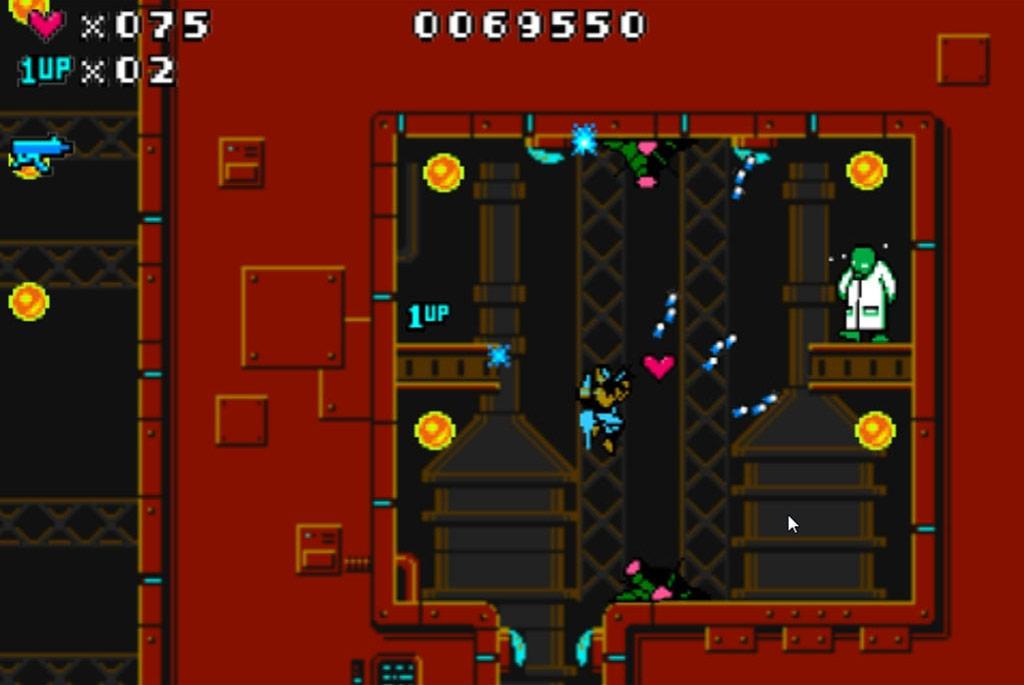
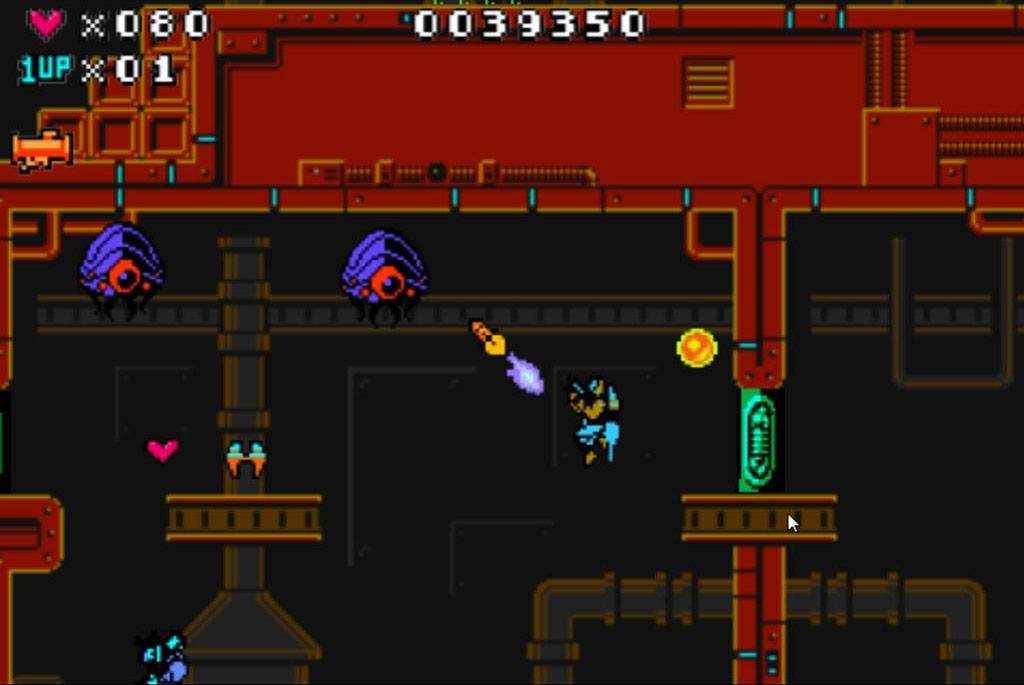
Official store screenshots from Steam — deckport links them, never rehosts. Hover to pause; click to preview.
Identity
Launch
- Binary
- DarkVoidZero.exe
- Needs files
- none beyond the binary
Proton
- Version
- GE-Proton
- Winetricks
- —
- ProtonDB
- ProtonDB Gold runs perfectly after tweaks
⚙ Setup notes
Game: Delisted Steam game (appid 45730, removed May 2024). Retro NES-style side-scrolling platform/shooter.
Proton: Runs under Proton — community compatibility reports confirm it launching on Linux (originally seen working as far back as Proton 3.7, with a Steam restart needed after first run); GE-Proton or proton_experimental is the safe modern pick.
DRM: Main hazard is DRM, not the renderer: the Steam build ships SecuROM PA with a 5-machine activation limit and Capcom's keys are reported as no longer activating, so the SecuROM check is the thing most likely to block first launch — if it stalls on activation, try proton_experimental and restart Steam.
Activation slots: SecuROM allows only 5 lifetime machine activations. Before moving the game off a machine, run it once with the /revoke launch option (Properties → Set Launch Options → /revoke, then launch and choose "Revoke activation online") to hand the activation slot back rather than burning it permanently.
GFWL: None.
Controller: Keyboard is the native input; analog-stick gamepads work but aren't officially bound, so use a Steam Input gamepad/keyboard layout — trivial since it's a simple 2D platformer.
Display: Low-res title with poor scaling and a ~31fps cap; consider integer/non-stretched scaling on the Deck.
The one thing to know
Delisted: Removed from Steam May 2024 (no longer for sale).
Untested: Community reports confirm it runs under Proton, but this specific recipe is untested on a Deck — the binary name is a best guess, verify it against your install.
DRM risk: Biggest risk is the SecuROM PA DRM: 5-machine activation limit and Capcom activation keys are reported as broken, so first-launch activation may fail even though the game itself is Proton-friendly. If activation does work, run with the /revoke launch option before retiring/reimaging a machine to give the activation slot back instead of losing one of the five.
Controller: Works via a Steam Input layout (gamepad not natively bound).
Offline: Singleplayer/offline — no servers to worry about.
Display: Low-res with ~31fps cap and weak scaling; set non-stretched scaling on the Deck.
Community guides
Write-ups and threads from people who got this (or a similar) game running. deckport links to them — it doesn't reproduce them.
Get the artwork
deckport never hosts game images. Open this game on SteamGridDB, pick
the cover / hero / logo / icon you like, and drop them into the
game folder under .deckport-art/ before you push it to the
Deck. The importer files them under the right names automatically.
Run it on your Deck
Two files: the one-time importer (deckport.py) in your
Deck's home folder, and this game's install helper. Copy the game
into ~/Games and run the helper with Steam closed — it
writes the recipe (binary, launch options, Proton version)
and registers the shortcut with artwork.