About
Death Goat is a frantic arcade twin-stick shoot 'em up built around speed, survival and nonstop combat, soaked in extreme gore and a hardcore heavy metal soundtrack. It was the only release from Terminal Press, the studio of artist Brian Ewing and programmer/musician Brian "Doombot" Kokernak, and shipped with eleven original tracks from metal bands such as Between the Buried and Me, God Forbid and Fallujah.
The game built a small cult following for its over-the-top Twitch-style action. It was delisted from Steam in December 2019 as the studio moved away from game development.
Screenshots
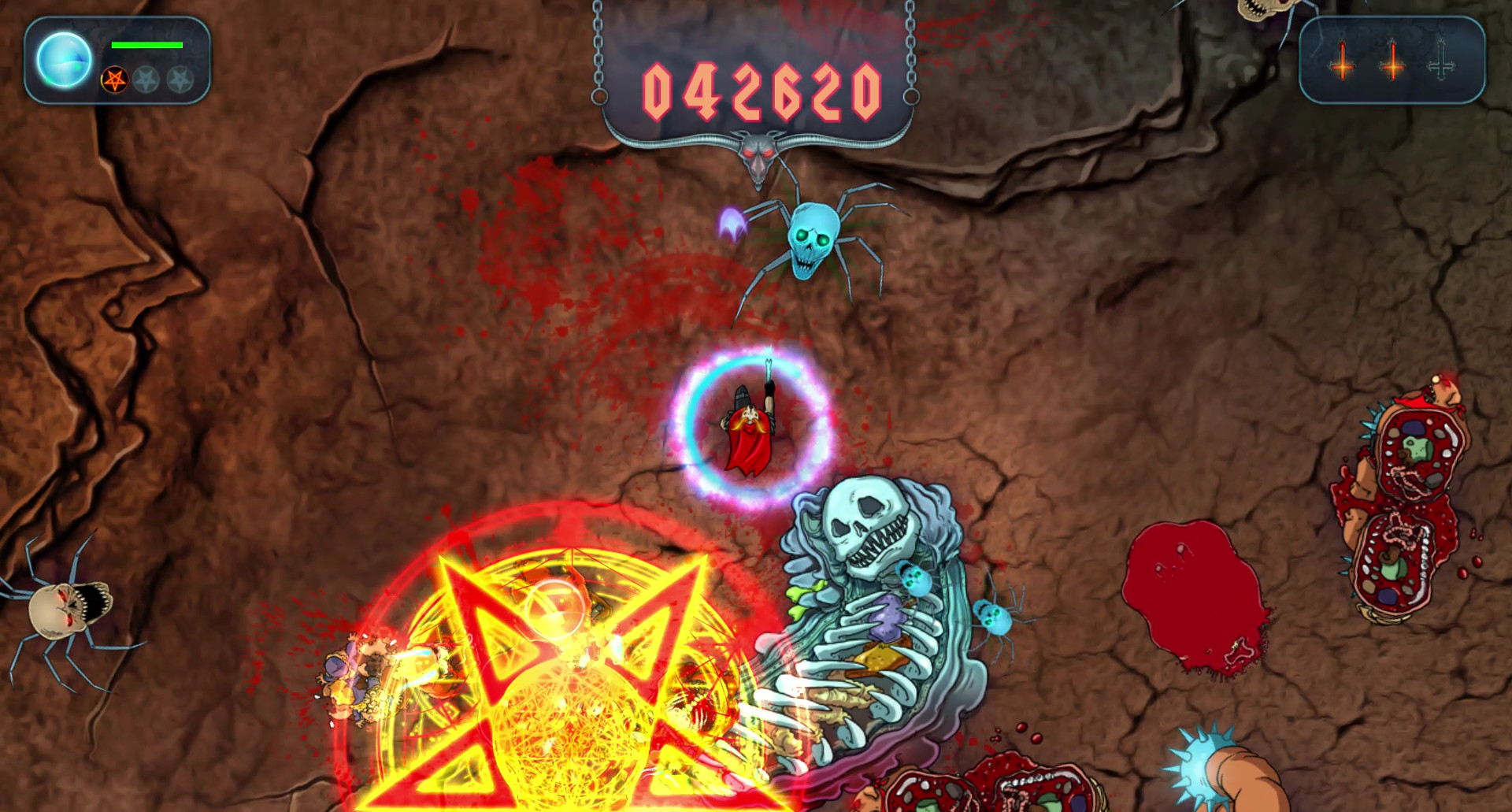
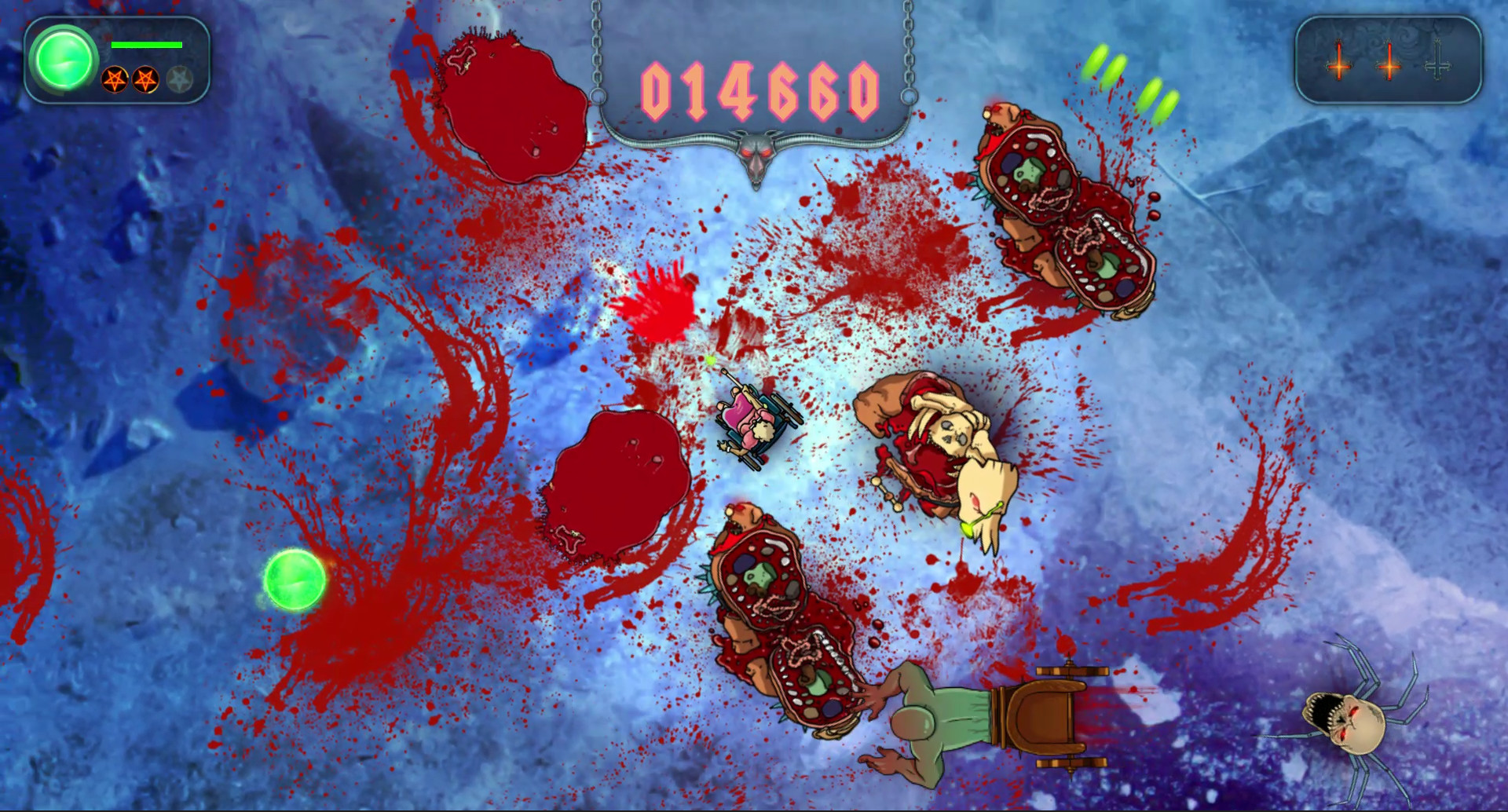
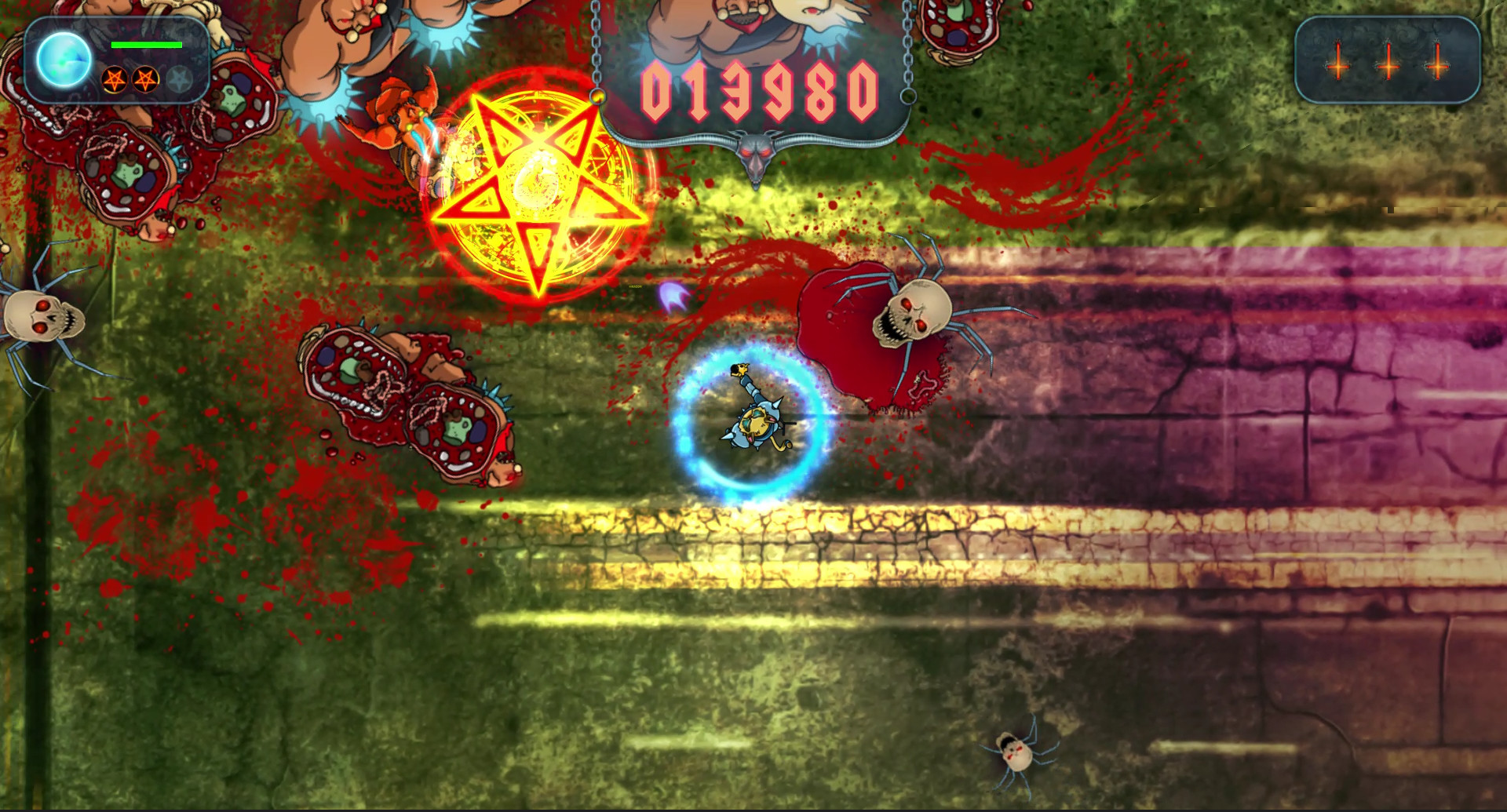
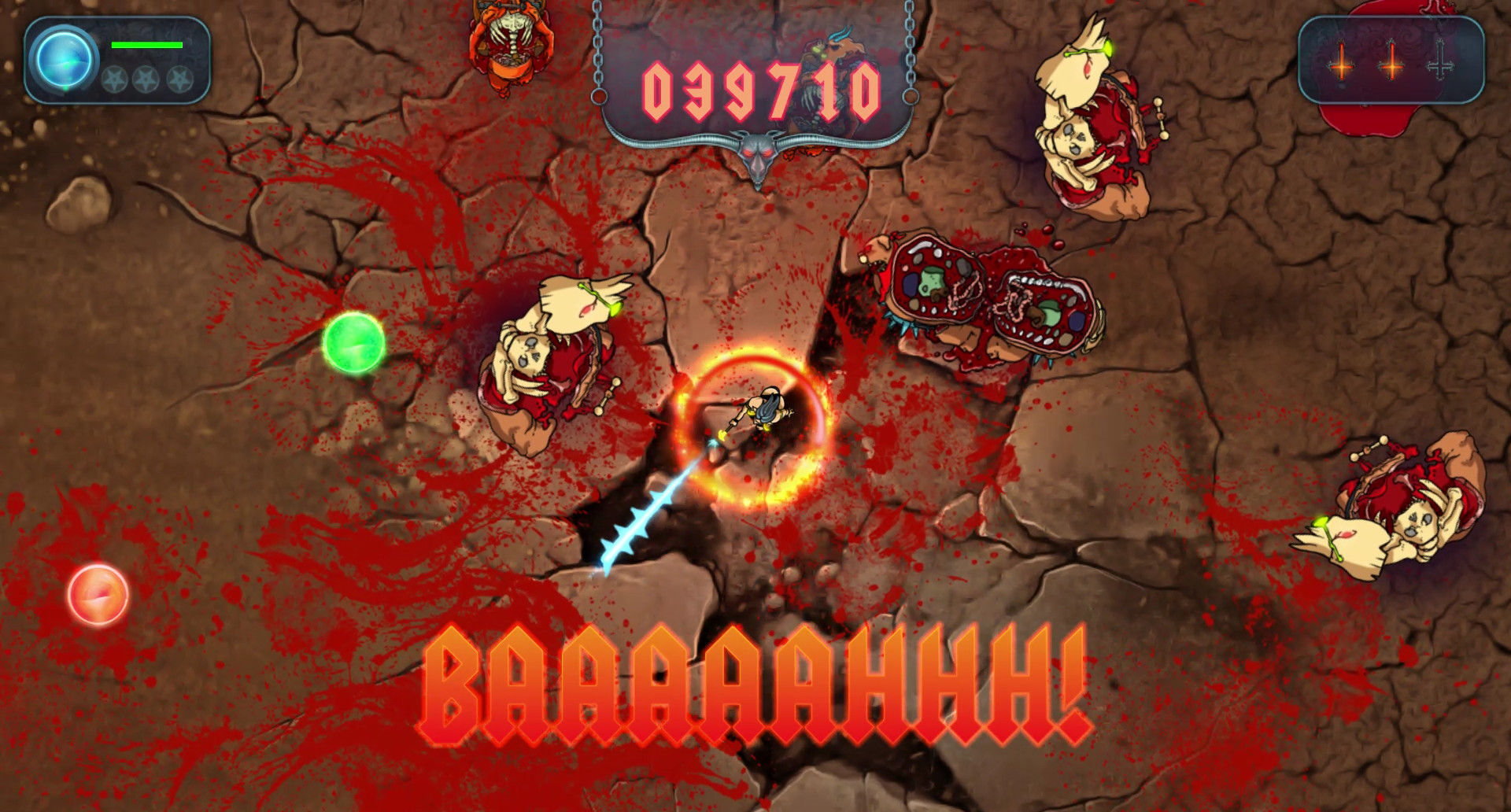
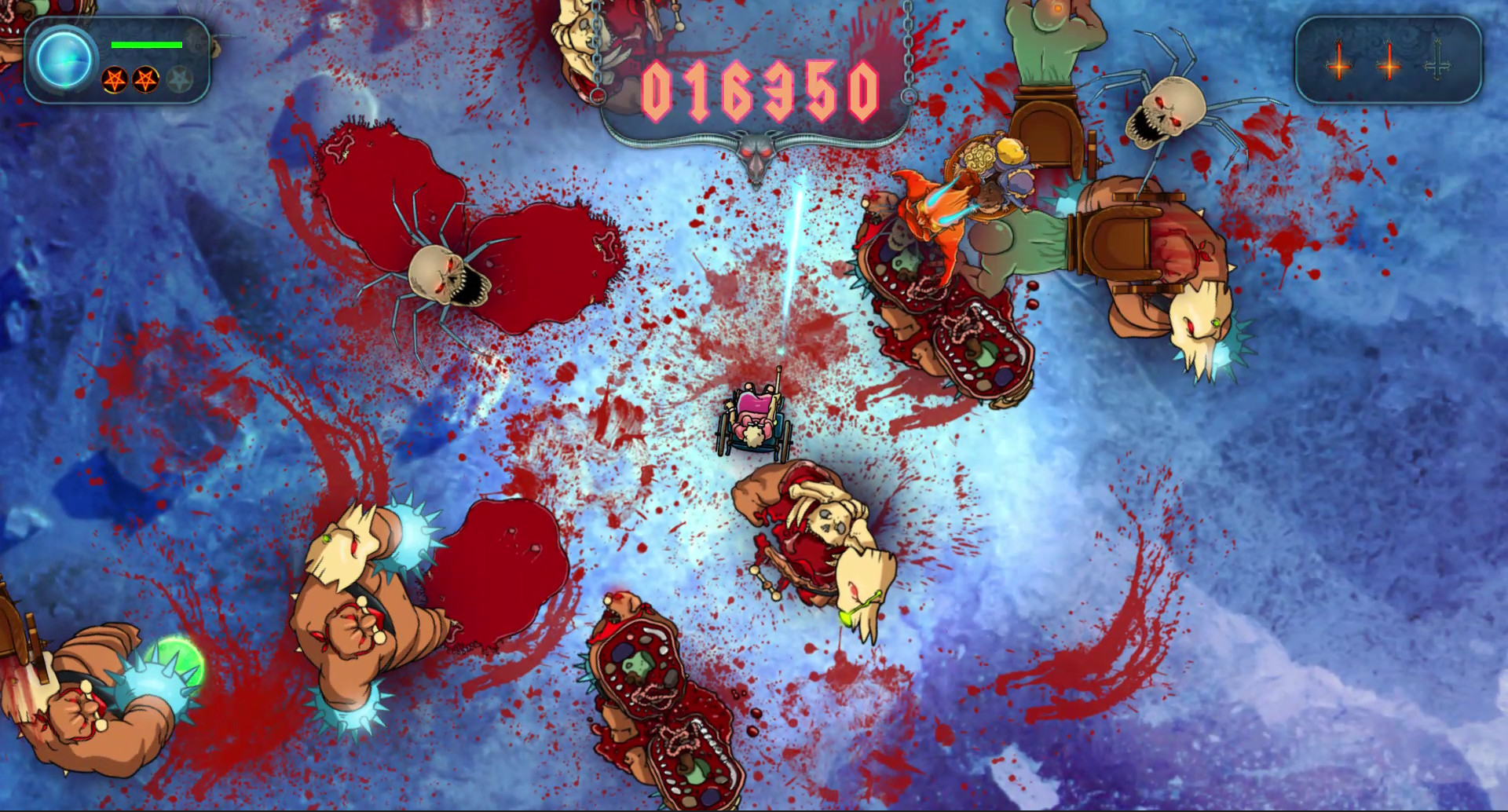
Official store screenshots from Steam — deckport links them, never rehosts. Hover to pause; click to preview.
Identity
Launch
- Binary
- DeathGoat.exe
- Needs files
- none beyond the binary
Proton
- Version
- GE-Proton
- Winetricks
- —
- ProtonDB
- ProtonDB Gold runs perfectly after tweaks
⚙ Setup notes
Source: Delisted Steam game (appid 340770), retired at the publisher's (Terminal Press) request. Arcade twin-stick shooter, a small/simple indie title.
DRM: No GFWL or invasive DRM — runs clean under Proton.
Proton: Use GE-Proton (proton_experimental also fine); no winetricks needed. ProtonDB tier gold and Valve listed it Deck-Playable.
Controller: Native full-controller support: both analog sticks map automatically, so no Steam Input keyboard layout is required.
Install: deckport only configures the prefix; it never bundles or links the game files.
The one thing to know
Supply your own copy: deckport links nothing. Delisted (retired at publisher request) — passes the not-for-sale rule.
Proton: ProtonDB gold + Valve Deck-Playable; runs well under Proton (GE-Proton) with no special tweaks or DRM bypass.
Controller: Full native controller support (twin-stick), so it plays with the Deck's built-in sticks out of the box.
Online: Single-player arcade shooter, so no online-server concern.
Verify: Confirm the exact .exe name from your install if it differs from DeathGoat.exe.
Community guides
Write-ups and threads from people who got this (or a similar) game running. deckport links to them — it doesn't reproduce them.
Get the artwork
deckport never hosts game images. Open this game on SteamGridDB, pick
the cover / hero / logo / icon you like, and drop them into the
game folder under .deckport-art/ before you push it to the
Deck. The importer files them under the right names automatically.
Run it on your Deck
Two files: the one-time importer (deckport.py) in your
Deck's home folder, and this game's install helper. Copy the game
into ~/Games and run the helper with Steam closed — it
writes the recipe (binary, launch options, Proton version)
and registers the shortcut with artwork.