About
Deep Black: Reloaded is a third-person cover shooter from Russian studio Biart, released on PC in 2012 by 505 Games. Its hook is its setting: alongside conventional ground firefights, large stretches of the game take place underwater, with free-swimming traversal and submerged combat. Widely described as a Gears of War-style clone, it was poorly received by critics and players for weak animation, story, and AI, though the underwater controls drew some praise. It was later delisted from Steam (appid 204760) in November 2022.
Screenshots
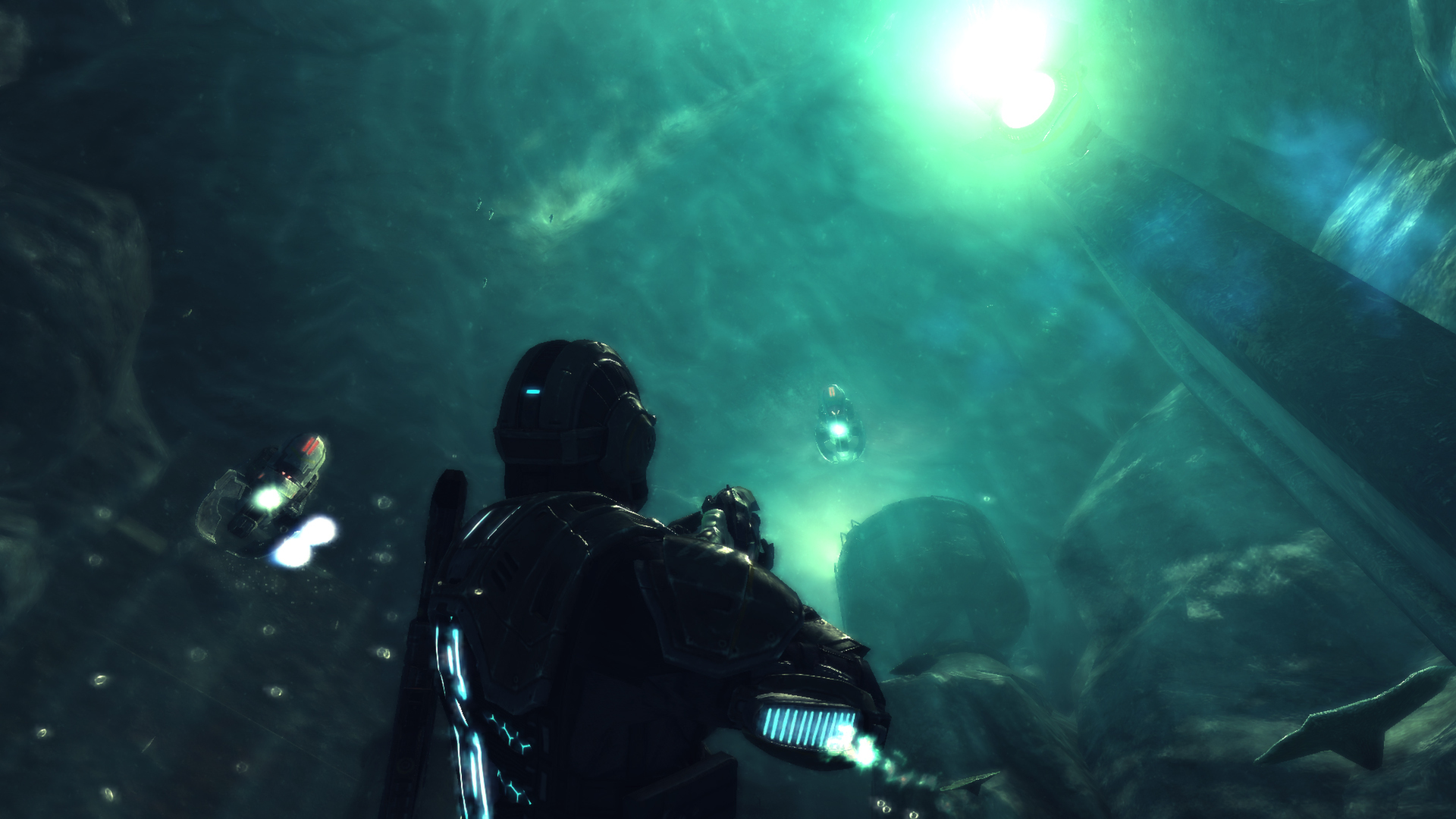
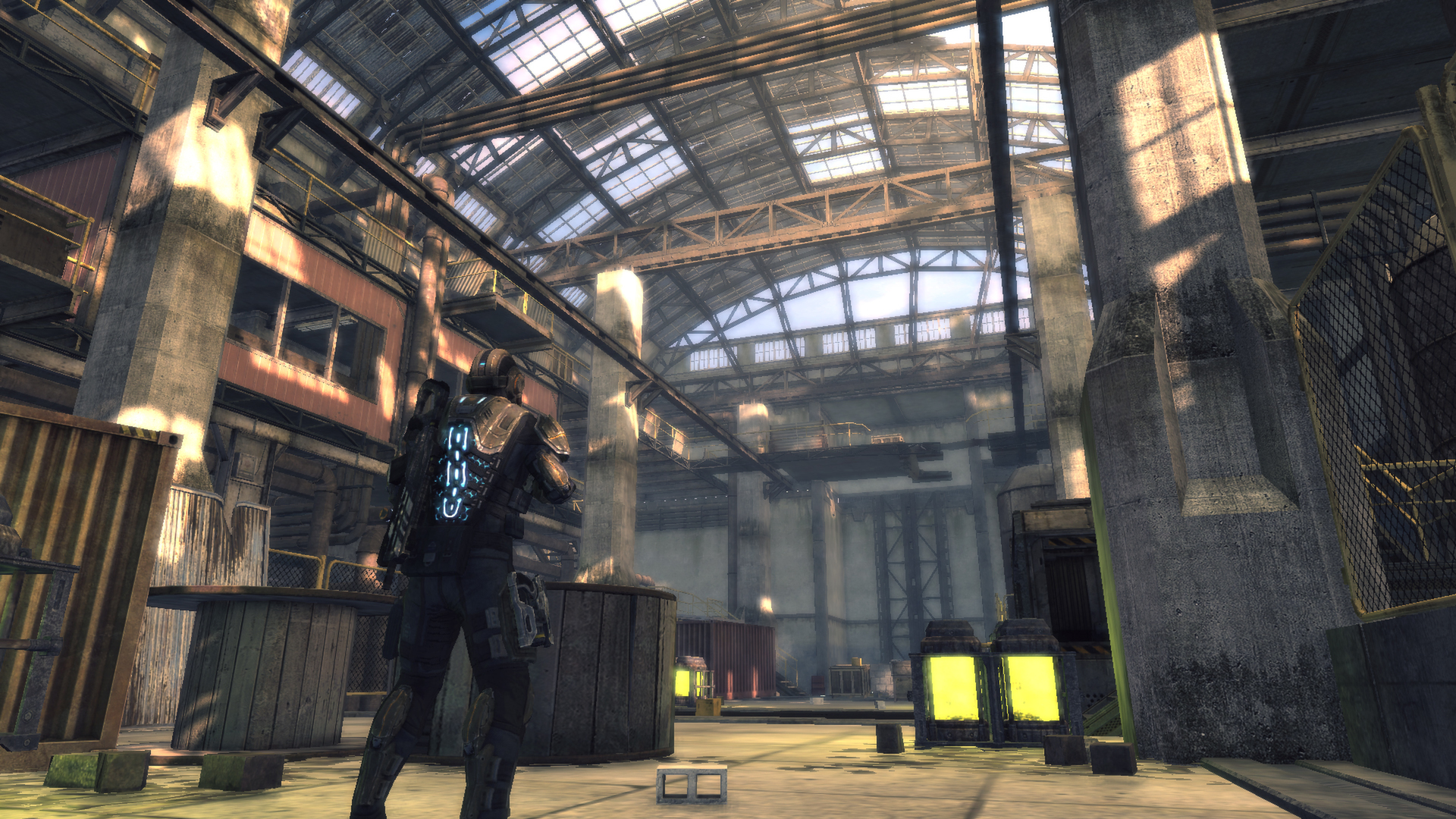
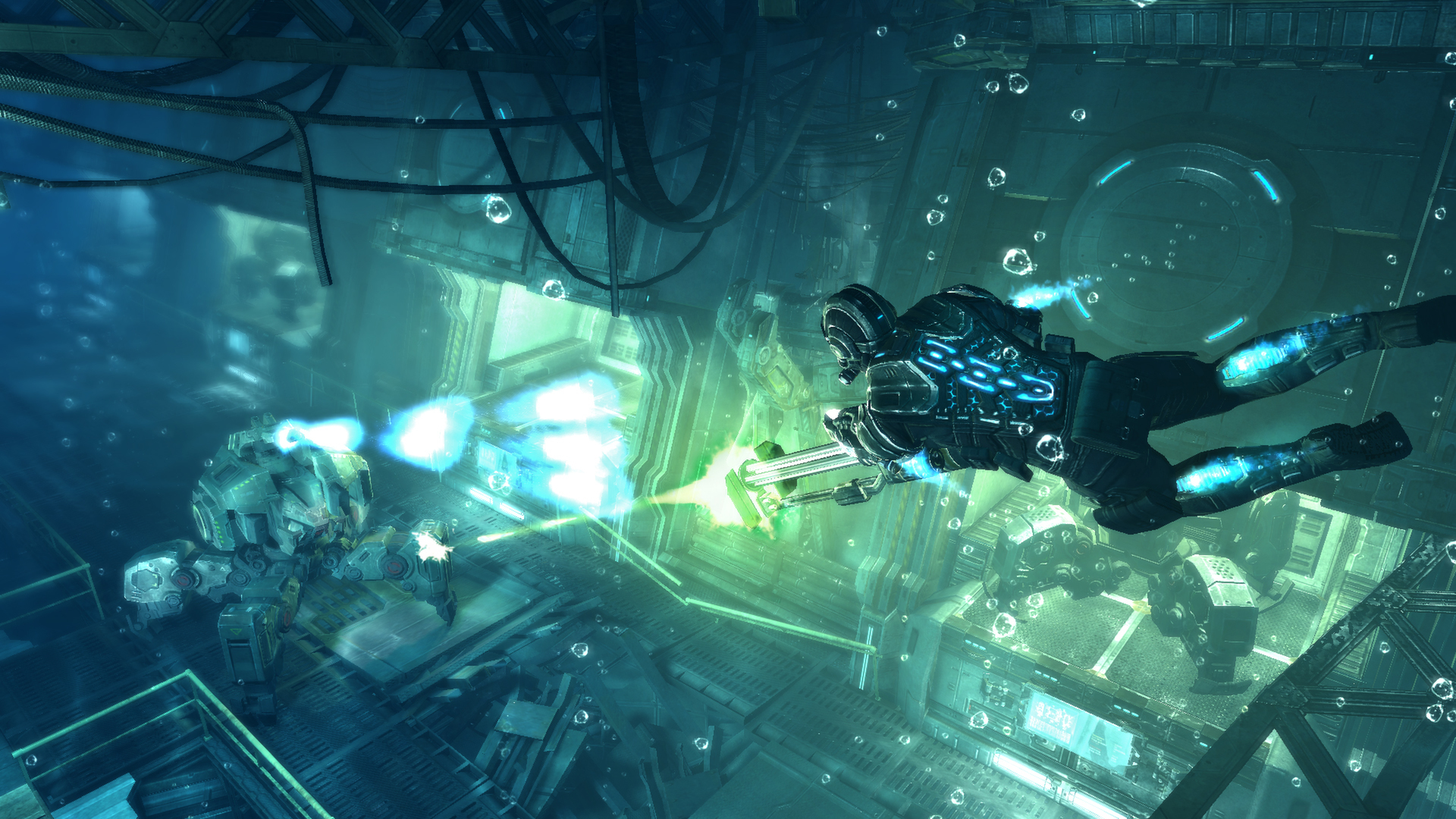
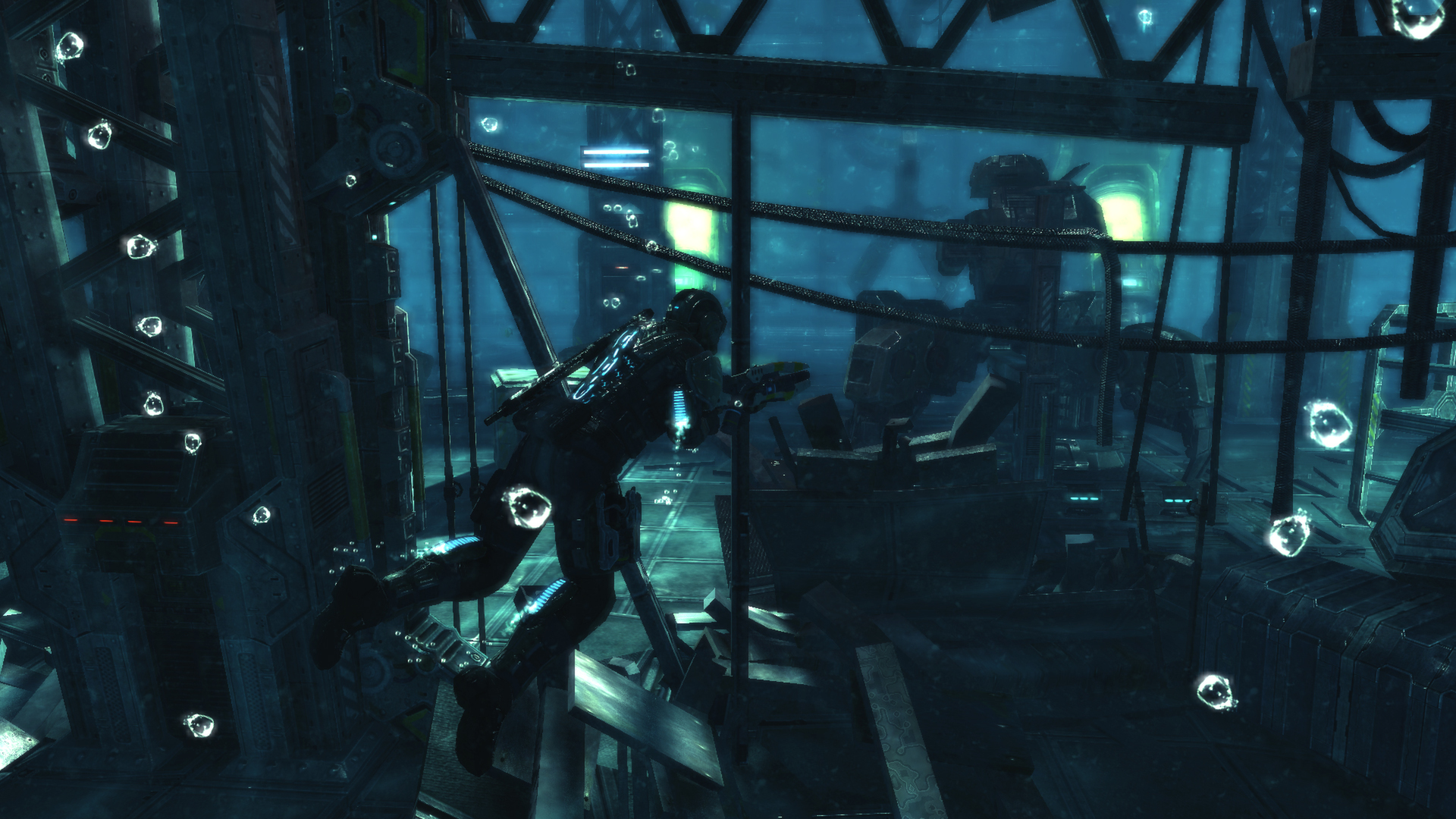
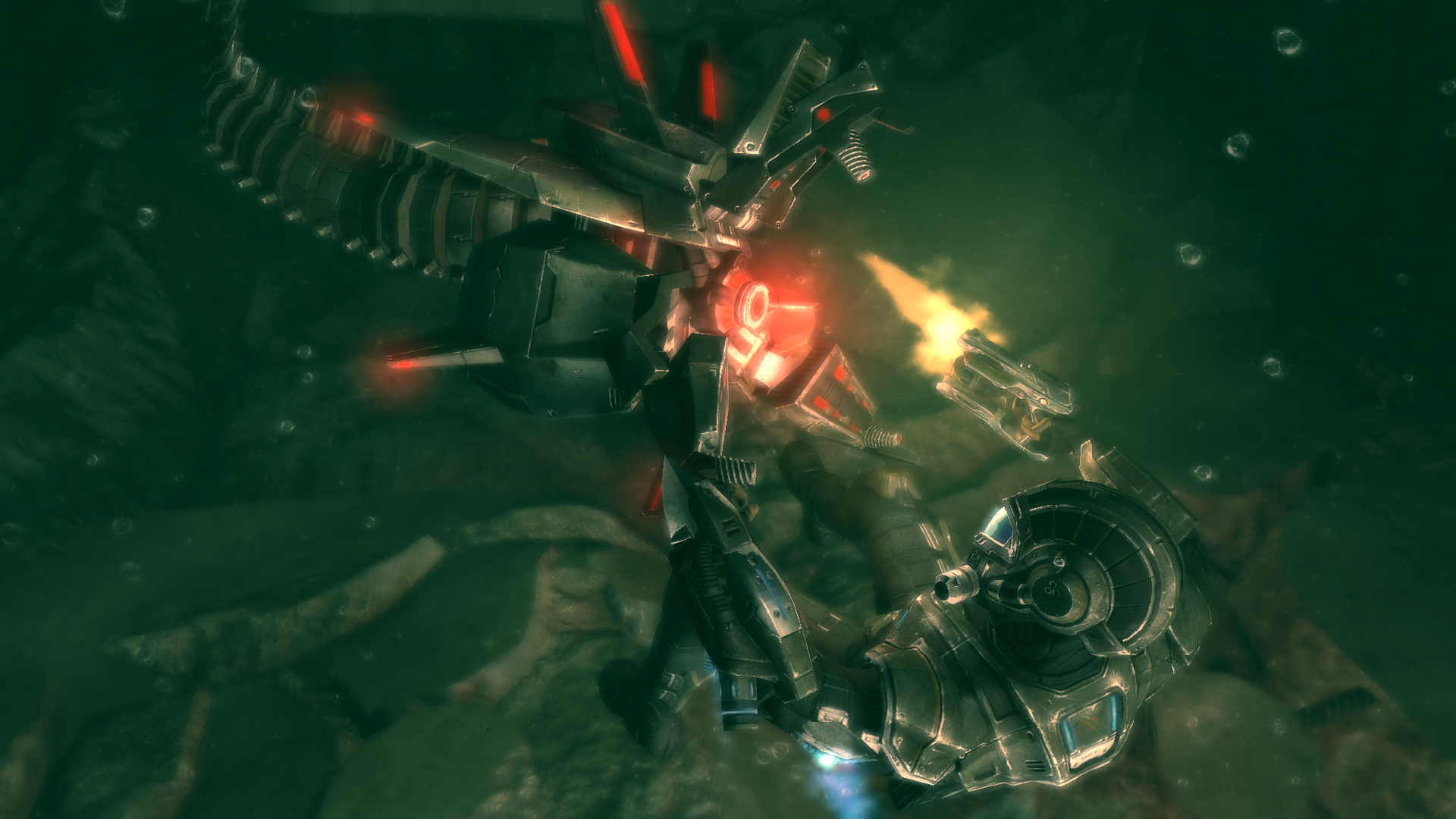
Official store screenshots from Steam — deckport links them, never rehosts. Hover to pause; click to preview.
Identity
Launch
- Binary
- DeepBlack.exe
- Needs files
- none beyond the binary
Proton
- Version
- GE-Proton
- Winetricks
- —
- ProtonDB
- ProtonDB Gold runs perfectly after tweaks
⚙ Setup notes
Game: Delisted Steam game (appid 204760, removed Nov 2022). Third-person cover shooter; ProtonDB tier gold.
Proton: Use GE-Proton (handles the Games for Windows LIVE dependency better than stock Proton).
GFWL: KEY FIX — the game ships with GFWL and will crash/hang trying to reach the dead online check service (biart7.com). Community fix (most reliable first): (1) add a firewall/outbound rule blocking DeepBlack.exe network access; this alone is what stops the recurring "resources corrupted" crash. (2) Optionally also comment out the online-check lines in globals/settings.lua by adding a leading --:
``
--NetFileURL = "http://www.biart7.com/steamok.txt";
--NetFileSkipIfNoConnection = 1;
Note: editing
Controller: It is a Games for Windows title so it has native Xbox 360 gamepad support — the Deck's controller works in-game with no extra layout needed.
Install: deckport only configures the prefix; it never bundles or links the game files.
The one thing to know
Supply your own copy. deckport links nothing.
Delisted: Delisted Steam game (appid 204760, removed Nov 2022); ProtonDB gold. Binary is DeepBlack.exe.
GFWL: Needs the GFWL workaround: block DeepBlack.exe outbound in the firewall (most reliable), and optionally comment out the NetFileURL / NetFileSkipIfNoConnection lines in globals/settings.lua (add a leading --), otherwise it crashes on the dead online check (biart7.com). GE-Proton recommended.
Controller: Native Xbox 360 controller support, so the Deck pad works without a custom layout.
Offline: The campaign is single-player and fully playable offline once GFWL is bypassed; any online/multiplayer features are dead.
Status: Not independently verified on a Deck yet.
Community guides
Write-ups and threads from people who got this (or a similar) game running. deckport links to them — it doesn't reproduce them.
Get the artwork
deckport never hosts game images. Open this game on SteamGridDB, pick
the cover / hero / logo / icon you like, and drop them into the
game folder under .deckport-art/ before you push it to the
Deck. The importer files them under the right names automatically.
Run it on your Deck
Two files: the one-time importer (deckport.py) in your
Deck's home folder, and this game's install helper. Copy the game
into ~/Games and run the helper with Steam closed — it
writes the recipe (binary, launch options, Proton version)
and registers the shortcut with artwork.