About
Devil May Cry 3: Special Edition is the enhanced re-release of the third entry in Capcom's stylish action series, a prequel following a young Dante and the introduction of his twin Vergil. The Special Edition adds Vergil as a playable character, a new Bloody Palace survival mode, and rebalanced difficulty.
The 2006 PC port, handled in-house by Capcom, was widely panned for stutter, audio-driven frame drops, and broken controller support, which is why community patches and fix packs became essential to play it properly. It was pulled from sale on Steam in early 2024, though existing owners can still install it.
Screenshots
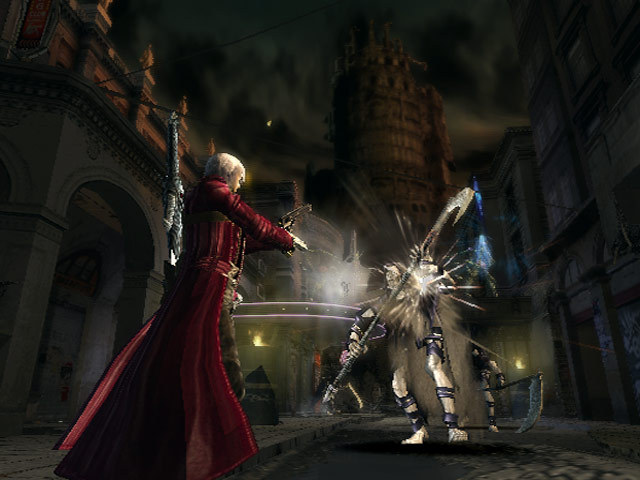
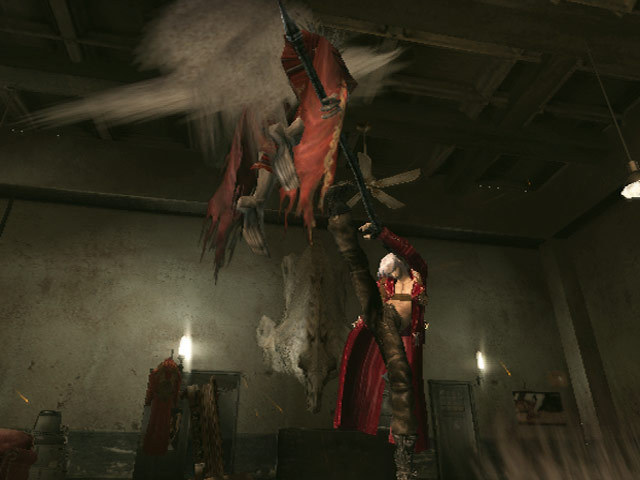
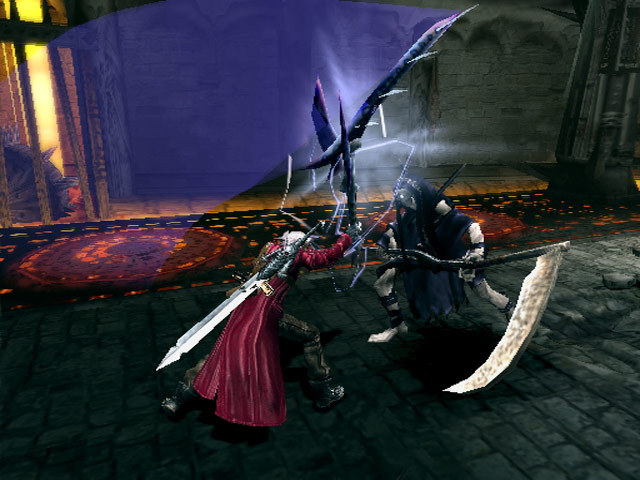
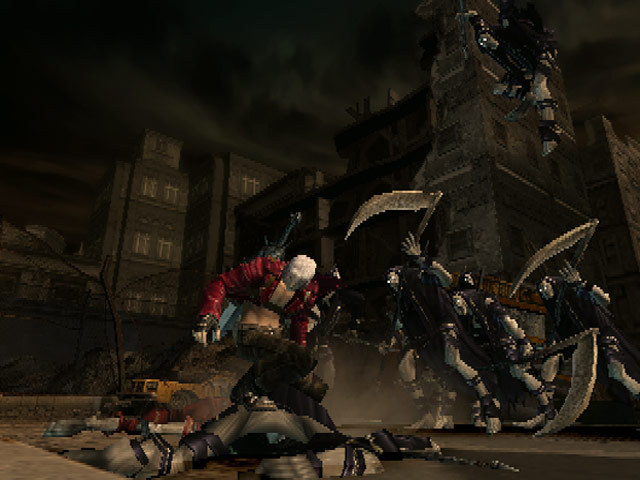
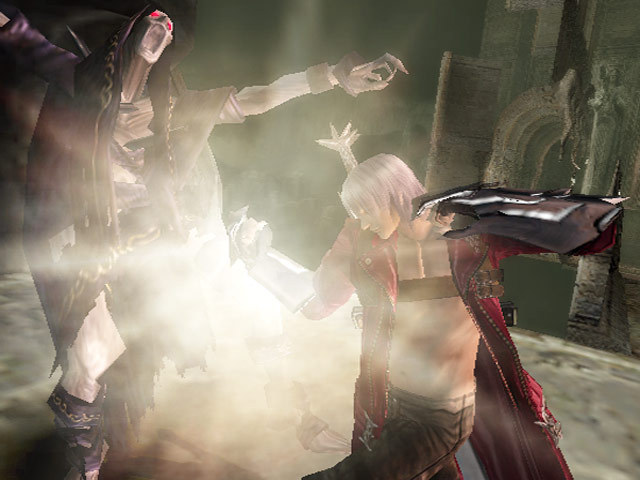
Official store screenshots from Steam — deckport links them, never rehosts. Hover to pause; click to preview.
Identity
Launch
- Binary
- dmc3se.exe
- Options
- PROTON_FORCE_LARGE_ADDRESS_AWARE=1 WINEDLLOVERRIDES="d3d9,dinput8,dsound=n,b" %command%
- Needs files
- none beyond the binary
Proton
- Version
- GE-Proton
- Winetricks
- vcrun2022, directx9
- ProtonDB
- ProtonDB Silver runs with minor issues
⚙ Setup notes
Which version: This recipe is for the standalone 2006 PC port (appid 6550), *not* the later Devil May Cry HD Collection (appid 631510) which also contains DMC3. Deck owners report the standalone 2006 port actually runs cooler and with fewer visual bugs than the HD Collection version, so it remains worth keeping. It was delisted from Steam (pulled from sale early 2024) — only existing owners can still install it.
Proton: ProtonDB tier silver — it runs under Proton/Deck. The reported working launch options are already set: PROTON_FORCE_LARGE_ADDRESS_AWARE=1 plus WINEDLLOVERRIDES="d3d9,dinput8,dsound=n,b". GE-Proton (or a recent stock Proton 8/9) is recommended.
Essential fix: The original 2006 port is notoriously poor (stutter, audio-tied frame drops, broken pad support). First apply the official v1.3 patch (adds HQ music + XInput controller support), then add Serpentiem's Style Switcher mod — the build maintained for the 2006 port (dmc3se-pc-2006-style-switcher), which is the standalone-port counterpart to the DDMK / Style Switcher mod used on the HD Collection. It fixes controls, frame pacing, free style-switching and quality-of-life. Prereqs the mod expects in the prefix: DirectX June 2010 redist and Visual C++ 2015-2022 redist.
Display: A widescreen fix lets the game inherit the Deck's native 1280x800 instead of a stretched 4:3 image; drop the plugin in the game root.
Install: deckport only configures the prefix; it never bundles or links the game files.
The one thing to know
Supply your own copy. deckport links nothing. This is the standalone 2006 port (appid 6550), not the HD Collection (appid 631510).
Controller: the 2006 port does not auto-detect the Deck's gamepad. The v1.3 patch adds XInput support, and the Style Switcher build for the 2006 port includes controller config (GPadCfg.exe → dmc3se.ini). The simplest path on Deck is to apply a community Steam Input gamepad layout — Deck users confirm this gives full pad controls.
Essential mod: the original port is rough out of the box; install the v1.3 patch then Serpentiem's Style Switcher (2006-port build) for working controls, frame pacing and free style switching. The mod expects DirectX June 2010 + VC++ 2015-2022 redists in the prefix.
Display: apply a widescreen fix so the image fills the Deck's 1280x800 screen instead of stretching from 4:3.
Proton: ProtonDB silver; Deck owners report it runs cooler and with fewer visual glitches than the HD Collection version. Expect minor FMV/audio quirks common to DMC-era ports.
Modes: Single-player only, no online servers to worry about.
Status: Recipe still needs a hands-on Deck confirmation.
Community guides
Write-ups and threads from people who got this (or a similar) game running. deckport links to them — it doesn't reproduce them.
Get the artwork
deckport never hosts game images. Open this game on SteamGridDB, pick
the cover / hero / logo / icon you like, and drop them into the
game folder under .deckport-art/ before you push it to the
Deck. The importer files them under the right names automatically.
Run it on your Deck
Two files: the one-time importer (deckport.py) in your
Deck's home folder, and this game's install helper. Copy the game
into ~/Games and run the helper with Steam closed — it
writes the recipe (binary, launch options, Proton version)
and registers the shortcut with artwork.