About
DiRT Rally is a rally and rallycross racing simulation from Codemasters, the studio behind the long-running Colin McRae and DiRT series. It launched into Steam Early Access in April 2015 and saw a full release on December 7, 2015, earning praise for its demanding, simulation-focused handling model and detailed stage and weather systems. It was followed by DiRT Rally 2.0 in 2019. The game was delisted from digital storefronts on November 9, 2022.
Screenshots
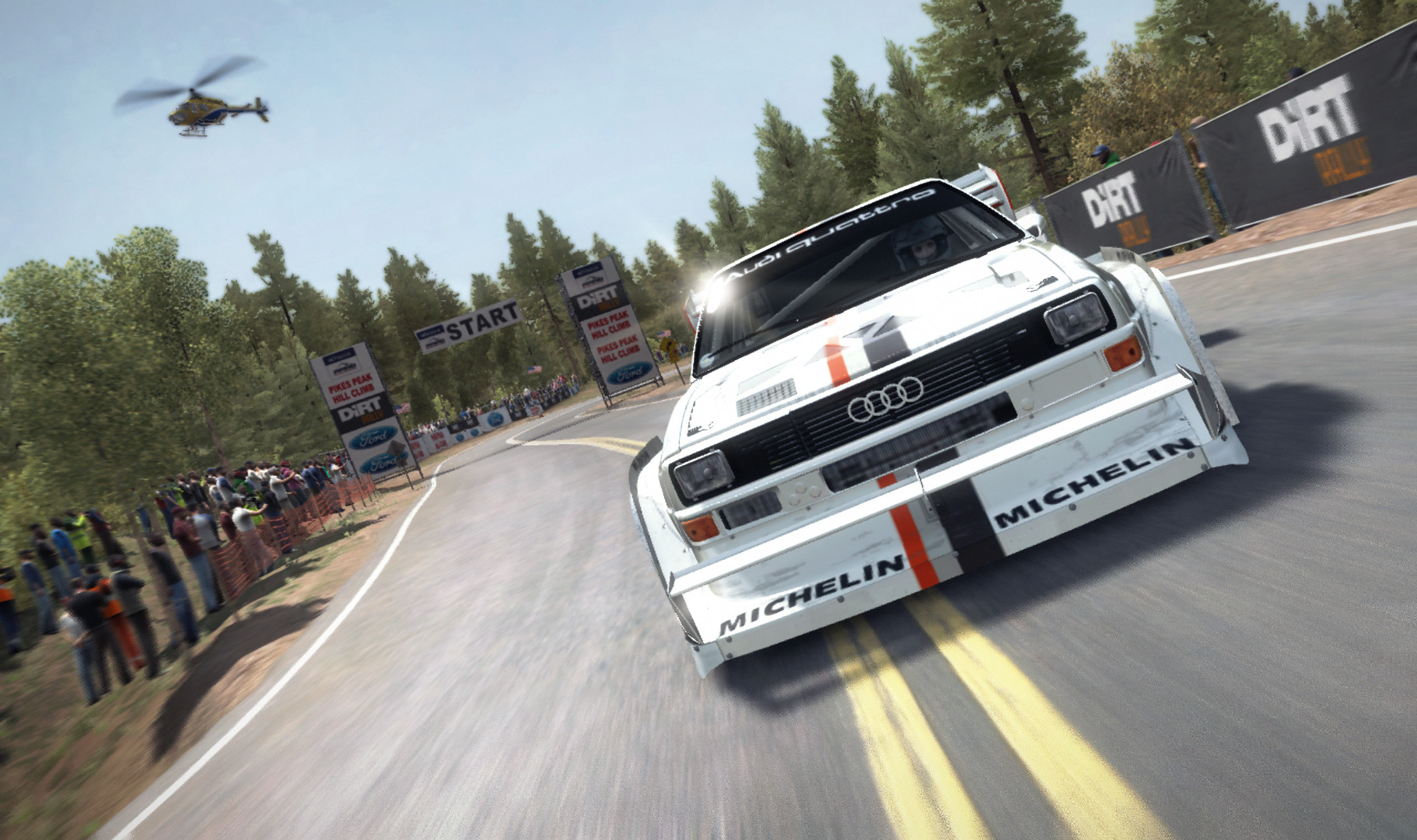
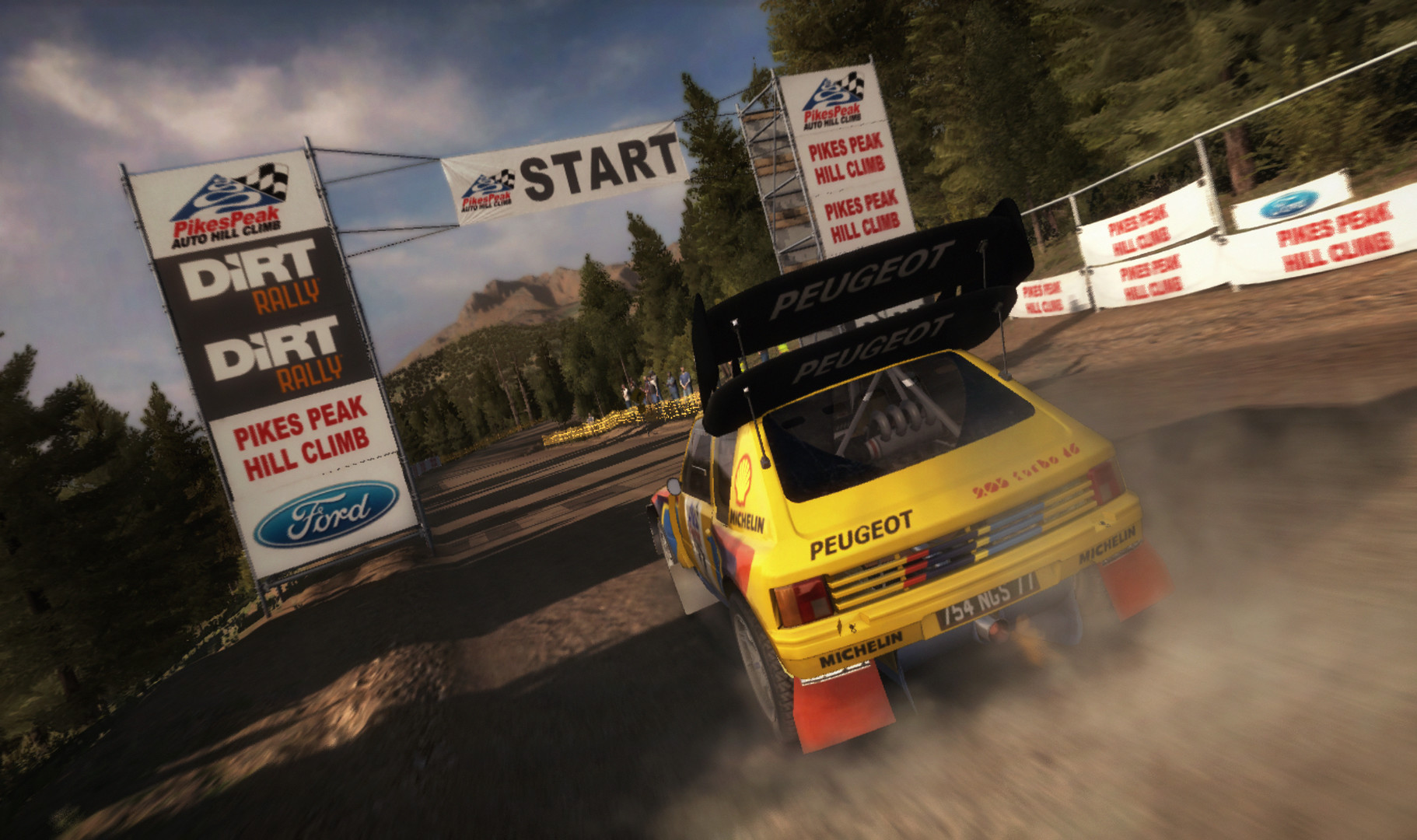
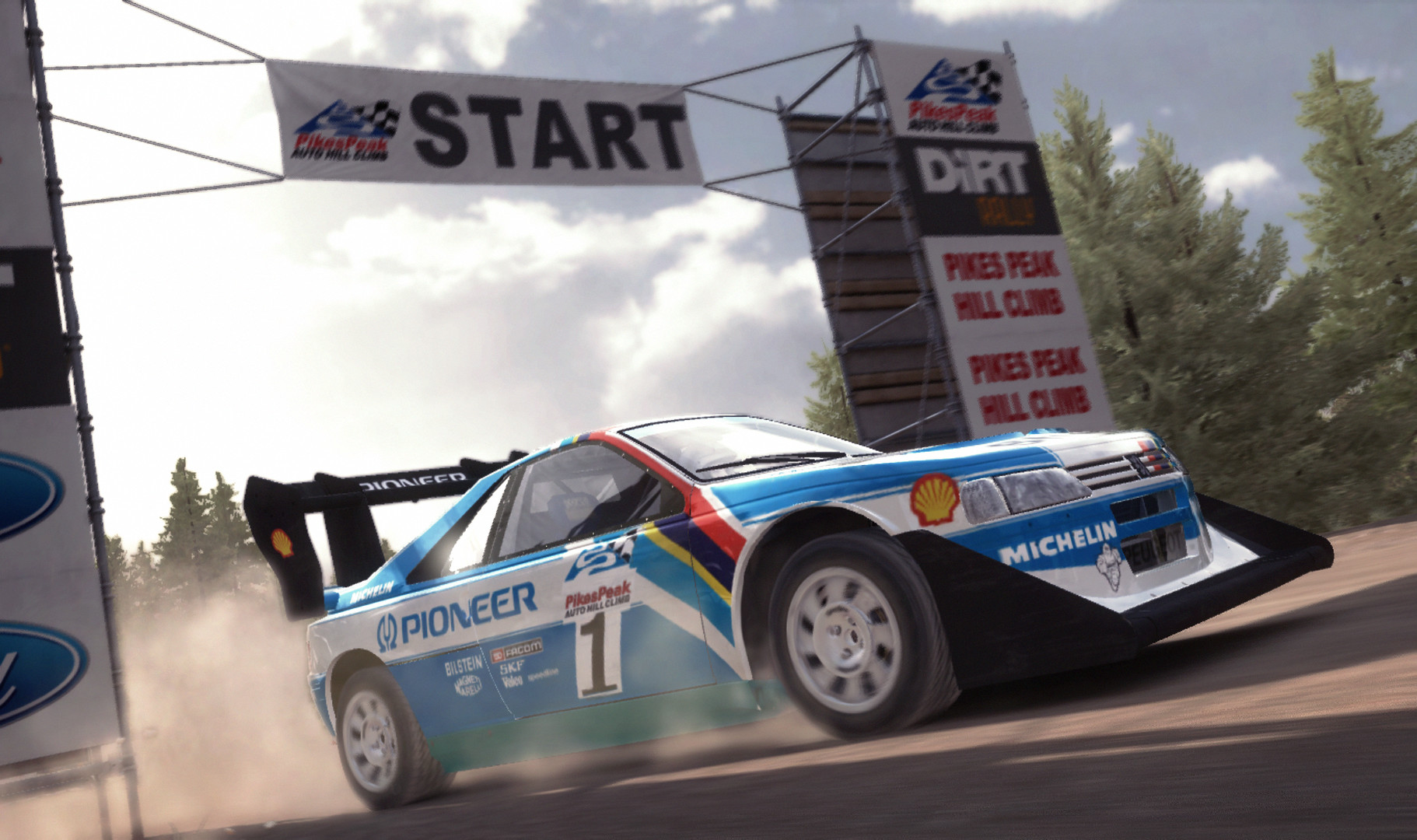
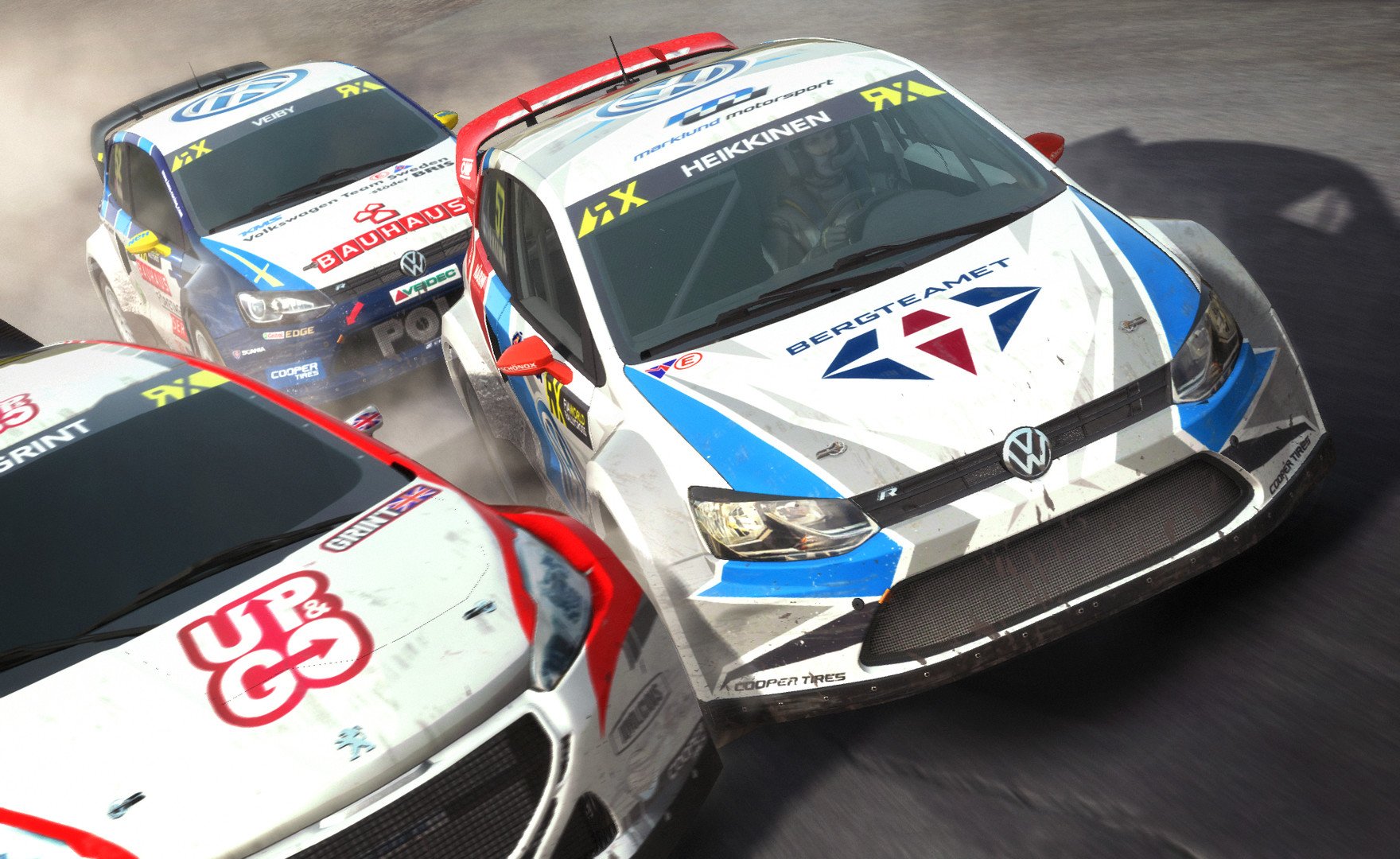
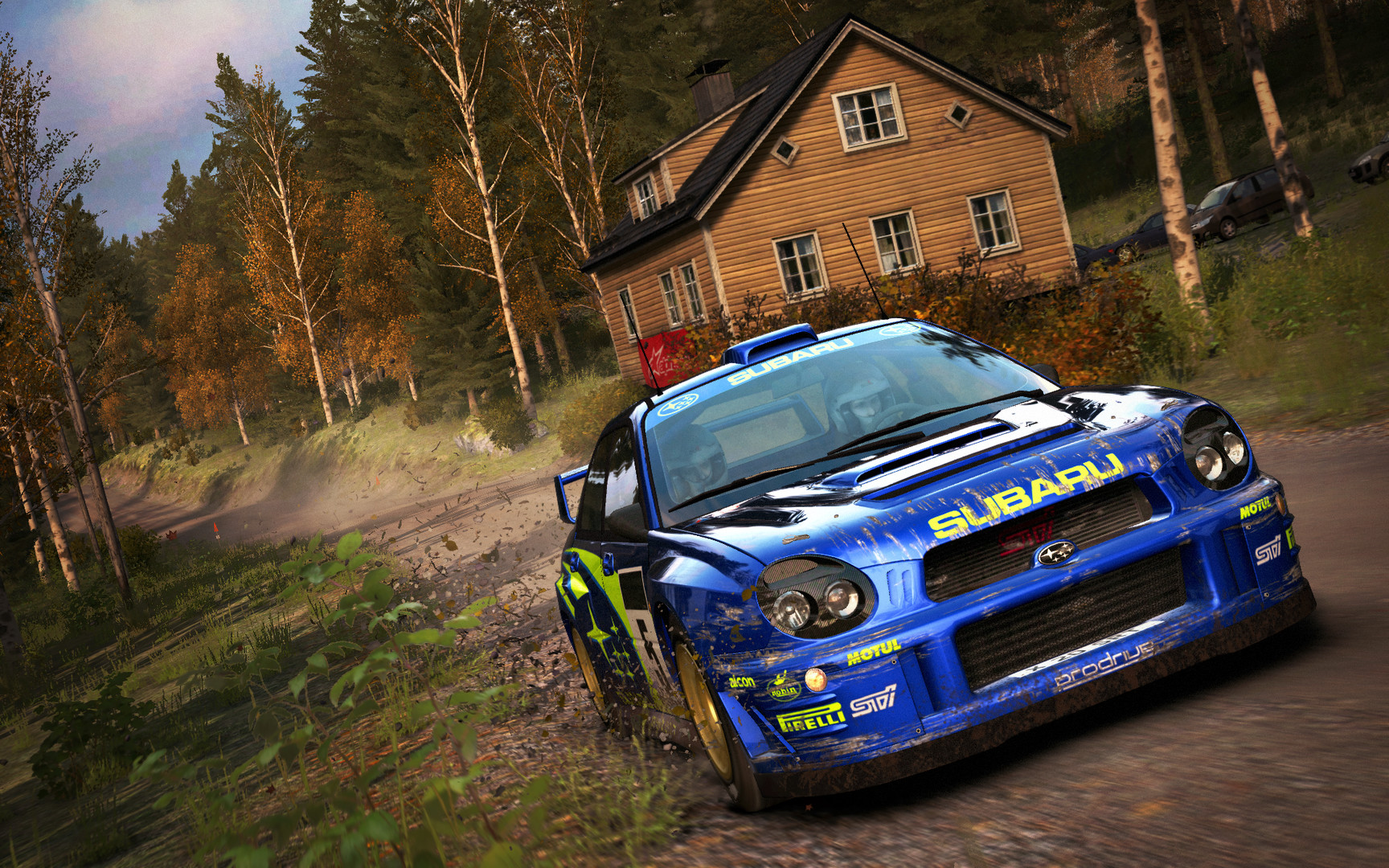
Official store screenshots from Steam — deckport links them, never rehosts. Hover to pause; click to preview.
Identity
Launch
- Binary
- drt.exe
- Options
- %command%
- Needs files
- none beyond the binary
Proton
- Version
- GE-Proton
- Winetricks
- —
- ProtonDB
- ProtonDB Gold runs perfectly after tweaks
⚙ Setup notes
DRM: Delisted Steam game (appid 310560), delisted Nov 9 2022 by Codemasters. Steam ownership still installs and plays normally.
Native Linux: This title has an official native Linux/SteamOS port by Feral Interactive (released March 2 2017). If you own it on Steam the native build is the smoothest path on Deck — the binary is bin/DirtRally. Many systems run it out of the box, but if it fails to launch with a missing-library error (e.g. libSDL2), opt into the feraldirtsupport beta branch under the game's Steam *Properties → Betas* so it finds its bundled libraries.
Proton (Windows build): If you instead run the Windows copy under Proton, launch the root drt.exe (NOT the launcher) with GE-Proton or Proton Experimental — both are reported to launch with no extra tinkering.
Fixes: Community ProtonDB rates it gold / playable on Deck. If it stalls on launch, disable the in-game Steam overlay. One reported CPU-related crash was resolved by limiting cores with WINE_CPU_TOPOLOGY=8 %command%.
Install: deckport only configures the prefix; it never bundles or links the game files.
The one thing to know
Supply your own copy: Delisted Nov 9 2022 (Codemasters); deckport links nothing. Existing Steam owners can still install and play.
Two ways to run on Deck: (1) native Linux build (Feral Interactive port, binary bin/DirtRally) needs no Proton and is usually the smoothest path — if it fails to start with a missing-library error, opt into the feraldirtsupport Steam beta branch (Properties → Betas) so it finds its bundled libraries; (2) Windows build under GE-Proton / Proton Experimental, launching the root drt.exe (not the launcher).
Controller: Native gamepad support — works out of the box, no custom Steam Input layout needed.
Fixes: Community ProtonDB reports it gold/playable on Deck. If it hangs on launch, turn off the in-game Steam overlay. A reported CPU crash was fixed with WINE_CPU_TOPOLOGY=8 %command%.
NEEDS-TEST: Confirmed running by the community, but this exact recipe is unverified on a Deck.
Community guides
Write-ups and threads from people who got this (or a similar) game running. deckport links to them — it doesn't reproduce them.
Get the artwork
deckport never hosts game images. Open this game on SteamGridDB, pick
the cover / hero / logo / icon you like, and drop them into the
game folder under .deckport-art/ before you push it to the
Deck. The importer files them under the right names automatically.
Run it on your Deck
Two files: the one-time importer (deckport.py) in your
Deck's home folder, and this game's install helper. Copy the game
into ~/Games and run the helper with Steam closed — it
writes the recipe (binary, launch options, Proton version)
and registers the shortcut with artwork.