About
DRIV3R is the third installment in the Driver series, putting players in the role of undercover FBI agent John Tanner as he investigates a car-smuggling ring across recreated versions of Miami, Nice, and Istanbul. It expanded the series with on-foot sections, gun combat, and drive-by shooting alongside free-roam and the returning film-making director mode. Originally released for consoles in 2004, the PC version followed in March 2005 and reviewed well, though the game is best remembered for the 'Driv3rgate' review-scoring controversy.
Screenshots
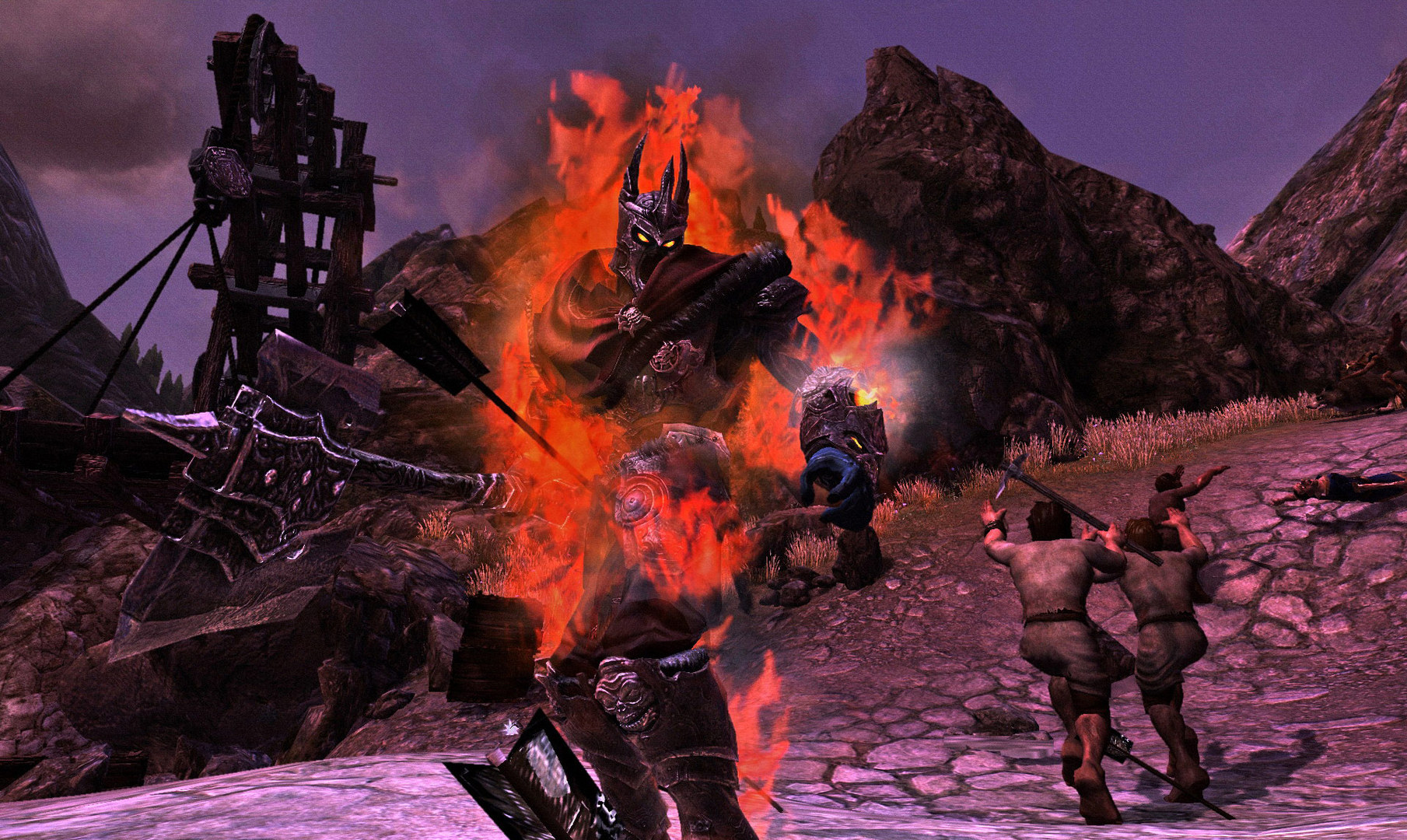
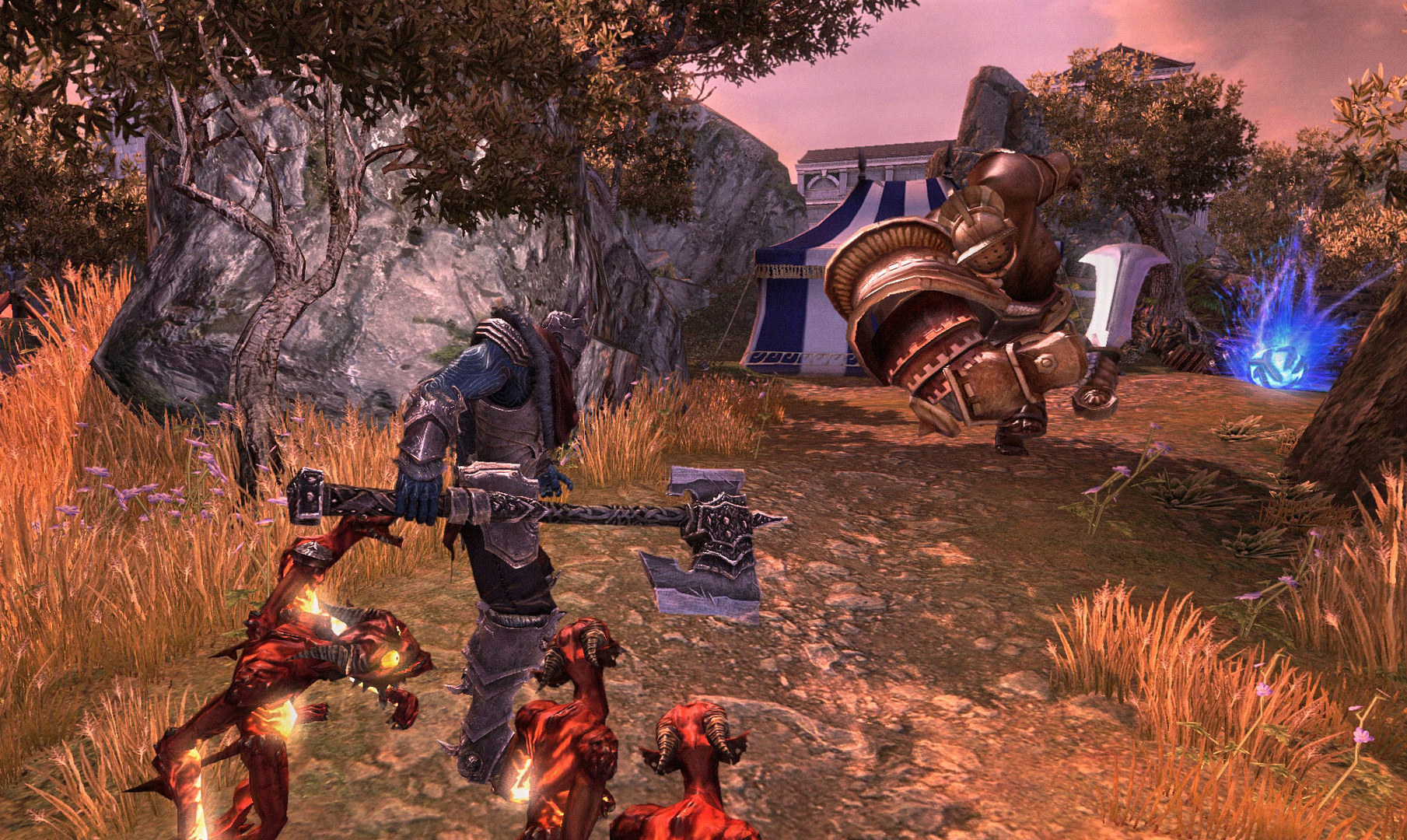
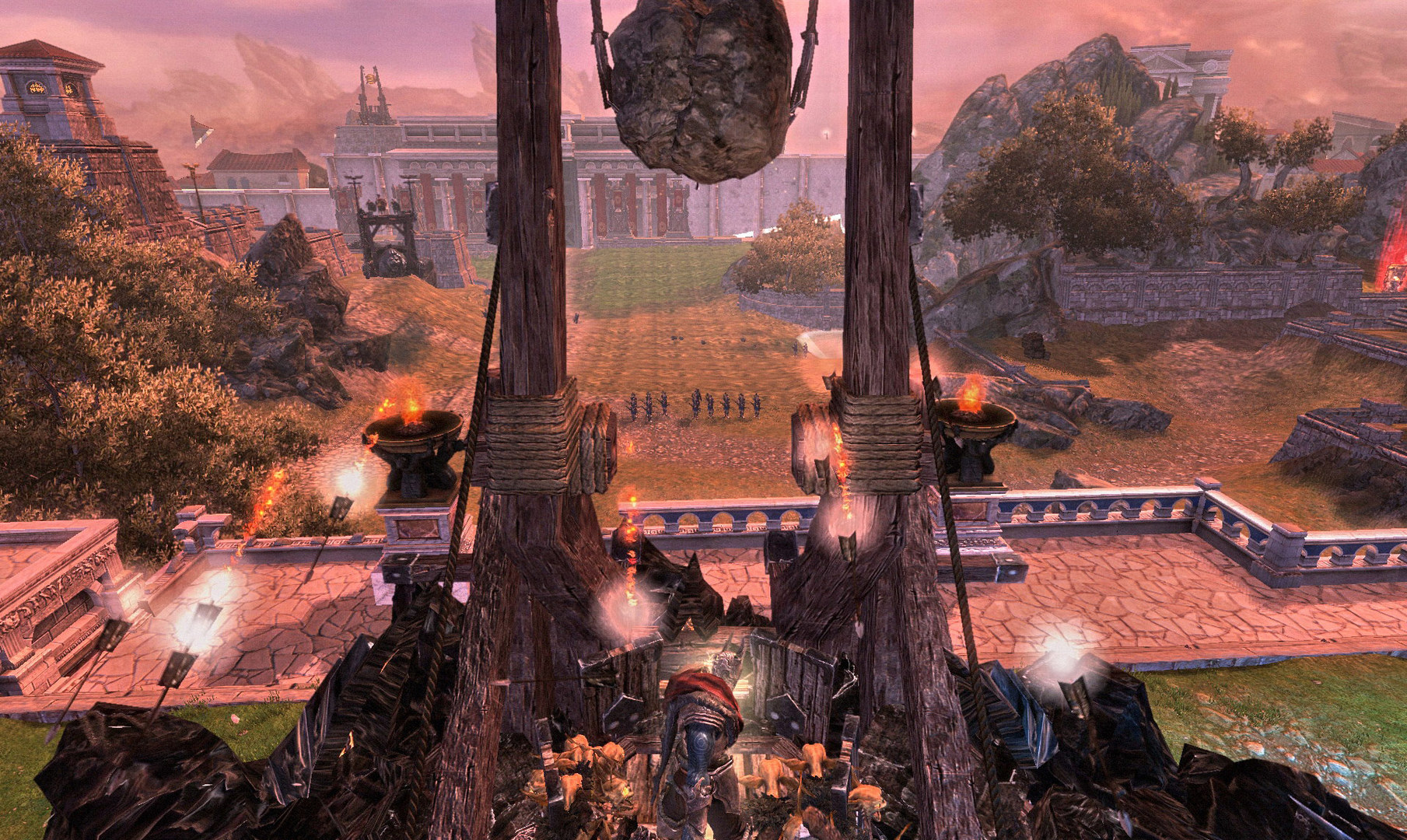
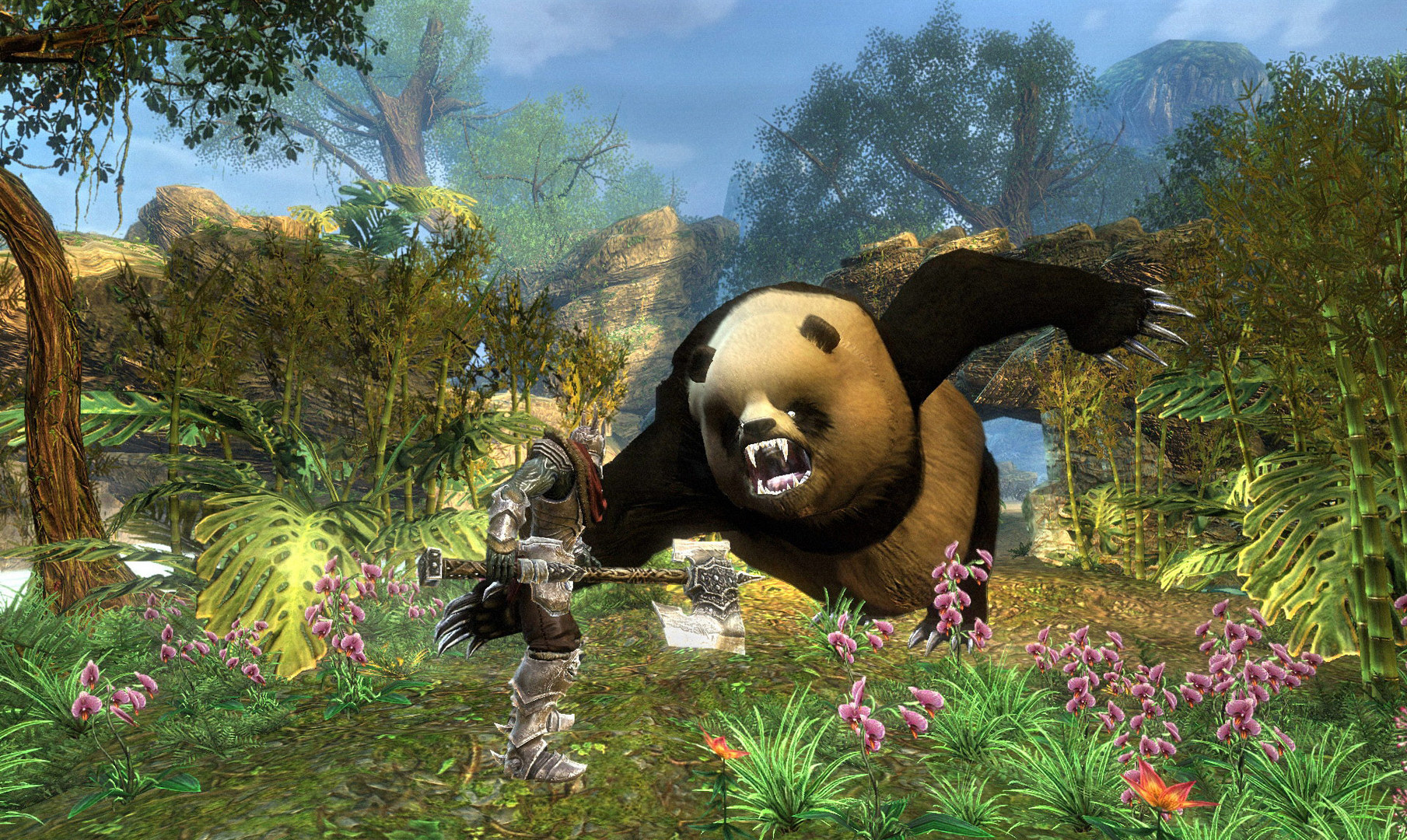
Official store screenshots from Steam — deckport links them, never rehosts. Hover to pause; click to preview.
Identity
Launch
- Binary
- driv3r.exe
- Needs files
- none beyond the binary
Proton
- Version
- GE-Proton
- Winetricks
- —
- ProtonDB
- ProtonDB Gold runs perfectly after tweaks
⚙ Setup notes
2004 Reflections / Atari open-world driving-and-shooting game. Delisted, long out of print — supply your own copy.
Proton: Runs under Proton; GE-Proton handles the older codebase most reliably.
DRM: The retail release used SafeDisc DRM — disc/no-CD checks can stall under Wine, so use a clean install and the latest community update before applying mods.
Fix: Strong fix scene: ThirteenAG's Widescreen Fix (drops a dinput8.dll-style wrapper next to driv3r.exe; requires the game's Update 2, which will not install over Update 1 — reinstall clean, then apply Update 2) plus an Xbox Particles Fix, texture/skybox fixes, and an optional RTX add-on.
Display: After installing the widescreen wrapper, set a Steam launch option that lets Proton load the fix's local proxy DLL — match the override to whatever DLL the release ships (e.g. WINEDLLOVERRIDES="dinput8=n,b" %command%).
Controller: Native Xbox controller support works out of the box via Steam Input; a controller layout otherwise covers it.
The one thing to know
Supply your own copy: Delisted / out of print — configuration only, no links.
DRM: Retail SafeDisc DRM can hang under Wine — start from a clean, fully-updated install.
Display: Apply ThirteenAG's Widescreen Fix for modern displays (needs Update 2; do not stack on Update 1 — reinstall clean first).
Launch: If the widescreen wrapper makes the game refuse to launch, verify the dinput8 DLL override launch option is set.
Controller: Native Xbox gamepad support works via Steam Input.
Community guides
Write-ups and threads from people who got this (or a similar) game running. deckport links to them — it doesn't reproduce them.
Get the artwork
deckport never hosts game images. Open this game on SteamGridDB, pick
the cover / hero / logo / icon you like, and drop them into the
game folder under .deckport-art/ before you push it to the
Deck. The importer files them under the right names automatically.
Run it on your Deck
Two files: the one-time importer (deckport.py) in your
Deck's home folder, and this game's install helper. Copy the game
into ~/Games and run the helper with Steam closed — it
writes the recipe (binary, launch options, Proton version)
and registers the shortcut with artwork.