About
eXceed 3rd - Jade Penetrate Black Package is the third entry in the eXceed series of Japanese doujin bullet-hell shooters by the circle Tennen-sozai (天然素材, formerly known as FLAT). It drops the second game's color-swap mechanic in favor of straightforward, dense screen-filling danmaku action and was localized for the West and brought to Steam by Nyu Media in 2012. The "Black Package" is the expanded version of the original 2007 -JADE PENETRATE- doujin release.
The eXceed games are an underrated cult trilogy inspired by classic shmup studios such as Cave and Treasure. All three titles, along with the eXceed Collection bundle, were delisted from Steam on January 6th, 2023 after the developer dropped out of contact.
Screenshots
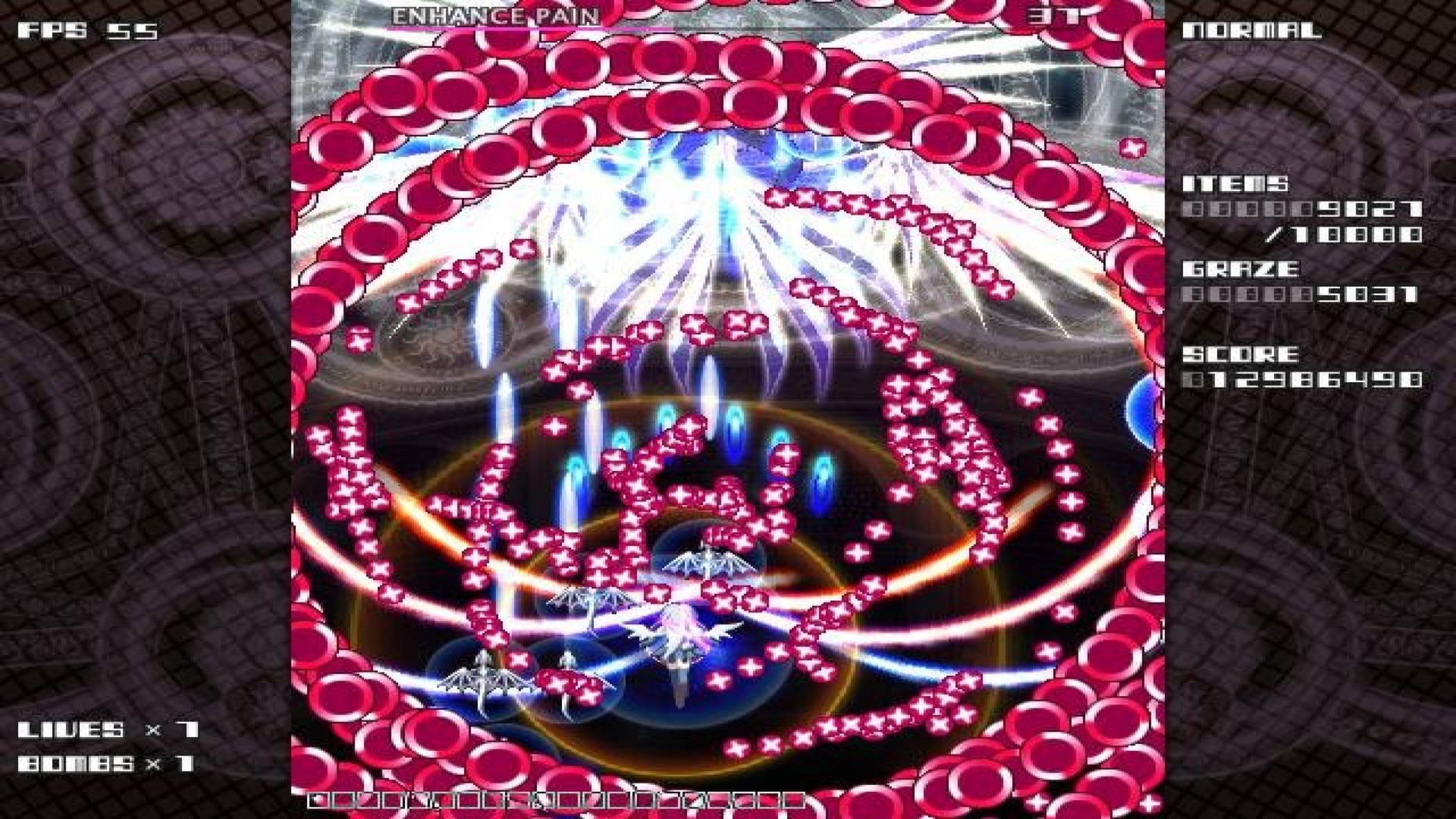
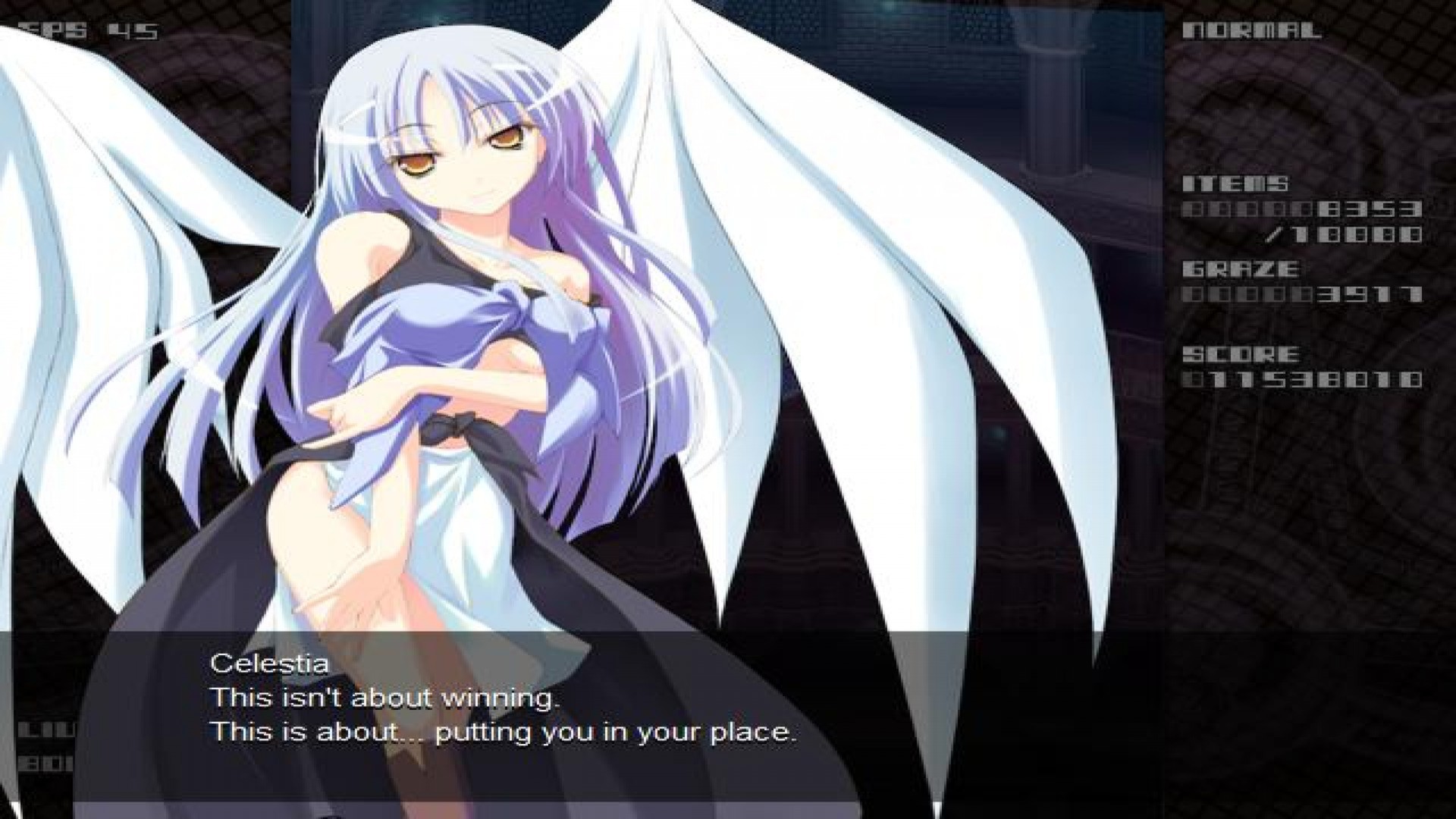
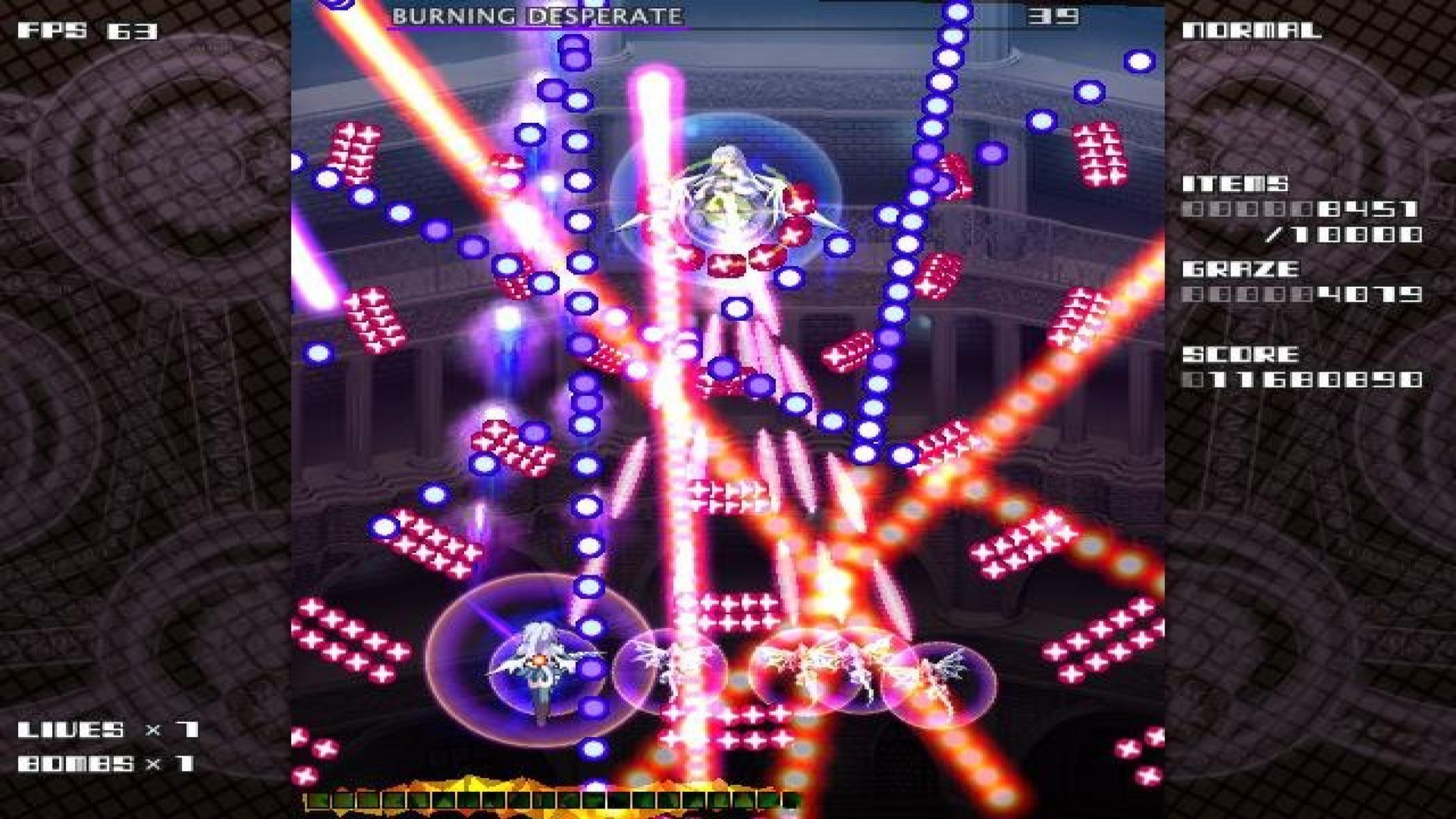
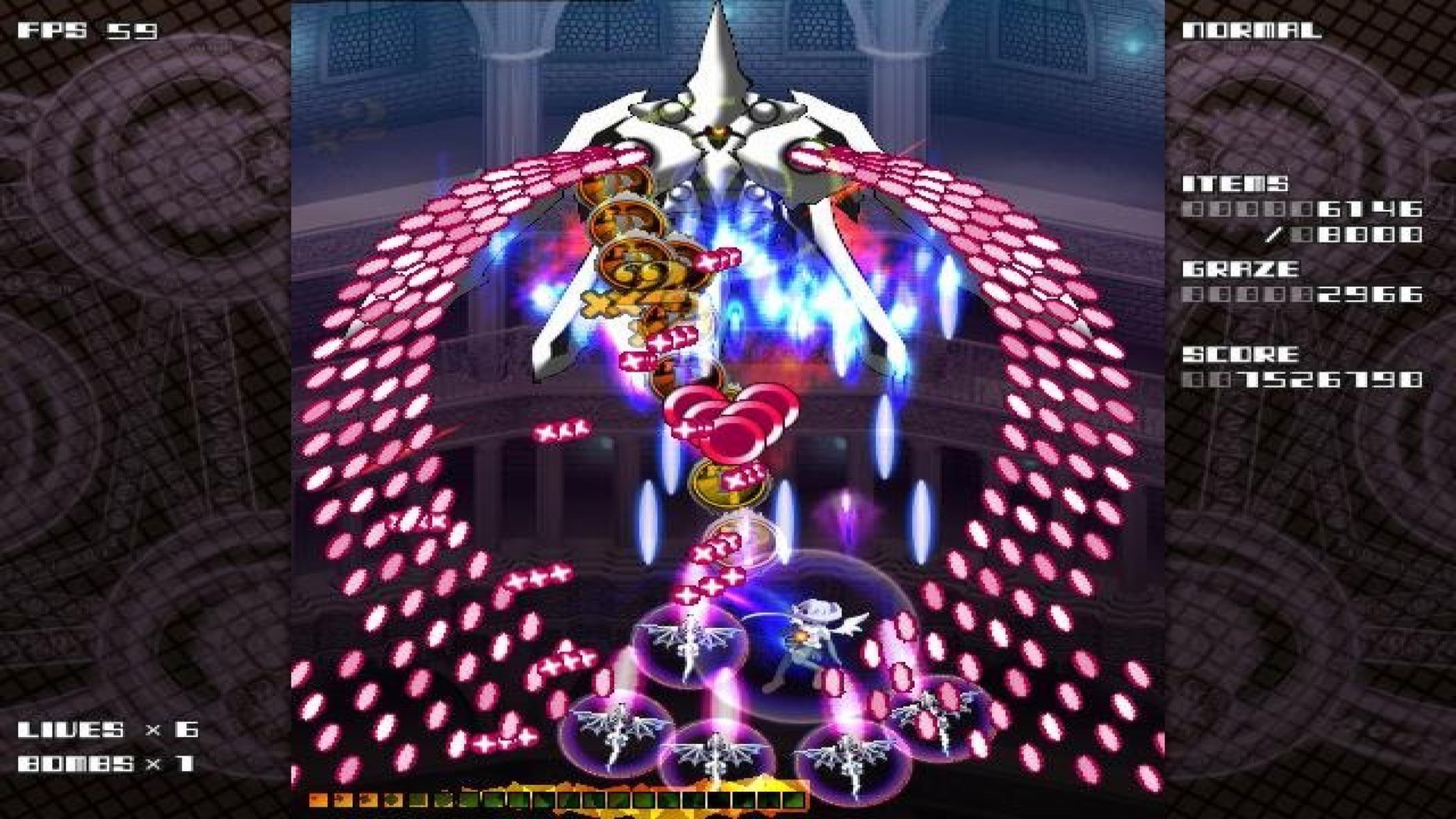
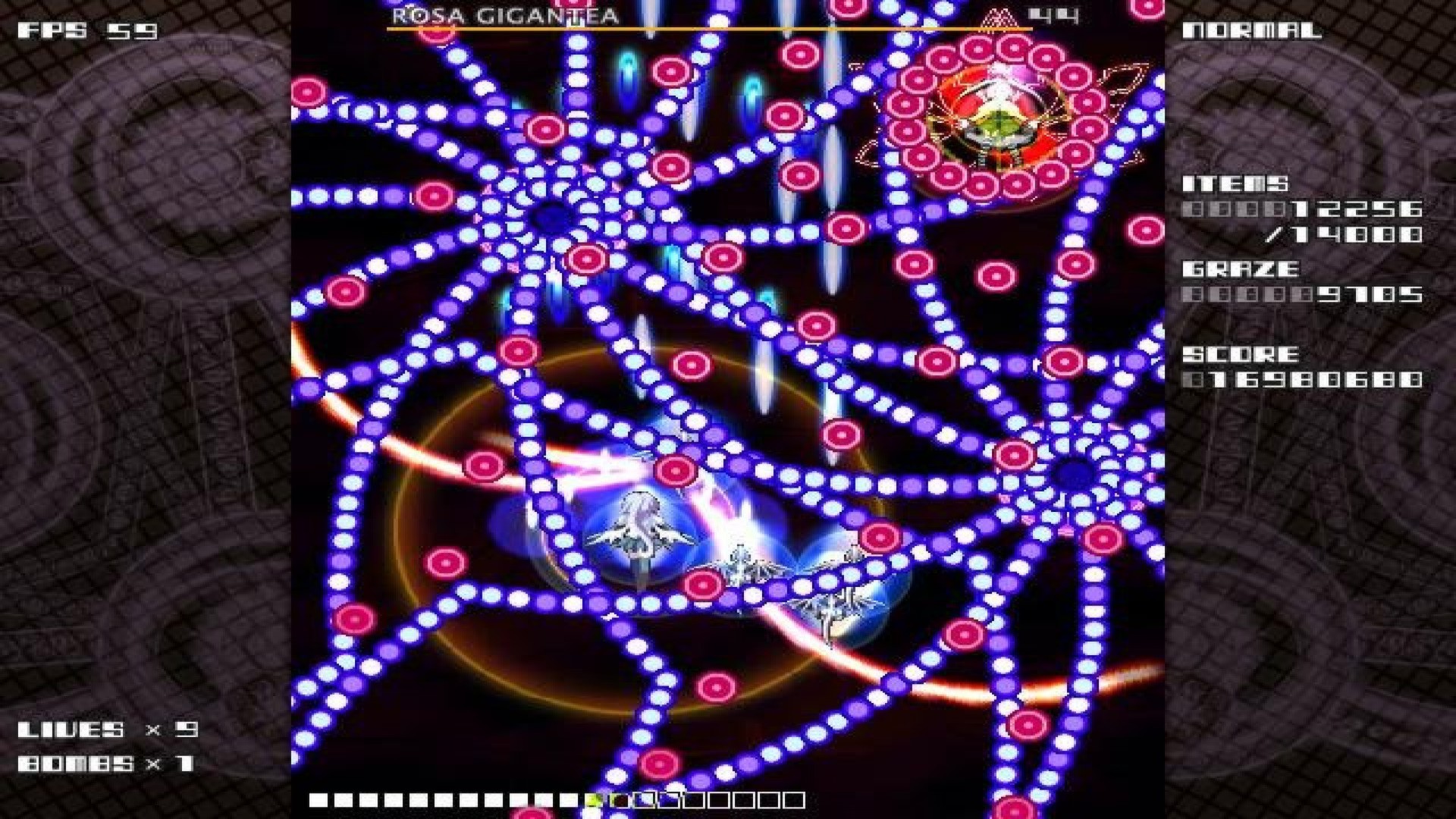
Official store screenshots from Steam — deckport links them, never rehosts. Hover to pause; click to preview.
Identity
Launch
- Binary
- eXceed3rd.exe
- Needs files
- none beyond the binary
Proton
- Version
- Proton 8.0-2
- Winetricks
- —
- ProtonDB
- ProtonDB Gold runs perfectly after tweaks
⚙ Setup notes
Game: Delisted Steam shmup (appid 207400, removed along with the other two eXceed games).
Proton: Runs on the Deck with Proton 8.0-2 plus the gamepad layout, or Proton 5.13-6 (both report fully playable).
Controller: A regression after Proton 5.13-6 causes controller inputs to CRASH the game on some newer Proton builds — if you hit input crashes, drop back to Proton 8.0-2 or 5.13-6. Native keyboard AND gamepad input are both supported in-game (configurable in Options), and a gamepad is not required. If gamepad mapping misbehaves, a Steam Input keyboard layout (arrows = move, mapped fire/bomb buttons) works cleanly as a fallback.
Display: For fullscreen framerate issues on newer hardware, force fullscreen via Proton/Deck display settings.
Install: deckport only configures the prefix; it never bundles or links the game files.
The one thing to know
Supply your own copy: Delisted Steam shmup (appid 207400, no longer for sale). deckport links nothing.
Proton: Community ProtonDB/Proton-issue reports confirm it runs on Deck/Linux — use Proton 8.0-2 or 5.13-6.
Controller: Controller inputs can crash the game on Proton versions after 5.13-6 — stick to 8.0-2 / 5.13-6 or use a Steam Input keyboard layout if the gamepad path crashes.
Online: Single-player offline title, so no server concerns.
Binary: Confirm the actual .exe name in your install (eXceed3rd.exe assumed).
Community guides
Write-ups and threads from people who got this (or a similar) game running. deckport links to them — it doesn't reproduce them.
Get the artwork
deckport never hosts game images. Open this game on SteamGridDB, pick
the cover / hero / logo / icon you like, and drop them into the
game folder under .deckport-art/ before you push it to the
Deck. The importer files them under the right names automatically.
Run it on your Deck
Two files: the one-time importer (deckport.py) in your
Deck's home folder, and this game's install helper. Copy the game
into ~/Games and run the helper with Steam closed — it
writes the recipe (binary, launch options, Proton version)
and registers the shortcut with artwork.