About
eXceed - Gun Bullet Children is a vertically-scrolling bullet-hell shooter and the first entry in the eXceed series by Japanese doujin studio Tennen-Sozai. Originally a 2005 Comiket release, it was localized and brought to Steam in 2012 by Nyu Media, alongside its sequels Gun Bullet Children's Story (eXceed 2nd) and eXceed 3rd. The title was delisted from Steam in January 2023 when Nyu Media wound down operations and could no longer reach the developer to transfer publishing rights. It is noted for dense, score-focused danmaku patterns at a low 640x480 resolution.
Screenshots
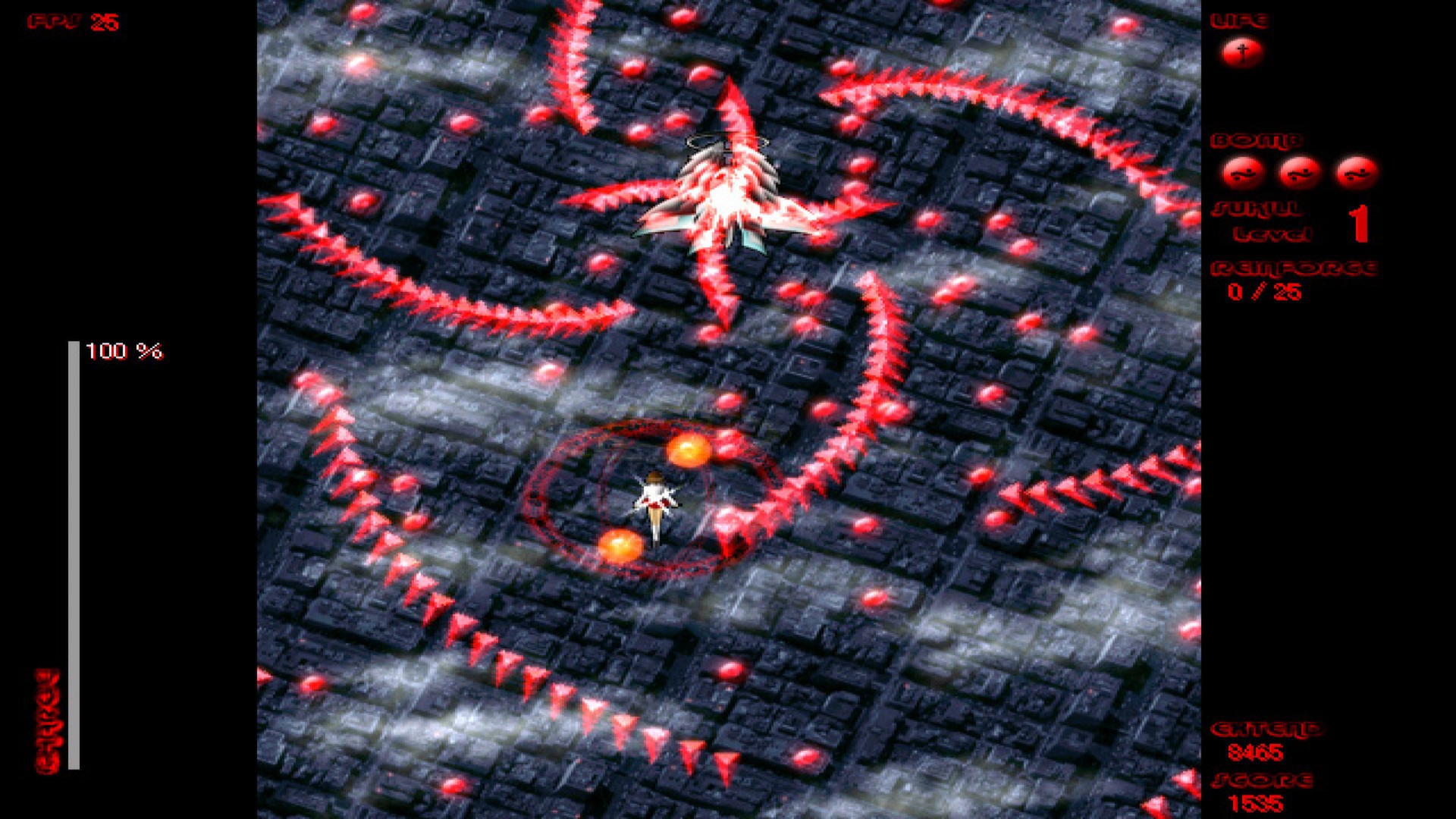
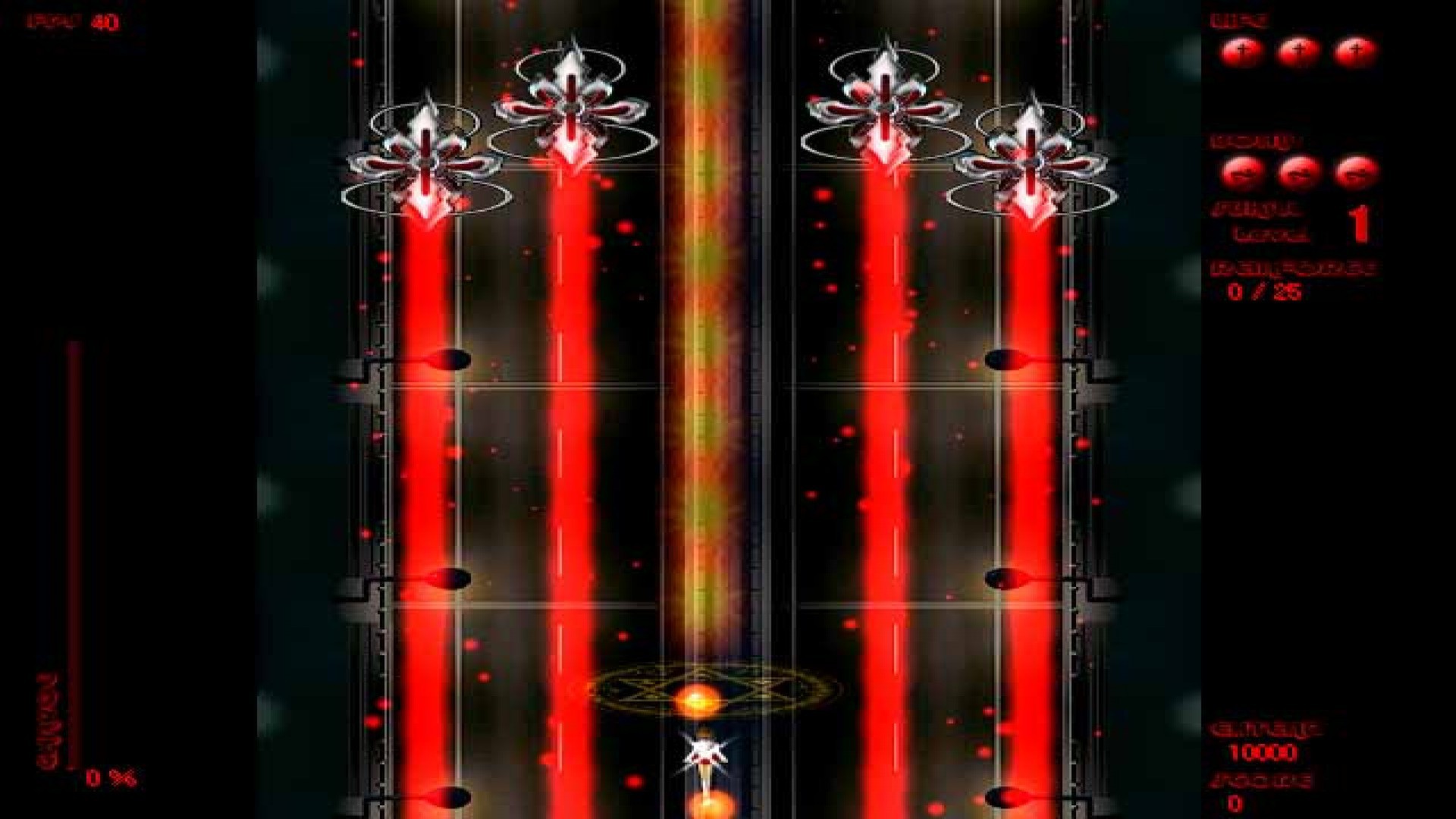
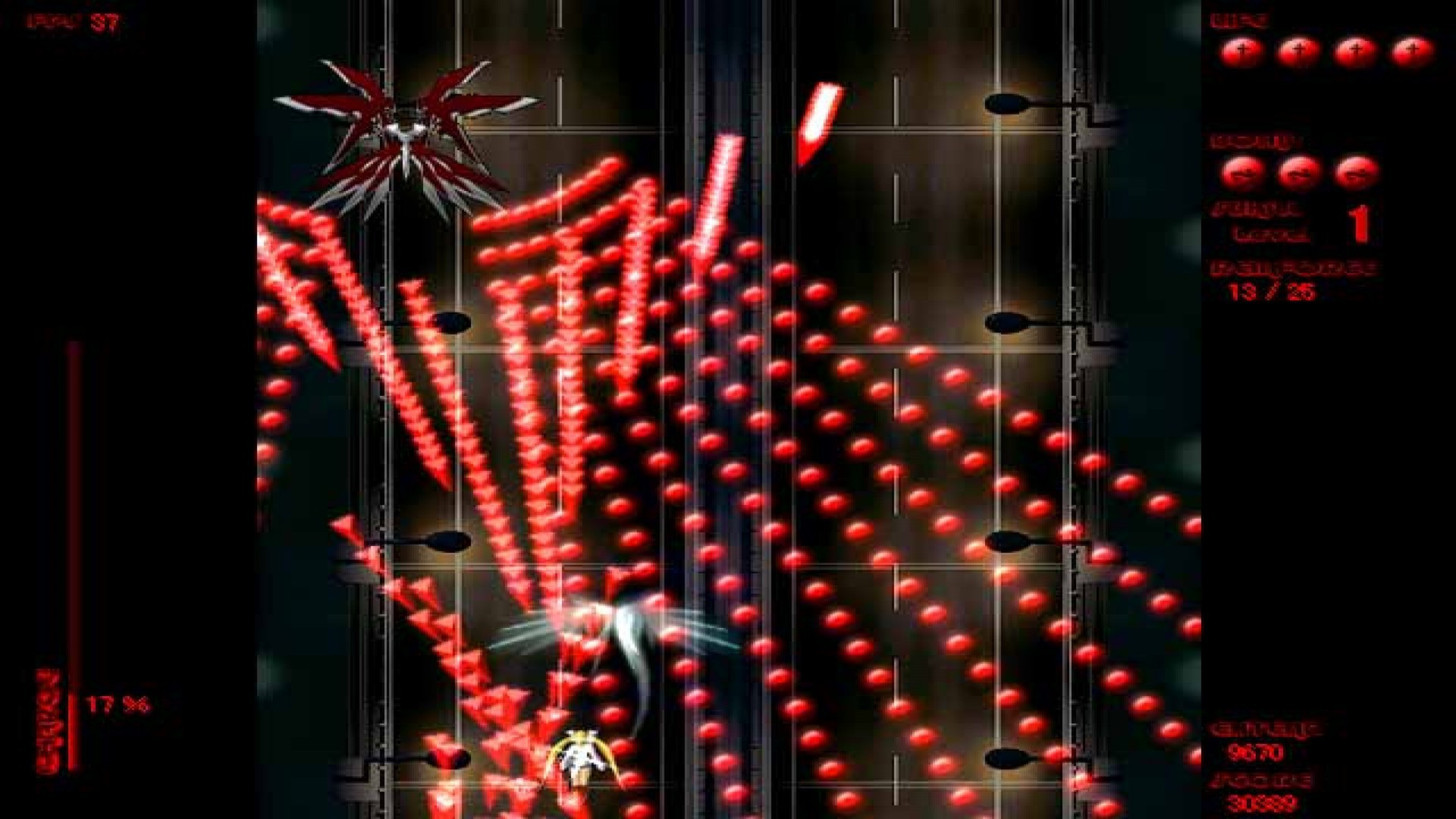
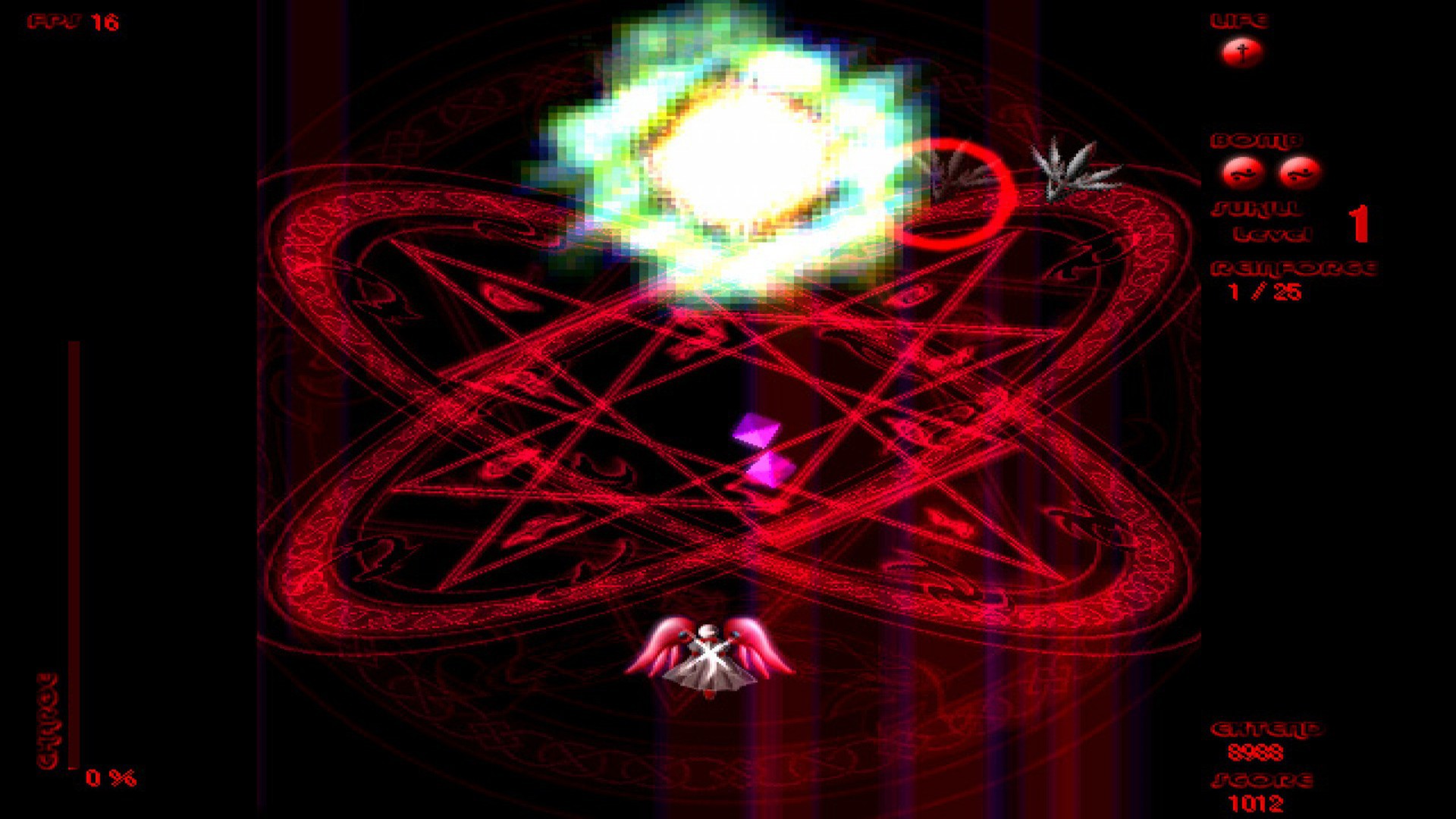
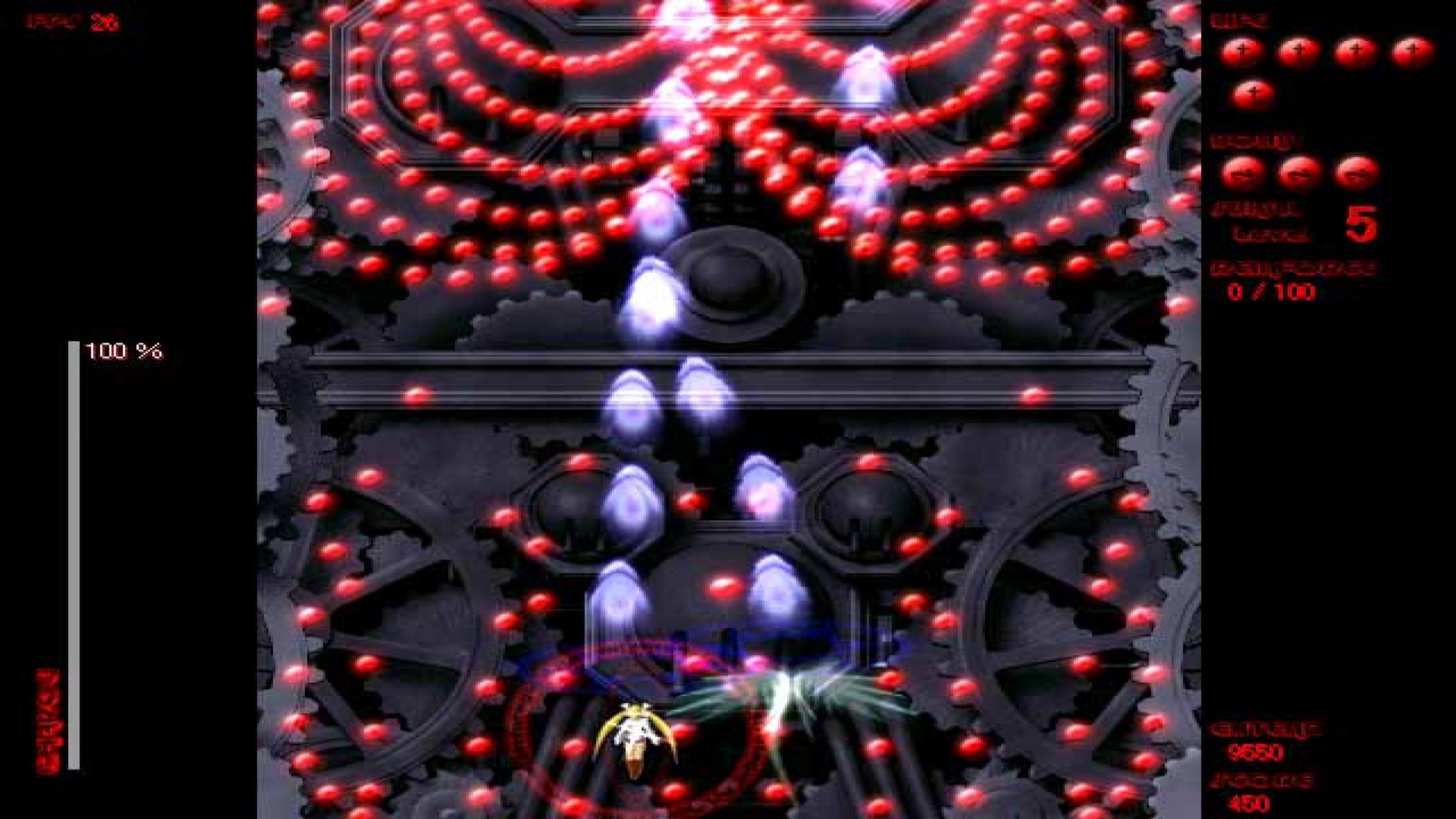
Official store screenshots from Steam — deckport links them, never rehosts. Hover to pause; click to preview.
Identity
Launch
- Binary
- eXceeded.exe
- Needs files
- none beyond the binary
Proton
- Version
- proton_experimental
- Winetricks
- —
- ProtonDB
- ProtonDB Gold runs perfectly after tweaks
⚙ Setup notes
Game: Delisted Steam game (appid 207370), a top-down danmaku shooter. ProtonDB gold.
Proton: Became playable on Proton 7.0+; early-Proton rendering issues are resolved on Proton Experimental, so use that (Proton 8.0 also works).
Install: Main exe is eXceeded.exe; eXceeded-config.exe confirms display/sound settings before launch.
Display: The game forces 640x480 fullscreen — there is no native widescreen; let the Deck scale it (DXWnd is a desktop-only windowed workaround, not needed on Deck).
Files: deckport only configures the prefix; it never bundles or links the game files.
The one thing to know
Supply your own copy. deckport links nothing.
Proton: ProtonDB gold; community reports it running via Proton (7.0+ / Experimental / 8.0). Single-player shooter, so no online-server concern.
Display: forces 640x480 fullscreen — no widescreen, expect a 4:3 image scaled by the Deck.
Controller: it accepts a gamepad, but support is partial — community reports note the left analog stick + a face button work by default while the D-pad does not, and stick movement is awkward for a danmaku game.
Fix: build a Steam Input layout that maps the left stick + D-pad to the keyboard arrow keys (the game's Options > Key Config defines the keys); set fire/bomb/slow on the face buttons. That Steam Input keyboard layout makes it fully playable.
Language: Story-mode text in the Steam build is Japanese; an English text patch exists.
NEEDS-TEST: not yet confirmed on a Deck with this exact config.
Community guides
Write-ups and threads from people who got this (or a similar) game running. deckport links to them — it doesn't reproduce them.
Get the artwork
deckport never hosts game images. Open this game on SteamGridDB, pick
the cover / hero / logo / icon you like, and drop them into the
game folder under .deckport-art/ before you push it to the
Deck. The importer files them under the right names automatically.
Run it on your Deck
Two files: the one-time importer (deckport.py) in your
Deck's home folder, and this game's install helper. Copy the game
into ~/Games and run the helper with Steam closed — it
writes the recipe (binary, launch options, Proton version)
and registers the shortcut with artwork.