About
F1 2011 is the official racing simulation of the 2011 Formula One season, built on Codemasters' EGO 2.0 engine as the sequel to F1 2010. It features a five-season career mode along with time trial, split-screen, and an online co-operative championship for up to sixteen players. The game was well received by critics for its handling and presentation. It was delisted from digital storefronts in 2021, likely due to expired Formula One licensing.
Screenshots
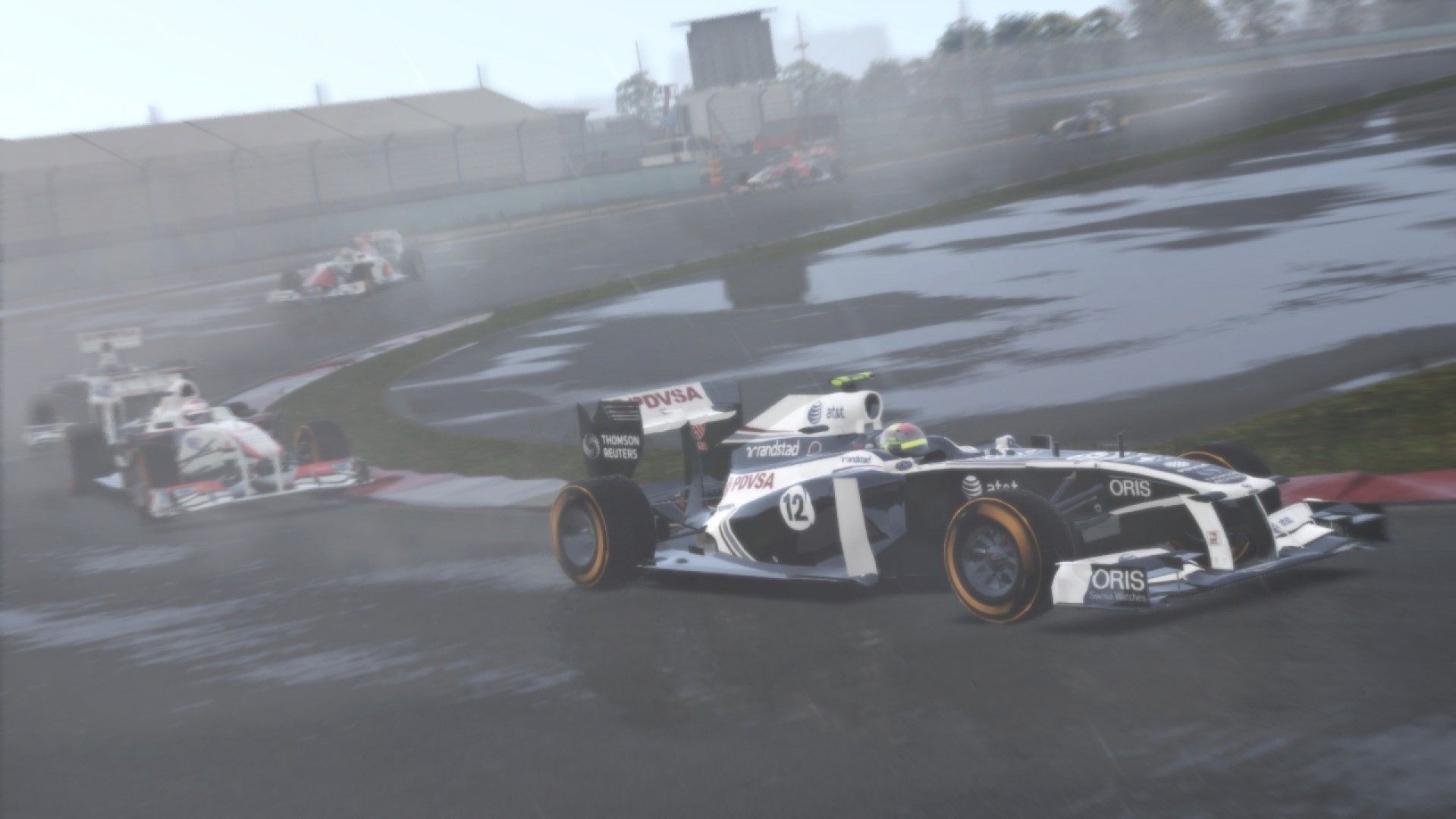
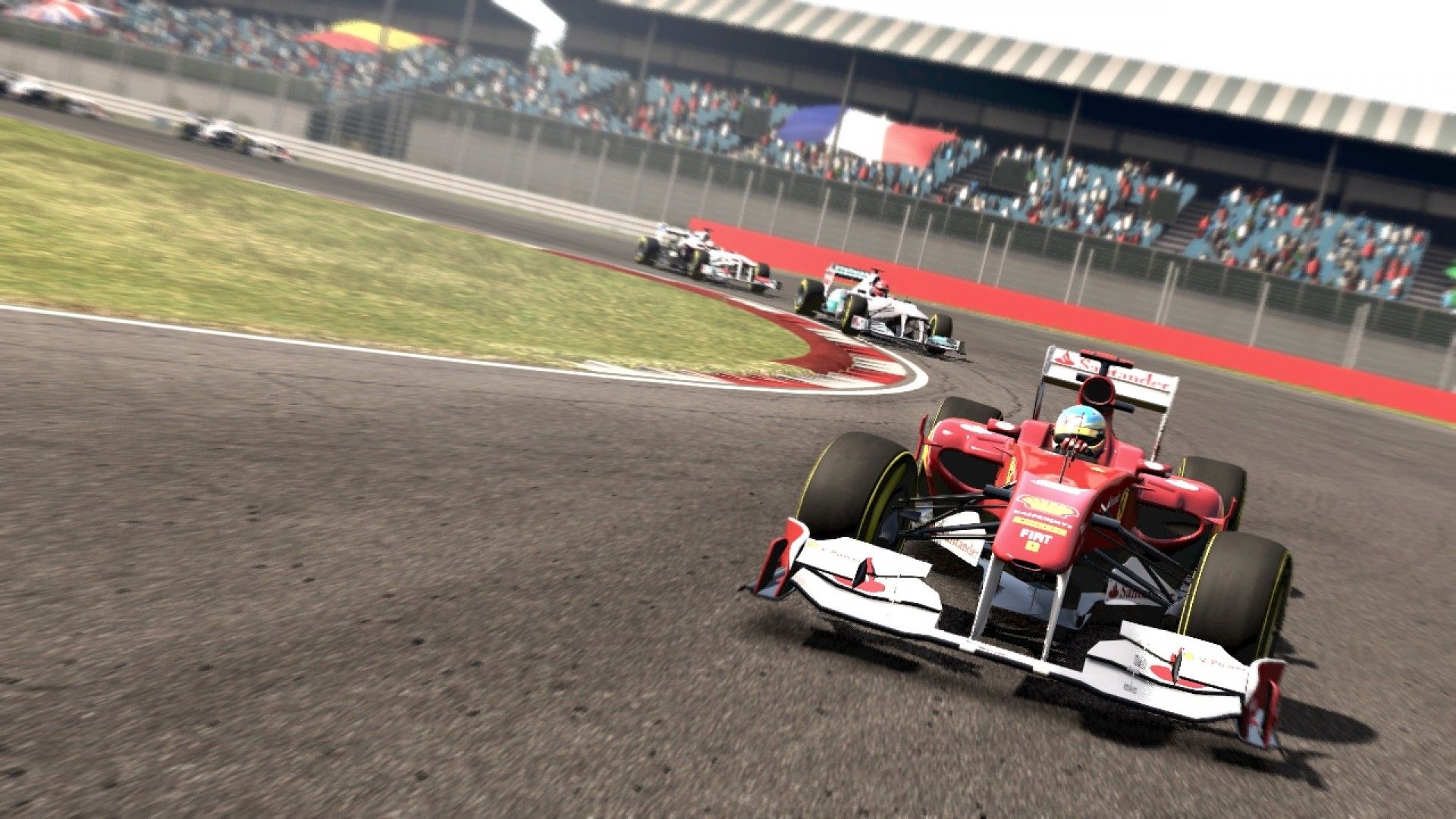
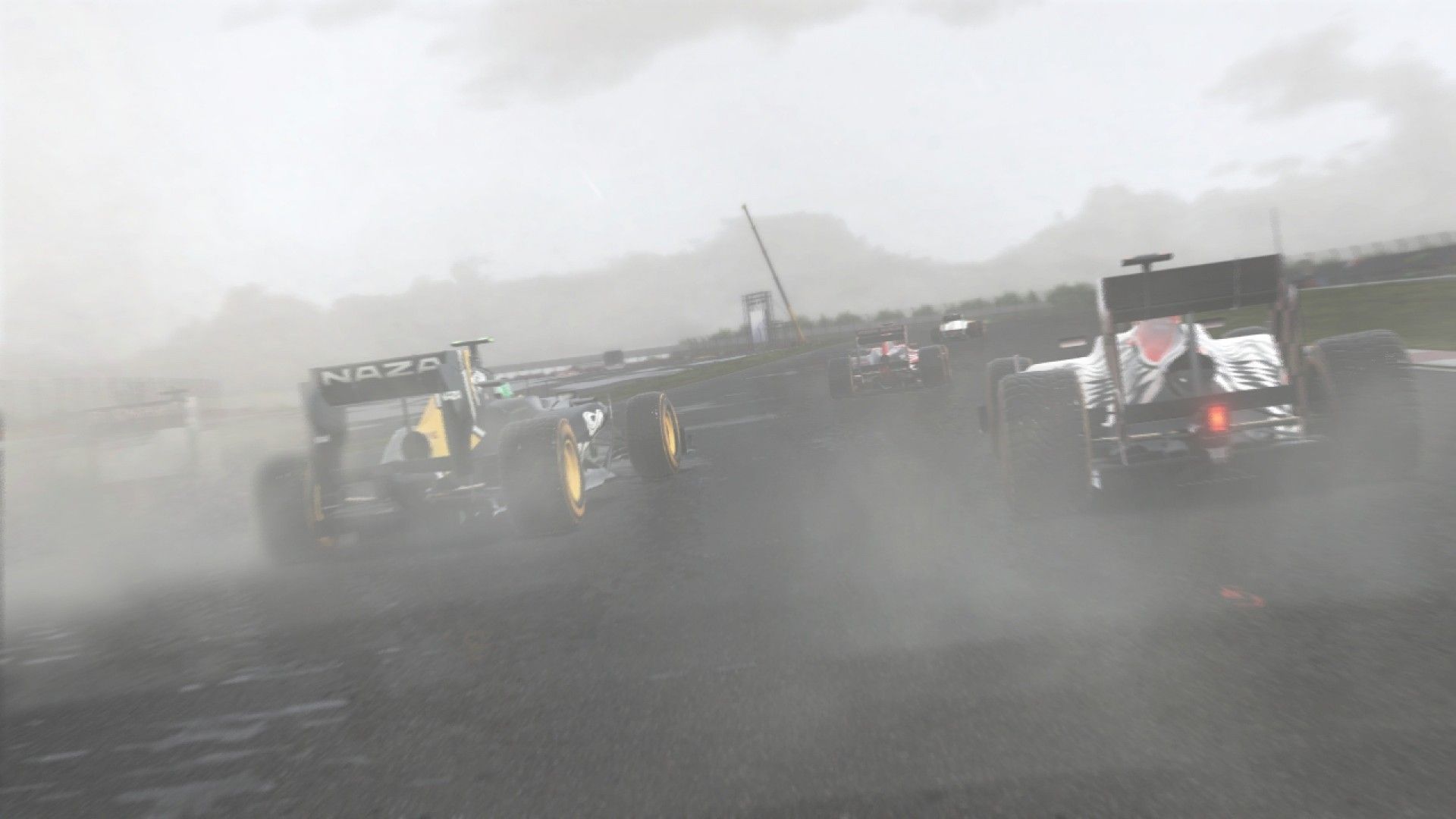
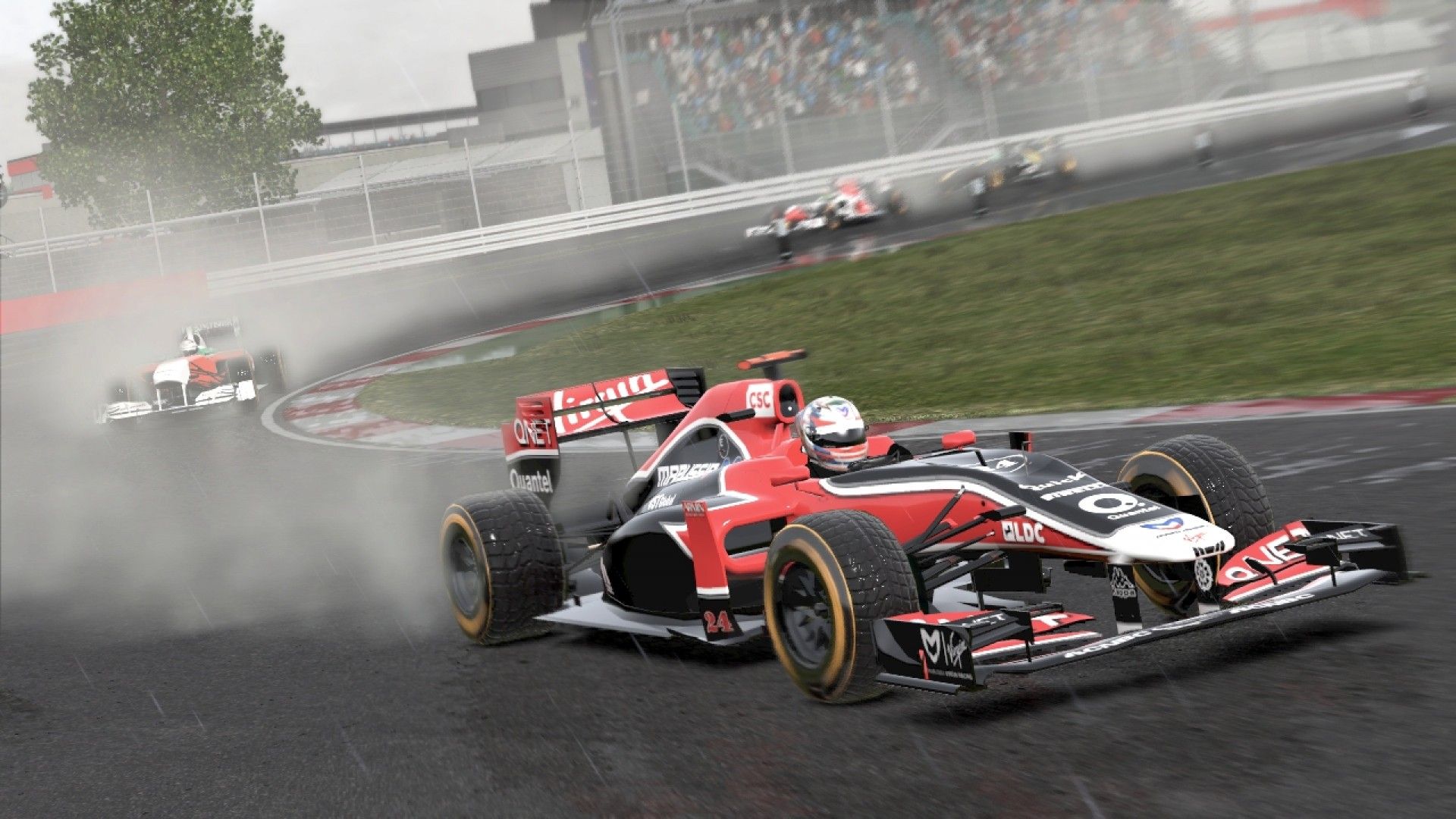
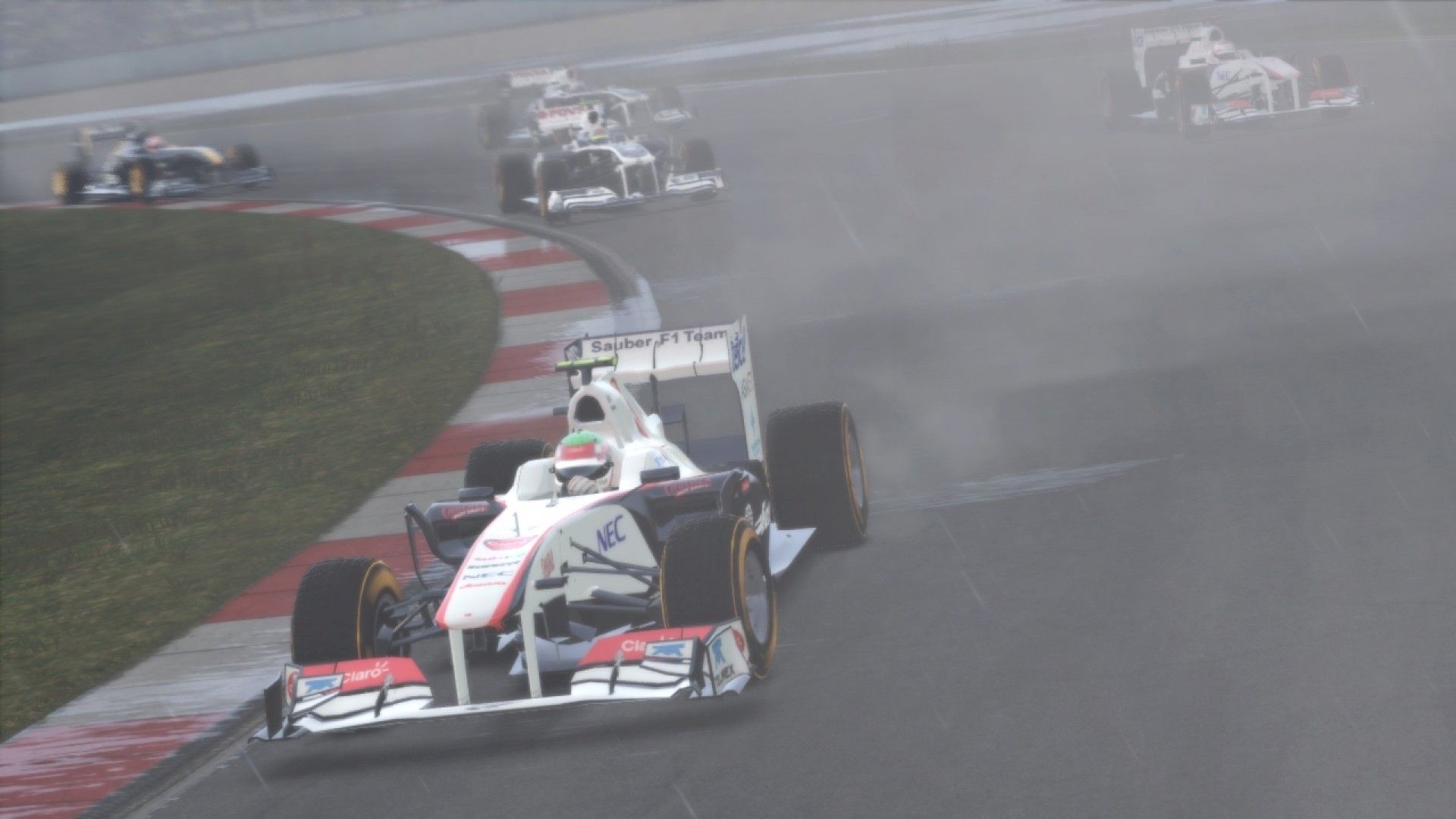
Official store screenshots from Steam — deckport links them, never rehosts. Hover to pause; click to preview.
Identity
Launch
- Binary
- F1_2011.exe
- Needs files
- none beyond the binary
Proton
- Version
- GE-Proton
- Winetricks
- xact
- ProtonDB
- ProtonDB Silver runs with minor issues
⚙ Setup notes
Game: Delisted Steam game (appid 44360), a Codemasters racing title. ProtonDB tier: silver.
GFWL: The main blocker is Games for Windows Live (GFWL): the game won't launch until GFWL is handled. Install the bundled GFWL client by running gfwlivesetup.exe from the game's GFWL subfolder (set it to Windows 7 compatibility), or use the xlive.dll + xlive.ini stub bypass dropped into the F1_2011.exe directory.
Proton: Best path on Deck is GE-Proton, which has the best GFWL handling.
Audio: Run xact via winetricks if audio is missing.
Controller: Works natively — F1 2011 has built-in gamepad support, so the Deck controls work without a Steam Input hack. You do have to enable it in-game (My F1 → Driving Control → set the control profile to gamepad/controller); a gamepad Steam Input template still works as a fallback.
Install: deckport only configures the prefix; it never bundles or links the game files.
The one thing to know
Supply your own copy: deckport links nothing.
Key fix: Games for Windows Live must be installed (run gfwlivesetup.exe from the GFWL subfolder in Win7 compat mode) or stubbed (xlive.dll + xlive.ini bypass) or the game won't start.
Proton: ProtonDB silver — community reports it running under Proton once GFWL is dealt with. Use GE-Proton for the best GFWL behavior; run xact if audio is missing. Binary is F1_2011.exe.
Online: Online/Live features and leaderboards are dead (GFWL servers shut down) — single-player and local play only.
Controller: Works natively.
Status: Needs a hands-on Deck confirmation.
Community guides
Write-ups and threads from people who got this (or a similar) game running. deckport links to them — it doesn't reproduce them.
Get the artwork
deckport never hosts game images. Open this game on SteamGridDB, pick
the cover / hero / logo / icon you like, and drop them into the
game folder under .deckport-art/ before you push it to the
Deck. The importer files them under the right names automatically.
Run it on your Deck
Two files: the one-time importer (deckport.py) in your
Deck's home folder, and this game's install helper. Copy the game
into ~/Games and run the helper with Steam closed — it
writes the recipe (binary, launch options, Proton version)
and registers the shortcut with artwork.