About
F1 2015 is an officially licensed Formula One racing game based on the 2015 FIA Formula One World Championship, and the first entry in Codemasters' long-running F1 series to launch on the EGO 4.0 engine with rebuilt physics and a fully voiced pit radio. It was the first F1 game built for the eighth console generation. A native Linux port was later produced by Feral Interactive.
Critical reception was mixed, with praise for the improved driving model and visuals but criticism of the thin selection of game modes and unstable multiplayer; it was delisted from digital storefronts in 2022 as part of a wider removal of older Codemasters titles.
Screenshots
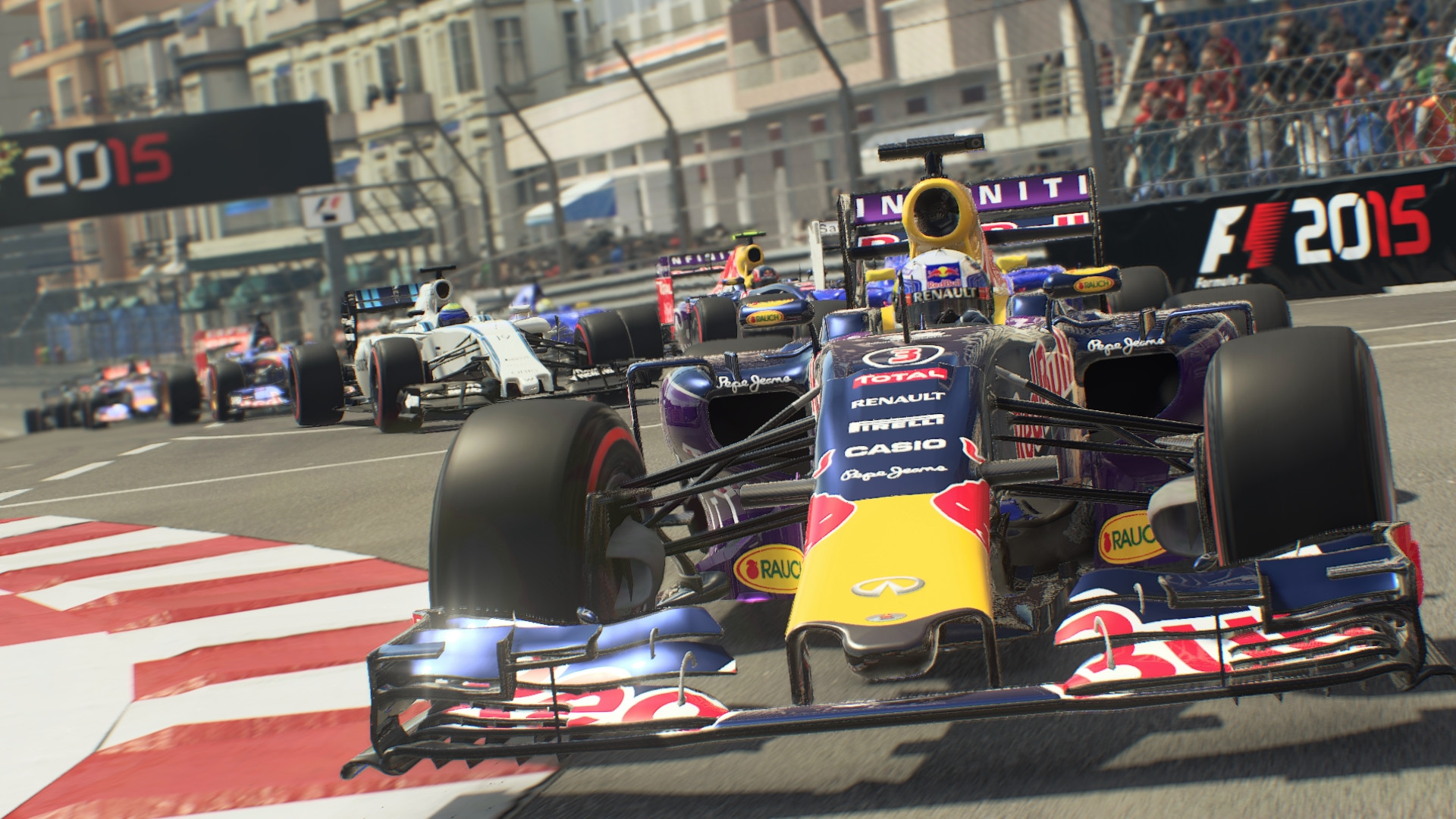
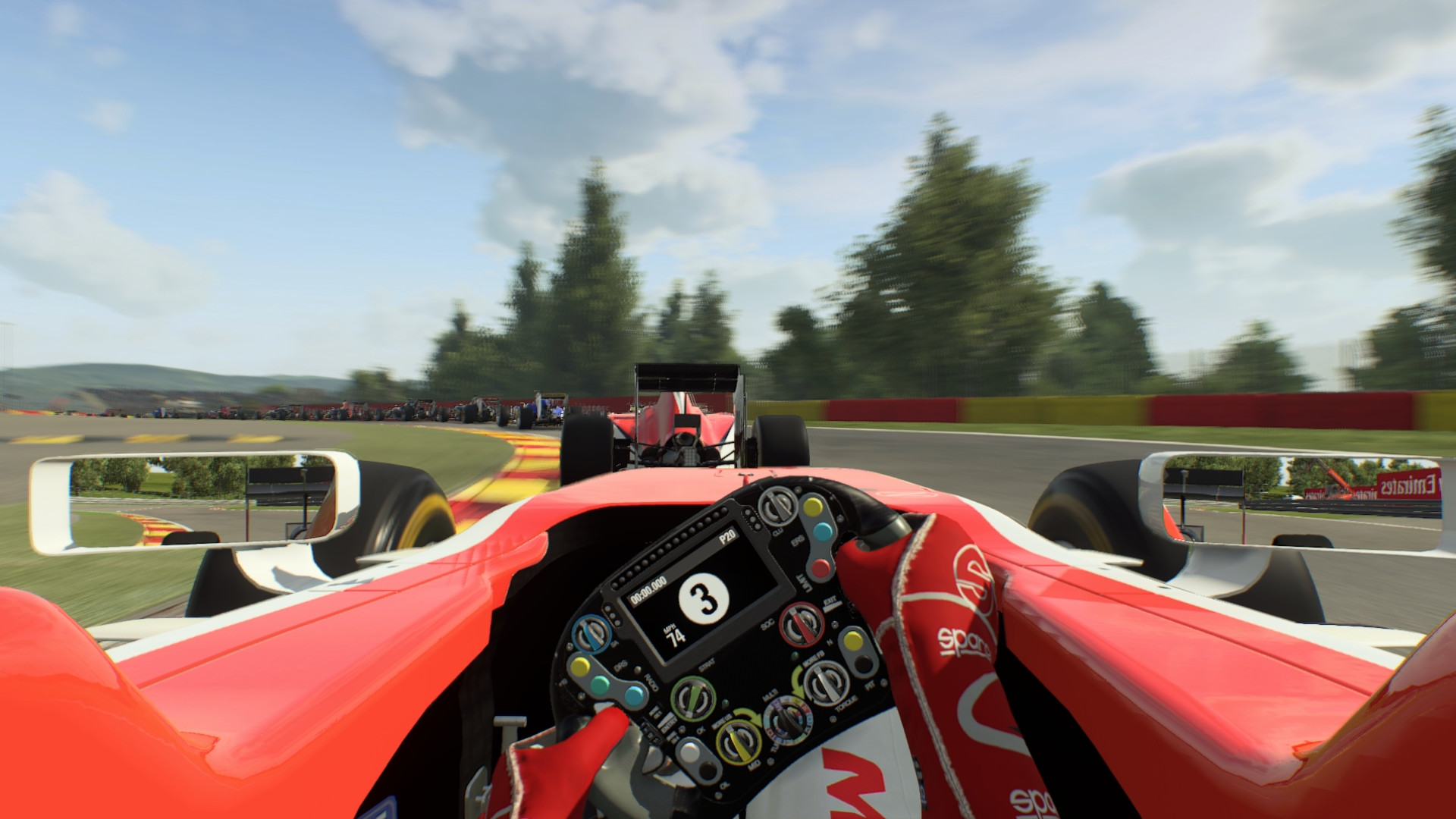
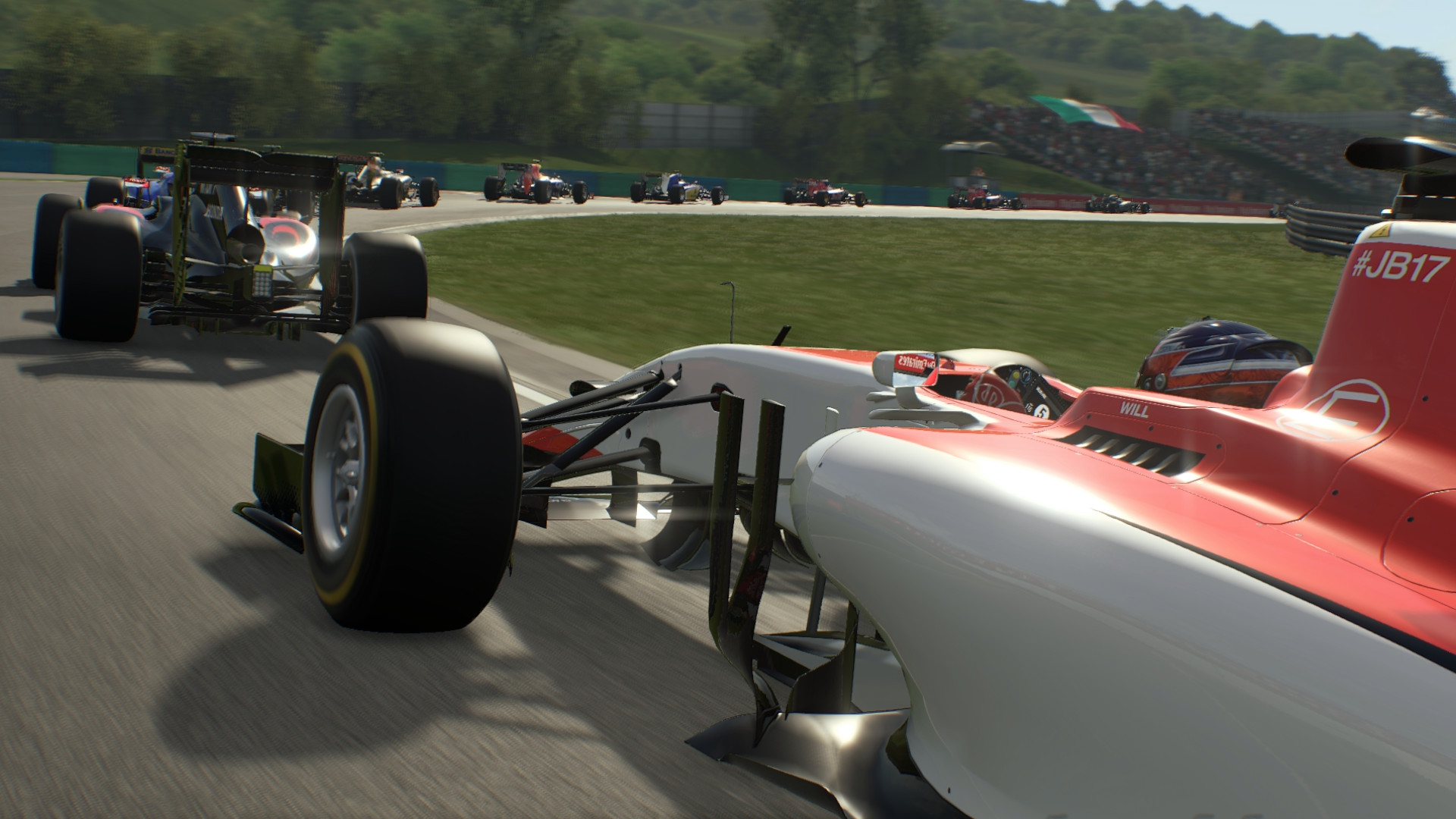
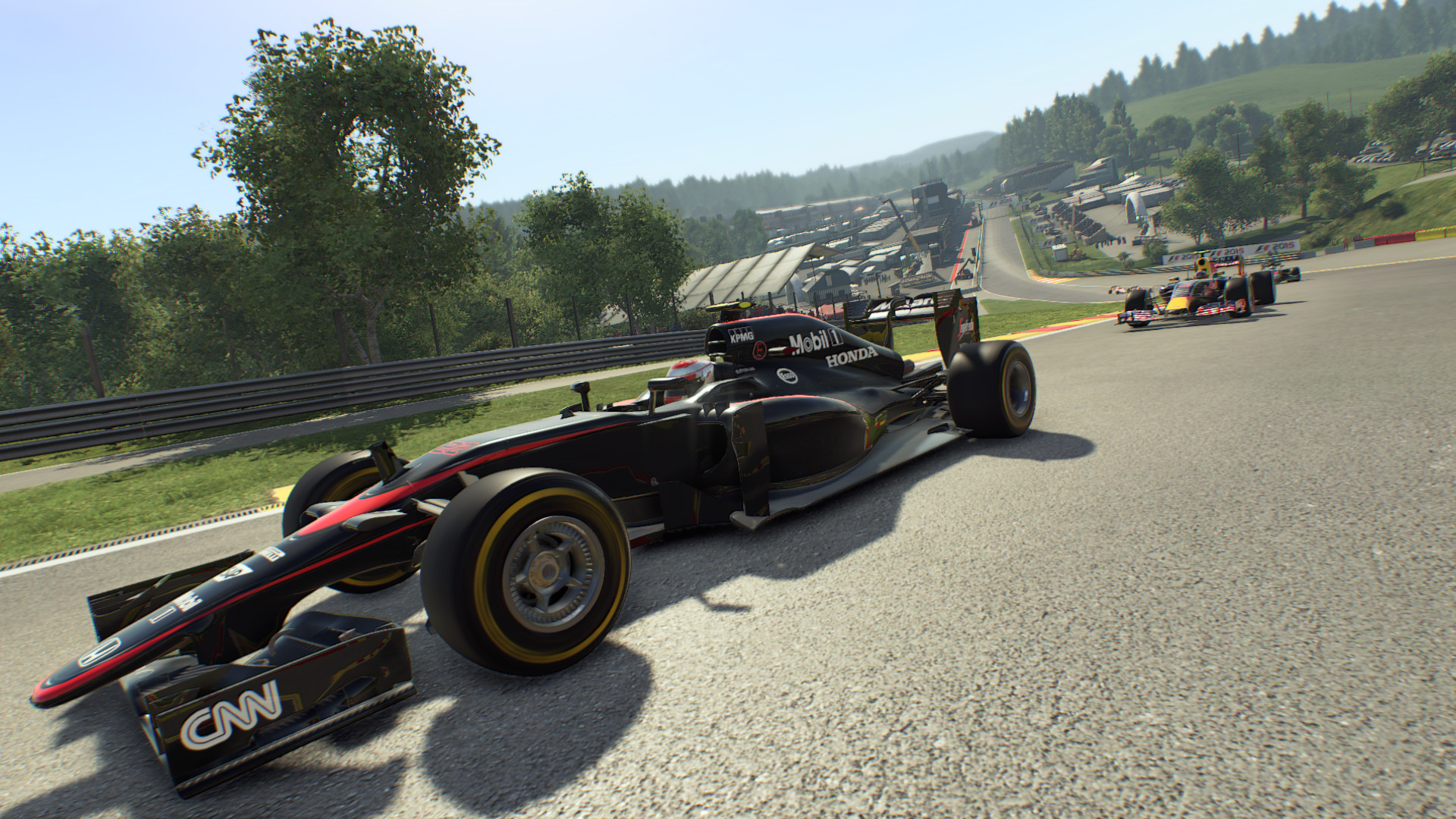
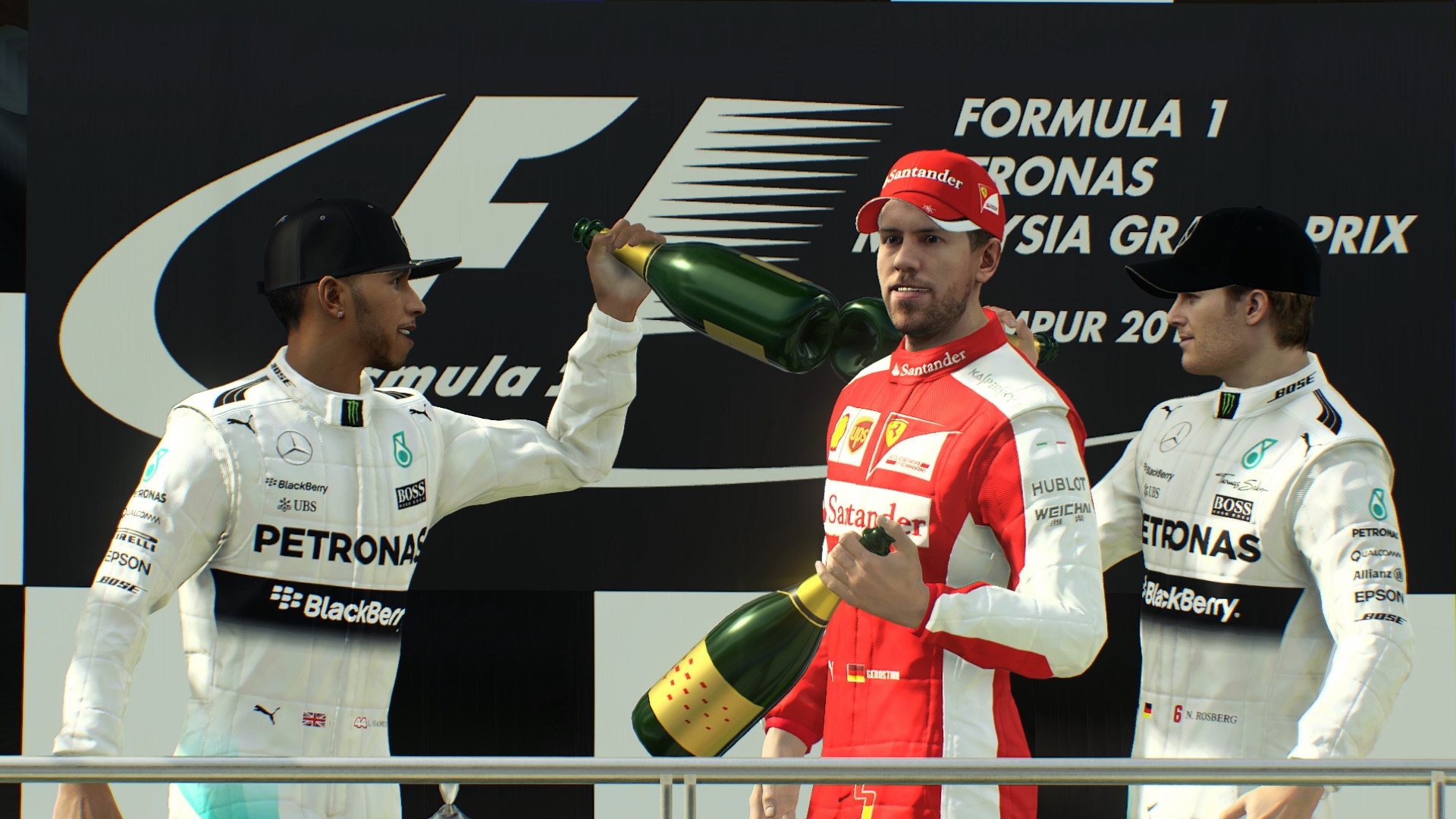
Official store screenshots from Steam — deckport links them, never rehosts. Hover to pause; click to preview.
Identity
Launch
- Binary
- F1_2015.exe
- Needs files
- none beyond the binary
Proton
- Version
- GE-Proton
- Winetricks
- —
- ProtonDB
- ProtonDB Gold runs perfectly after tweaks
⚙ Setup notes
Status: Delisted Steam game (appid 286570). Codemasters racing title.
Proton: ProtonDB gold — runs out of the box on Proton via DXVK/Vulkan. The Windows build under Proton actually performs better than Feral's native Linux port (native caps ~17 FPS; Proton holds 30 FPS and 60 in menus). GE-Proton or proton_experimental both work; Proton 7.0+ is fine.
Controller: Full native controller support, so the Steam Deck gamepad works out of the box.
Display: The game resets graphics to the Low preset at 800x600 on every launch — set your preset/resolution in-game each session, or after first run make the hardware_settings config write-protected so it stops reverting. Optionally add -vulkan to launch options.
Install: deckport only configures the prefix; it never bundles or links the game files.
The one thing to know
Supply your own copy: Delisted Steam game (appid 286570); deckport links nothing.
Compatibility: ProtonDB gold. Community reports confirm it runs well on Linux/Proton/Deck via DXVK/Vulkan — the Proton-on-Windows-build path beats Feral's native Linux port (native ~17 FPS vs Proton 30 FPS / 60 in menus).
Controller: Native gamepad support, so Deck controls work without a custom layout.
Quirk: Graphics default to Low preset / 800x600 on every launch unless you write-protect the hardware_settings config.
Binary: Set to F1_2015.exe (confirm against your install).
Community guides
Write-ups and threads from people who got this (or a similar) game running. deckport links to them — it doesn't reproduce them.
Get the artwork
deckport never hosts game images. Open this game on SteamGridDB, pick
the cover / hero / logo / icon you like, and drop them into the
game folder under .deckport-art/ before you push it to the
Deck. The importer files them under the right names automatically.
Run it on your Deck
Two files: the one-time importer (deckport.py) in your
Deck's home folder, and this game's install helper. Copy the game
into ~/Games and run the helper with Steam closed — it
writes the recipe (binary, launch options, Proton version)
and registers the shortcut with artwork.