About
F1 2017 is the official game of the 2017 FIA Formula One World Championship and the tenth Formula One title developed by Codemasters on its EGO engine. It features all twenty drivers, ten teams and twenty circuits of the season alongside twelve classic cars from teams such as Ferrari, McLaren, Williams, Red Bull and Renault. The game is best known for its deep, expanded career mode with a research-and-development tree and for the return of historic machinery, earning generally favorable reviews. It was later delisted from sale when the Formula One licensing window closed and was succeeded by newer entries in the series.
Screenshots
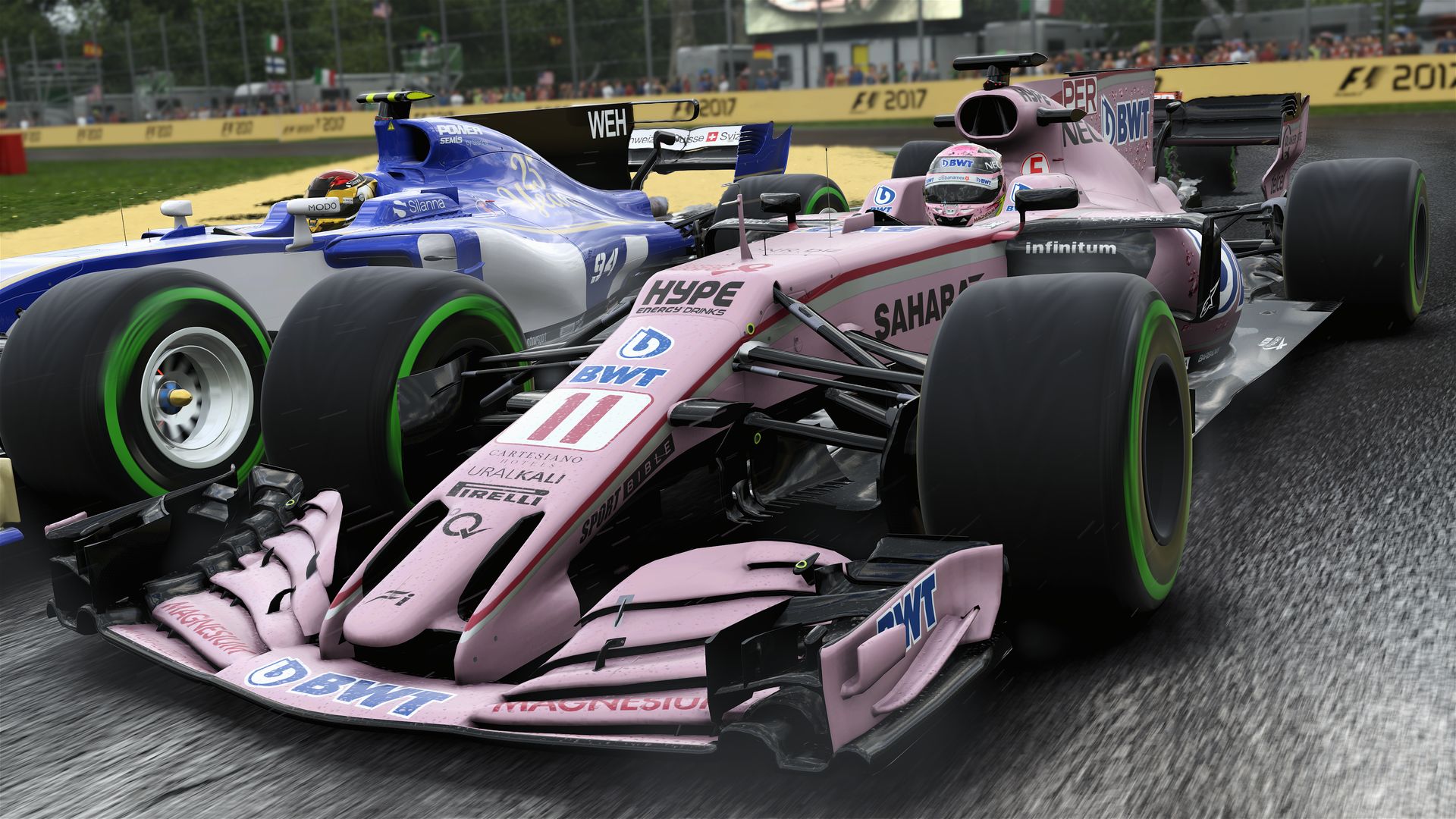
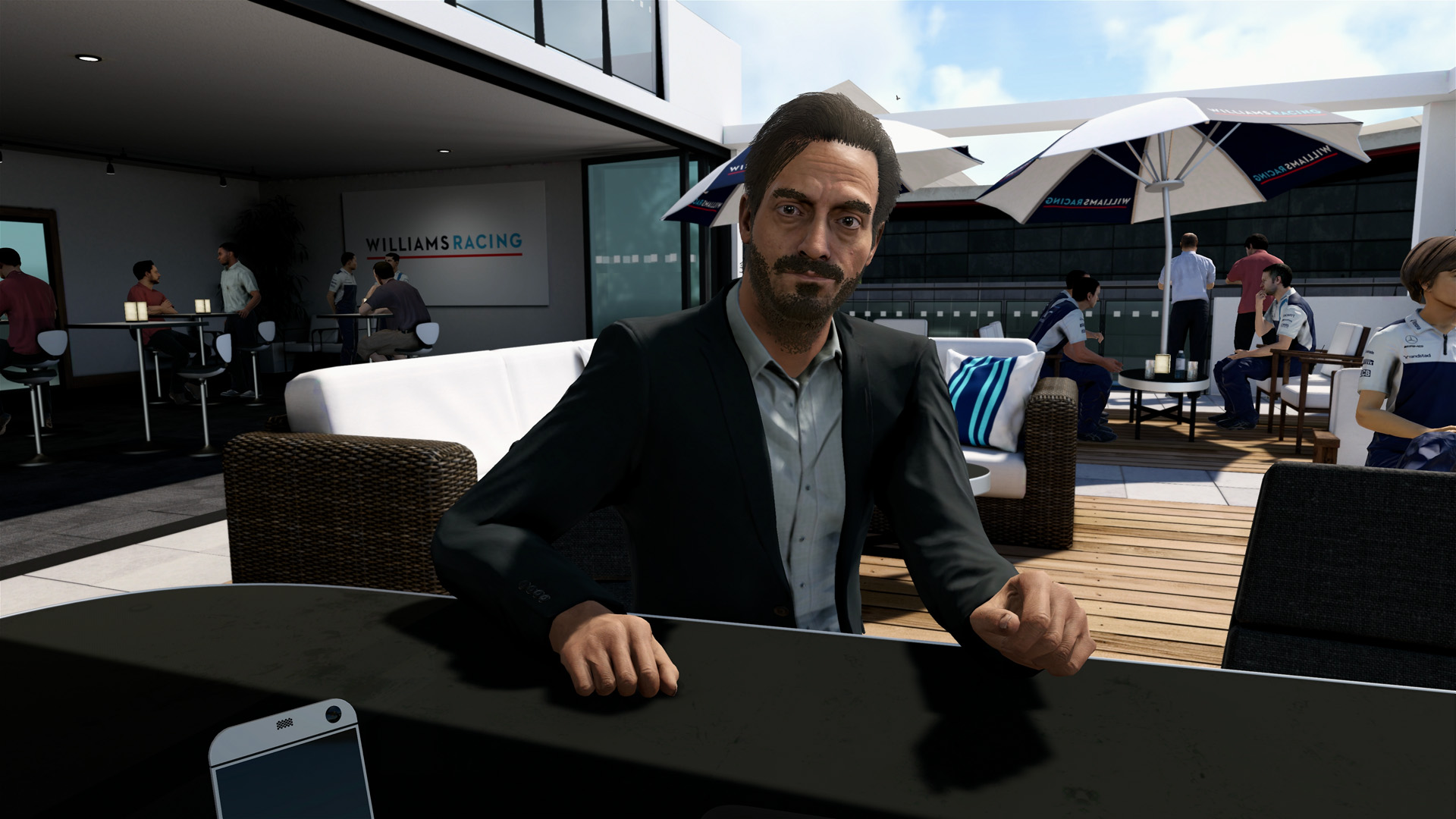
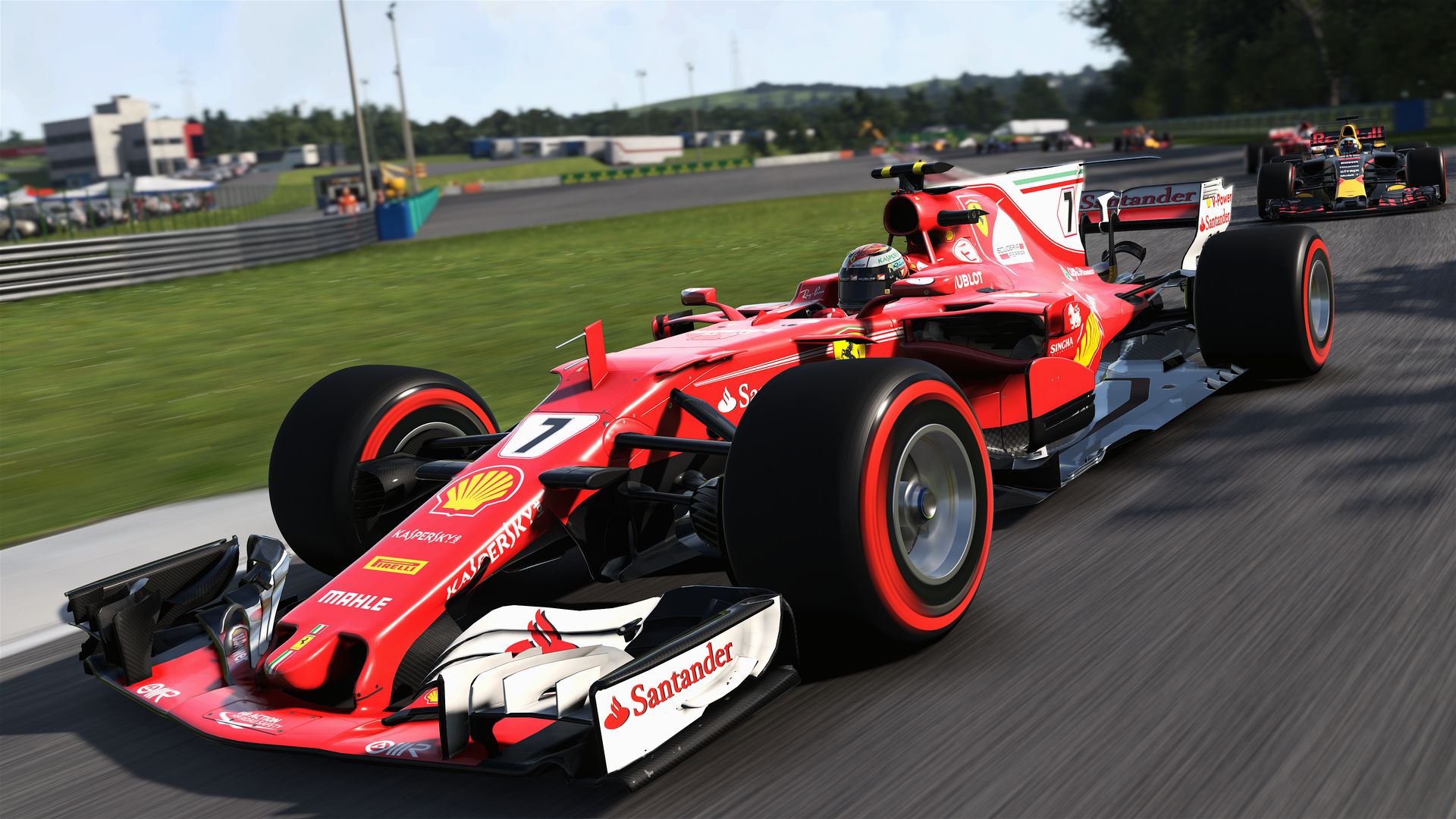
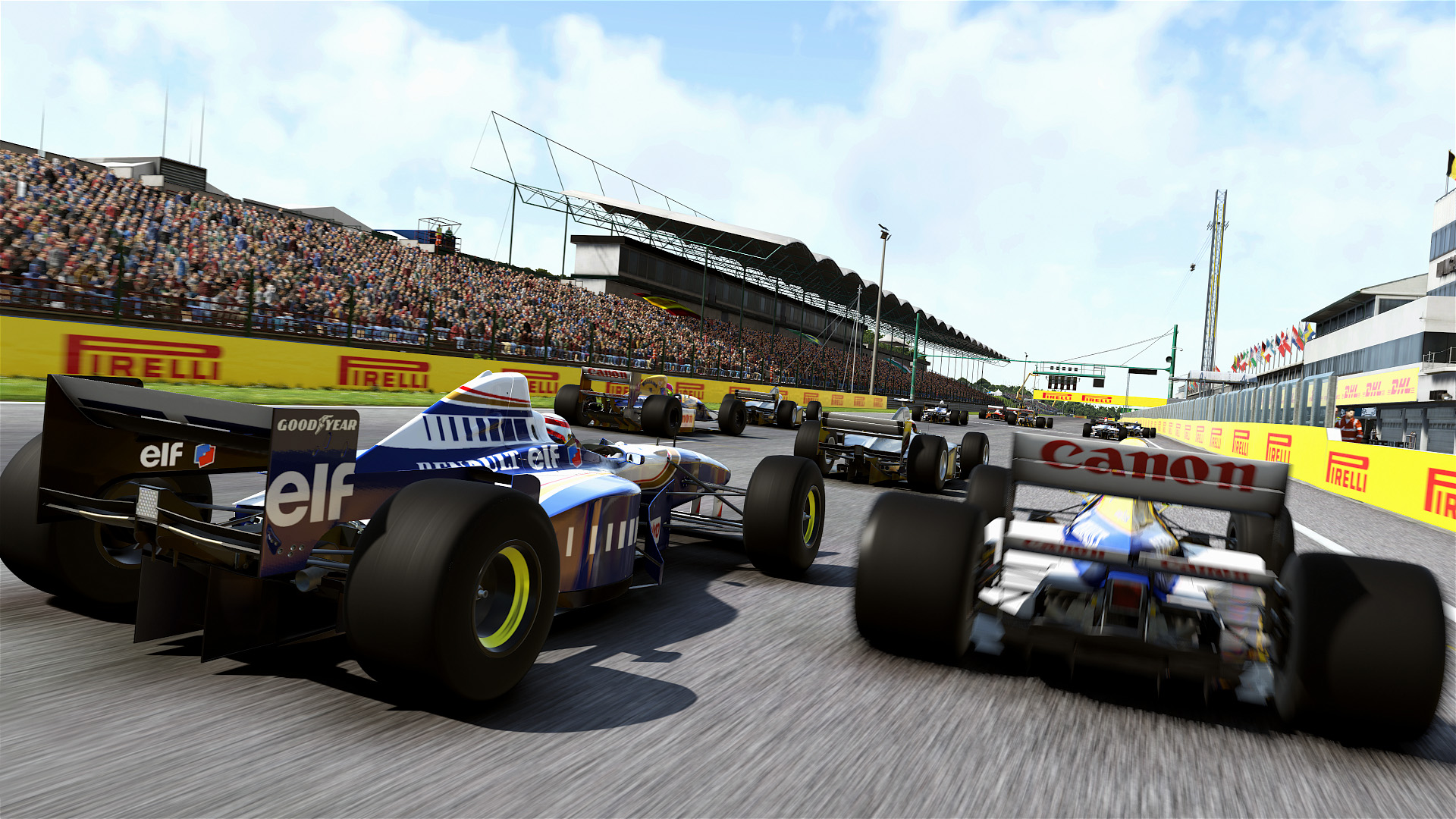
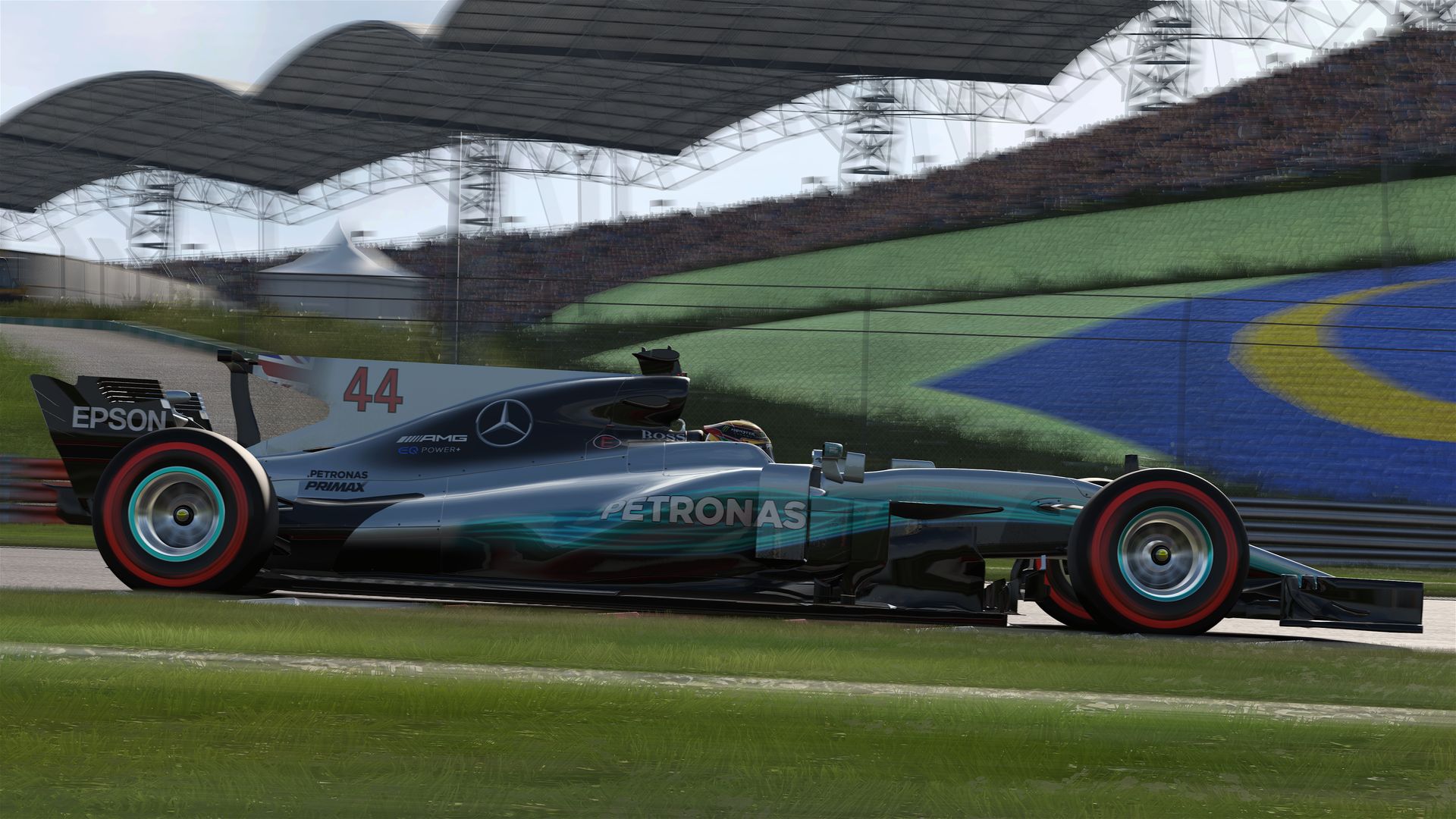
Official store screenshots from Steam — deckport links them, never rehosts. Hover to pause; click to preview.
Identity
Launch
- Binary
- F1_2017.exe
- Needs files
- none beyond the binary
Proton
- Version
- GE-Proton
- Winetricks
- —
- ProtonDB
- ProtonDB Platinum runs flawlessly
⚙ Setup notes
Game: Delisted Codemasters racing game (Steam appid 515220, pulled when the Formula 1 license window closed). Runs on the Deck under Proton — community ProtonDB reports rate it platinum (it runs out of the box for most reporters, with the loading-hang fix below as the one common tweak).
Fix: Some users hit a known issue where any session (career / Grand Prix / events) hangs on the 'Loading' screen under stock Proton; switching to GE-Proton resolves it (it bundles the relevant patches).
Proton: If you still see the loading hang on stock Proton, try GE-Proton or proton_experimental and, if needed, the DXVK_ASYNC=1 %command% launch option.
Controller: Native gamepad support, so it plays well with the Deck controls out of the box (set the in-game controller profile to PlayStation/Xbox as appropriate).
Install: deckport only configures the prefix; it never bundles or links the game files.
The one thing to know
Supply your own copy. deckport links nothing. Delisted Codemasters racing title (license expired).
Status: Community reports confirm it runs on Linux/Proton, so it should play on the Deck — but this specific recipe hasn't been hardware-verified yet.
Fix: Main gotcha: a 'stuck on Loading' hang affects some users on stock Proton; GE-Proton (or proton_experimental, with DXVK_ASYNC=1 as a fallback) fixes it.
Binary: F1_2017.exe.
Controller: Native controller support — set the in-game controller profile to match (PS/Xbox); no Steam Input layout needed.
Online: Online multiplayer relies on services that may no longer be live, but single-player (career / Grand Prix / time trial) is fully playable offline.
Community guides
Write-ups and threads from people who got this (or a similar) game running. deckport links to them — it doesn't reproduce them.
Get the artwork
deckport never hosts game images. Open this game on SteamGridDB, pick
the cover / hero / logo / icon you like, and drop them into the
game folder under .deckport-art/ before you push it to the
Deck. The importer files them under the right names automatically.
Run it on your Deck
Two files: the one-time importer (deckport.py) in your
Deck's home folder, and this game's install helper. Copy the game
into ~/Games and run the helper with Steam closed — it
writes the recipe (binary, launch options, Proton version)
and registers the shortcut with artwork.