About
F1 2018 is the official video game of the 2018 Formula One World Championship, developed and published by Codemasters on the EGO engine. It features all twenty-one circuits, twenty drivers, and ten teams from the season, with a deep Career mode, classic cars, and online racing. The game was well received for its handling model and presentation. It was delisted from Steam in early 2022 after the publishing arrangement lapsed and the FIA license moved on, leaving the title unavailable for new purchase.
Screenshots
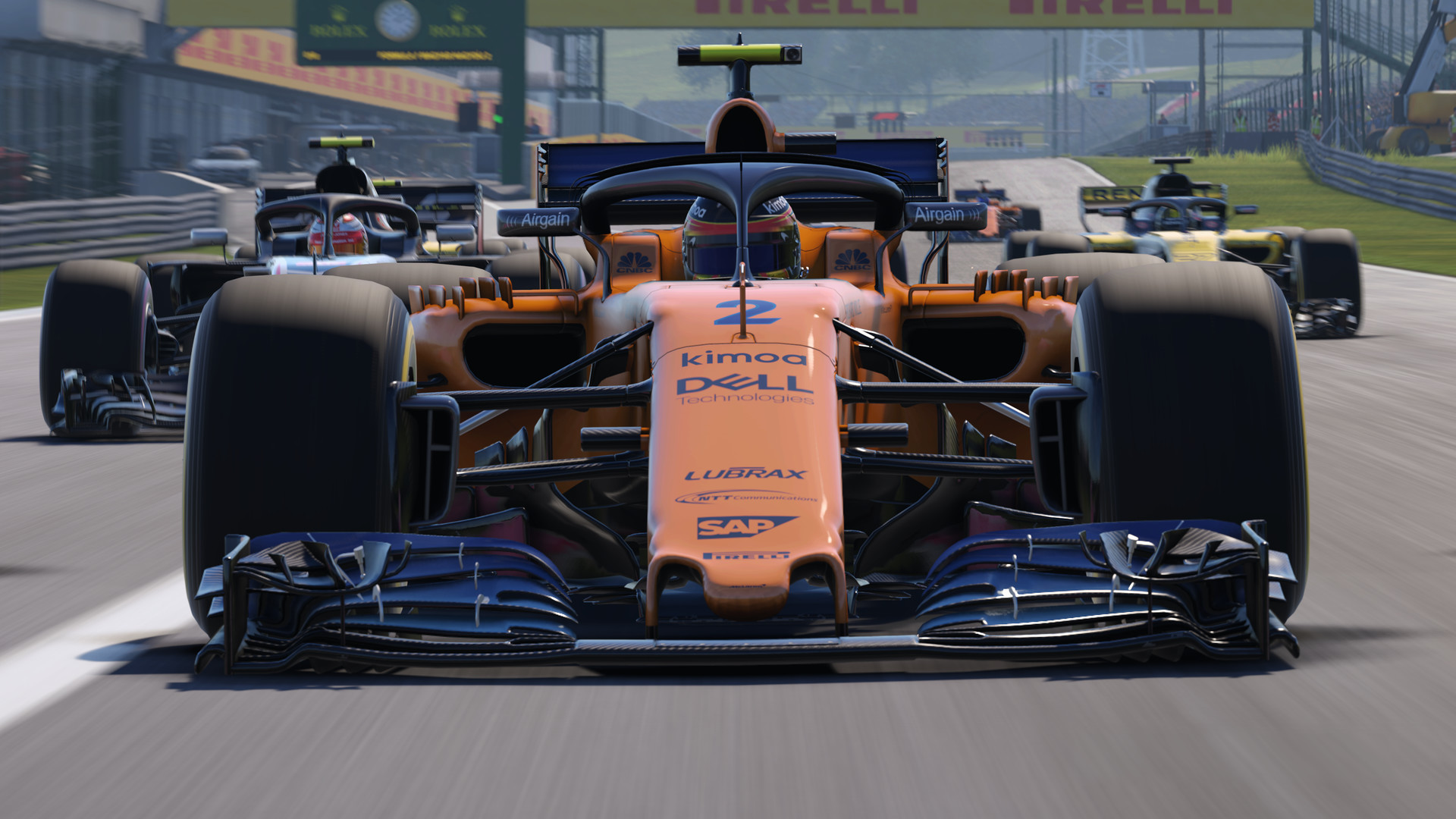
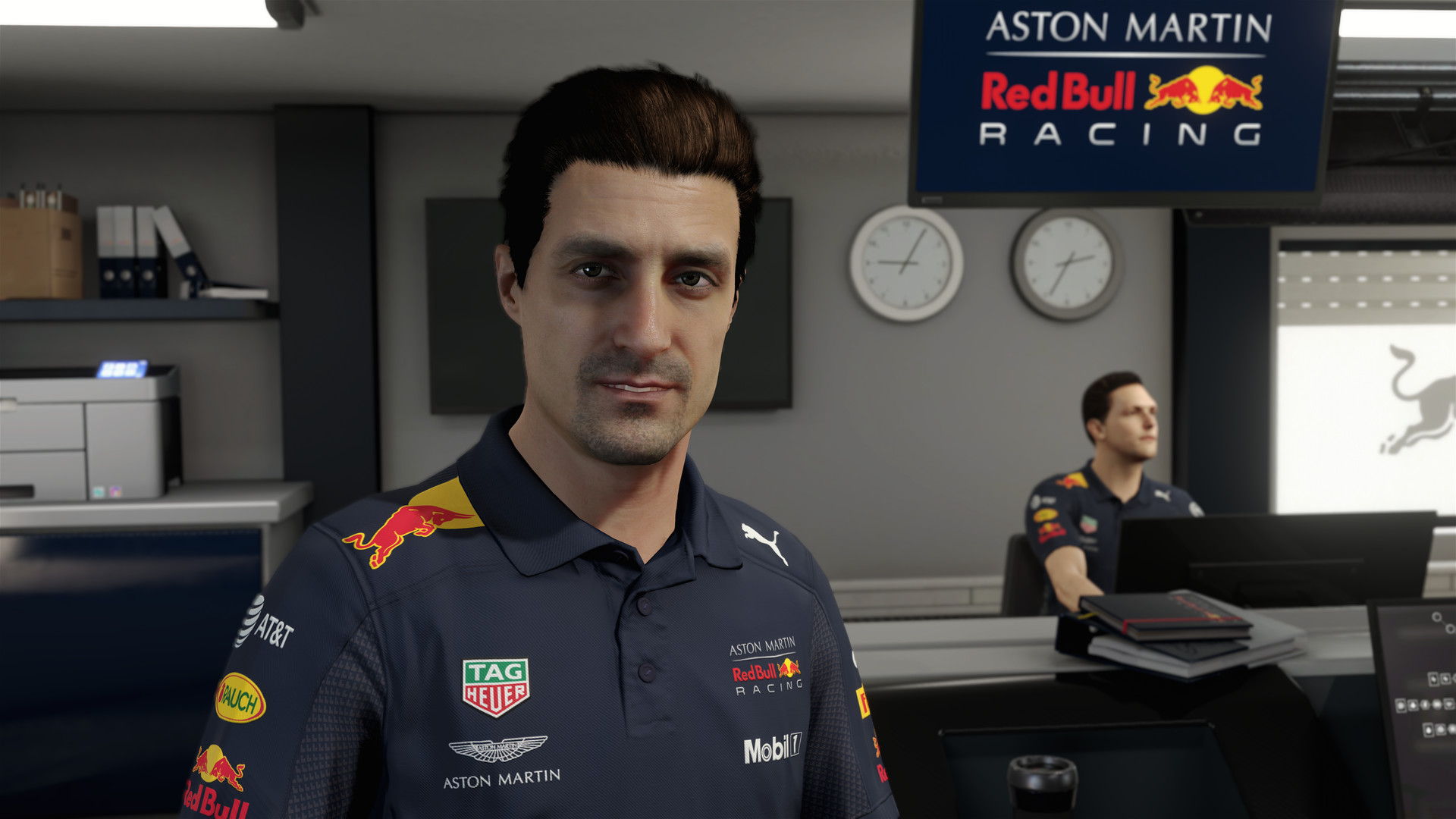
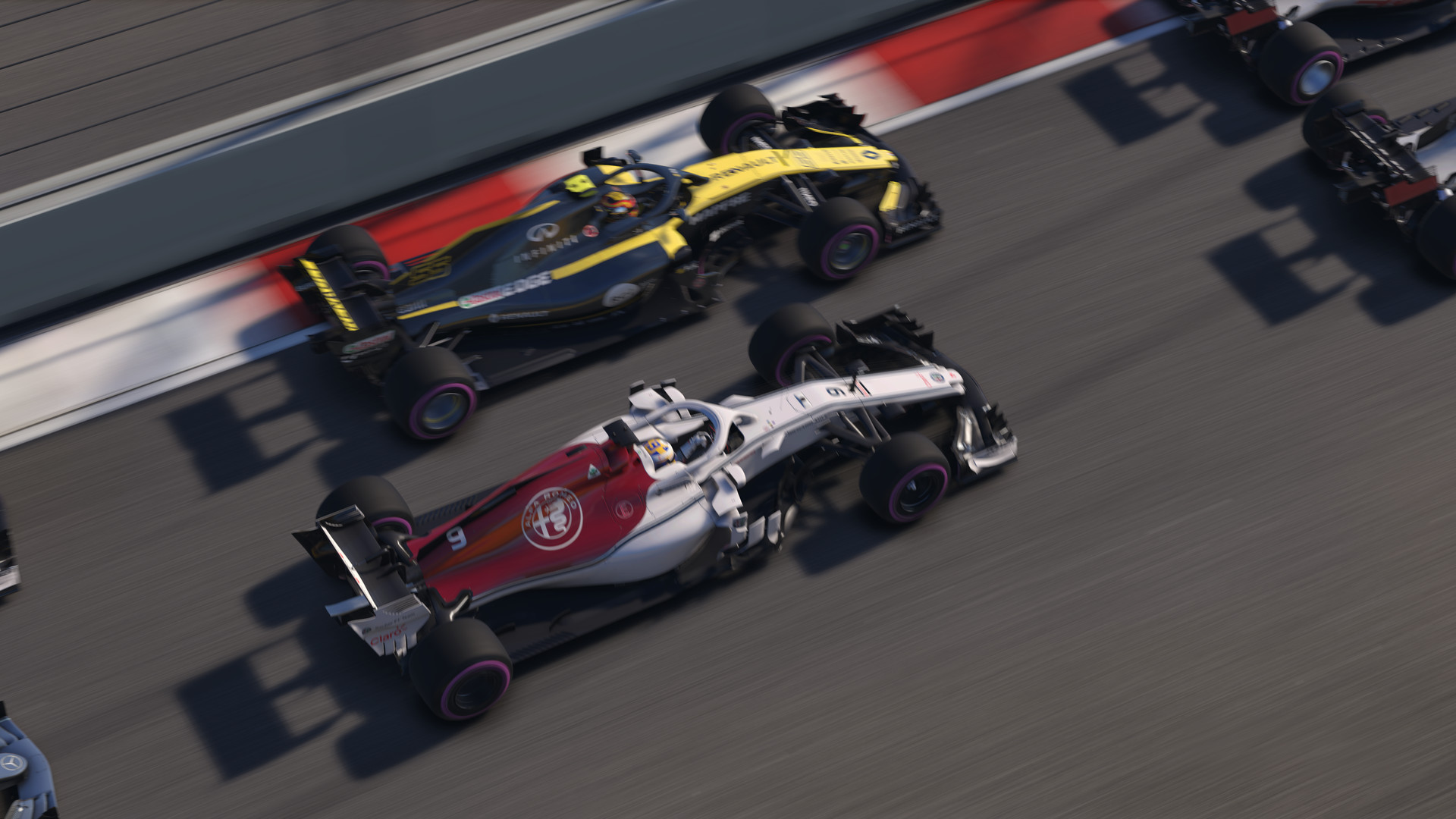
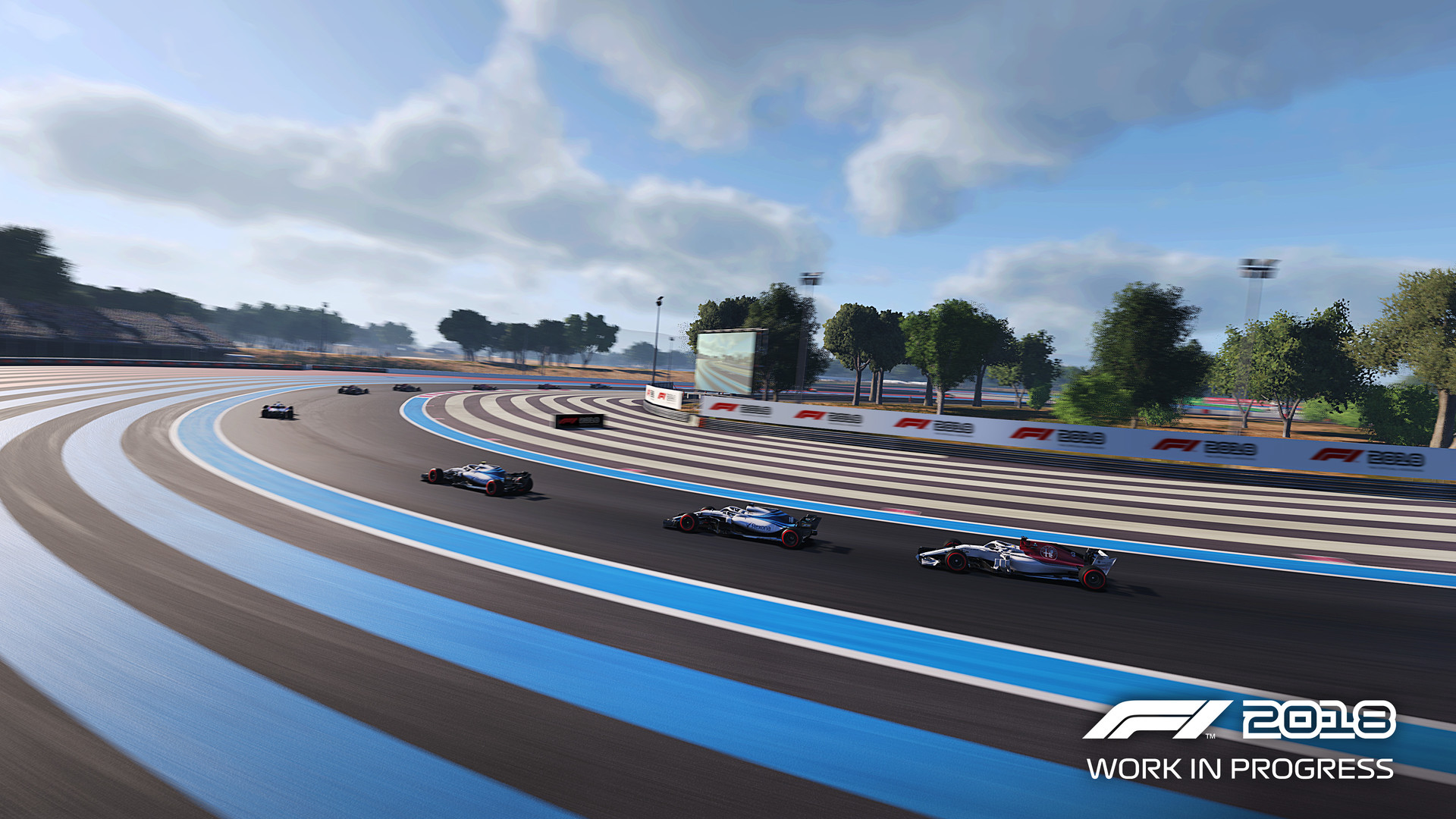
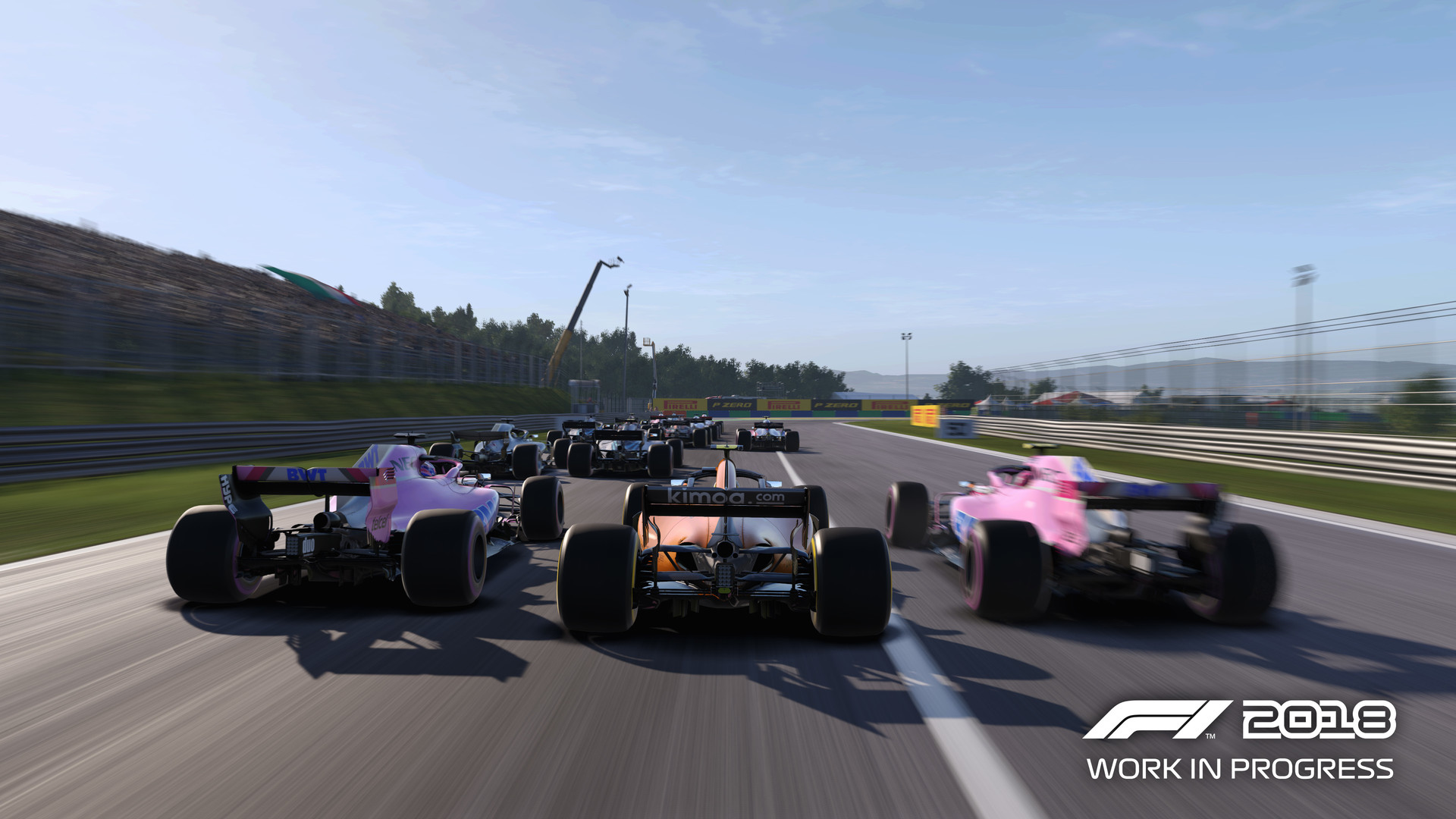
Official store screenshots from Steam — deckport links them, never rehosts. Hover to pause; click to preview.
Identity
Launch
- Binary
- F1_2018.exe
- Needs files
- none beyond the binary
Proton
- Version
- GE-Proton
- Winetricks
- —
- ProtonDB
- ProtonDB Gold runs perfectly after tweaks
⚙ Setup notes
DRM: Delisted Steam game (appid 737800) — EA pulled seven F1 titles off Steam in March 2022 after the FIA license lapsed.
Proton: DX11 engine, ProtonDB gold: runs out of the box for most on Proton (Experimental or GE-Proton), with GE-Proton the safest pick. Main executable is F1_2018.exe in the F1 2018 install folder.
Controller: Controllers work — DualShock 4 is plug-and-play and a G29 wheel works with force feedback. If the triggers don't respond, enable Steam Input in the title's controller settings.
Cosmetic: Known annoyances: alt-tab can drop framerate to ~20fps, occasional cut-scene artifacts in Career Mode, and Xbox controller rumble can be constant or crash on mid-race pause (disable vibration if it acts up).
Install: deckport only configures the prefix; it never bundles or links the game files.
The one thing to know
Supply your own copy. deckport links nothing.
Proton: ProtonDB gold; community confirms it runs on Linux/Proton, so it should play well on the Deck — still needs a hands-on Deck confirmation. Use GE-Proton (Experimental also works). Binary is F1_2018.exe.
Controller: Triggers may need Steam Input enabled; disable controller vibration if it rumbles constantly or crashes on mid-race pause.
Cosmetic: Alt-tab can tank the framerate; Career-mode cut-scenes show occasional artifacts.
Online: Online/multiplayer features may be dead post-delisting — single-player is the focus.
Community guides
Write-ups and threads from people who got this (or a similar) game running. deckport links to them — it doesn't reproduce them.
Get the artwork
deckport never hosts game images. Open this game on SteamGridDB, pick
the cover / hero / logo / icon you like, and drop them into the
game folder under .deckport-art/ before you push it to the
Deck. The importer files them under the right names automatically.
Run it on your Deck
Two files: the one-time importer (deckport.py) in your
Deck's home folder, and this game's install helper. Copy the game
into ~/Games and run the helper with Steam closed — it
writes the recipe (binary, launch options, Proton version)
and registers the shortcut with artwork.