About
F1 2020 is the official video game of the 2020 Formula One and Formula 2 World Championships, developed and published by Codemasters on its EGO engine. It is the twelfth title in Codemasters' modern Formula 1 series and was the first to add a 'My Team' mode that lets players create and manage their own constructor alongside the standard career, time-trial and split-screen modes. The game was well received for its handling and depth. It was delisted from Steam and other storefronts in March 2023 after Codemasters' Formula 1 licensing for the title expired, leaving owners as the only ones able to redownload it.
Screenshots
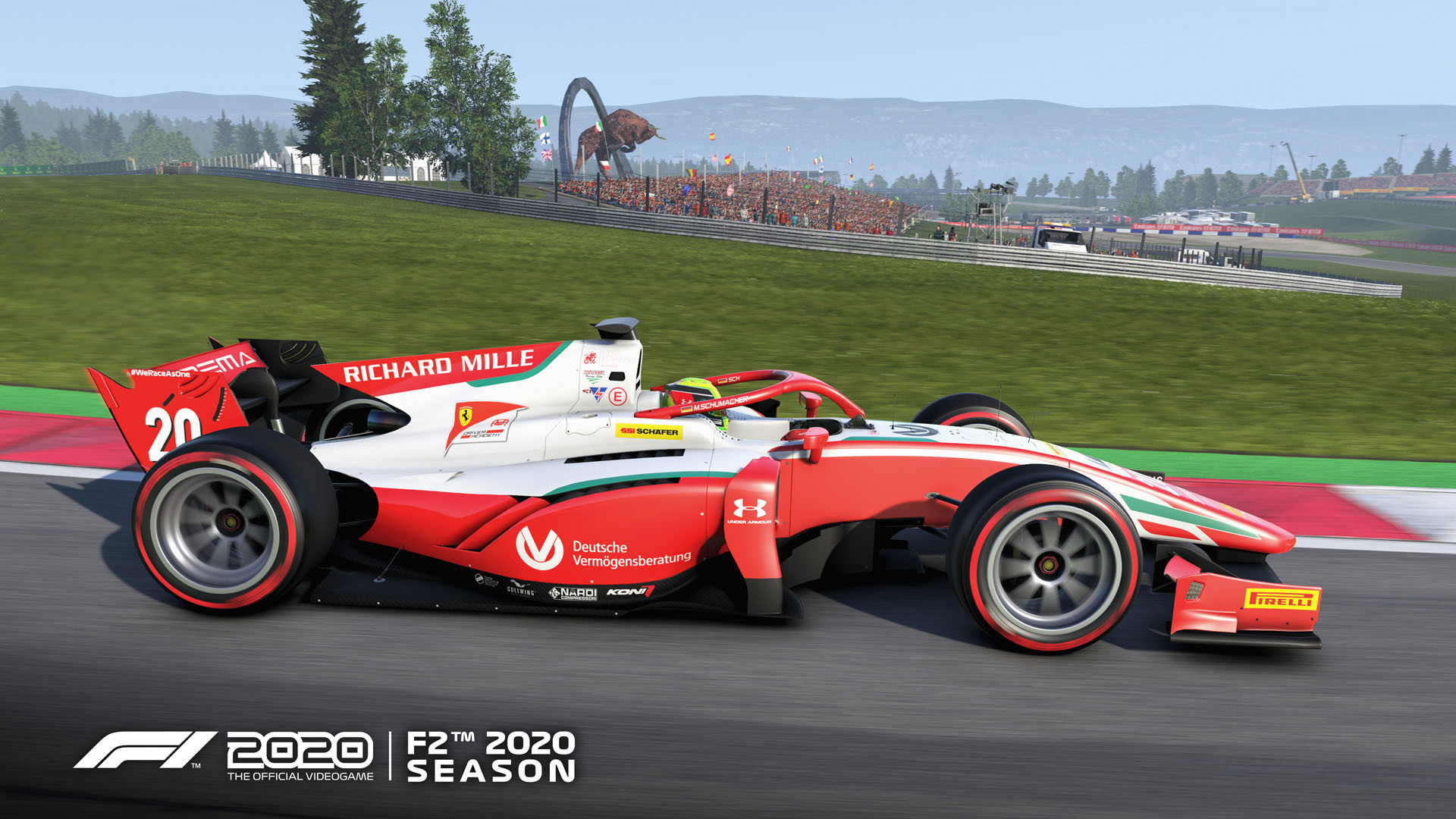

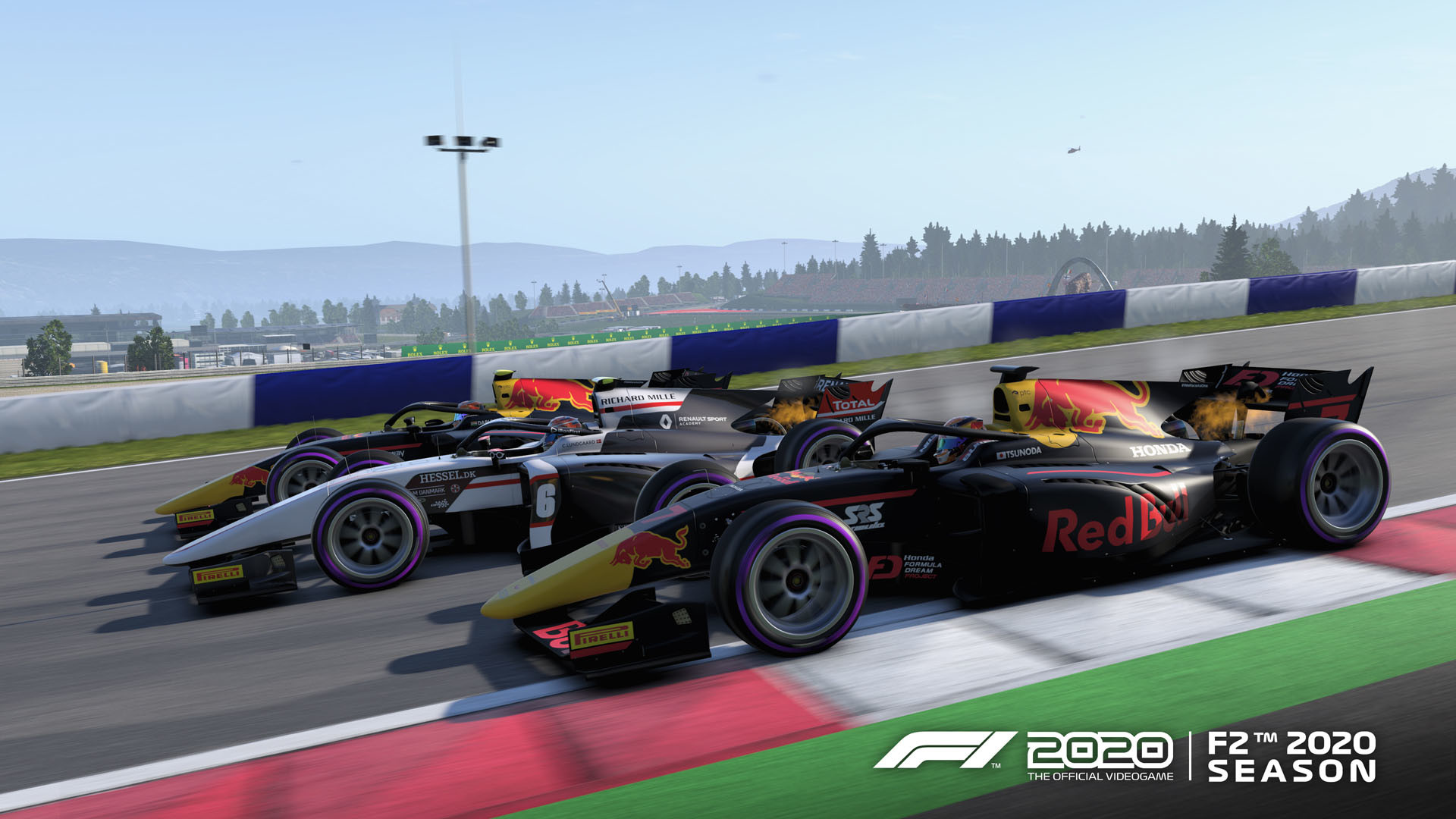
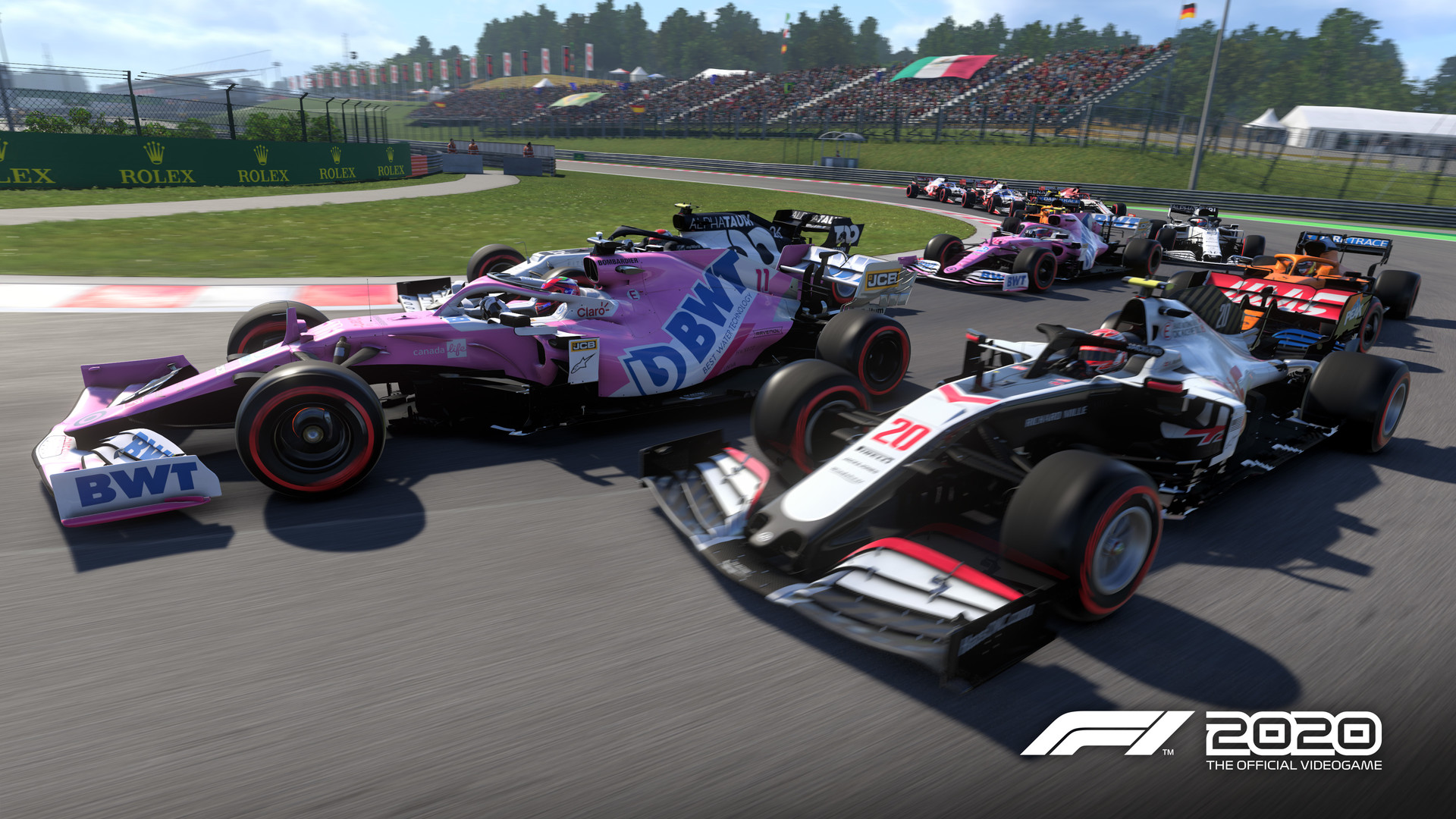
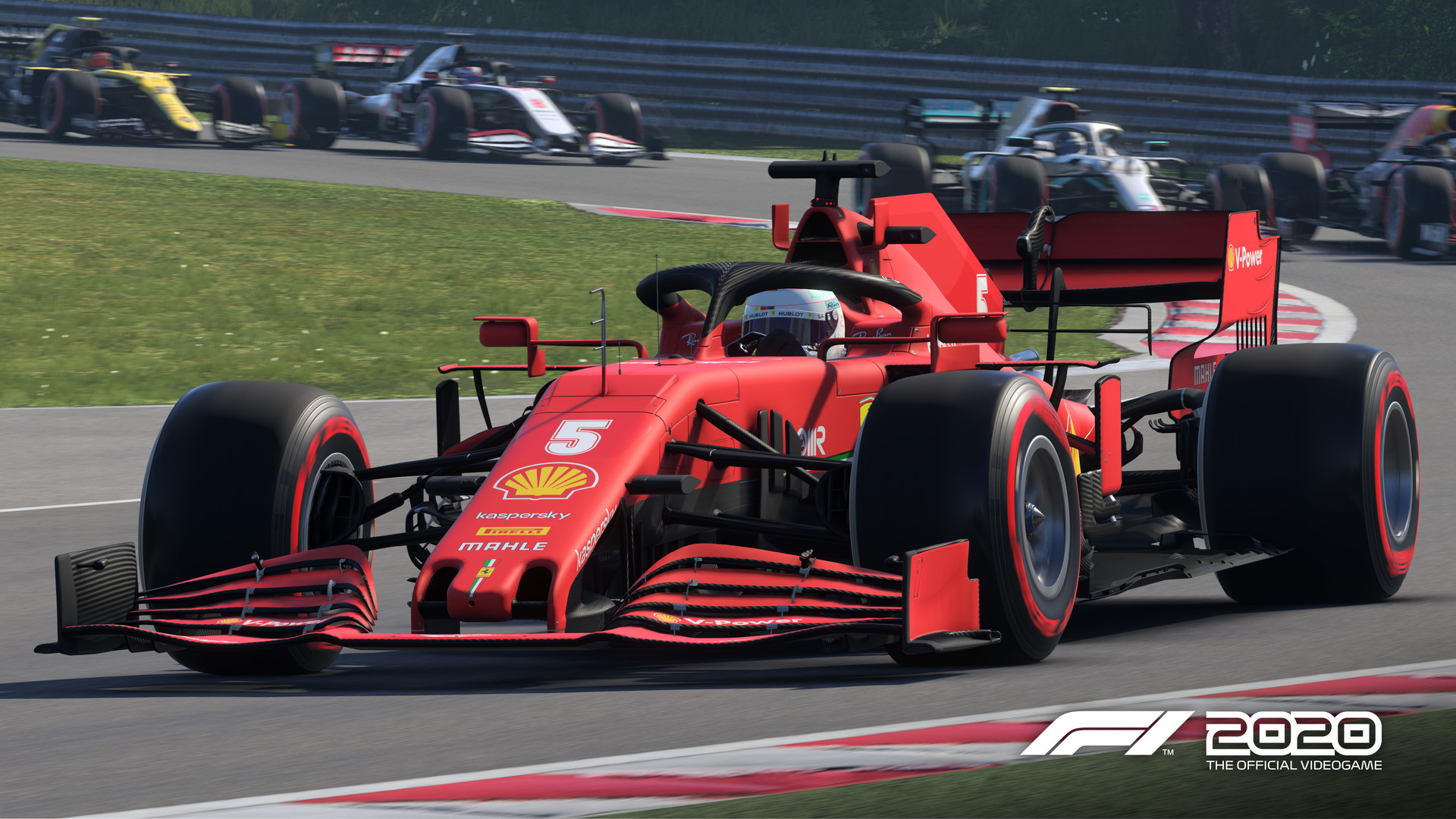
Official store screenshots from Steam — deckport links them, never rehosts. Hover to pause; click to preview.
Identity
Launch
- Binary
- F1_2020.exe
- Needs files
- none beyond the binary
Proton
- Version
- GE-Proton
- Winetricks
- —
- ProtonDB
- ProtonDB Gold runs perfectly after tweaks
⚙ Setup notes
Overview: Delisted Steam game (appid 1080110), Codemasters EGO engine. ProtonDB gold; runs well on Deck under GE-Proton (proton_experimental also reported working).
Display: Two builds ship — F1_2020.exe (DX11) and F1_2020_dx12.exe (DX12). Prefer the DX11 build on Deck for stability; DX12 can give a few more fps but is more crash-prone in Proton.
DRM: Shipped with Denuvo Anti-Tamper at launch, but Codemasters removed Denuvo in a late-September/early-October 2021 patch (the update sharply cut the install size). Only Steam's standard DRM remains, and there's no EA anti-cheat (this predates EAAC, which only affects the newer EA-published F1 titles), so it boots cleanly under Proton.
Controller: Full native controller support (it's a racing game) — gamepad works out of the box, no Steam Input layout needed.
Install: deckport only configures the prefix; it never bundles or links the game files.
The one thing to know
Supply your own copy. deckport links nothing.
Delisting: Delisted from Steam on 2023-03-15 (FIA/EA licensing expired) — appid 1080110 still resolves for owners.
Status: ProtonDB gold and many community reports confirm it running on Linux/Proton, so it should play on Deck, but this exact recipe hasn't been Deck-confirmed yet (needs-test).
Display: Pick the DX11 build (F1_2020.exe) for best stability; switch to F1_2020_dx12.exe only if you want the extra fps.
DRM: Denuvo Anti-Tamper was removed by a 2021 patch; only Steam's standard DRM remains and there's no EA anti-cheat, so it launches under Proton without any bypass.
Controller: Native gamepad support is fine on Deck.
Online: Online multiplayer/My Team online features may be dead post-delisting; single-player and time-trial are unaffected.
Community guides
Write-ups and threads from people who got this (or a similar) game running. deckport links to them — it doesn't reproduce them.
Get the artwork
deckport never hosts game images. Open this game on SteamGridDB, pick
the cover / hero / logo / icon you like, and drop them into the
game folder under .deckport-art/ before you push it to the
Deck. The importer files them under the right names automatically.
Run it on your Deck
Two files: the one-time importer (deckport.py) in your
Deck's home folder, and this game's install helper. Copy the game
into ~/Games and run the helper with Steam closed — it
writes the recipe (binary, launch options, Proton version)
and registers the shortcut with artwork.