About
F1 2021 is the official video game of the 2021 Formula One World Championship and the fourteenth entry in Codemasters' F1 series. It was the first F1 title published by EA Sports following Electronic Arts' acquisition of Codemasters, and introduced the cinematic story mode Braking Point alongside the returning Career and My Team modes. Built on Codemasters' EGO engine, it was well received for its handling and presentation. The game was delisted from Steam in 2023 when it was superseded by newer F1 titles, and is no longer sold.
Screenshots
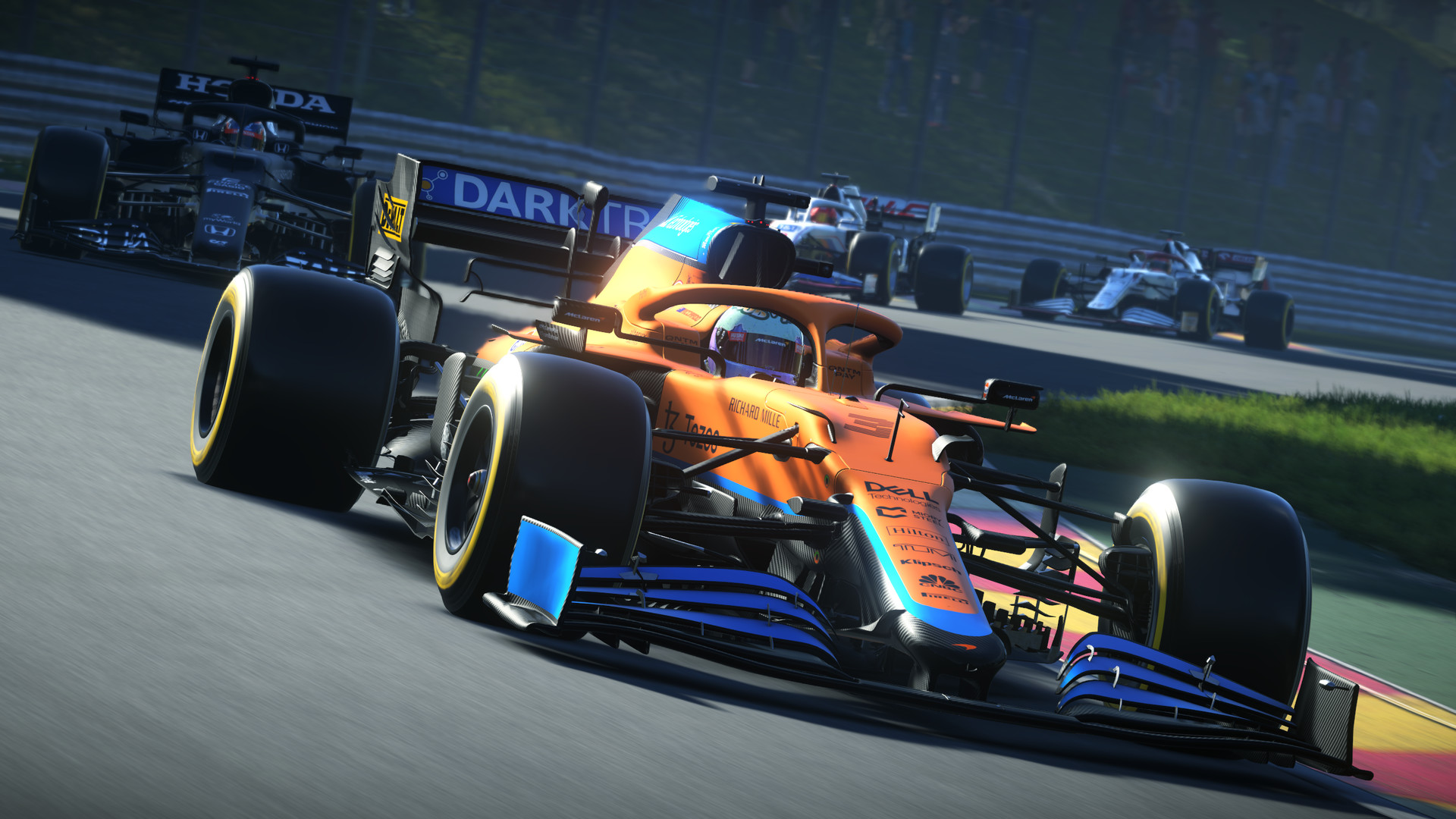
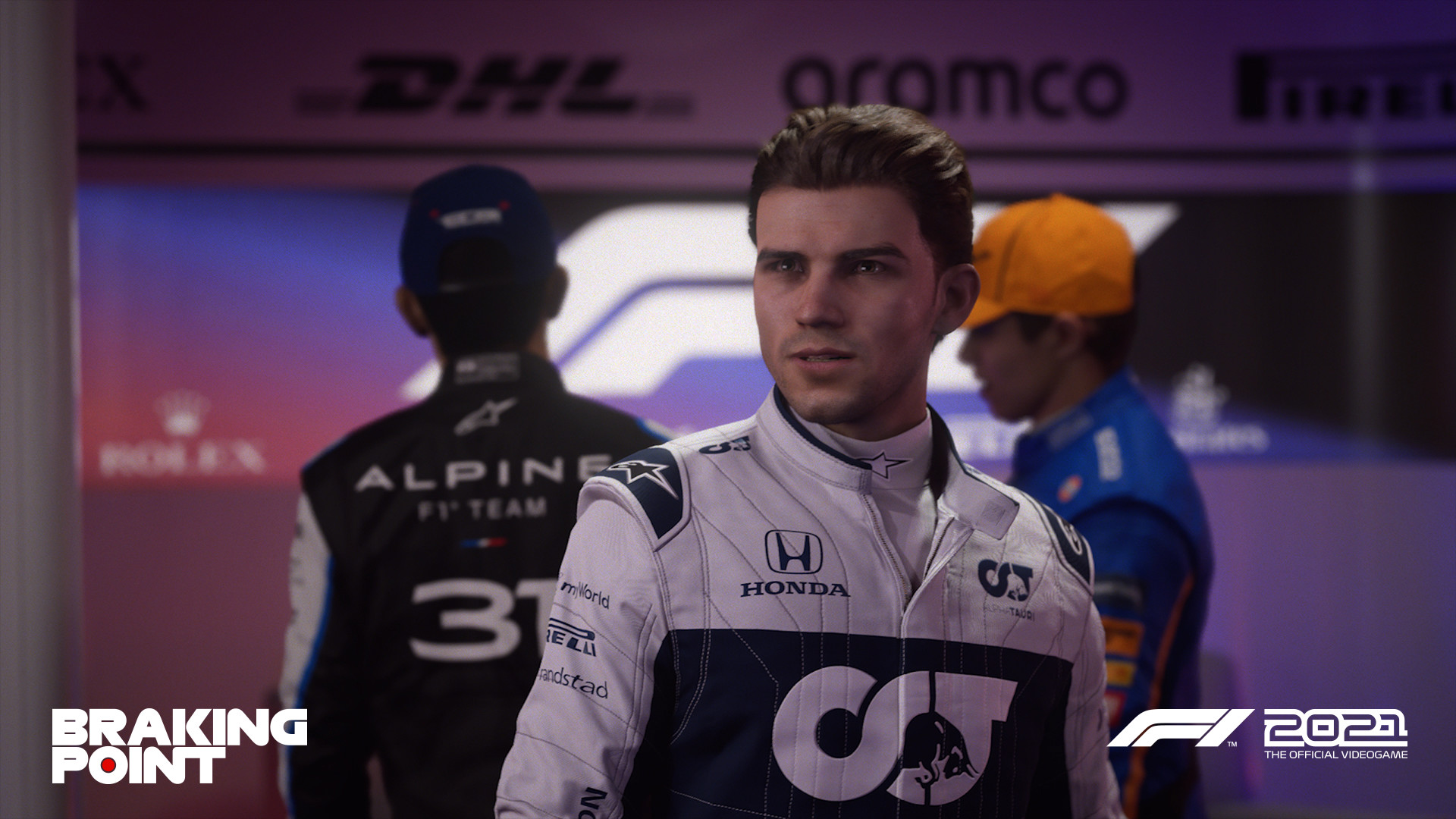
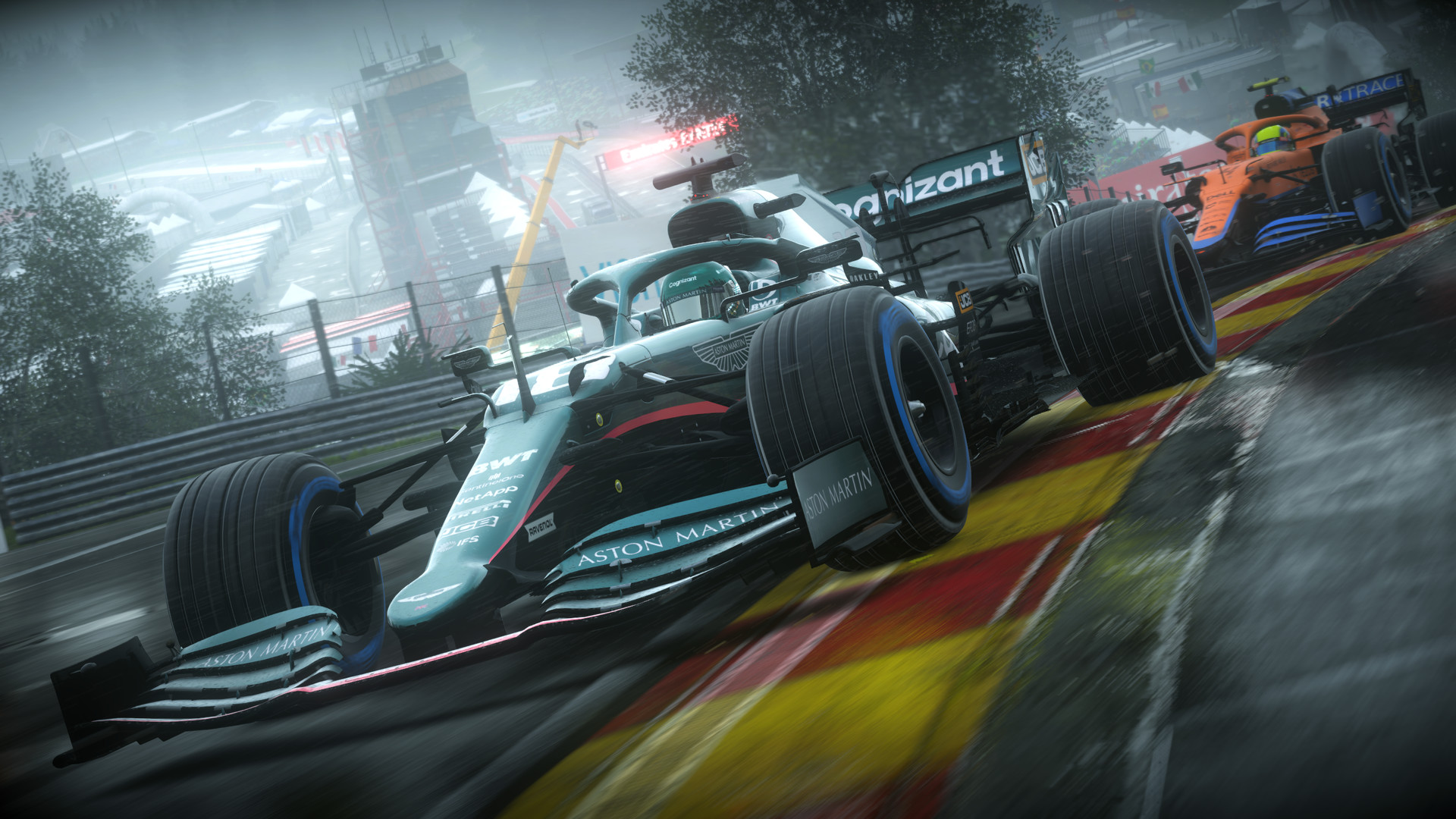
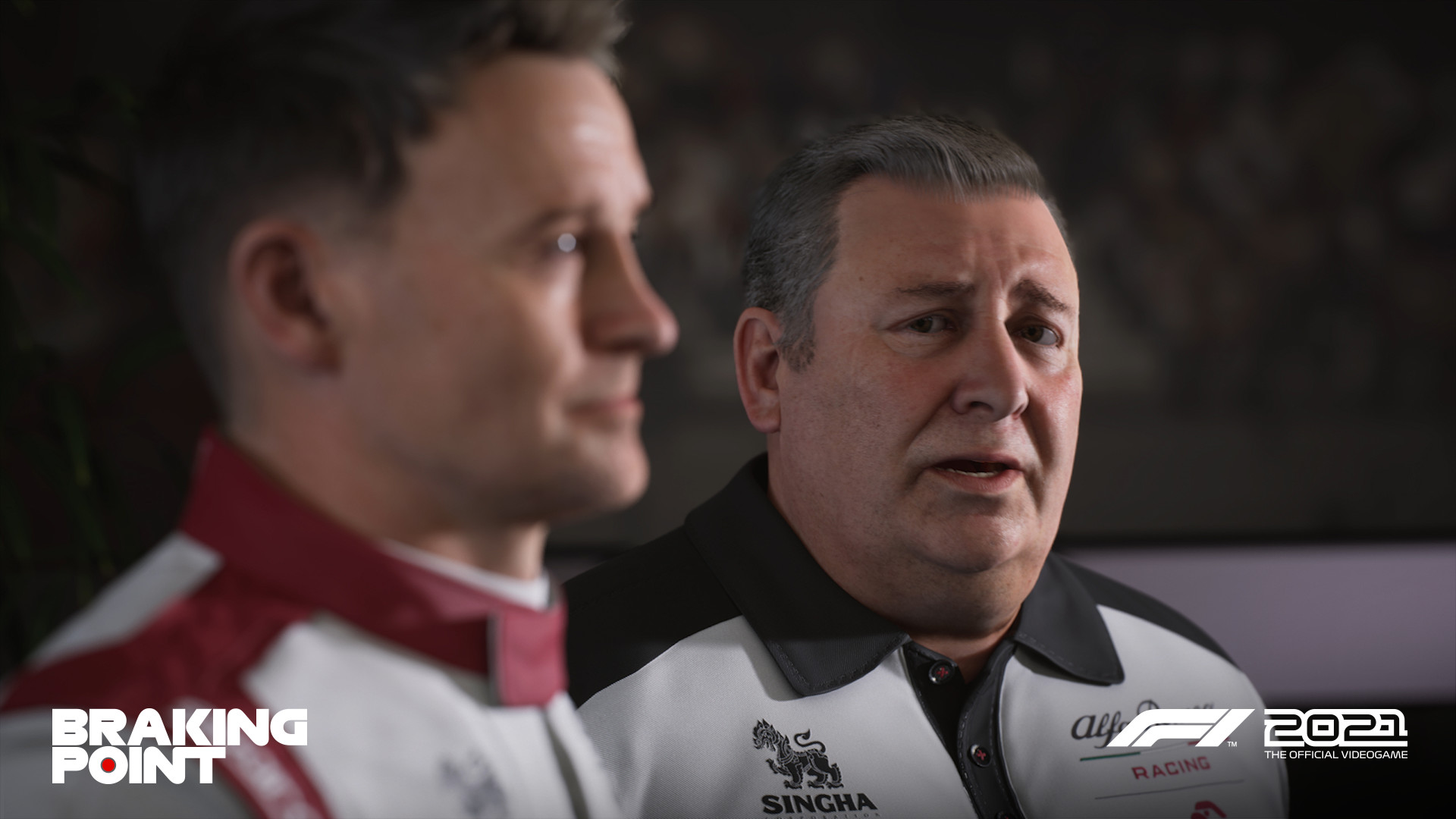
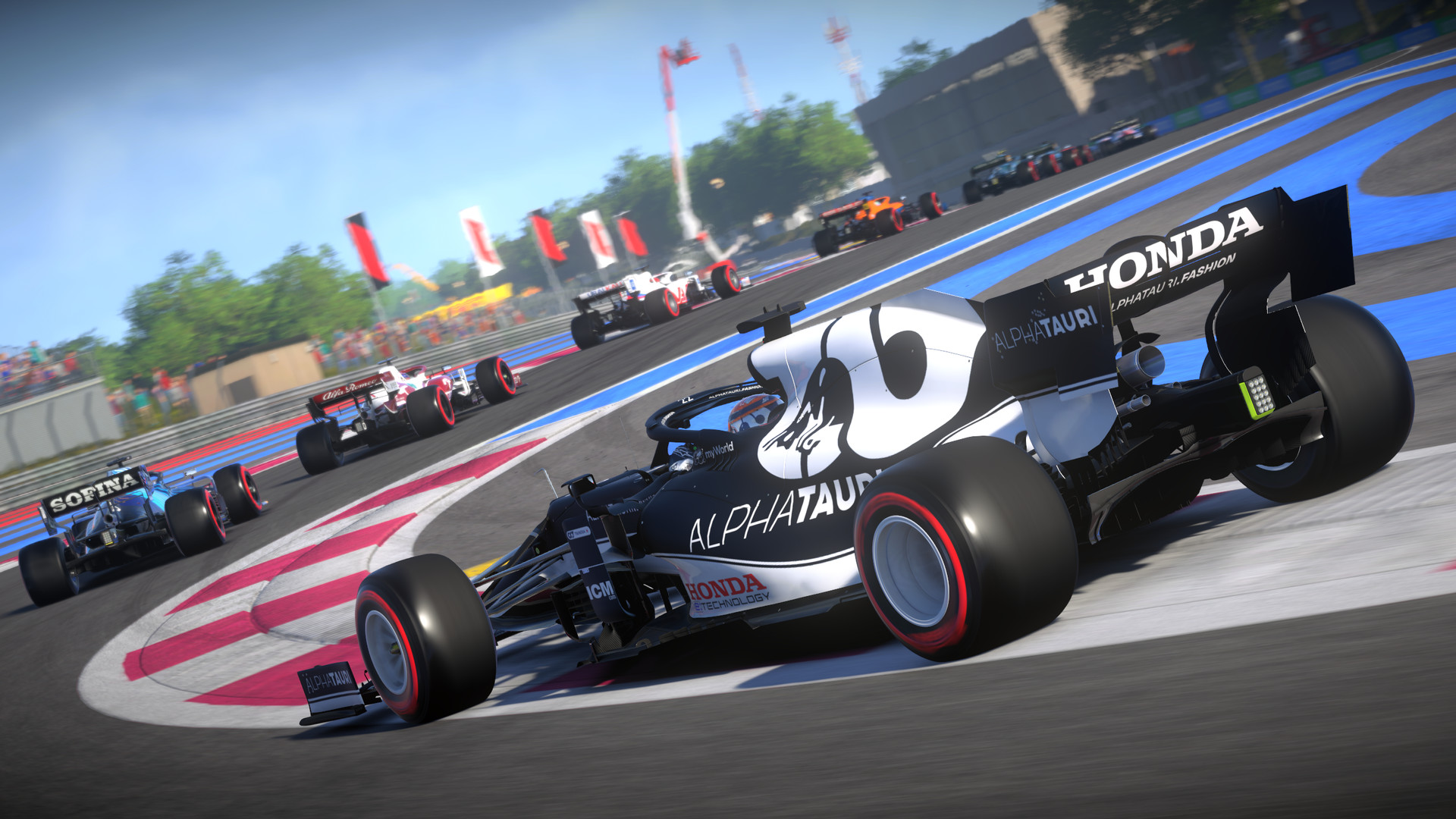
Official store screenshots from Steam — deckport links them, never rehosts. Hover to pause; click to preview.
Identity
Launch
- Binary
- F1_2021.exe
- Needs files
- none beyond the binary
Proton
- Version
- GE-Proton
- Winetricks
- —
- ProtonDB
- ProtonDB Silver runs with minor issues
⚙ Setup notes
Delisted: Delisted Steam game (appid 1134570, removed from Steam 2023-05-04). ProtonDB tier: silver.
Proton: Runs on Proton — GE-Proton or proton_experimental both work; pick GE-Proton if you hit shader/DX12 hitching.
Binary: Real binary is F1_2021.exe in the install root. There are two exes — F1_2021.exe and F1_2021_dx12.exe — but the game is DX12-native (there's no true DX11 mode), so both render under DX12; either will launch it.
DRM: F1 2021 ships with Denuvo Anti-Tamper (unlike F1 2020, it was never removed). Denuvo runs fine under Proton for single-player, so it isn't a blocker, but expect it to be present.
Controller: Full native controller + wheel support, so no Steam Input layout is needed.
Anti-cheat: EA's anti-cheat does NOT support Linux/Proton — online/multiplayer modes will be blocked, but single-player (Career, My Team, Braking Point, Time Trial) plays fine offline. If the anti-cheat splash blocks launch, run the game in offline mode.
Install: deckport only configures the prefix; it never bundles or links the game files.
The one thing to know
Supply your own copy: deckport links nothing. Delisted from Steam 2023-05-04; not for sale.
Status: ProtonDB silver — community reports confirm single-player runs on Linux/Proton on the Deck, so this is needs-test (recipe not yet confirmed end-to-end on a Deck).
Proton: Use GE-Proton (or proton_experimental).
Binary: F1_2021.exe (a second exe, F1_2021_dx12.exe, also exists; the game is DX12-native so both render DX12).
DRM: Ships with Denuvo Anti-Tamper — fine under Proton for single-player, just be aware it's present.
Controller: Native controller/wheel support — no Steam Input layout required.
Anti-cheat: EA anti-cheat is unsupported on Linux, so online multiplayer is blocked; play single-player offline.
Community guides
Write-ups and threads from people who got this (or a similar) game running. deckport links to them — it doesn't reproduce them.
Get the artwork
deckport never hosts game images. Open this game on SteamGridDB, pick
the cover / hero / logo / icon you like, and drop them into the
game folder under .deckport-art/ before you push it to the
Deck. The importer files them under the right names automatically.
Run it on your Deck
Two files: the one-time importer (deckport.py) in your
Deck's home folder, and this game's install helper. Copy the game
into ~/Games and run the helper with Steam closed — it
writes the recipe (binary, launch options, Proton version)
and registers the shortcut with artwork.