About
Final Doom is a 1996 first-person shooter built on the Doom engine, packaging two 32-level megawads, TNT: Evilution and The Plutonia Experiment. TNT: Evilution was created by the hobbyist mapping group TeamTNT and was about to be released free before id Software acquired it as an official product; The Plutonia Experiment was made for id by brothers Dario and Milo Casali and is known for its punishing difficulty. id Software published it (distributed by GT Interactive) as a standalone follow-up to Doom and Doom II. The standalone Steam release was retired in August 2022 when its content was folded into the Doom II package.
Screenshots
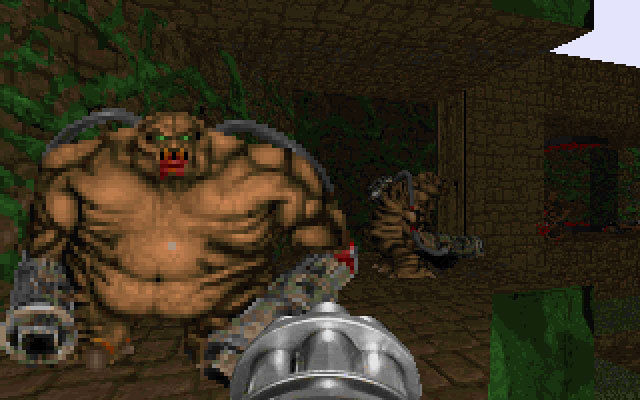
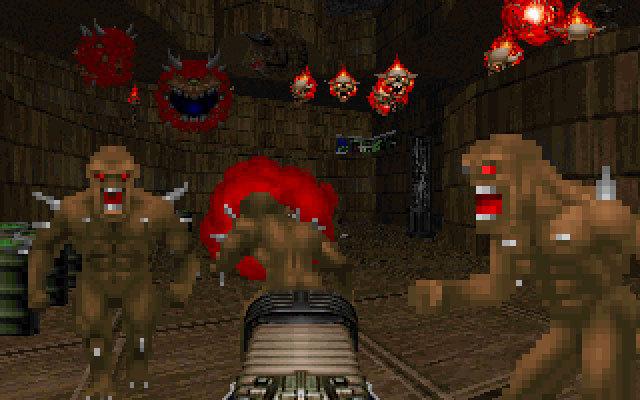
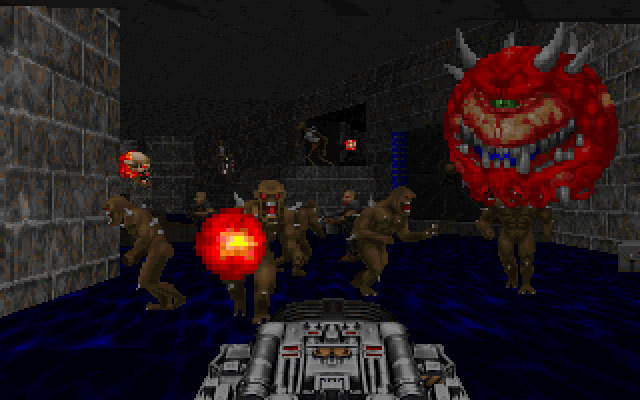
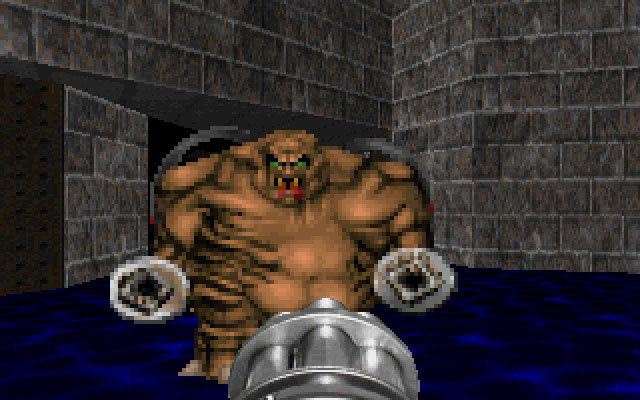
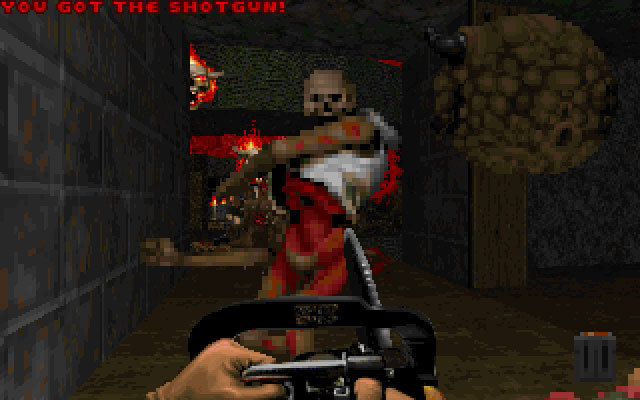
Official store screenshots from Steam — deckport links them, never rehosts. Hover to pause; click to preview.
Identity
Launch
- Binary
- dosbox.exe
- Needs files
- none beyond the binary
Proton
- Version
- GE-Proton
- Winetricks
- —
- ProtonDB
- ProtonDB Gold runs perfectly after tweaks
⚙ Setup notes
DRM: Delisted Steam game (appid 2290) — as of Aug 2022 it was folded into Doom II and is no longer sold standalone, so the 'not for sale' rule holds. ProtonDB tier: gold.
Proton: The Steam package is the MS-DOS originals (TNT: Evilution + The Plutonia Experiment) wrapped in DOSBox, so the default launcher is dosbox.exe and it runs fine under GE-Proton (proton_experimental also works).
Campaign: Pick a campaign with launch options -iwad TNT.WAD or -iwad PLUTONIA.WAD (DOOM2.EXE prioritizes PLUTONIA.WAD when both are present).
Display: Recommended Deck path — drop a source port (GZDoom) into the install and point it at the TNT.WAD / PLUTONIA.WAD IWADs in base/ for crisp scaling and native gamepad support.
Install: deckport only configures the prefix; it never bundles or links the game files.
The one thing to know
Supply your own copy: deckport links nothing.
DRM: Delisted standalone (bundled into Doom II in Aug 2022); not for sale on its own. ProtonDB gold.
Proton: Steam build is the DOS originals under DOSBox — runs through Proton with no special winetricks.
Campaign: Choose via -iwad TNT.WAD or -iwad PLUTONIA.WAD.
Controller: Default DOSBox build has no native gamepad — either bind a Steam Input keyboard/mouse layout, or use the source-port route (GZDoom on the IWADs in base/) which has native controller support and better Deck scaling.
Cosmetic: Steam's DOS TNT: Evilution ships with a known text-string bug (uses Plutonia's strings) — cosmetic only.
Community guides
Write-ups and threads from people who got this (or a similar) game running. deckport links to them — it doesn't reproduce them.
Get the artwork
deckport never hosts game images. Open this game on SteamGridDB, pick
the cover / hero / logo / icon you like, and drop them into the
game folder under .deckport-art/ before you push it to the
Deck. The importer files them under the right names automatically.
Run it on your Deck
Two files: the one-time importer (deckport.py) in your
Deck's home folder, and this game's install helper. Copy the game
into ~/Games and run the helper with Steam closed — it
writes the recipe (binary, launch options, Proton version)
and registers the shortcut with artwork.