About
Flock! is a physics-based puzzle game in which the player pilots a UFO to herd farm animals (sheep, cows, chickens, pigs) across 55 levels back to the mothership while avoiding hazards and predators. It was developed by Proper Games and published by Capcom, releasing in 2009 for Windows, PlayStation Network and Xbox Live Arcade.
The PC release shipped with a level editor and earned generally favorable reviews, but it was later delisted from Steam over key/DRM issues, leaving it no longer for sale.
Screenshots
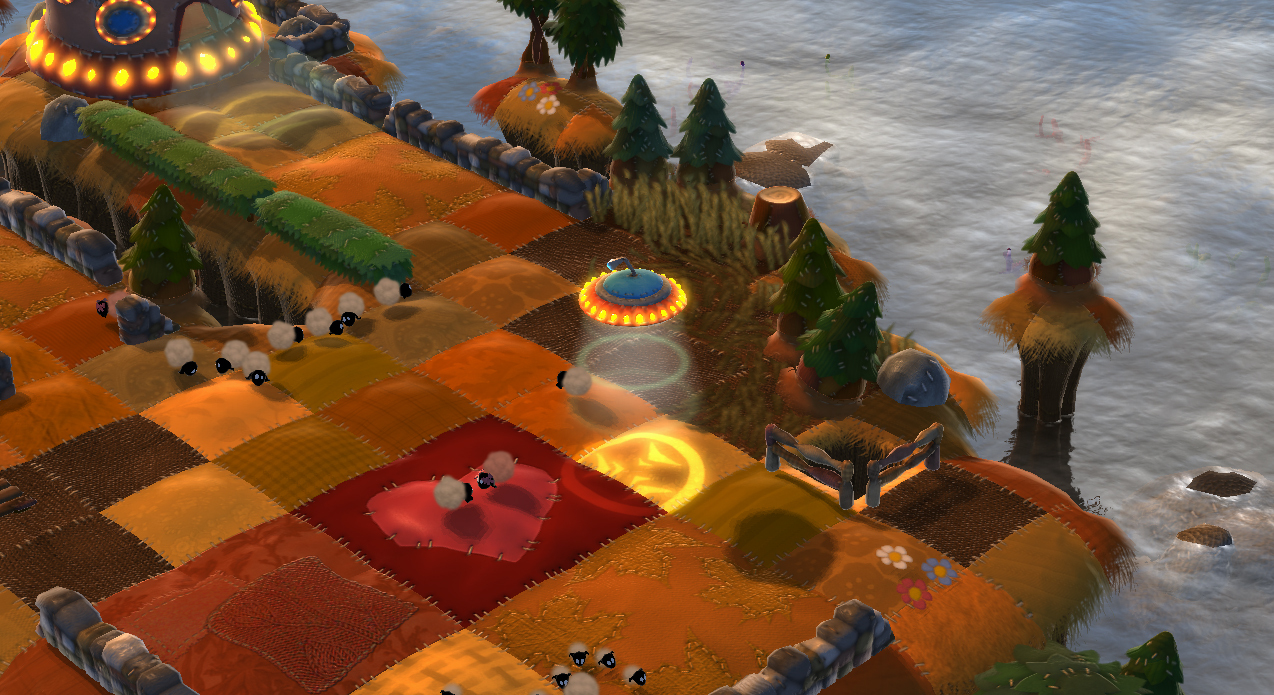
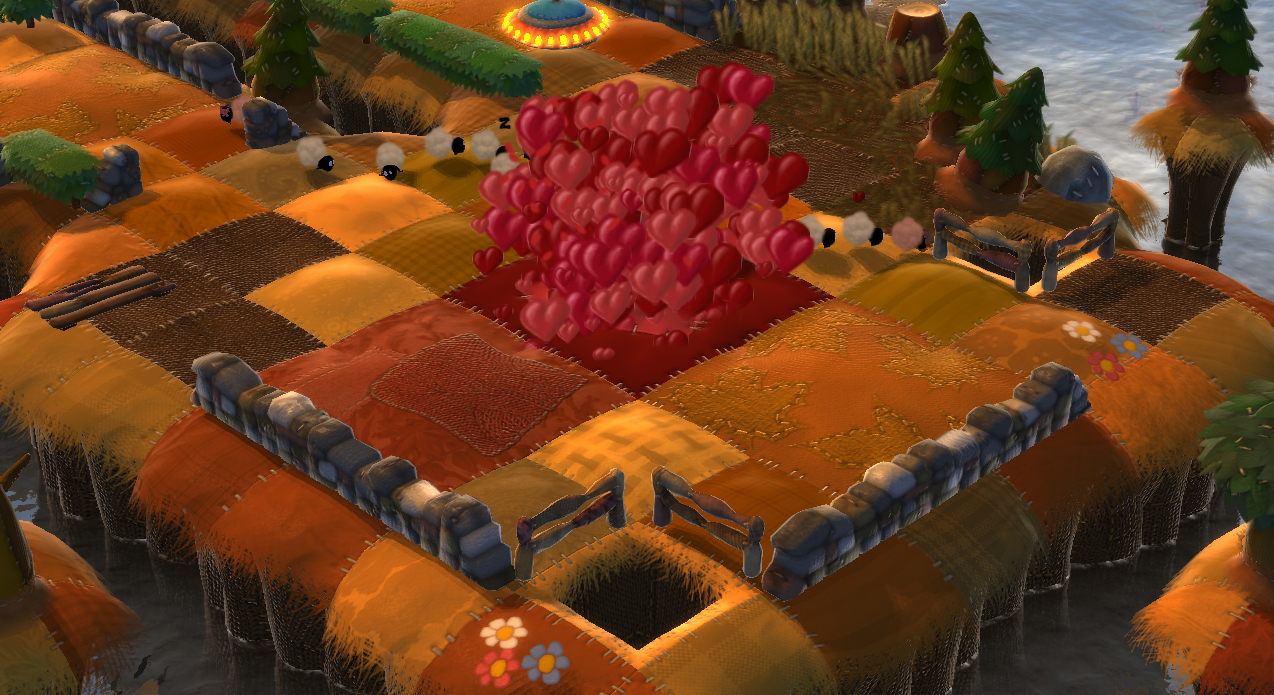
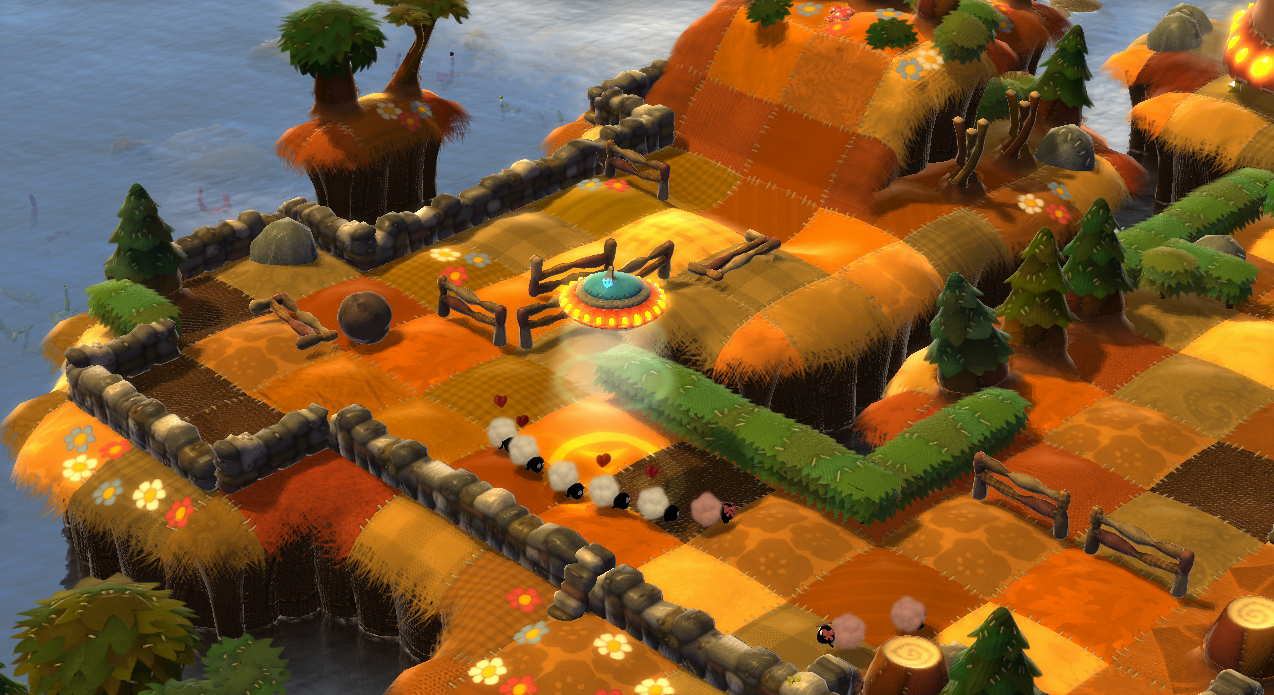
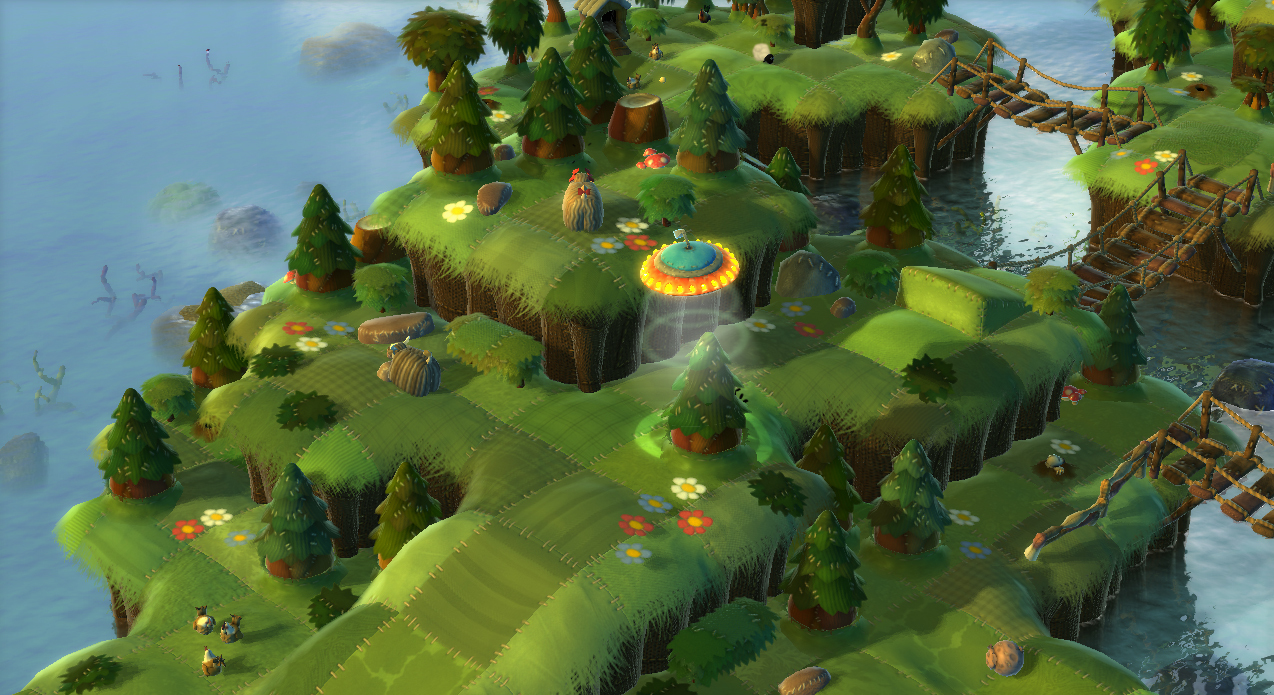
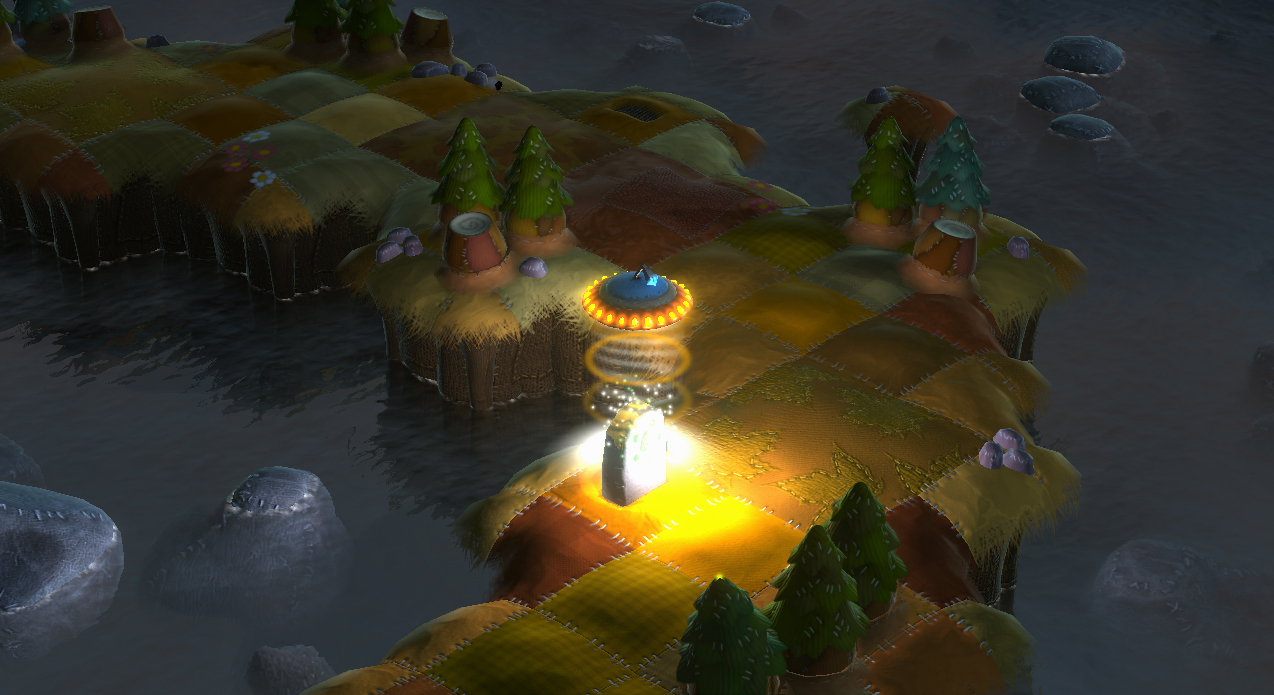
Official store screenshots from Steam — deckport links them, never rehosts. Hover to pause; click to preview.
Identity
Launch
- Binary
- Flock.exe
- Needs files
- none beyond the binary
Proton
- Version
- GE-Proton
- Winetricks
- —
- ProtonDB
- ProtonDB Platinum runs flawlessly
⚙ Setup notes
Game: Flock! (Capcom, 2009) — herd-the-sheep puzzler, delisted from Steam (appid 21640).
Install: default install path is the game root \Flock.exe (originally C:\Program Files\Capcom\FLOCK!\Flock.exe).
DRM: the big Deck concern is the SecuROM DRM on the original release. If the DRM blocks launch, that is the most likely failure point.
Proton: GE-Proton handles SecuROM better than stock Proton, so use a GE-Proton build (fall back to proton_experimental).
Controller: native Xbox-360-era gamepad support means the Steam Deck controls map out of the box; no Steam Input keyboard layout needed.
Files: deckport only configures the prefix; it never bundles or links the game files.
The one thing to know
Supply your own copy. deckport links nothing.
Delisting: delisted Capcom puzzler (appid 21640) — removed from Steam in 2022 over a key-generation exploit, briefly relisted in 2023, and delisted again in May 2024 due to SecuROM DRM / key issues — not for sale now.
Known risk: the original SecuROM DRM is the most likely thing to block launch on the Deck — prefer a GE-Proton build, which copes with SecuROM better than stock Proton.
Controller: native gamepad support, so Deck controls work without a custom Steam Input layout.
ProtonDB confidence: the platinum tier rests on only a handful of reports (low confidence on ProtonDB), so treat it as promising rather than proven — expect to validate the SecuROM launch yourself.
Status: rated platinum on ProtonDB but not yet verified on this exact recipe, hence needs-test. Single-player, so no dead-server concerns.
Community guides
Write-ups and threads from people who got this (or a similar) game running. deckport links to them — it doesn't reproduce them.
Get the artwork
deckport never hosts game images. Open this game on SteamGridDB, pick
the cover / hero / logo / icon you like, and drop them into the
game folder under .deckport-art/ before you push it to the
Deck. The importer files them under the right names automatically.
Run it on your Deck
Two files: the one-time importer (deckport.py) in your
Deck's home folder, and this game's install helper. Copy the game
into ~/Games and run the helper with Steam closed — it
writes the recipe (binary, launch options, Proton version)
and registers the shortcut with artwork.